
CGN_Live PC
CGNTV
Download CGN_Live on PC With GameLoop Emulator
CGN_Live on PC
CGN_Live, coming from the developer CGNTV, is running on Android systerm in the past.
Now, You can play CGN_Live on PC with GameLoop smoothly.
Download it in the GameLoop library or search results. No more eyeing the battery or frustrating calls at the wrong time any more.
Just enjoy CGN_Live PC on the large screen for free!
CGN_Live Introduction
CGN Live App
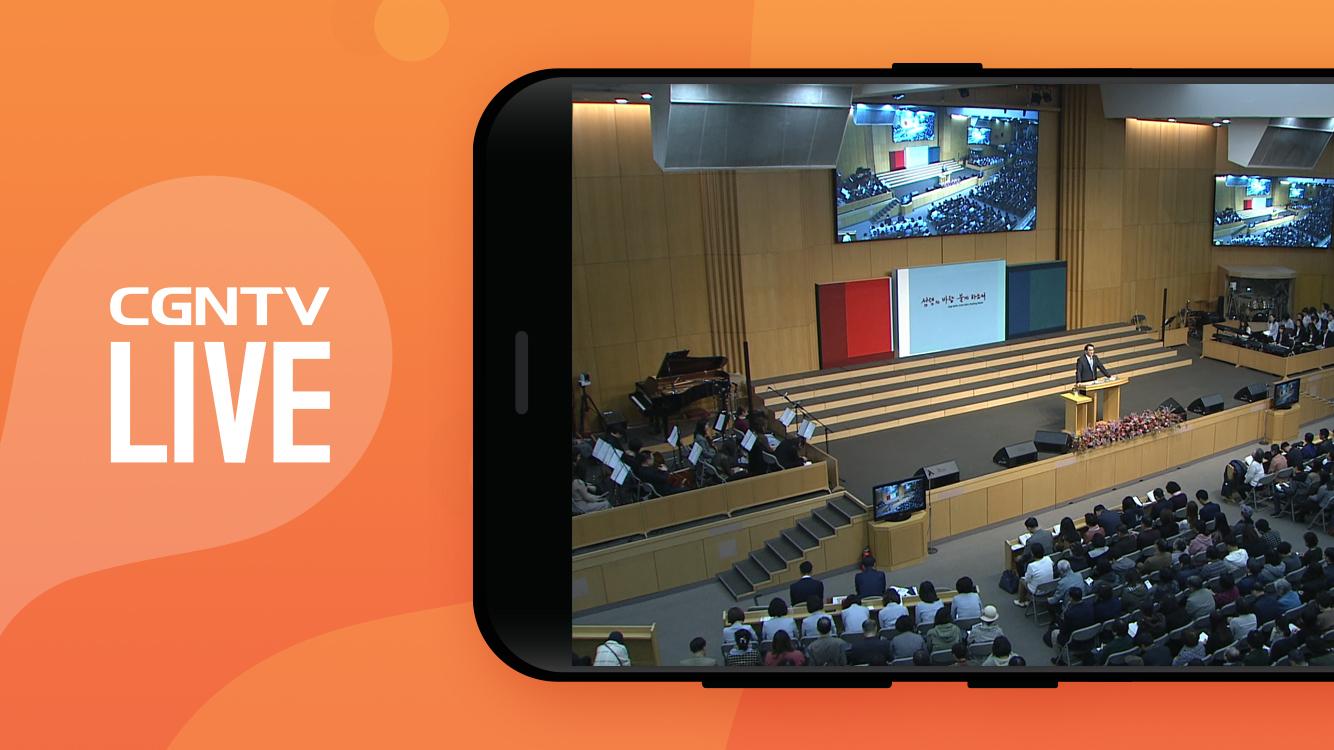
You can watch Korean, Japanese, and Chinese broadcasts 24 hours a day, 365 days a year, anywhere in the world.
We provide various contents such as worship, QT, Words, and seminars.
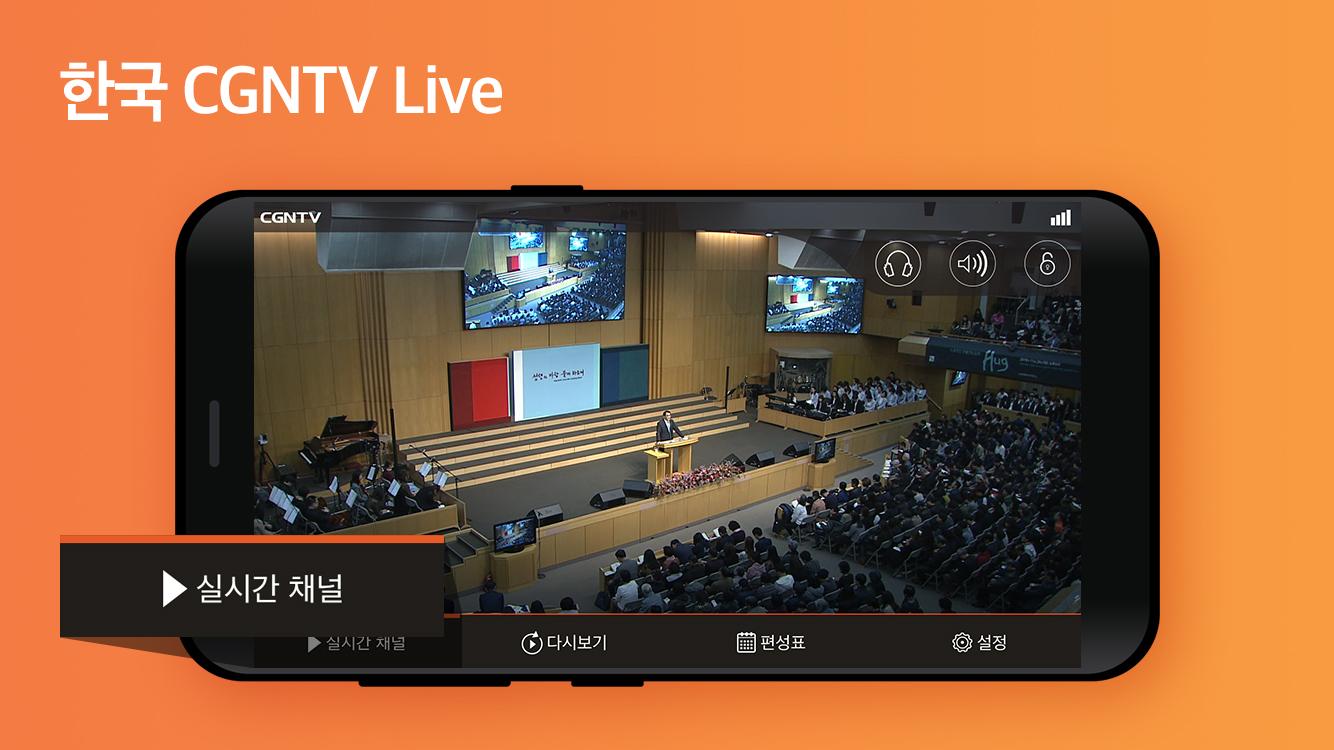
▶ Real-time broadcasting: You can watch real-time broadcasting of 4 channels in Korea, Japan, Chinese, and the Americas.
▶ Audio Mode support: You can listen to live broadcasting in audio mode.
(If set to audio mode, you can listen to the broadcast even when the screen is locked)
▶ Replay: Go to the CGN mobile website or Youtube channel.
▶ Schedule: If you click the replay icon in the schedule, you can view the previous video.
If you set an alarm, even if you turn off the live app, the notification screen will appear according to the organizing time.
▶Settings: Guides you through 3G/LTE settings, SNS services, contact information, and version information.
▶The Android version that can be used with the CGN LIVE APP is 4.0 or higher.
* After June 26, 2020, when updating or downloading the latest version of the CGN live app, the VOD icon (shortcut to the CGN website) that was created together can no longer be supported according to Google's policy.
The VOD icon was designed to be created for the convenience of users when downloading the LIVE app, and since it is not an app, it does not appear separately when searching for an app. With this in mind, we recommend that you watch through m.cgntv.net in your internet browser or watch it on the home screen.
▶ How to add a shortcut to the CGN website on the home screen
http://event1.cgntv.net/notice/2020/cgntv_web_redirect.html
* You can use it regardless of 3G/4G and wi-fi, and be careful of data charges when watching on 3G/4G.
* If you encounter any problems or errors while using the app, please leave an inquiry at CGN Viewer Center webteam@cgnmail.net. If you leave comments only on reviews, it is difficult to accurately identify and answer the problem.
Preview
Tags
Video-PlayersInformation
Developer
CGNTV
Latest Version
1.4.02
Last Updated
2023-08-25
Category
Video-players-editors
Available on
Google Play
Show More
How to play CGN_Live with GameLoop on PC
1. Download GameLoop from the official website, then run the exe file to install GameLoop
2. Open GameLoop and search for “CGN_Live” , find CGN_Live in the search results and click “Install”
3. Enjoy playing CGN_Live on GameLoop
Minimum requirements
OS
Windows 8.1 64-bit or Windows 10 64-bit
GPU
GTX 1050
CPU
i3-8300
Memory
8GB RAM
Storage
1GB available space
Recommended requirements
OS
Windows 8.1 64-bit or Windows 10 64-bit
GPU
GTX 1050
CPU
i3-9320
Memory
16GB RAM
Storage
1GB available space