Speak and Translate Languages PC
AppSoNix
Download Speak and Translate Languages on PC With GameLoop Emulator
Speak and Translate Languages on PC
Speak and Translate Languages, coming from the developer AppSoNix, is running on Android systerm in the past.
Now, You can play Speak and Translate Languages on PC with GameLoop smoothly.
Download it in the GameLoop library or search results. No more eyeing the battery or frustrating calls at the wrong time any more.
Just enjoy Speak and Translate Languages PC on the large screen for free!
Speak and Translate Languages Introduction
🌎 Speak and Translate Languages – AI Powered Voice & Text Translator 🎙️📸
Break language barriers and connect with the world using Speak and Translate Languages , an advanced AI-powered translation app designed for real-time voice translation, text translation, and live conversation interpretation . Whether you're traveling, working, or learning a new language, this AI translator provides accurate, fast, and seamless translations to help you communicate effortlessly.
🌟 Why Choose Speak and Translate Languages?
✔ Instant Language Translation – Convert voice or text into multiple languages in seconds.
✔ AI-Powered Accuracy – Get highly precise translations using cutting-edge AI technology.
✔ Easy to Use – A simple, intuitive interface designed for smooth user experience.
✔ Perfect for Travelers & Learners – Translate on the go and practice languages with AI!
✔ All-in-One Translator App – Supports text, voice, image, and real-time chat translations.
🚀 Key Features & Detailed Descriptions
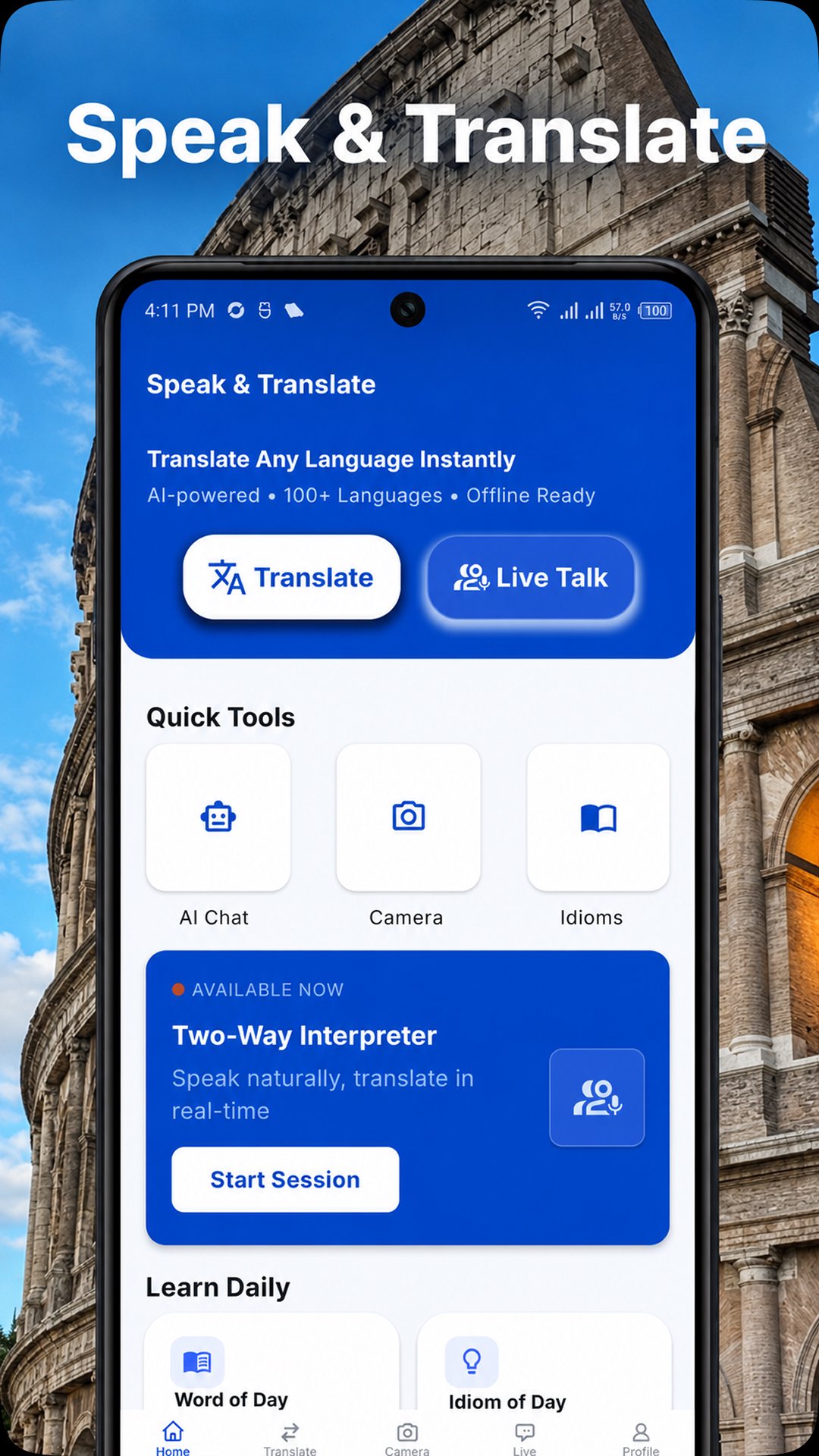
🗣️ 1. Speak and Translate – Instant Voice & Text Translator
Effortlessly speak into the mic and receive instant translations in both voice and text. This feature supports bi-directional translation, allowing you to communicate naturally in different languages. You can also copy, share, or listen to translated text and speech, making conversations smooth and efficient.
🔊 2. Talk & Translate – Live Conversation Interpreter
Need real-time interpretation? Talk & Translate is perfect for live conversations with non-native speakers. This mode enables simultaneous voice translation, ensuring smooth and effective communication in different languages. Simply speak and listen as translations happen instantly!
🤖 3. AI Chat Translator – Smart Text Translation with AI
Chat with AI and instantly translate text messages into multiple languages. Whether you're talking to international friends or reading foreign content, this feature ensures accurate, context-aware translations in real-time.
🗨️ 4. Speak with AI (Premium) – Practice Languages with AI Voice Chat
Want to practice speaking English or other languages? Our Speak with AI feature lets you engage in real-time voice conversations with AI. This premium tool helps you improve pronunciation, fluency, and confidence while talking naturally with AI in your preferred language.
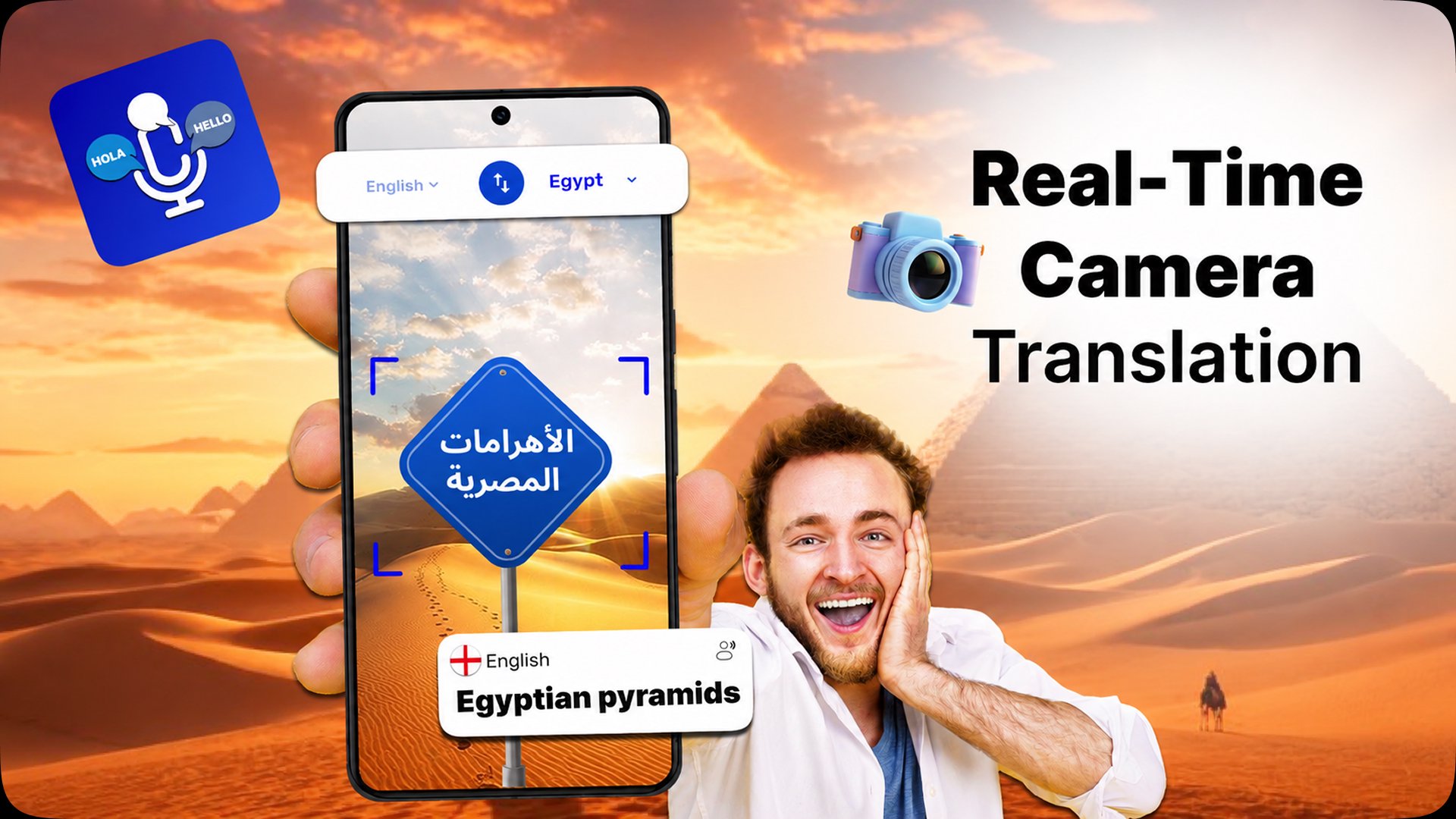
📸 5. Camera Translator – Translate Text from Images Instantly
Take a picture of any text and get an instant translation! Whether it’s menus, road signs, documents, or books, the Camera Translator extracts and translates text from images, making it an essential tool for travelers, students, and professionals.
🎤 6. Voice Translate – Convert Speech into Translated Audio
With Voice Translate, simply speak into your device and hear the translated version in another language. This feature is perfect for quick interactions, helping you navigate foreign environments with ease.
🌍 Perfect for Various Users
✔ Travelers & Tourists – Translate languages instantly while exploring new places.
✔ Students & Language Learners – Practice pronunciation and learn new languages with AI.
✔ Business Professionals – Communicate seamlessly with international clients and colleagues.
✔ Anyone Communicating in Multiple Languages – Whether for social, educational, or work purposes, this app ensures smooth communication worldwide.
✨ Whether you need a conversation translator, text translator, or AI chat assistant, Speak and Translate Languages is your ultimate language companion!
🔽 Download now and start translating instantly!
Preview
Tags
Travel-&Information
Developer
AppSoNix
Latest Version
6.1
Last Updated
2026-08-31
Category
Travel-local
Available on
Google Play
Show More
How to play Speak and Translate Languages with GameLoop on PC
1. Download GameLoop from the official website, then run the exe file to install GameLoop
2. Open GameLoop and search for “Speak and Translate Languages” , find Speak and Translate Languages in the search results and click “Install”
3. Enjoy playing Speak and Translate Languages on GameLoop
Minimum requirements
OS
Windows 8.1 64-bit or Windows 10 64-bit
GPU
GTX 1050
CPU
i3-8300
Memory
8GB RAM
Storage
1GB available space
Recommended requirements
OS
Windows 8.1 64-bit or Windows 10 64-bit
GPU
GTX 1050
CPU
i3-9320
Memory
16GB RAM
Storage
1GB available space