
RCD Hotels PC
Mankara PTE LTD
Download RCD Hotels on PC With GameLoop Emulator
RCD Hotels on PC
RCD Hotels, coming from the developer Mankara PTE LTD, is running on Android systerm in the past.
Now, You can play RCD Hotels on PC with GameLoop smoothly.
Download it in the GameLoop library or search results. No more eyeing the battery or frustrating calls at the wrong time any more.
Just enjoy RCD Hotels PC on the large screen for free!
RCD Hotels Introduction
Welcome to the new RCD Hotels App.
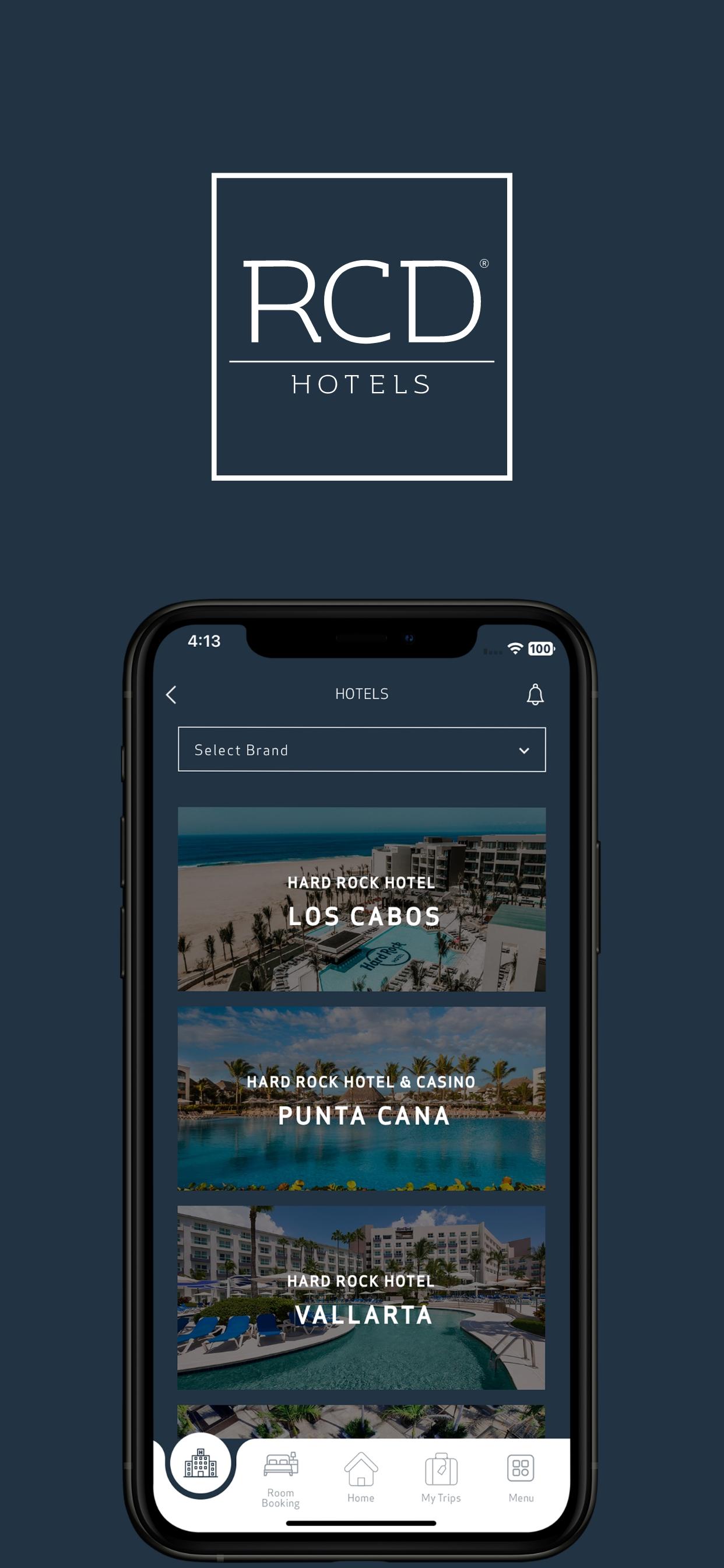
In it you will find information about our hotels in Mexico and the Dominican Republic, each with its own personality. Our hotels offer world-class services, elegant rooms, premium drinks, and luxury amenities. Welcome to the place where your vacation gets to the next level.
During your stay, these are some of the things you can do with our application:
● Get information about the hotel.
● Find all points of interest in the hotel on the map
● Book spa treatments
● Access to menus and restaurant reservations
● Check the calendars of activities and entertainment.
● Request room service
● Stay informed with notifications of hotel events
● Get inspired by destination guides from the surrounding area.
● Know the health and safety protocols of the hotels
● Plan and book your next vacation at our hotels
● While staying, the app helps users explore and navigate the property with
Wayfinding, making it easy to locate key points of interest
● And much more.
Download the App and start enjoying your vacation.
Preview

Tags
Travel-&Information
Developer
Mankara PTE LTD
Latest Version
5.0.35
Last Updated
2025-04-07
Category
Travel-local
Available on
Google Play
Show More
How to play RCD Hotels with GameLoop on PC
1. Download GameLoop from the official website, then run the exe file to install GameLoop
2. Open GameLoop and search for “RCD Hotels” , find RCD Hotels in the search results and click “Install”
3. Enjoy playing RCD Hotels on GameLoop
Minimum requirements
OS
Windows 8.1 64-bit or Windows 10 64-bit
GPU
GTX 1050
CPU
i3-8300
Memory
8GB RAM
Storage
1GB available space
Recommended requirements
OS
Windows 8.1 64-bit or Windows 10 64-bit
GPU
GTX 1050
CPU
i3-9320
Memory
16GB RAM
Storage
1GB available space