
Haven GPS PC
Haven Technology Solutions
Download Haven GPS on PC With GameLoop Emulator
Haven GPS on PC
Haven GPS, coming from the developer Haven Technology Solutions, is running on Android systerm in the past.
Now, You can play Haven GPS on PC with GameLoop smoothly.
Download it in the GameLoop library or search results. No more eyeing the battery or frustrating calls at the wrong time any more.
Just enjoy Haven GPS PC on the large screen for free!
Haven GPS Introduction
With Haven GPS You can track all your vehicles which have a Haven GPS device installed. You can view the location
of your entire fleet on a map. In case of theft, you can use the built-in navigation feature to navigate to your vehicle
as it is being driven away , Our Haven GPS gives you real-time traffic alerts as you move
You can use these traffic alerts to re-route your travel.
Haven APP is complementary to the Haven Gps in-vehicle GPS trackers installed and used by our customers.
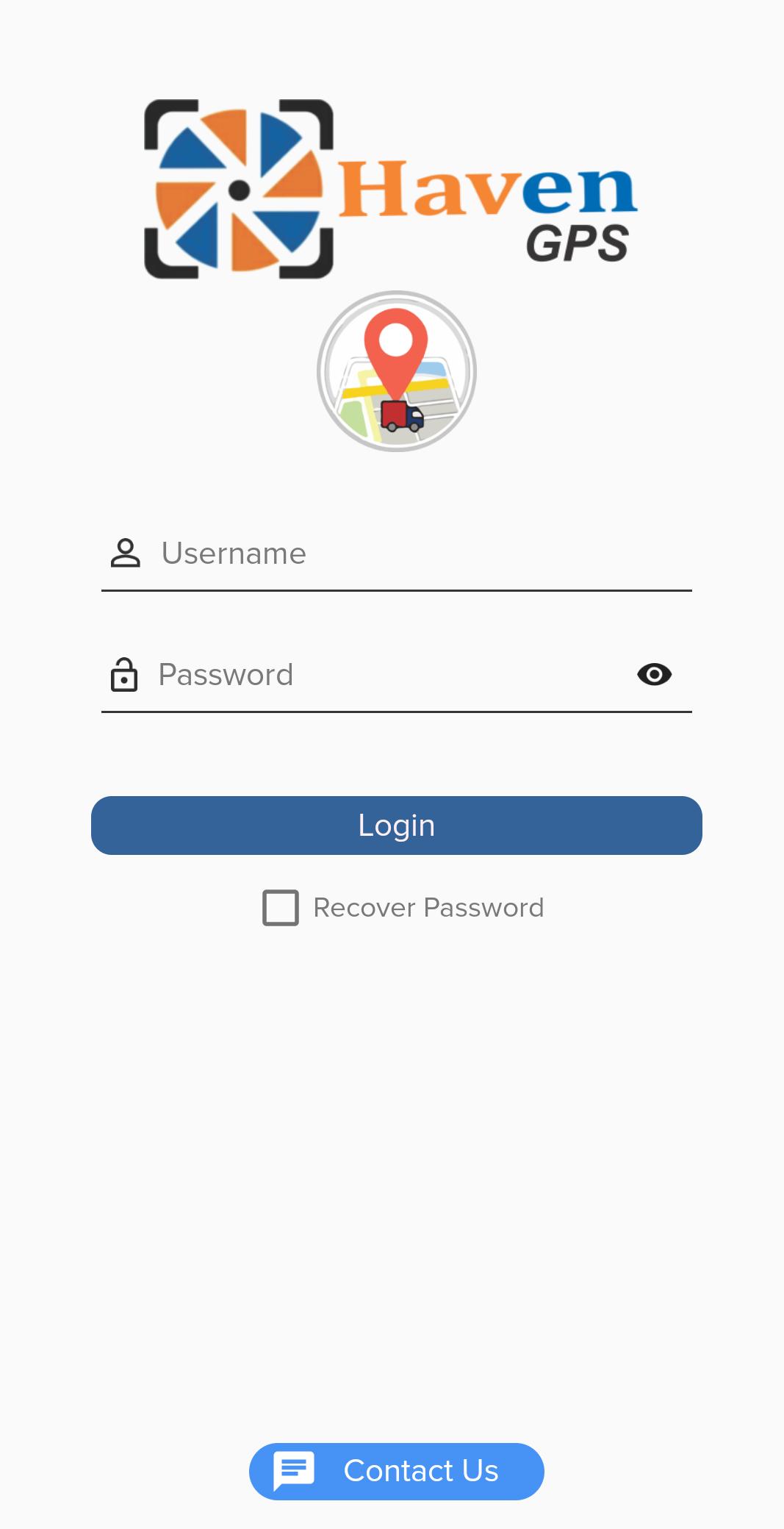
The APP allows existing Haven Gps customers to Login with their On-Line User Name and Password to do the following:
1. Visually Locate Their Vehicle On A Map.
2. View Live Tracking Of Their Vehicle As It Moves On A Map.
3. View Vehicle And Ignition Status Like “PARKED”, “MOVING”, “IDLING”, “IGNITION ON”, And “IGNITION OFF”.
4. View Vehicle Attributes Like “DURATION” For Parked And Idling Vehicles And “SPEED” For Moving Vehicles.
5. Customers With Multiple Vehicles With Trackers Can Toggle Between Vehicles.
6. Set and Edit ALERTS for their vehicle like SPEED ALERT, ENTRY ALERT, EXIT ALERT, IGNITION ALERT
7. View REPLAY ROUTE by Day showing entire route the vehicle has traveled for that day. Replay Route available for past 30 days.
8. View Daily Vehicle Usage Summary showing how much distance traveled, Ignition events, Trip counts, Idling/Parked Duration.
Vehicle Icons depict the type of vehicle fitted with the tracker, for example: Car, Bike, Bus, Etc.
Preview
Tags
Travel-&Information
Developer
Haven Technology Solutions
Latest Version
27.0
Last Updated
2022-09-02
Category
Travel-local
Available on
Google Play
Show More
How to play Haven GPS with GameLoop on PC
1. Download GameLoop from the official website, then run the exe file to install GameLoop
2. Open GameLoop and search for “Haven GPS” , find Haven GPS in the search results and click “Install”
3. Enjoy playing Haven GPS on GameLoop
Minimum requirements
OS
Windows 8.1 64-bit or Windows 10 64-bit
GPU
GTX 1050
CPU
i3-8300
Memory
8GB RAM
Storage
1GB available space
Recommended requirements
OS
Windows 8.1 64-bit or Windows 10 64-bit
GPU
GTX 1050
CPU
i3-9320
Memory
16GB RAM
Storage
1GB available space