
GETPRO PC
GET Philippines, Inc.
Download GETPRO on PC With GameLoop Emulator
GETPRO on PC
GETPRO, coming from the developer GET Philippines, Inc., is running on Android systerm in the past.
Now, You can play GETPRO on PC with GameLoop smoothly.
Download it in the GameLoop library or search results. No more eyeing the battery or frustrating calls at the wrong time any more.
Just enjoy GETPRO PC on the large screen for free!
GETPRO Introduction
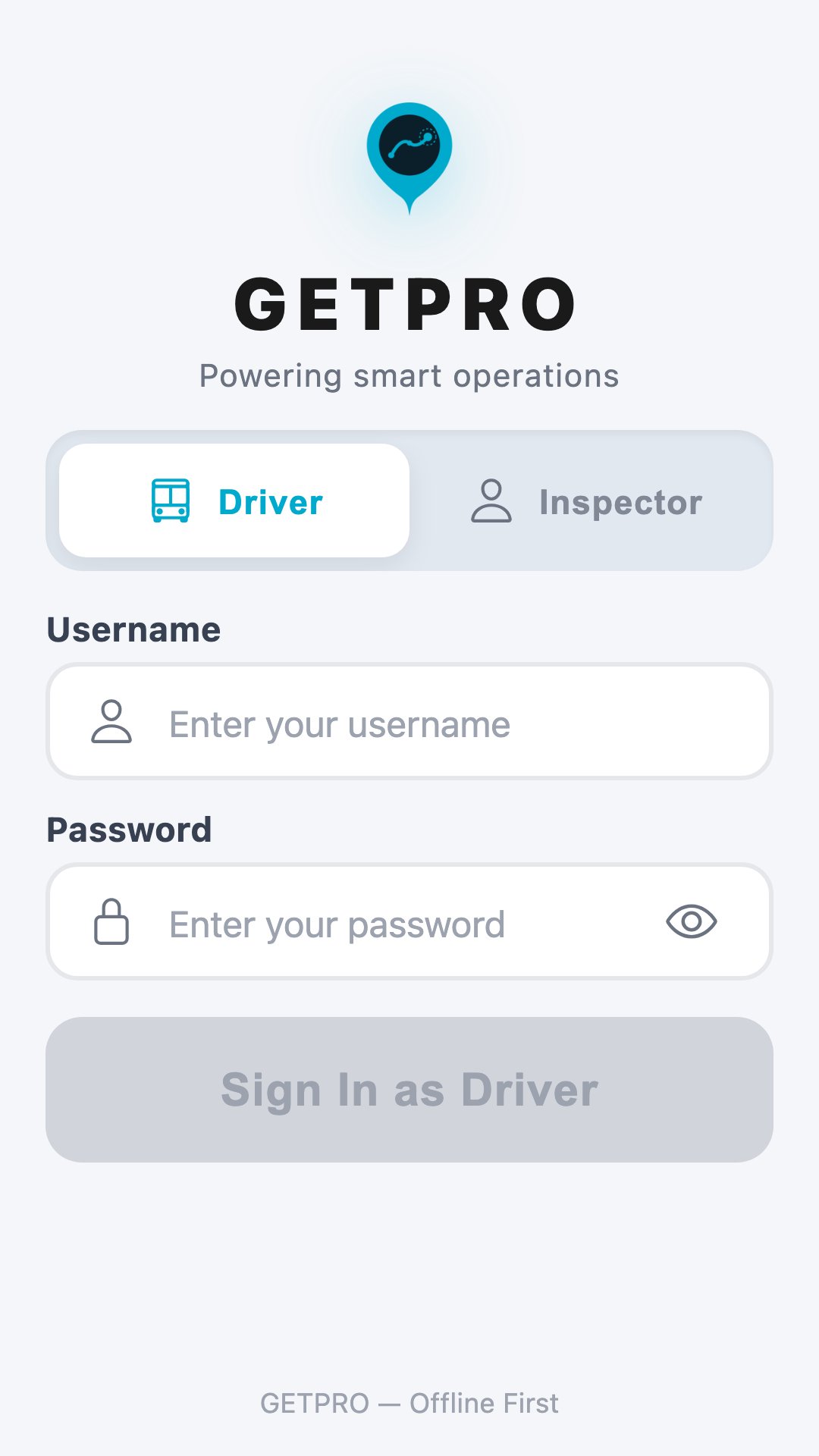
GETPRO is the field operations app for public-transport operators. It gives drivers and inspectors one tool to run trips, collect fares, verify riders, and log operational events — and it keeps working even when the network doesn't.
Built offline-first for the realities of the road: routes, fares, and trip data are cached on the device, actions are queued locally, and everything syncs automatically the moment you're back in coverage. No dead zones, no lost taps, no waiting on a signal to do your job.
WHY GETPRO — offline-first by design; one app for drivers and inspectors; fast shift start; QR to log in, ticket, and verify.
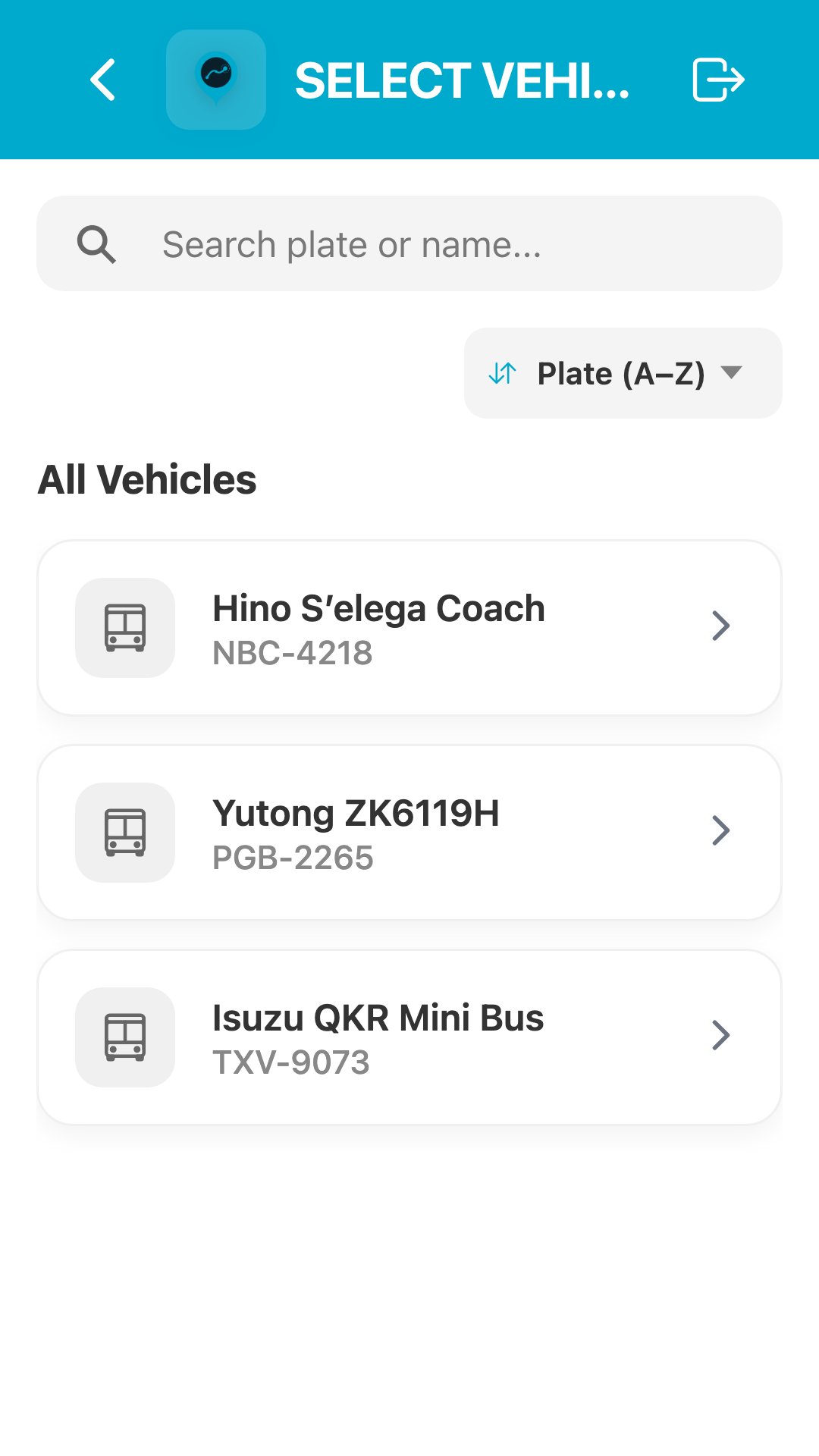
FOR DRIVERS — username or GETPASS-QR login · vehicle selection · route search/sort · trip setup (starting stop, odometer, battery) · GPS-geofenced Auto-Trip · transportation/security/event/social-work operations.
FARE & TICKETING — activate tickets and passes by scanning a rider QR · redeem vouchers · on-device capture reconciled on sync.
FOR INSPECTORS — inspector mode at login · scan rider QR to verify tickets and identity in the field.
BUILT FOR THE FIELD — high-contrast UI readable in a moving vehicle · phones and tablets, including mounted displays.
Preview
Tags
Travel-&Information
Developer
GET Philippines, Inc.
Latest Version
2.1.0
Last Updated
2026-08-27
Category
Travel-local
Available on
Google Play
Show More
How to play GETPRO with GameLoop on PC
1. Download GameLoop from the official website, then run the exe file to install GameLoop
2. Open GameLoop and search for “GETPRO” , find GETPRO in the search results and click “Install”
3. Enjoy playing GETPRO on GameLoop
Minimum requirements
OS
Windows 8.1 64-bit or Windows 10 64-bit
GPU
GTX 1050
CPU
i3-8300
Memory
8GB RAM
Storage
1GB available space
Recommended requirements
OS
Windows 8.1 64-bit or Windows 10 64-bit
GPU
GTX 1050
CPU
i3-9320
Memory
16GB RAM
Storage
1GB available space