
Central Valley Taxi PC
DDS Wireless International Inc.
Download Central Valley Taxi on PC With GameLoop Emulator
Central Valley Taxi on PC
Central Valley Taxi, coming from the developer DDS Wireless International Inc., is running on Android systerm in the past.
Now, You can play Central Valley Taxi on PC with GameLoop smoothly.
Download it in the GameLoop library or search results. No more eyeing the battery or frustrating calls at the wrong time any more.
Just enjoy Central Valley Taxi PC on the large screen for free!
Central Valley Taxi Introduction
Order a taxi cab in Abbotsford and Mission from Central Valley Taxi using your Android Phone – 24 hours a day, 365 days a year!! Fast, convenient, and easy to use.
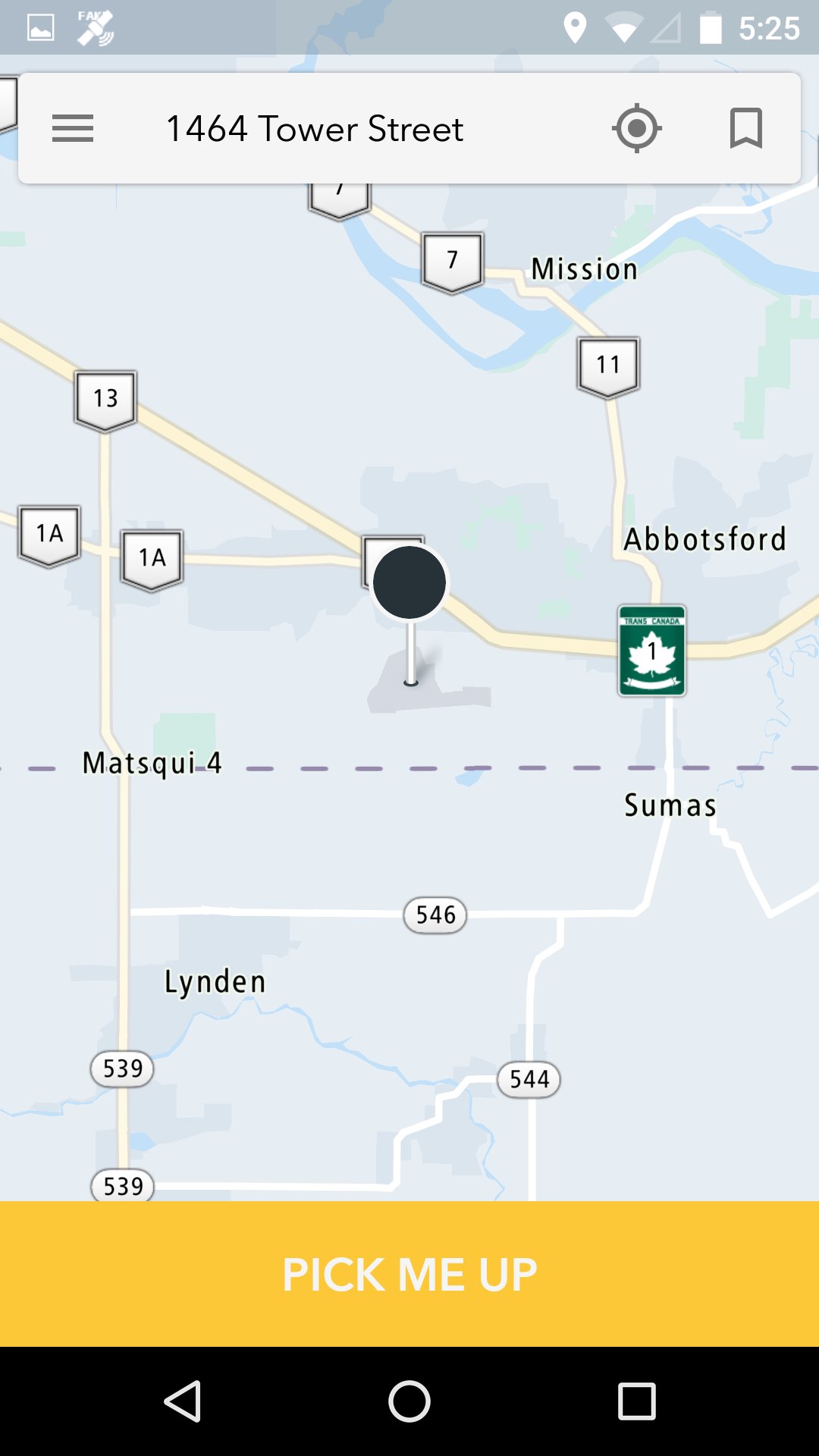
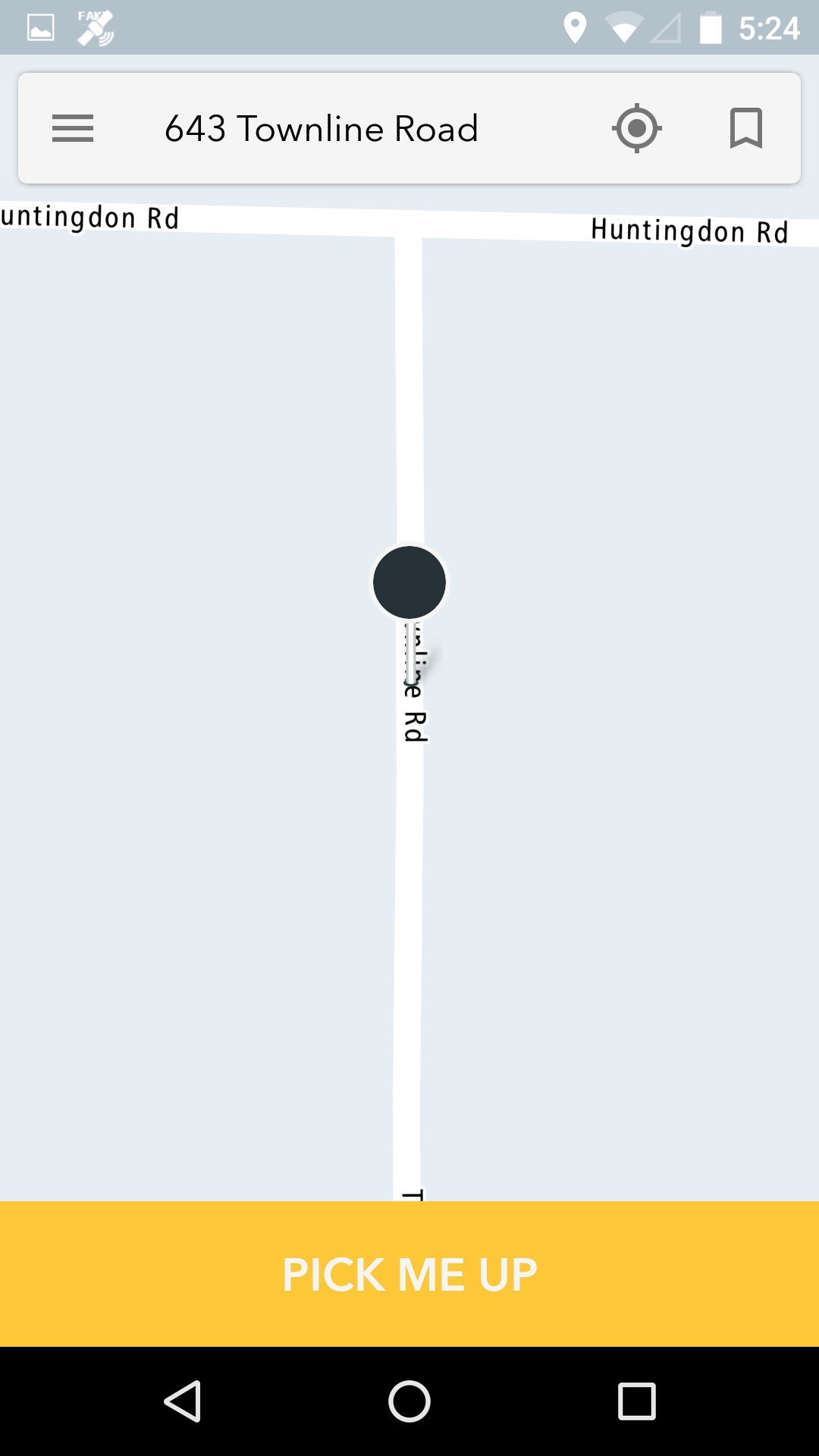
Use a map to select your pick-up location, and track the location of your taxi. Receive notification alerts about the status of your booking, and when your taxi arrives.
TAXI BOOKING FEATURES:
• Request a taxi cab right now, or select a future date and time for pick-up.
• Don’t know your location? – Send the taxi to your current GPS position.
• You can also tap a location on a map, or type in a pick-up address.
• Select a pickup or drop-off address.
• Save a pick-up address as a favorite, and use it for future bookings.
• Select booking options for your cab (wheelchair accessible, pet-friendly, etc.)
• Get Fare Estimate Using the Fastest Route Calculated from Map Distance between Pickup and Destination.
• Send additional info to the driver by typing a message.
• A confirmation message lets you know your booking request was accepted.
• Push notifications alert you when your cab is on the way, and when it has arrived.
TRACKING FEATURES:
• Display the current location of your taxi on a map.
• Cancel a booking.
• Display up to three previous bookings made with your mobile device.
COMMUNICATION FEATURES:
• Type in a message and send it to the driver who is on the way to your location.
• Receive a message sent by the driver who is on the way to your location.
SERVICE AREA:
Abbotsford, Mission in British Columbia, Canada
Preview
Tags
Travel-&Information
Developer
DDS Wireless International Inc.
Latest Version
4.4.4
Last Updated
2025-10-24
Category
Travel-local
Available on
Google Play
Show More
How to play Central Valley Taxi with GameLoop on PC
1. Download GameLoop from the official website, then run the exe file to install GameLoop
2. Open GameLoop and search for “Central Valley Taxi” , find Central Valley Taxi in the search results and click “Install”
3. Enjoy playing Central Valley Taxi on GameLoop
Minimum requirements
OS
Windows 8.1 64-bit or Windows 10 64-bit
GPU
GTX 1050
CPU
i3-8300
Memory
8GB RAM
Storage
1GB available space
Recommended requirements
OS
Windows 8.1 64-bit or Windows 10 64-bit
GPU
GTX 1050
CPU
i3-9320
Memory
16GB RAM
Storage
1GB available space