
aloSIM - eSIM Travel Sim Card PC
AffinityClick Inc.
Download aloSIM - eSIM Travel Sim Card on PC With GameLoop Emulator
aloSIM - eSIM Travel Sim Card on PC
aloSIM - eSIM Travel Sim Card, coming from the developer AffinityClick Inc., is running on Android systerm in the past.
Now, You can play aloSIM - eSIM Travel Sim Card on PC with GameLoop smoothly.
Download it in the GameLoop library or search results. No more eyeing the battery or frustrating calls at the wrong time any more.
Just enjoy aloSIM - eSIM Travel Sim Card PC on the large screen for free!
aloSIM - eSIM Travel Sim Card Introduction
Need mobile data for your next trip? Stay connected wherever you travel with aloSIM, your one-stop shop for international mobile plans!
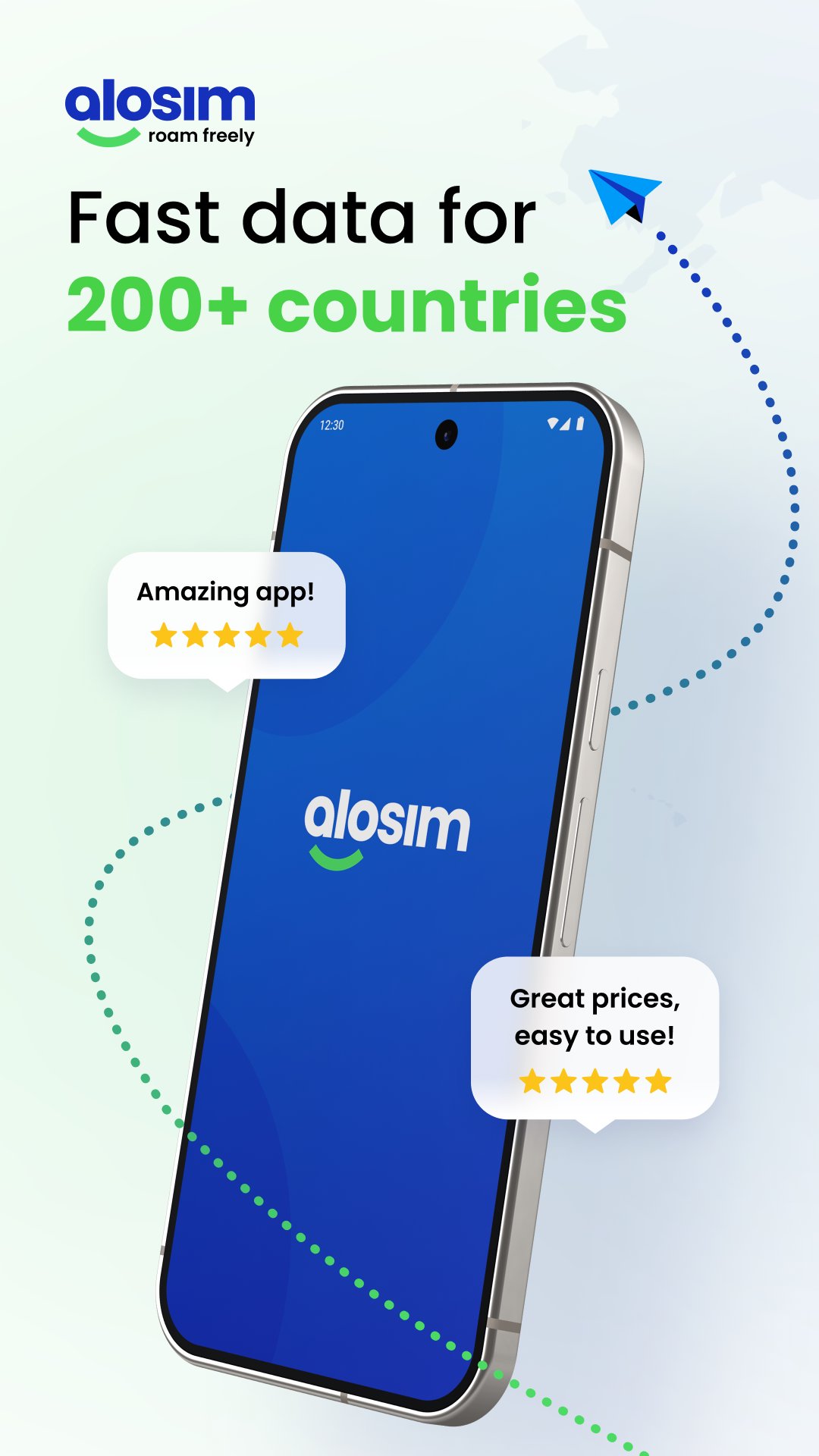
aloSIM is an eSIM provider offering budget-friendly travel data plans in over 200 countries.
A Must-Have for Nomads and Frequent Travellers ✈️
If you’re looking to stay connected on your next international getaway, aloSIM is the eSIM provider you’ve been looking for.
aloSIM makes it easy for digital nomads to buy a prepaid plan before travelling. Those living the nomad lifestyle know that having reliable nomad internet on the go is essential!
With aloSIM, you can install an eSIM (a.k.a. mobile WiFi for your device) before you leave for your trip, and connect directly to local networks for reliable mobile internet the moment you land.
Whether you’re heading to the Maldives, need a Europe eSIM, or have a getaway planned elsewhere, aloSIM promises:
▪️ Fast data in 200+ countries
▪️ Affordable mobile plans
▪️ Reliable, high-speed travel internet
… and so much more!
eSIM vs Physical SIM: What’s the Difference?
For those new to eSIM technology, an eSIM is a virtual SIM card. It offers the same functionality as a regular SIM card for travel, except it is completely digital.
Looking to step away from physical SIM cards and opt for something more convenient? An eSIM is the perfect option.
Why customers choose aloSIM:
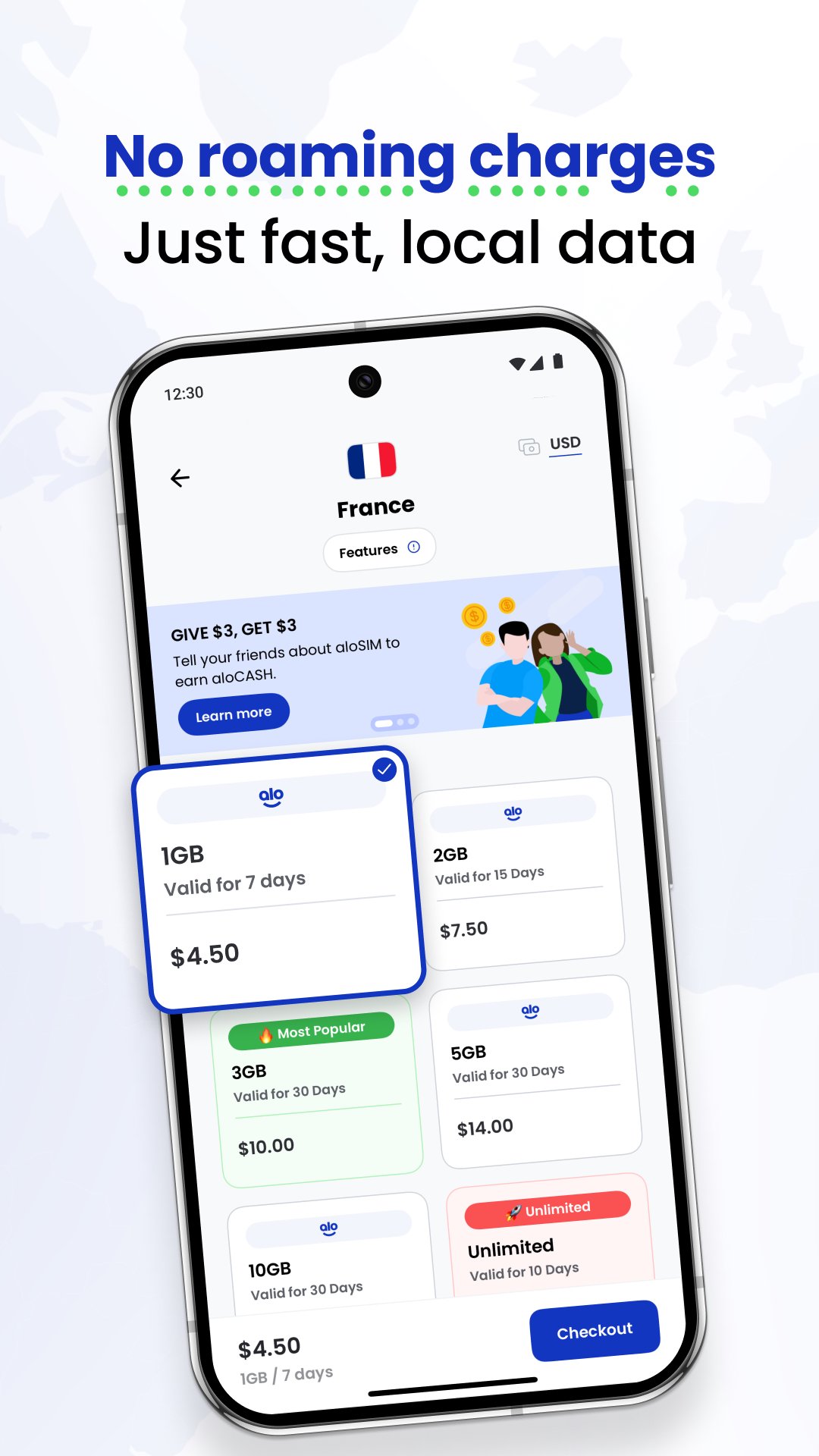
→ Mobile data plans from just $4.50/week
→ Reliable SIM service
→ 24/7 customer support
→ Ability to top up data anytime
→ Easily track data usage in the app
→ 5-star eSIM reviews from happy customers
→ Cheapest unlimited data plan options
→ International roaming plans without the roaming fees
→ No contracts or hidden fees — just prepaid mobile data
→ Make international calls over mobile data
(enabling you to call internationally over mobile data)
Made up your mind?
Follow these three easy steps to get the best mobile plan on the market:
1️⃣ Download aloSIM and select a prepaid plan
After checking to make sure your device is eSIM compatible, select a data plan that suits your needs. Roam free with unlimited data, or select a prepaid data plan that better suits your needs.
2️⃣ Install your eSIM
After you have selected a prepaid data plan, get your eSIM travel ready! Follow the instructions provided to install your travel e-sim.
3️⃣ Activate your eSIM and enjoy fast internet anywhere!
When you arrive at your destination, your phone will automatically connect to a local network (thanks to your new trusted travel nomad app), giving you data anywhere you go!
Say goodbye to hassling with a physical SIM card—simply purchase an eSIM, install it on your device, and instantly connect to your local service provider’s networks!
You shouldn’t have to hunt for wifi on vacation just to avoid roaming fees. Leave your roaming worries behind and enjoy your next vacation!
Join thousands of happy travellers who love using aloSIM for affordable mobile data all over the world.
Visit alosim.com to learn more, and choose a prepaid mobile plan for your next destination!
Preview
Tags
Travel-&Information
Developer
AffinityClick Inc.
Latest Version
1.69.0
Last Updated
2025-11-30
Category
Travel-local
Available on
Google Play
Show More
How to play aloSIM - eSIM Travel Sim Card with GameLoop on PC
1. Download GameLoop from the official website, then run the exe file to install GameLoop
2. Open GameLoop and search for “aloSIM - eSIM Travel Sim Card” , find aloSIM - eSIM Travel Sim Card in the search results and click “Install”
3. Enjoy playing aloSIM - eSIM Travel Sim Card on GameLoop
Minimum requirements
OS
Windows 8.1 64-bit or Windows 10 64-bit
GPU
GTX 1050
CPU
i3-8300
Memory
8GB RAM
Storage
1GB available space
Recommended requirements
OS
Windows 8.1 64-bit or Windows 10 64-bit
GPU
GTX 1050
CPU
i3-9320
Memory
16GB RAM
Storage
1GB available space