
AntiLost - WTMP PC
BRILIC MEDIA, LLC
Download AntiLost - WTMP on PC With GameLoop Emulator
AntiLost - WTMP on PC
AntiLost - WTMP, coming from the developer BRILIC MEDIA, LLC, is running on Android systerm in the past.
Now, You can play AntiLost - WTMP on PC with GameLoop smoothly.
Download it in the GameLoop library or search results. No more eyeing the battery or frustrating calls at the wrong time any more.
Just enjoy AntiLost - WTMP PC on the large screen for free!
AntiLost - WTMP Introduction
📵 This app helps you avoid losing your phone and keeps it away from others who shouldn't use it, giving you comfort and security. 👮
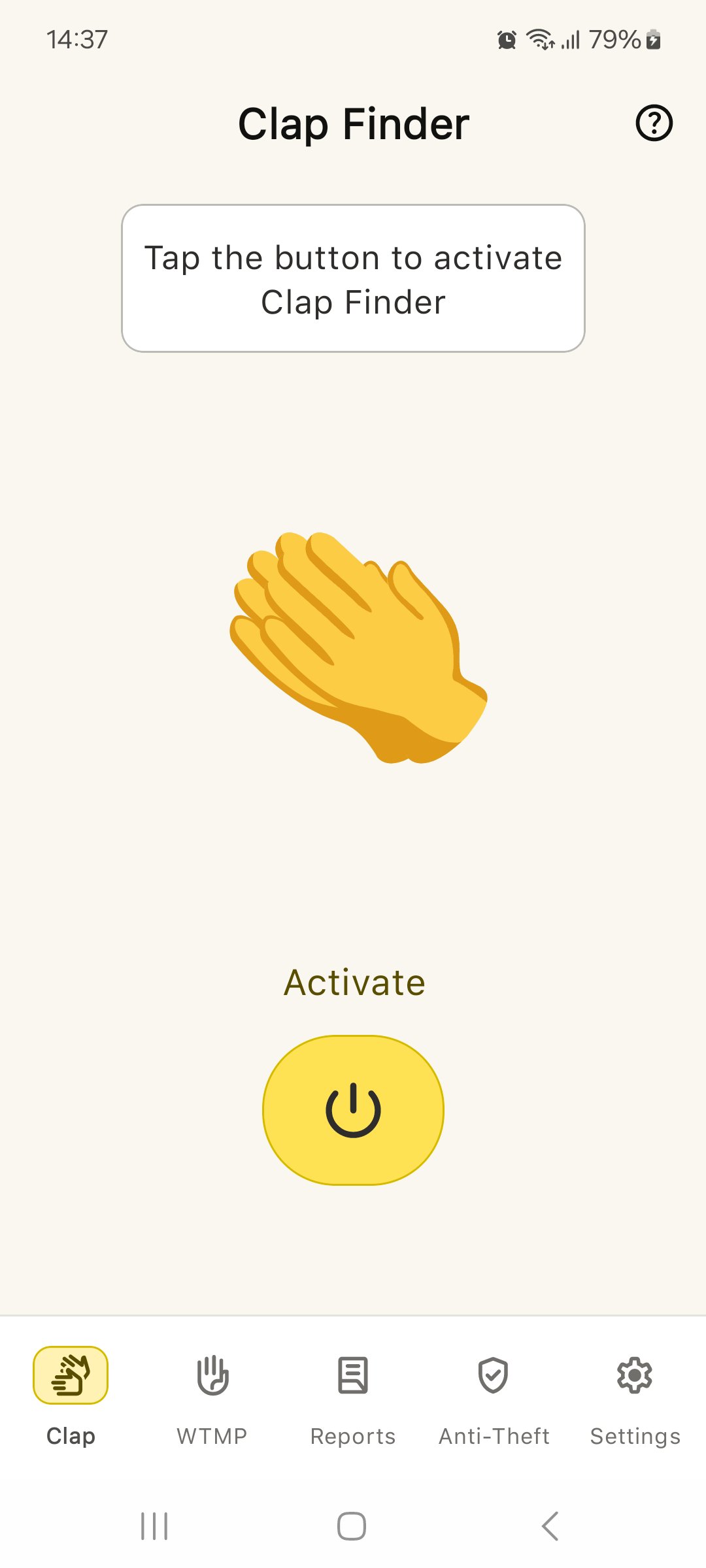
✅ - Clap to Find: Can't find your phone? Just clap your hands, and AntiLost will make your phone make a loud noise and turn on a bright light to show where it is.
✅ - Report Screen: If someone tries to unlock your phone without permission, AntiLost takes their picture. You can see photos of all unauthorized attempts, along with the date and time, on the Report screen. This screen can be password-protected for added security.
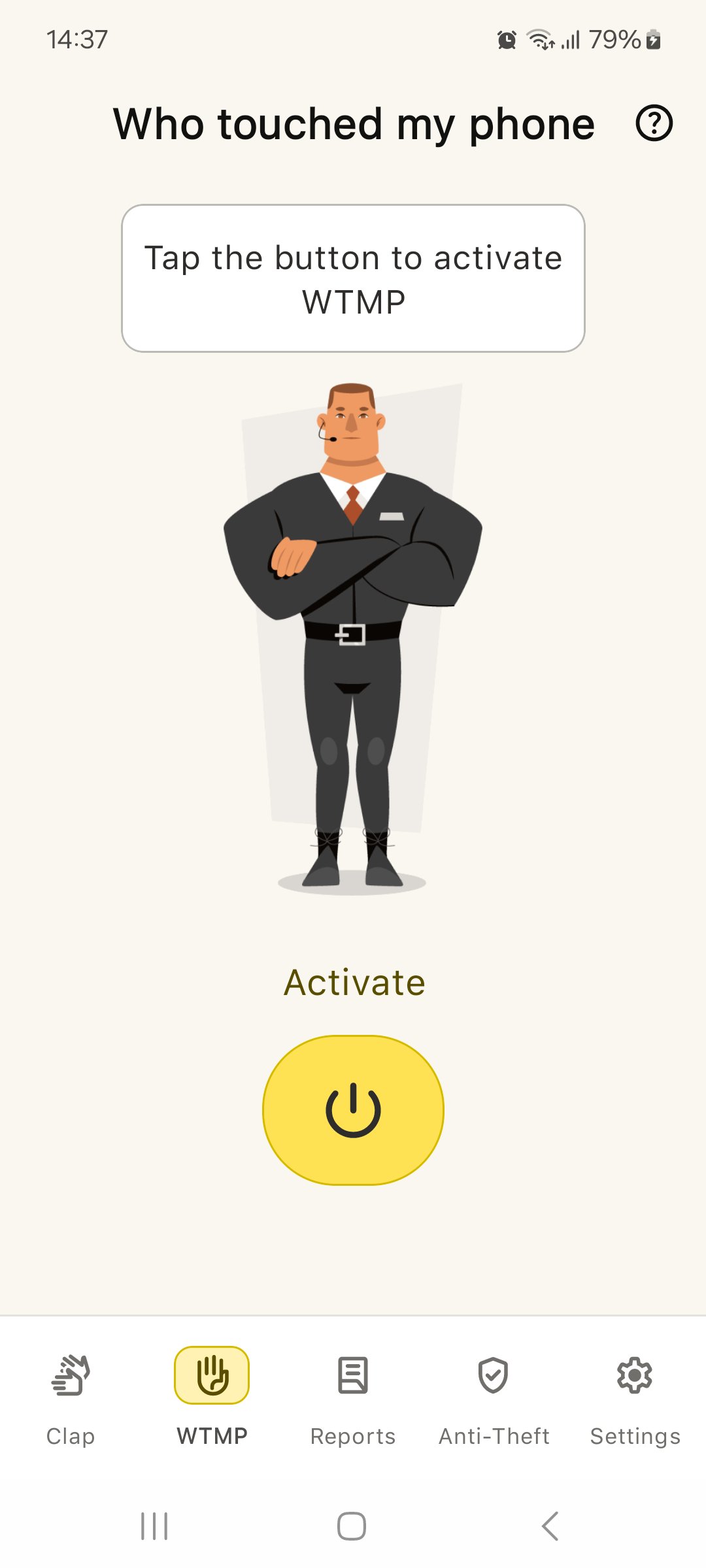
✅ - Alarm When Moved: If someone picks up your phone without your knowledge, AntiLost will sound a loud alarm to tell you immediately.
✅ - AntiLost is simple and useful, making it a great choice for anyone who wants to keep their phone safe.
👏Try AntiLost now and feel more secure. With AntiLost, finding your phone is easy, and you can relax knowing it’s protected. 👏
Privacy policy: https://sites.google.com/view/wtmp/privacy-policy
Terms: https://sites.google.com/view/wtmp/terms-and-conditions
If you have any problems with work, write to us at appwtmp@gmail.com
Preview
Tags
ToolsInformation
Developer
BRILIC MEDIA, LLC
Latest Version
2.8.0
Last Updated
2026-08-10
Category
Tools
Available on
Google Play
Show More
How to play AntiLost - WTMP with GameLoop on PC
1. Download GameLoop from the official website, then run the exe file to install GameLoop
2. Open GameLoop and search for “AntiLost - WTMP” , find AntiLost - WTMP in the search results and click “Install”
3. Enjoy playing AntiLost - WTMP on GameLoop
Minimum requirements
OS
Windows 8.1 64-bit or Windows 10 64-bit
GPU
GTX 1050
CPU
i3-8300
Memory
8GB RAM
Storage
1GB available space
Recommended requirements
OS
Windows 8.1 64-bit or Windows 10 64-bit
GPU
GTX 1050
CPU
i3-9320
Memory
16GB RAM
Storage
1GB available space