AI Voice Translator: Translate PC
Avi_App
Download AI Voice Translator: Translate on PC With GameLoop Emulator
AI Voice Translator: Translate on PC
AI Voice Translator: Translate, coming from the developer Avi_App, is running on Android systerm in the past.
Now, You can play AI Voice Translator: Translate on PC with GameLoop smoothly.
Download it in the GameLoop library or search results. No more eyeing the battery or frustrating calls at the wrong time any more.
Just enjoy AI Voice Translator: Translate PC on the large screen for free!
AI Voice Translator: Translate Introduction
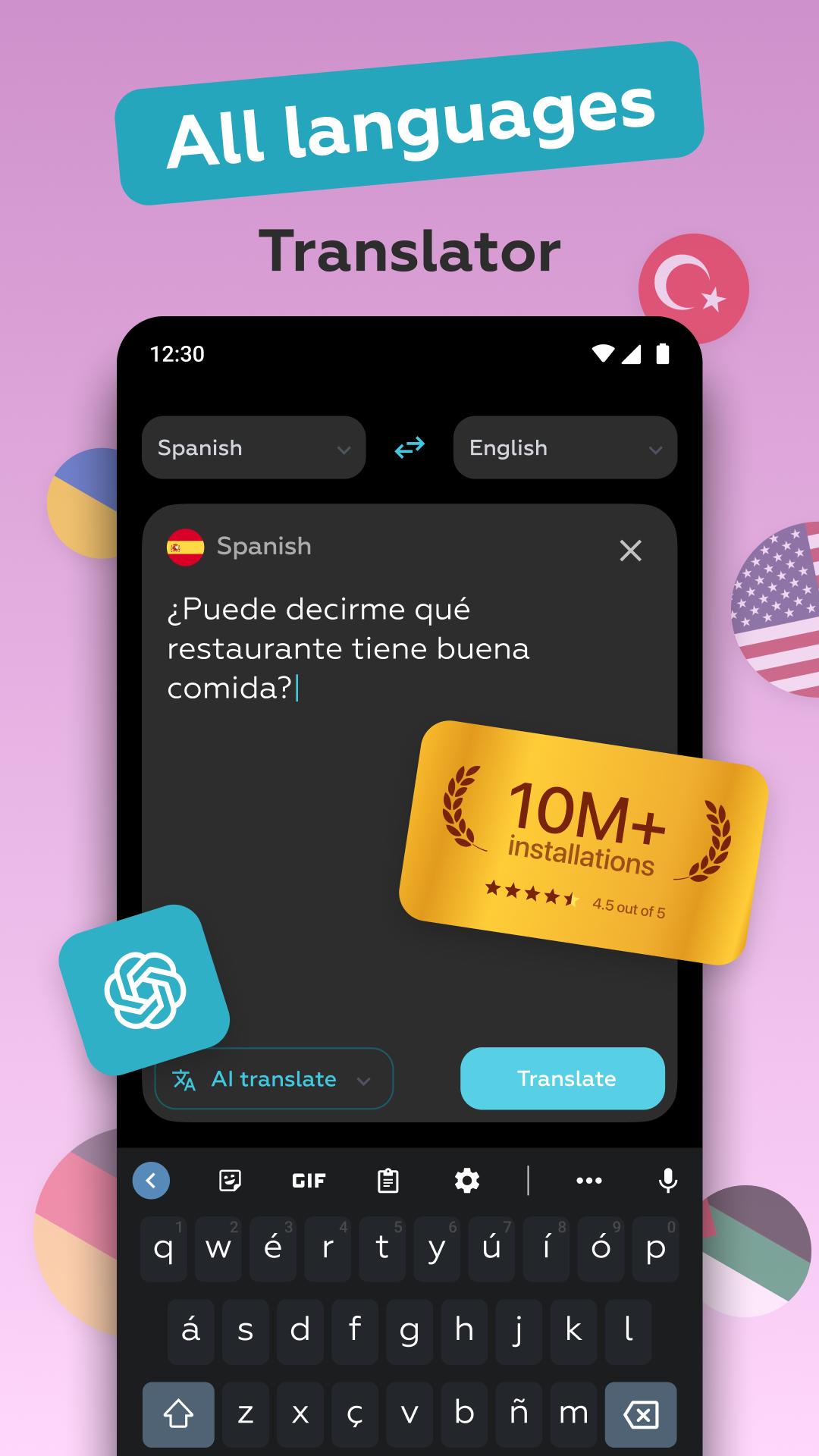
🌎🎤📷 AI Voice Translator is a highly advanced mobile application designed to facilitate seamless communication in over 150 languages, with capabilities to translate voice, text, images, and photos. This app enables users to translate between multiple languages effortlessly, including as an English to Spanish translator. This language translator offers precise, context-aware translations, even without an internet connection.
Key Features:
1. AI Voice Translator
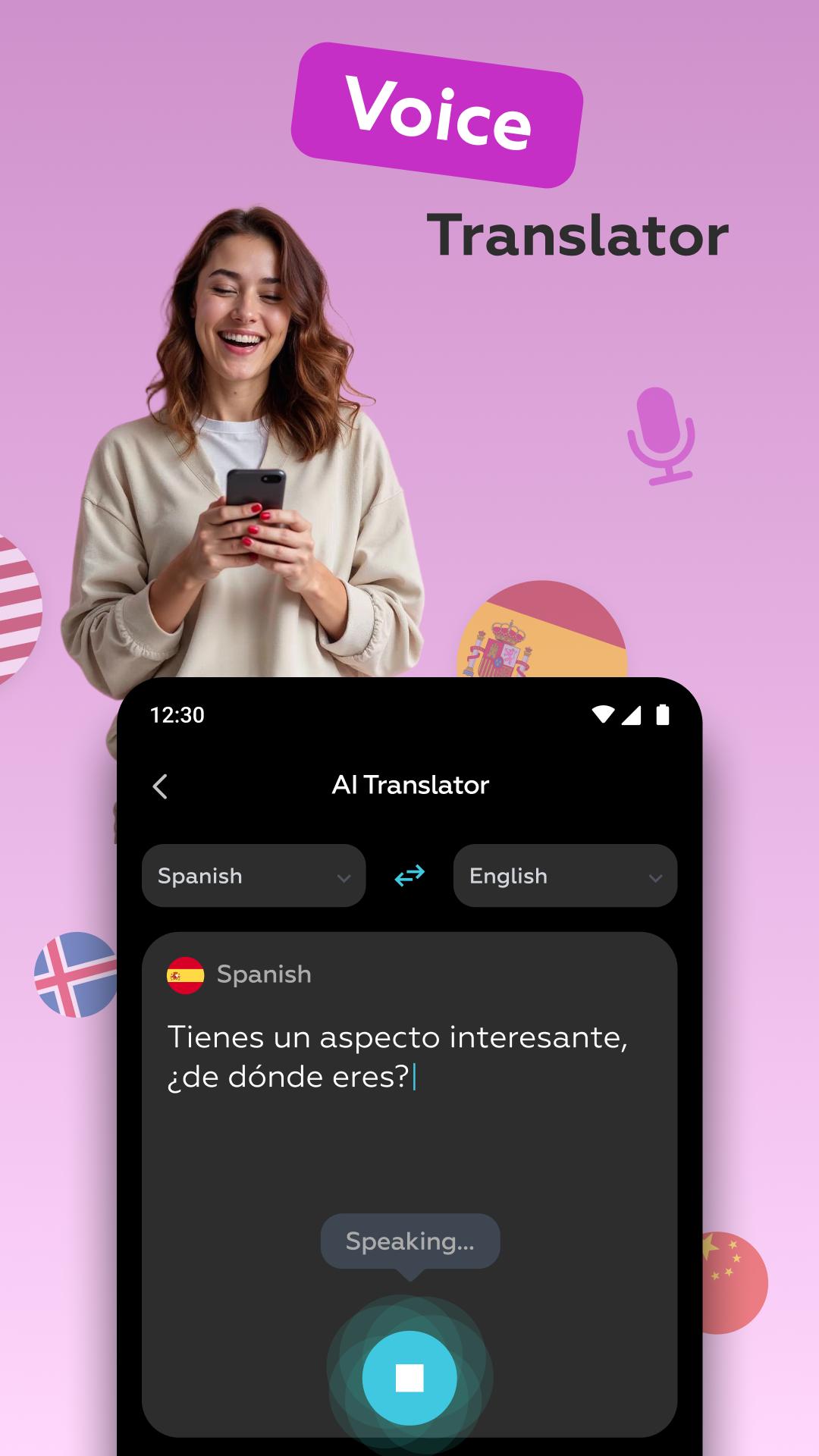
- The AI Voice Translator uses powerful artificial intelligence to provide more accurate, context-sensitive translations.
- Users can select from a variety of AI models tailored to specific translation needs, enhancing the precision and natural flow of the translation.
- With real-time speech recognition, it adapts to different accents, speech patterns, and dialects, making it highly effective for diverse linguistic backgrounds.
2. Conversation Translator
- Break down language barriers effortlessly with real-time conversation translation.
- The app instantly translates spoken words, allowing you to participate in dynamic, fluid dialogues, whether you're in a public place or engaged in personal conversations.
- Ideal for international business meetings, travel, or learning a new language by practicing dialogues.
3. Object Translator
- Capture the world around you with the Object Translator, which recognizes and translates up to three objects in real-time.
- Perfect for on-the-go translations, whether you're identifying objects while traveling, shopping, or exploring new environments.
4. Camera Translator
- Use the camera to translate written text in real-time, making this feature especially useful for street signs, menus, documents, and more.
- With advanced OCR technology, it accurately detects and translates printed text, ensuring clear communication in various contexts, even without an internet connection.
- This photo translator feature enhances your ability to capture and translate images with ease.
5. Offline Translation
- Experience the convenience of offline translation, ensuring you can translate text, voice, and images anytime, anywhere, even without data or Wi-Fi access.
- Essential for travel or any situation where internet connectivity may be limited or unavailable.
6. Support for 150+ Languages
- With support for more than 150 languages, including top languages like English, Spanish, French, Russian, Japanese, Portuguese, Italian, Chinese, and more, this translator can handle any situation.
- Whether you need a real-time translator for conversations or a picture translator for translating documents, the app offers comprehensive support for all your translation needs.
Additional Features:
- Voice Translator for All Languages: Recognizes voices from across the globe and translates them into multiple languages, breaking down communication barriers quickly and accurately. This audio translator ensures you can translate spoken words with ease.
- Instant Translator: Get immediate translations for text, voice, and images, making it the perfect tool for any language-related task.
- Document Translator: Translate entire documents, including scanned pages and handwritten notes.
- Text Translator: Use the app as a digital dictionary to look up words and phrases and access comprehensive translations with multiple meanings.
- Talking Translator: Engage in conversations with the app as it speaks translations aloud, making communication even smoother and more natural.
The AI Voice Translator offers a blend of advanced AI technology and real-time translation, making it a must-have language translator app for everyone. Whether you're using it to speak and translate or need a talking translator, this app covers all your translation needs.
Preview
Tags
ToolsInformation
Developer
Avi_App
Latest Version
3.6.2
Last Updated
2025-09-02
Category
Tools
Available on
Google Play
Show More
How to play AI Voice Translator: Translate with GameLoop on PC
1. Download GameLoop from the official website, then run the exe file to install GameLoop
2. Open GameLoop and search for “AI Voice Translator: Translate” , find AI Voice Translator: Translate in the search results and click “Install”
3. Enjoy playing AI Voice Translator: Translate on GameLoop
Minimum requirements
OS
Windows 8.1 64-bit or Windows 10 64-bit
GPU
GTX 1050
CPU
i3-8300
Memory
8GB RAM
Storage
1GB available space
Recommended requirements
OS
Windows 8.1 64-bit or Windows 10 64-bit
GPU
GTX 1050
CPU
i3-9320
Memory
16GB RAM
Storage
1GB available space