
UScellular™ – My Account PC
USCC Services, LLC
Download UScellular™ – My Account on PC With GameLoop Emulator
UScellular™ – My Account on PC
UScellular™ – My Account, coming from the developer USCC Services, LLC, is running on Android systerm in the past.
Now, You can play UScellular™ – My Account on PC with GameLoop smoothly.
Download it in the GameLoop library or search results. No more eyeing the battery or frustrating calls at the wrong time any more.
Just enjoy UScellular™ – My Account PC on the large screen for free!
UScellular™ – My Account Introduction
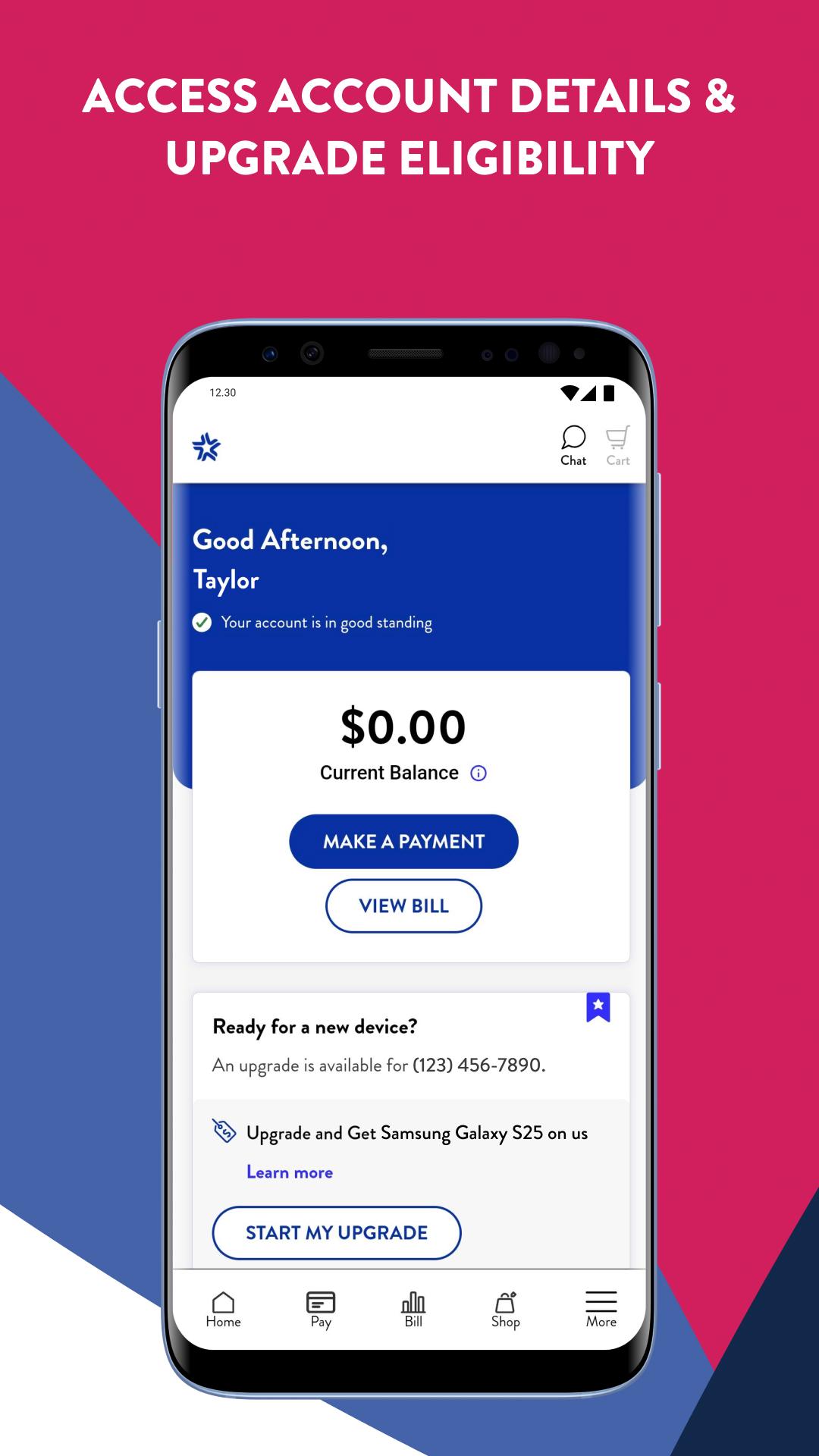
Your UScellular® account at your fingertips – anytime, anywhere. Get a sleek, redesigned shopping experience with enhancements that get you to your next upgrade faster.
A Revitalized Shopping Experience
• Updated Plans page that gets you to the right plan and faster navigation to the checkout page
• View updated totals and monthly charges as you shop, with a redesigned Shopping Cart with options to add lines or make changes
• Revamped Upgrades page for the easiest access to your eligibility status, early upgrade info and ways to save on your next phone
• Automatic application of specific discounts and promotions that your order is eligible for
• Streamlined Home Internet experience that includes Whole Home Wi-Fi and free expert setup
• Easy to understand Watch Plans page that helps get your smartwatch activated fast
Billing & Payments Made Easy
• Both line level and account level details on your Bill
• New “What’s Changed” section on your Bill with details on any month-to-month changes
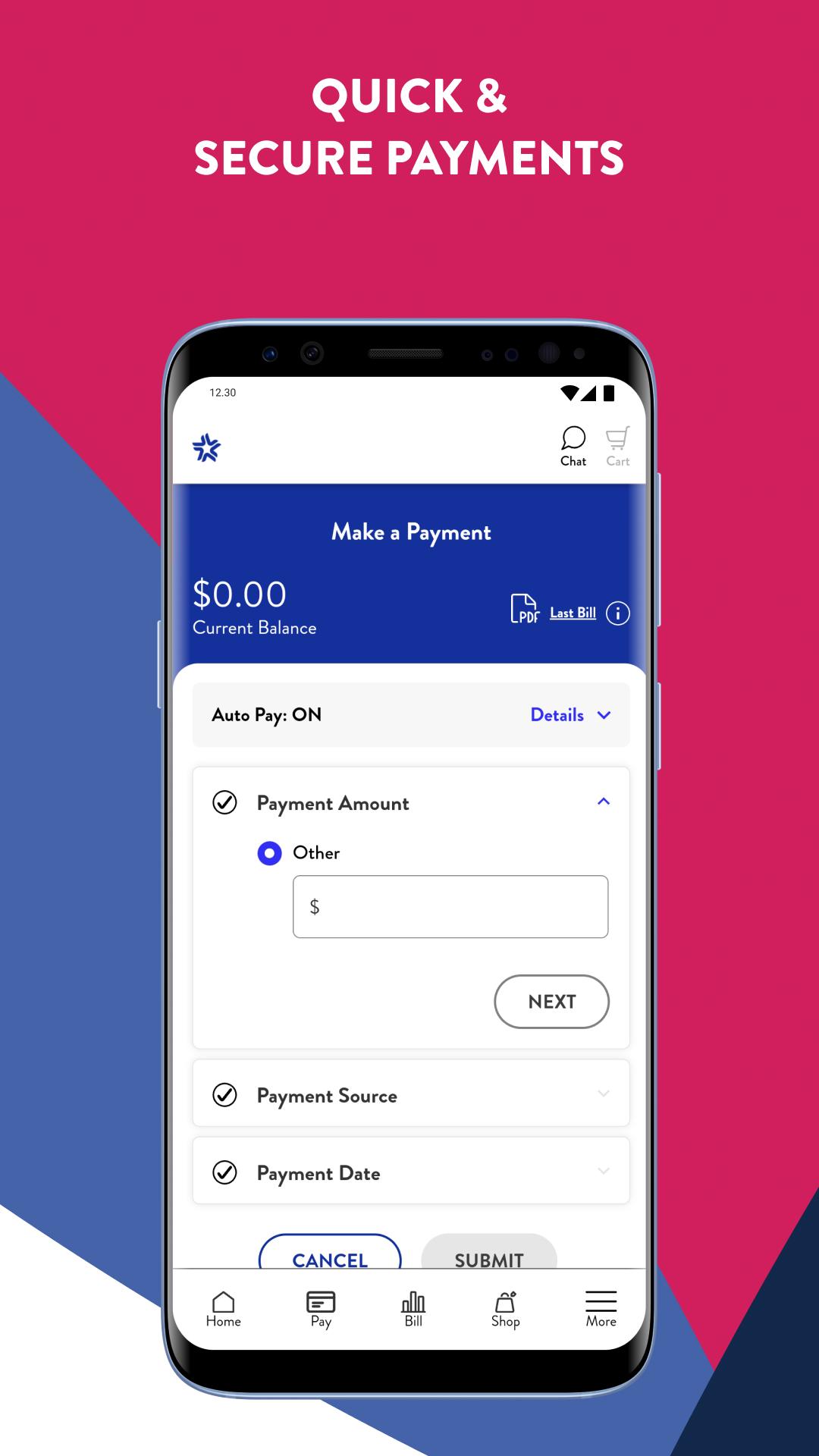
• Easy bill pay with saved payment methods and a Quick Pay option for one-time payments
• Auto Pay + Paperless Billing = monthly discounts
A Personalized Experience
• Onboarding experience for first-time My Account users
• Order History page redeveloped with more details on your order and shipment tracking
• Integration of Advanced Messaging and spam protection
• Ability to upgrade/downgrade Device Protection+ plans and a convenient claims process
• Redeveloped Support pages with updated FAQs and device specific tutorials
Preview
Tags
ToolsInformation
Developer
USCC Services, LLC
Latest Version
2.21.0
Last Updated
2025-02-13
Category
Tools
Available on
Google Play
Show More
How to play UScellular™ – My Account with GameLoop on PC
1. Download GameLoop from the official website, then run the exe file to install GameLoop
2. Open GameLoop and search for “UScellular™ – My Account” , find UScellular™ – My Account in the search results and click “Install”
3. Enjoy playing UScellular™ – My Account on GameLoop
Minimum requirements
OS
Windows 8.1 64-bit or Windows 10 64-bit
GPU
GTX 1050
CPU
i3-8300
Memory
8GB RAM
Storage
1GB available space
Recommended requirements
OS
Windows 8.1 64-bit or Windows 10 64-bit
GPU
GTX 1050
CPU
i3-9320
Memory
16GB RAM
Storage
1GB available space