
CTimer: timer & stopwatch PC
AmazingByte
Download CTimer: timer & stopwatch on PC With GameLoop Emulator
CTimer: timer & stopwatch on PC
CTimer: timer & stopwatch, coming from the developer AmazingByte, is running on Android systerm in the past.
Now, You can play CTimer: timer & stopwatch on PC with GameLoop smoothly.
Download it in the GameLoop library or search results. No more eyeing the battery or frustrating calls at the wrong time any more.
Just enjoy CTimer: timer & stopwatch PC on the large screen for free!
CTimer: timer & stopwatch Introduction
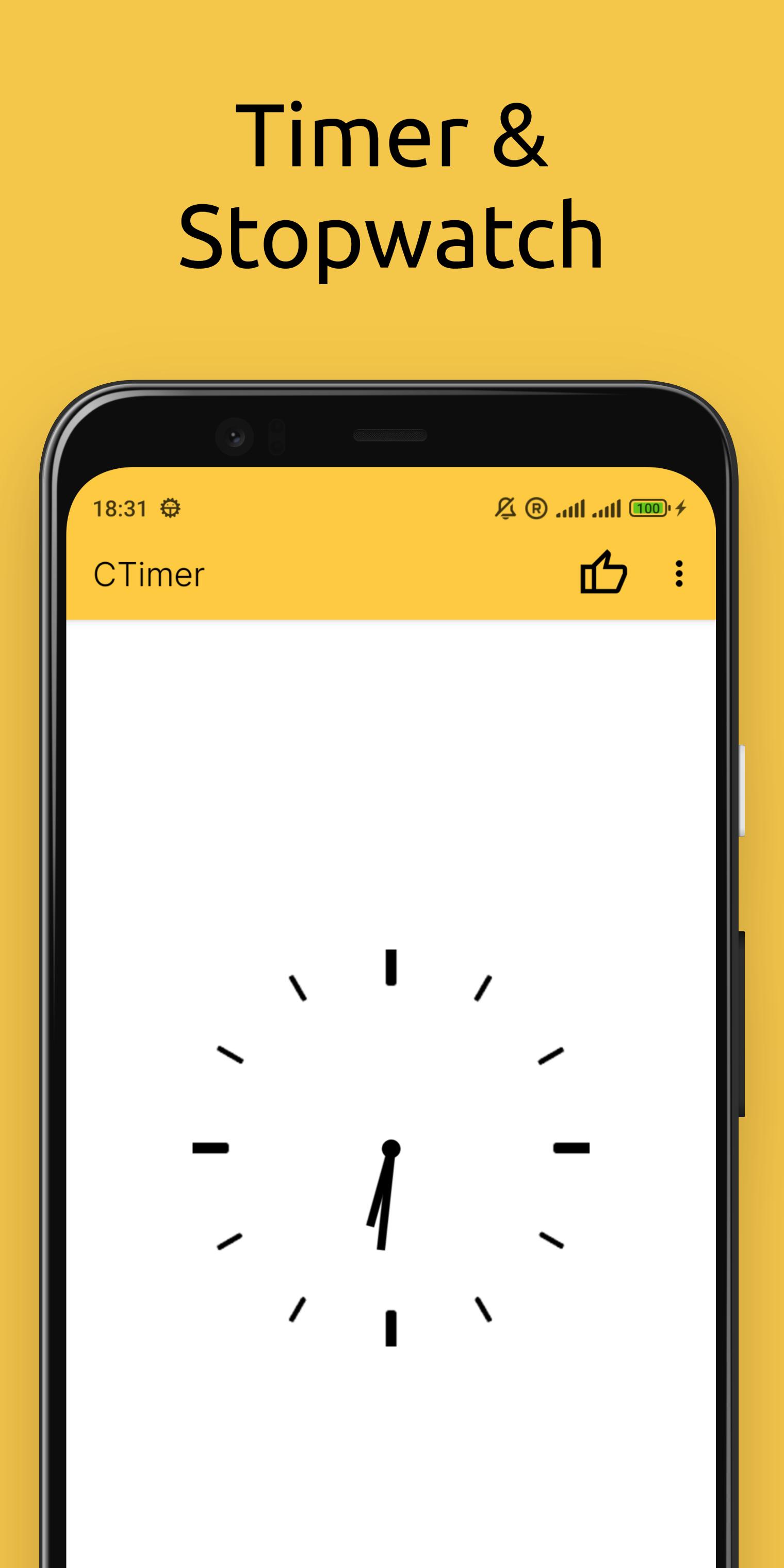
Looking for a simple, handy timer and stopwatch? CTimer is the ultimate Android app for counting down to any event with precision! Perfect for cooking, workouts, labs, or parties – it combines timer, stopwatch, and clock in one sleek package.
WHY CHOOSE CTIMER?
All-in-one timekeeping:
• Countdown timer (set hours, minutes, seconds)
• Accurate stopwatch (lap tracking included)
• Home screen widget (glanceable updates)
Designed for convenience:
• Minimalist interface – easy to use with just a few taps
• Lightweight – won’t slow down your device
• Stylish design – fits any Android phone or tablet
PERFECT FOR:
• Events & Competitions: Time weddings, parties, or kids’ games effortlessly.
• Sports & Fitness: Track races, swimming laps, or gym intervals.
• Cooking: Measure frying, boiling, or baking times.
• Science & Labs: Monitor reaction times in experiments.
Standout Features:
High accuracy – rival’s mechanical timers.
Customizable widget – see time without opening the app
Install CTimer today – always ready when you need it!
Preview

Tags
ToolsInformation
Developer
AmazingByte
Latest Version
6.2
Last Updated
2025-10-30
Category
Tools
Available on
Google Play
Show More
How to play CTimer: timer & stopwatch with GameLoop on PC
1. Download GameLoop from the official website, then run the exe file to install GameLoop
2. Open GameLoop and search for “CTimer: timer & stopwatch” , find CTimer: timer & stopwatch in the search results and click “Install”
3. Enjoy playing CTimer: timer & stopwatch on GameLoop
Minimum requirements
OS
Windows 8.1 64-bit or Windows 10 64-bit
GPU
GTX 1050
CPU
i3-8300
Memory
8GB RAM
Storage
1GB available space
Recommended requirements
OS
Windows 8.1 64-bit or Windows 10 64-bit
GPU
GTX 1050
CPU
i3-9320
Memory
16GB RAM
Storage
1GB available space