
Thundering VPN PC
daping bin
Download Thundering VPN on PC With GameLoop Emulator
Thundering VPN on PC
Thundering VPN, coming from the developer daping bin, is running on Android systerm in the past.
Now, You can play Thundering VPN on PC with GameLoop smoothly.
Download it in the GameLoop library or search results. No more eyeing the battery or frustrating calls at the wrong time any more.
Just enjoy Thundering VPN PC on the large screen for free!
Thundering VPN Introduction
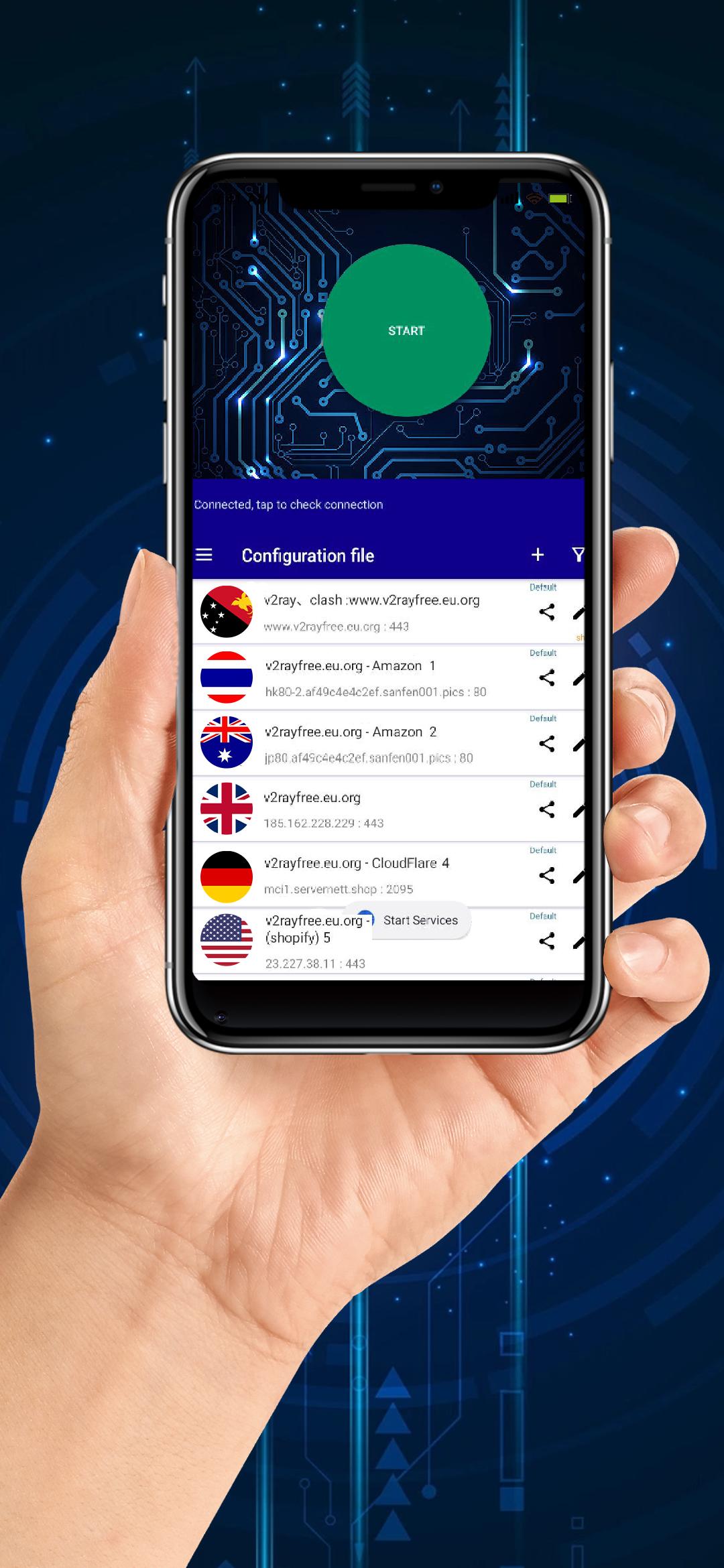
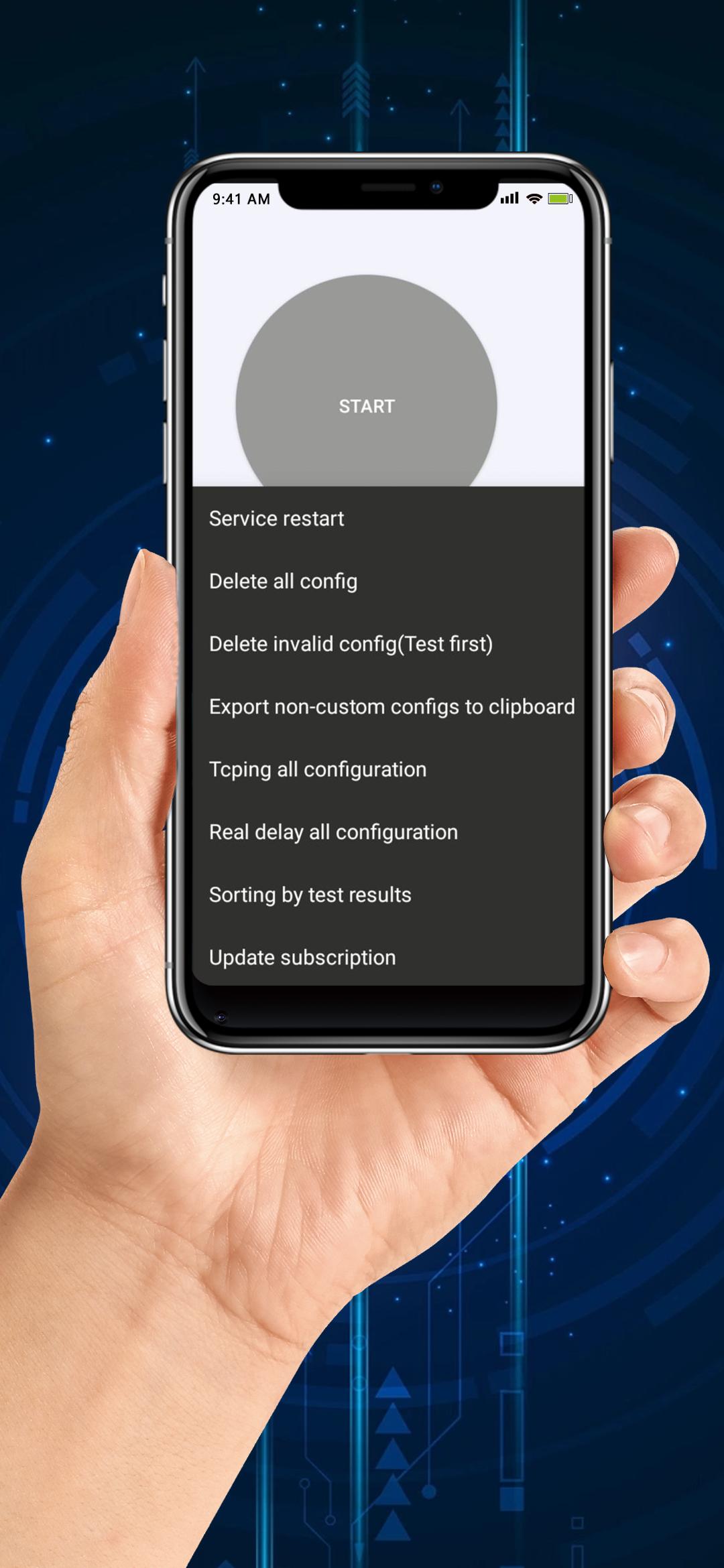
Thundering VPN is a lightning fast app that provides free VPN service. Access the Internet securely and anonymously with the click of a button without any configuration.
Enjoy absolute freedom and privacy online with Thundering VPN!
Let us hide your IP address, use a secure proxy server
ThunderingVPN, you can explore the online world anytime, anywhere! This practical application will become your good friend for surfing the internet, and we provide free VPN functionality for all users
Our strengths:
1. Utilizing advanced encryption technology to provide high-speed and stable connections, unlimited bandwidth, allowing you to access the internet while protecting your privacy and personal identity. It allows you to ignore location restrictions and access websites and streaming platforms around the world, such as Opera GX and 1337x,
2. Provide intelligent and global modes to more conveniently meet your various online needs. If you need to access blocked websites and streaming platforms, please choose intelligent mode for streaming acceleration! If you need to proxy all traffic, please choose global mode! This is very convenient
3. Equipped with advanced security features to prevent hackers and trackers from attacking you, achieving secure connections throughout the entire process. You can go online with peace of mind without worrying about personal information leakage or being attacked by the internet.
Always online VPN: ThunderingVPN
If you have any questions, please feel free to contact us
Preview
Tags
ToolsInformation
Developer
daping bin
Latest Version
3.2.0
Last Updated
2023-07-21
Category
Tools
Available on
Google Play
Show More
How to play Thundering VPN with GameLoop on PC
1. Download GameLoop from the official website, then run the exe file to install GameLoop
2. Open GameLoop and search for “Thundering VPN” , find Thundering VPN in the search results and click “Install”
3. Enjoy playing Thundering VPN on GameLoop
Minimum requirements
OS
Windows 8.1 64-bit or Windows 10 64-bit
GPU
GTX 1050
CPU
i3-8300
Memory
8GB RAM
Storage
1GB available space
Recommended requirements
OS
Windows 8.1 64-bit or Windows 10 64-bit
GPU
GTX 1050
CPU
i3-9320
Memory
16GB RAM
Storage
1GB available space