
LTE Cleaner PC
TheRedSpy15
Download LTE Cleaner on PC With GameLoop Emulator
LTE Cleaner on PC
LTE Cleaner, coming from the developer TheRedSpy15, is running on Android systerm in the past.
Now, You can play LTE Cleaner on PC with GameLoop smoothly.
Download it in the GameLoop library or search results. No more eyeing the battery or frustrating calls at the wrong time any more.
Just enjoy LTE Cleaner PC on the large screen for free!
LTE Cleaner Introduction
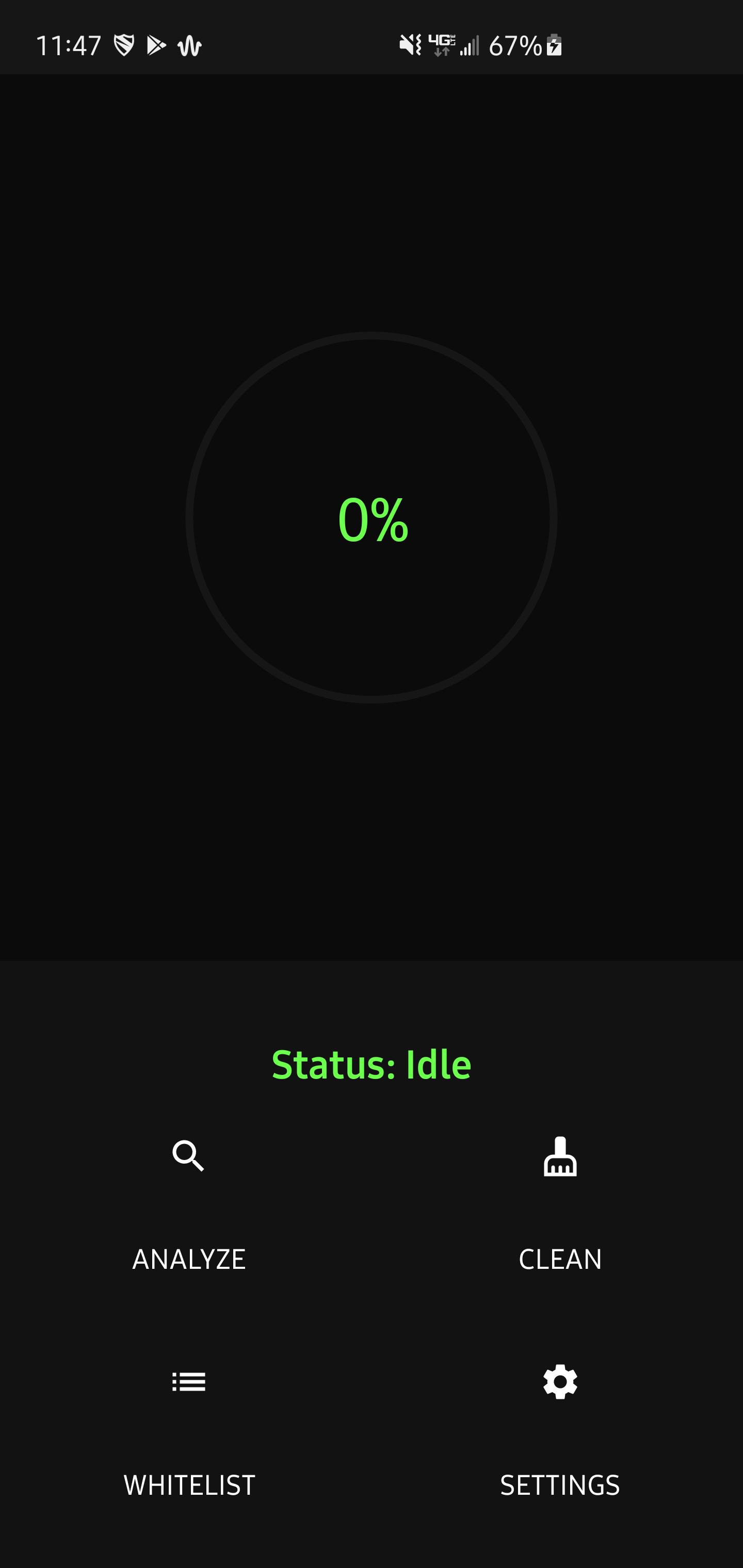
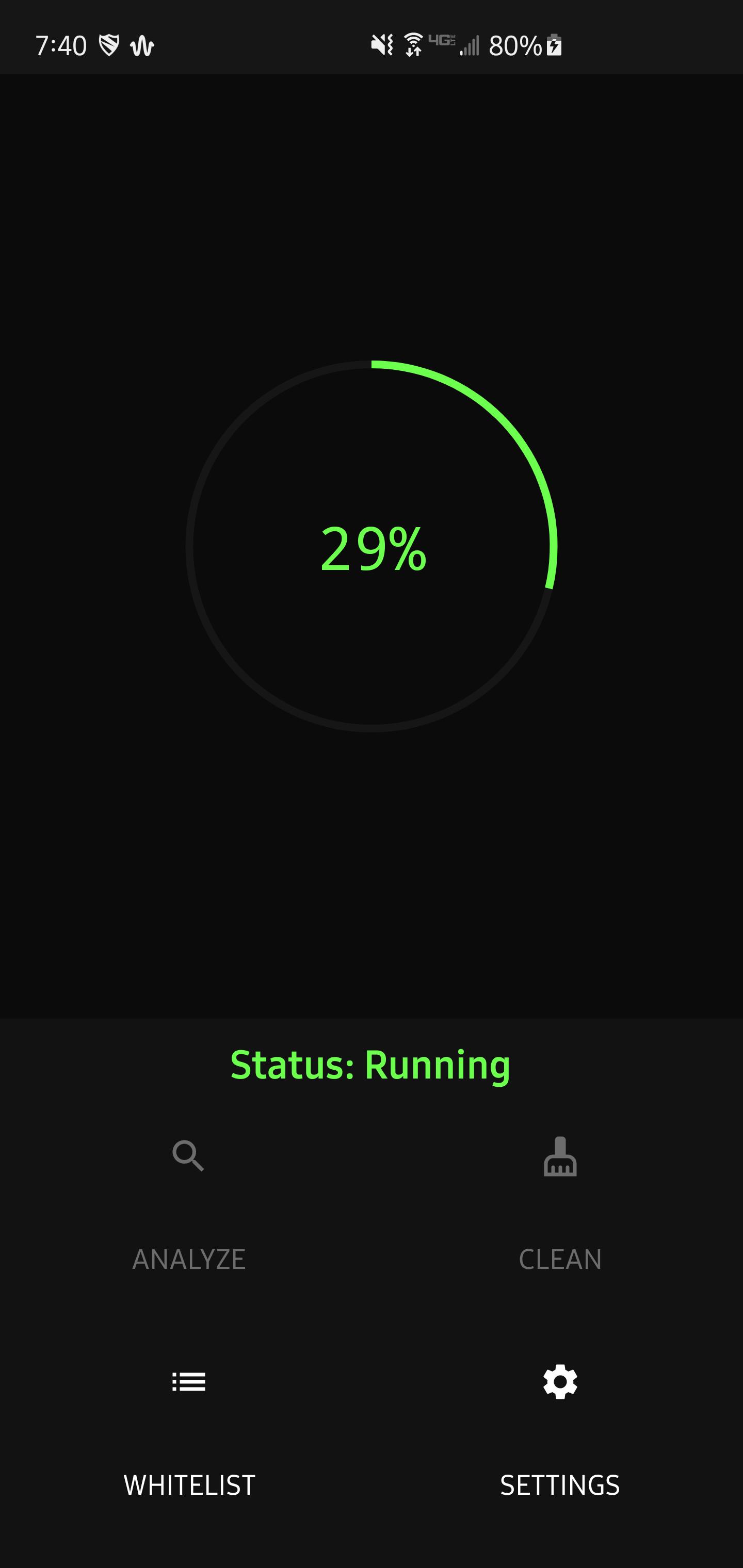
Tired of the abundance of phone cleaners on the play store? Tired of them being extremely shady? Tired of them doing nothing? Tired of having to pay? Me too.
There simply is way too many apps out there that claim to speed up you device. In reality, they don't do anything. LTE Cleaner only aims to clean your phone by removing safe to delete files. Which not only frees up a lot of space, But it also can improve your privacy. Since LTE Cleaners removes .log files, which well, log what you do.
LTE Cleaner is 100% free, open source, and deletes everything it claims too.
Cleans:
- Empty folders
- Logs
- Temporary files
- Caches (as much as possible)
- Advertisement folders
- "Corpse" files
Other features:
- Daily cleaning
- Clipboard cleaning
- Corpse file removal
- Duplicate detection (coming)
GitHub link: https://github.com/TheRedSpy15/LTECleanerFOSS
Preview
Tags
ToolsInformation
Developer
TheRedSpy15
Latest Version
4.9.8-playstore
Last Updated
2021-12-05
Category
Tools
Available on
Google Play
Show More
How to play LTE Cleaner with GameLoop on PC
1. Download GameLoop from the official website, then run the exe file to install GameLoop
2. Open GameLoop and search for “LTE Cleaner” , find LTE Cleaner in the search results and click “Install”
3. Enjoy playing LTE Cleaner on GameLoop
Minimum requirements
OS
Windows 8.1 64-bit or Windows 10 64-bit
GPU
GTX 1050
CPU
i3-8300
Memory
8GB RAM
Storage
1GB available space
Recommended requirements
OS
Windows 8.1 64-bit or Windows 10 64-bit
GPU
GTX 1050
CPU
i3-9320
Memory
16GB RAM
Storage
1GB available space