
Thaw™ PC
ACG Brands
Download Thaw™ on PC With GameLoop Emulator
Thaw™ on PC
Thaw™, coming from the developer ACG Brands, is running on Android systerm in the past.
Now, You can play Thaw™ on PC with GameLoop smoothly.
Download it in the GameLoop library or search results. No more eyeing the battery or frustrating calls at the wrong time any more.
Just enjoy Thaw™ PC on the large screen for free!
Thaw™ Introduction
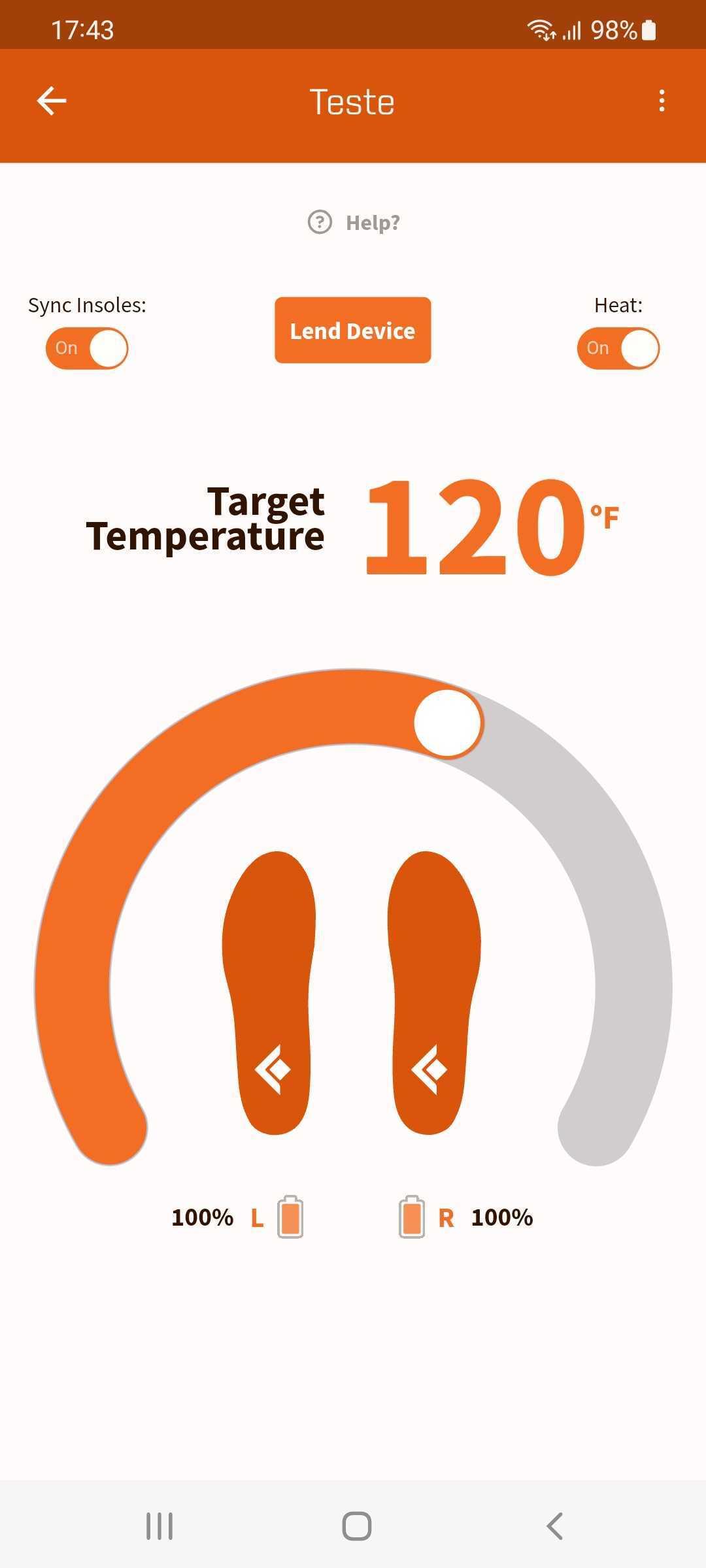
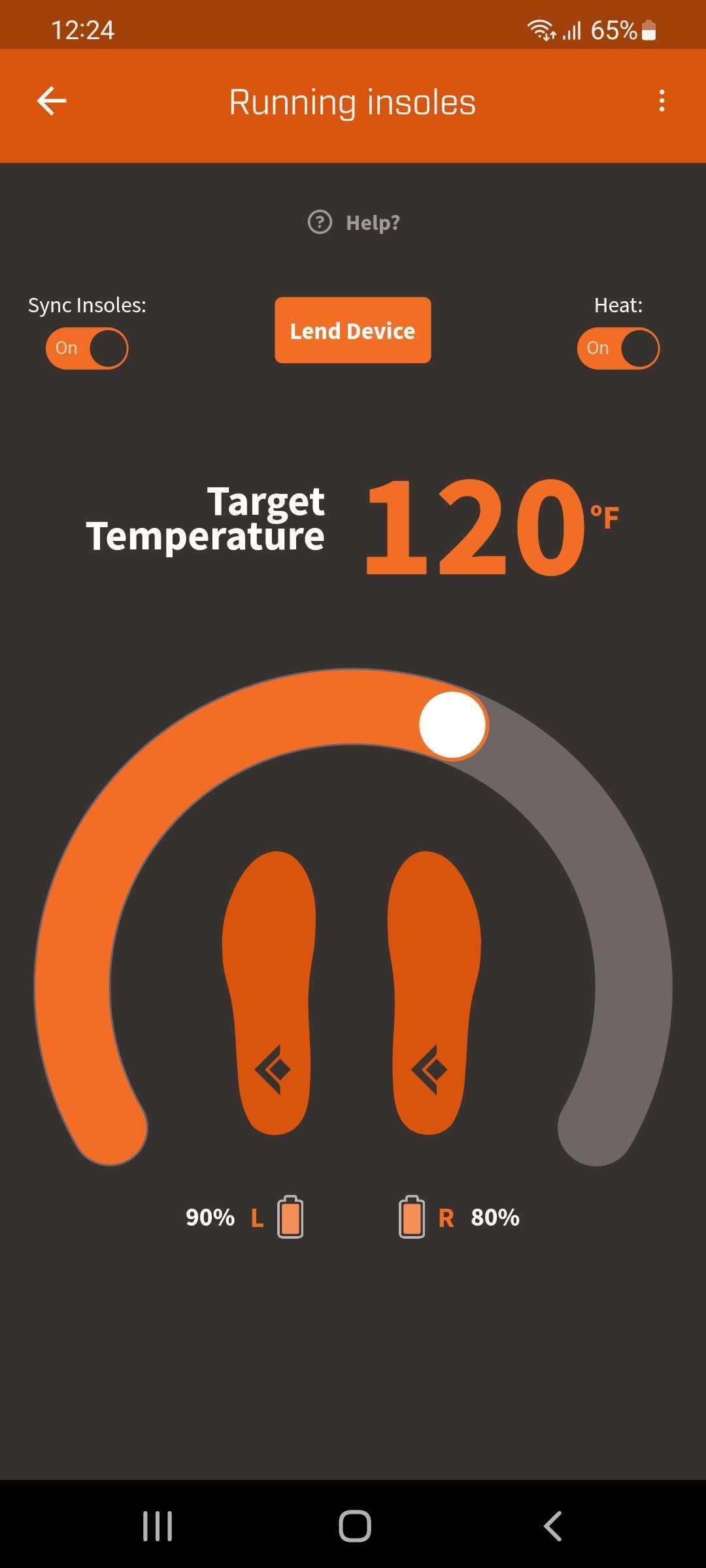
The Thaw™ app is an intelligent app that can be used to connect to and control your Bluetooth enabled Thaw personal heating smart devices. With the integrated weather app powered by AccuWeather and the notification system, you can easily track temperature changes where you are located, be aware of weather alerts, and Thaw Gear will remind you when you should charge and prepare to wear your Thaw personal heating devices. The warranty tracking system makes it easy to see when your device warranty will expire, and the integrated Thaw shop also makes it easy to pick out your next upgrade! The lend feature can be used to lend your device to a friend and return it with ease. It’s also easy to set your start time for the day and Thaw Gear will intelligently use that time to inform charge reminders to make sure your devices are ready to go before your day starts.
Preview
Tags
ToolsInformation
Developer
ACG Brands
Latest Version
2.0.12
Last Updated
2024-08-22
Category
Tools
Available on
Google Play
Show More
How to play Thaw™ with GameLoop on PC
1. Download GameLoop from the official website, then run the exe file to install GameLoop
2. Open GameLoop and search for “Thaw™” , find Thaw™ in the search results and click “Install”
3. Enjoy playing Thaw™ on GameLoop
Minimum requirements
OS
Windows 8.1 64-bit or Windows 10 64-bit
GPU
GTX 1050
CPU
i3-8300
Memory
8GB RAM
Storage
1GB available space
Recommended requirements
OS
Windows 8.1 64-bit or Windows 10 64-bit
GPU
GTX 1050
CPU
i3-9320
Memory
16GB RAM
Storage
1GB available space