
Text Converter: Encode, Decode PC
Mr Duy
Download Text Converter: Encode, Decode on PC With GameLoop Emulator
Text Converter: Encode, Decode on PC
Text Converter: Encode, Decode, coming from the developer Mr Duy, is running on Android systerm in the past.
Now, You can play Text Converter: Encode, Decode on PC with GameLoop smoothly.
Download it in the GameLoop library or search results. No more eyeing the battery or frustrating calls at the wrong time any more.
Just enjoy Text Converter: Encode, Decode PC on the large screen for free!
Text Converter: Encode, Decode Introduction
Text Converter, Encoder & Decoder
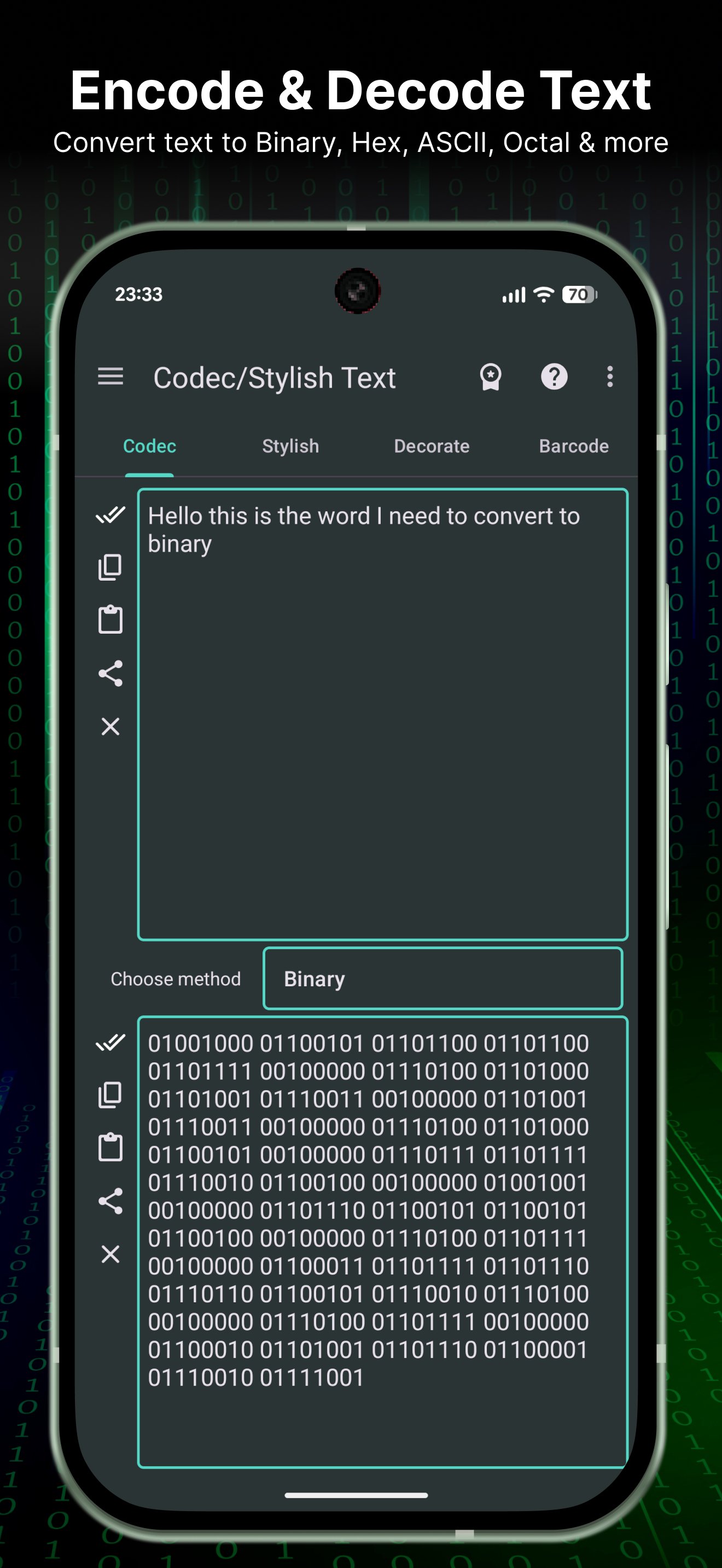
Convert, encode, and decode text in seconds. A handy text toolbox for developers, students, and anyone who needs quick conversions and quick copy/paste results.
Key features
- Base64 encoder & decoder (encode/decode)
- Morse code translator
- ROT13 / Caesar cipher text converter
- Text to Binary / Hex / Octal / Decimal / ASCII converter
- Reverse text generator
- Case converter: uppercase / lowercase / title case
- Trim whitespace & normalize text (clean text)
- Superscript & subscript text
- Upside down text
- Zalgo text
- Text statistics (length, words, lines)
- Hash tools: MD5, SHA-1, SHA-256
Also included (fun & stylish)
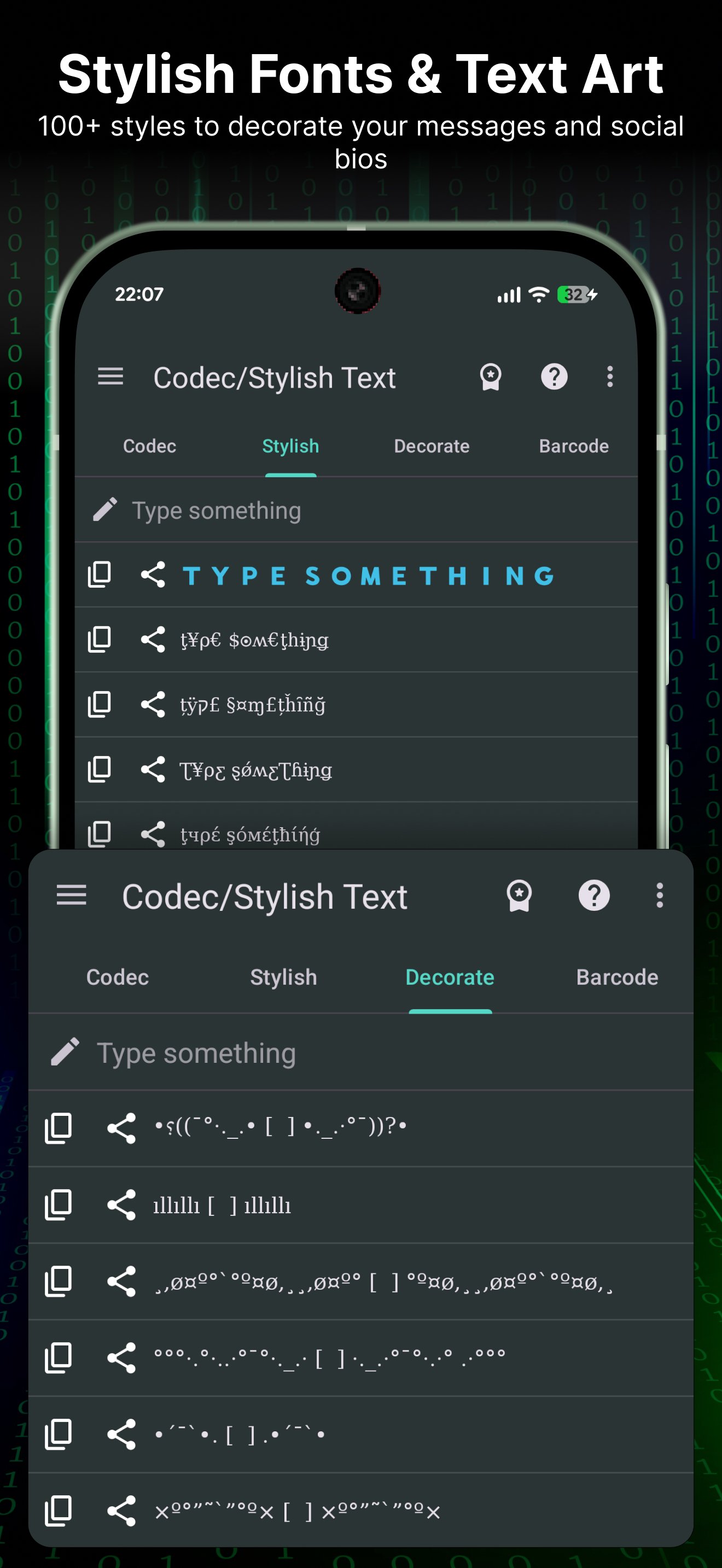
- Fancy fonts and decorative text styles for chats, bios, and captions
Use cases
- Convert text formats for coding, learning, or sharing
- Encode/decode messages and snippets quickly
- Generate binary/hex/ascii output
- Create stylish text for social media
Lightweight, fast, and easy to use.
Preview
Tags
ToolsInformation
Developer
Mr Duy
Latest Version
4.1.7
Last Updated
2026-01-26
Category
Tools
Available on
Google Play
Show More
How to play Text Converter: Encode, Decode with GameLoop on PC
1. Download GameLoop from the official website, then run the exe file to install GameLoop
2. Open GameLoop and search for “Text Converter: Encode, Decode” , find Text Converter: Encode, Decode in the search results and click “Install”
3. Enjoy playing Text Converter: Encode, Decode on GameLoop
Minimum requirements
OS
Windows 8.1 64-bit or Windows 10 64-bit
GPU
GTX 1050
CPU
i3-8300
Memory
8GB RAM
Storage
1GB available space
Recommended requirements
OS
Windows 8.1 64-bit or Windows 10 64-bit
GPU
GTX 1050
CPU
i3-9320
Memory
16GB RAM
Storage
1GB available space