
TetherFi PC
pyamsoft apps
Download TetherFi on PC With GameLoop Emulator
TetherFi on PC
TetherFi, coming from the developer pyamsoft apps, is running on Android systerm in the past.
Now, You can play TetherFi on PC with GameLoop smoothly.
Download it in the GameLoop library or search results. No more eyeing the battery or frustrating calls at the wrong time any more.
Just enjoy TetherFi PC on the large screen for free!
TetherFi Introduction
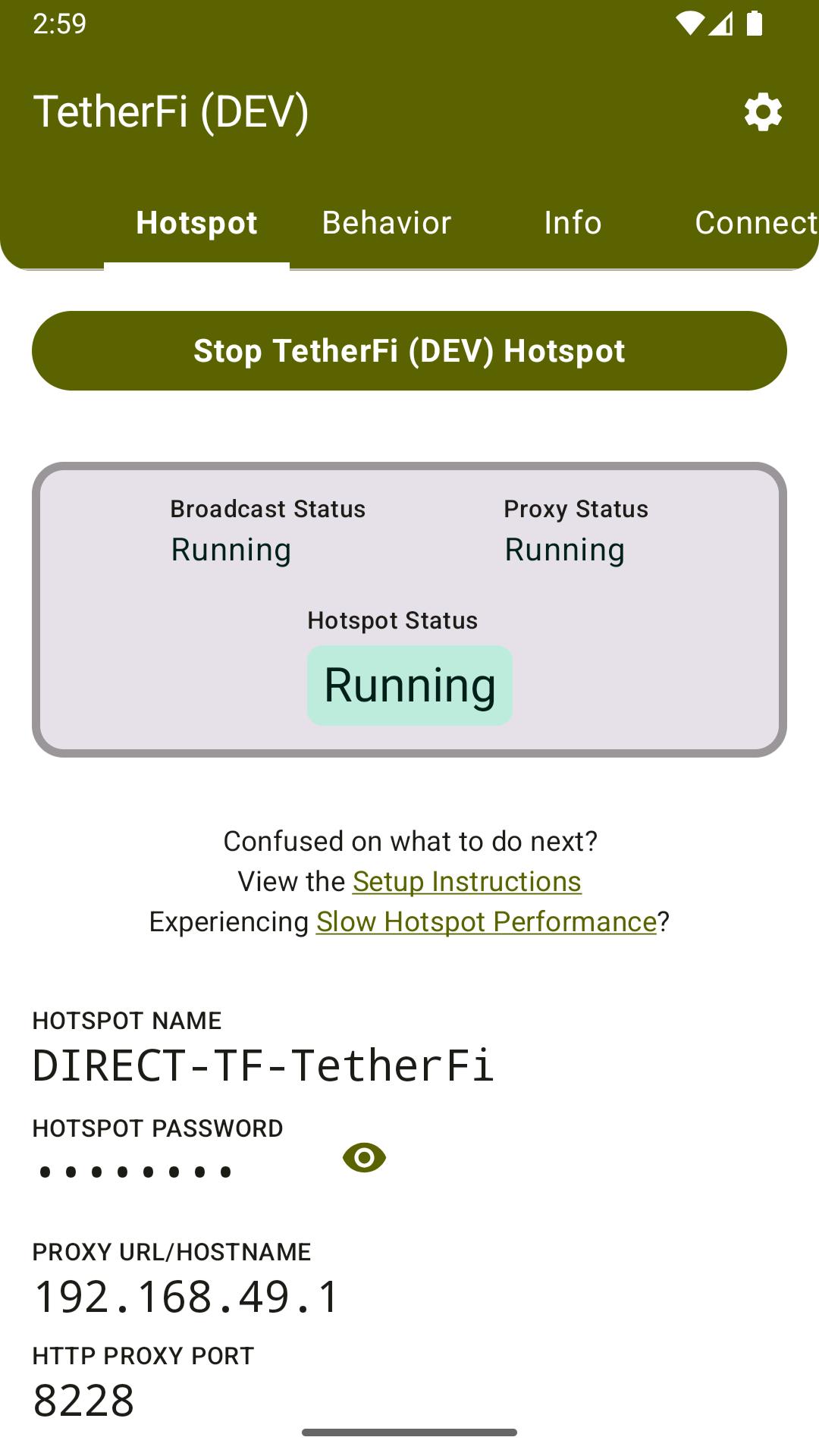
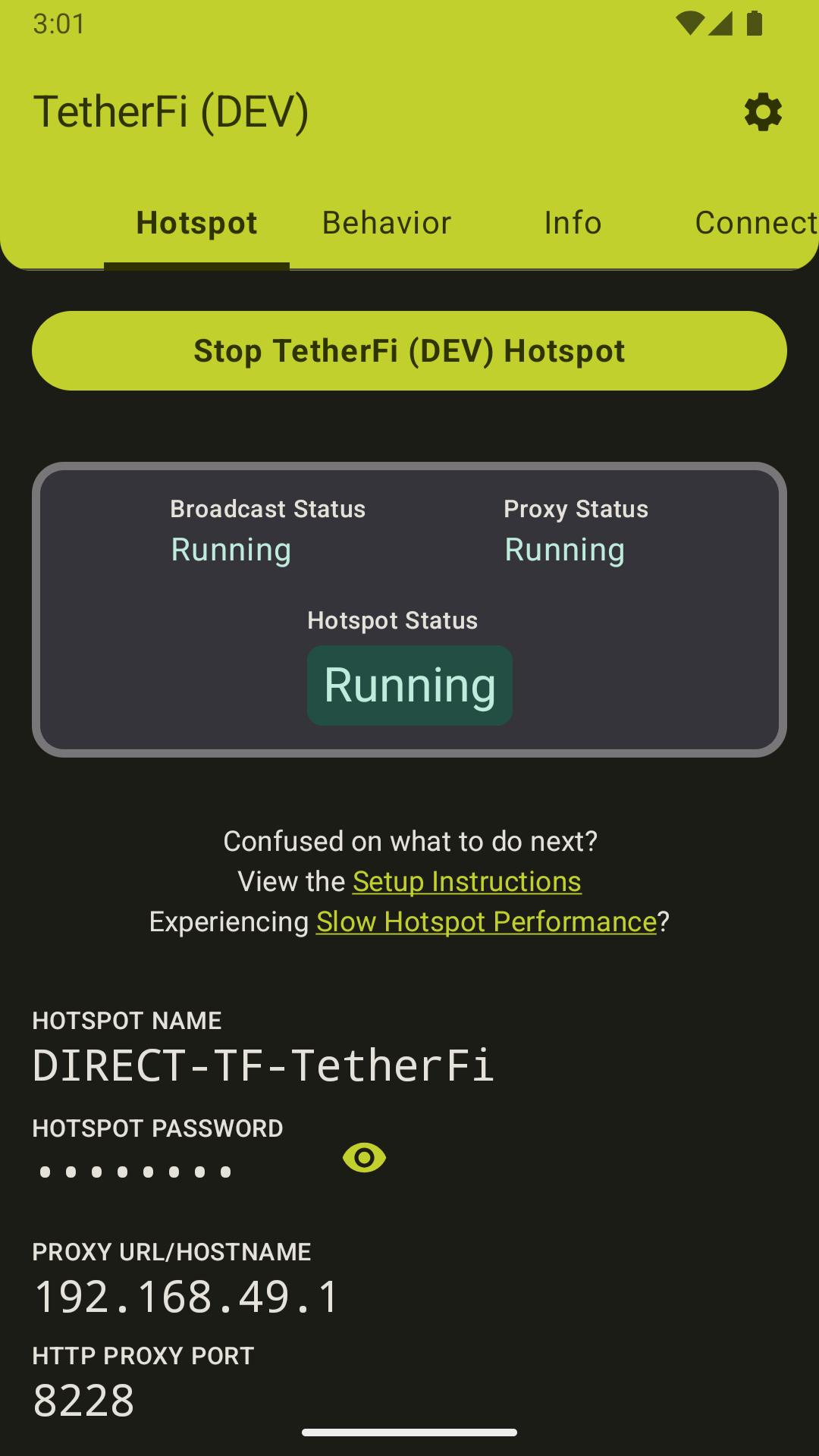
TetherFi uses a Foreground Service to create a long-running Wi-Fi Direct Network for other Connected Devices.
• What
Share your Android device's Internet connection with other devices without needing Root.
You will need at least one Android device with normal access to the Internet, either via Wi-Fi, or a mobile Data plan.
TetherFi works by creating a Wi-Fi Direct legacy group and an HTTP proxy server. Other devices can connect to the broadcasted Wi-Fi network, and connect to the Internet by setting the proxy server settings to the server created by TetherFi. You do not need a Hotspot data plan to use TetherFi, but the app works best with "unlimited" data plans.
• TetherFi may be for you if:
You want to share your Android's Wi-Fi or Mobile Data
You have an Unlimited Data and a Hotspot plan from your Carrier, but Hotspot has a data cap
You have an Unlimited Data and a Hotspot plan from your Carrier, but Hotspot has throttling
You do not have a mobile Hotspot plan
You wish to create a LAN between devices
Your home router has reached the device connection limit
• How
TetherFi uses a Foreground Service to create a long-running Wi-Fi Direct Network that other devices can connect to. Connected devices can exchange network data between each other. The user is in full control of this Foreground Service and can explicitly choose when to turn it on and off.
TetherFi is still a work in progress and not everything will work. For example, using the app to get an open NAT type on consoles is currently not possible. Using TetherFi for certain online apps, chat apps, video apps, and gaming apps is currently not possible. Some services such as email may be unavailable. General "normal" internet browsing should work fine - however, it is dependent on the speed and availability of your Android device's internet connection.
To see a list of apps that are known to not work currently, see the Wiki at https://github.com/pyamsoft/tetherfi/wiki/Known-Not-Working
• Privacy
TetherFi respects your privacy. TetherFi is open source, and always will be. TetherFi will never track you, or sell or share your data. TetherFi offers in-app purchases, which you may purchase to support the developer. These purchases are never required to use the application or any features.
• Development
TetherFi is developed in the open on GitHub at:
https://github.com/pyamsoft/tetherfi
If you know a few things about Android programming and want to help out with development, you can do so by creating issue tickets to squash bugs, and proposing feature requests.
Preview
Tags
ToolsInformation
Developer
pyamsoft apps
Latest Version
20250824-1
Last Updated
2025-08-25
Category
Tools
Available on
Google Play
Show More
How to play TetherFi with GameLoop on PC
1. Download GameLoop from the official website, then run the exe file to install GameLoop
2. Open GameLoop and search for “TetherFi” , find TetherFi in the search results and click “Install”
3. Enjoy playing TetherFi on GameLoop
Minimum requirements
OS
Windows 8.1 64-bit or Windows 10 64-bit
GPU
GTX 1050
CPU
i3-8300
Memory
8GB RAM
Storage
1GB available space
Recommended requirements
OS
Windows 8.1 64-bit or Windows 10 64-bit
GPU
GTX 1050
CPU
i3-9320
Memory
16GB RAM
Storage
1GB available space