
Teleprompter for Video-Script PC
vCut
Download Teleprompter for Video-Script on PC With GameLoop Emulator
Teleprompter for Video-Script on PC
Teleprompter for Video-Script, coming from the developer vCut, is running on Android systerm in the past.
Now, You can play Teleprompter for Video-Script on PC with GameLoop smoothly.
Download it in the GameLoop library or search results. No more eyeing the battery or frustrating calls at the wrong time any more.
Just enjoy Teleprompter for Video-Script PC on the large screen for free!
Teleprompter for Video-Script Introduction
PromptDog Teleprompter Pro for Video makes it easy to create professional-looking videos on your smartphone. It\u0027s perfect for anyone wanting to record a vlog, practise a speech or give a business communication. The app helps actors film self-tape auditions, religious leaders give sermons, job seekers create video resumes and much more.
Here\u0027s how it works...
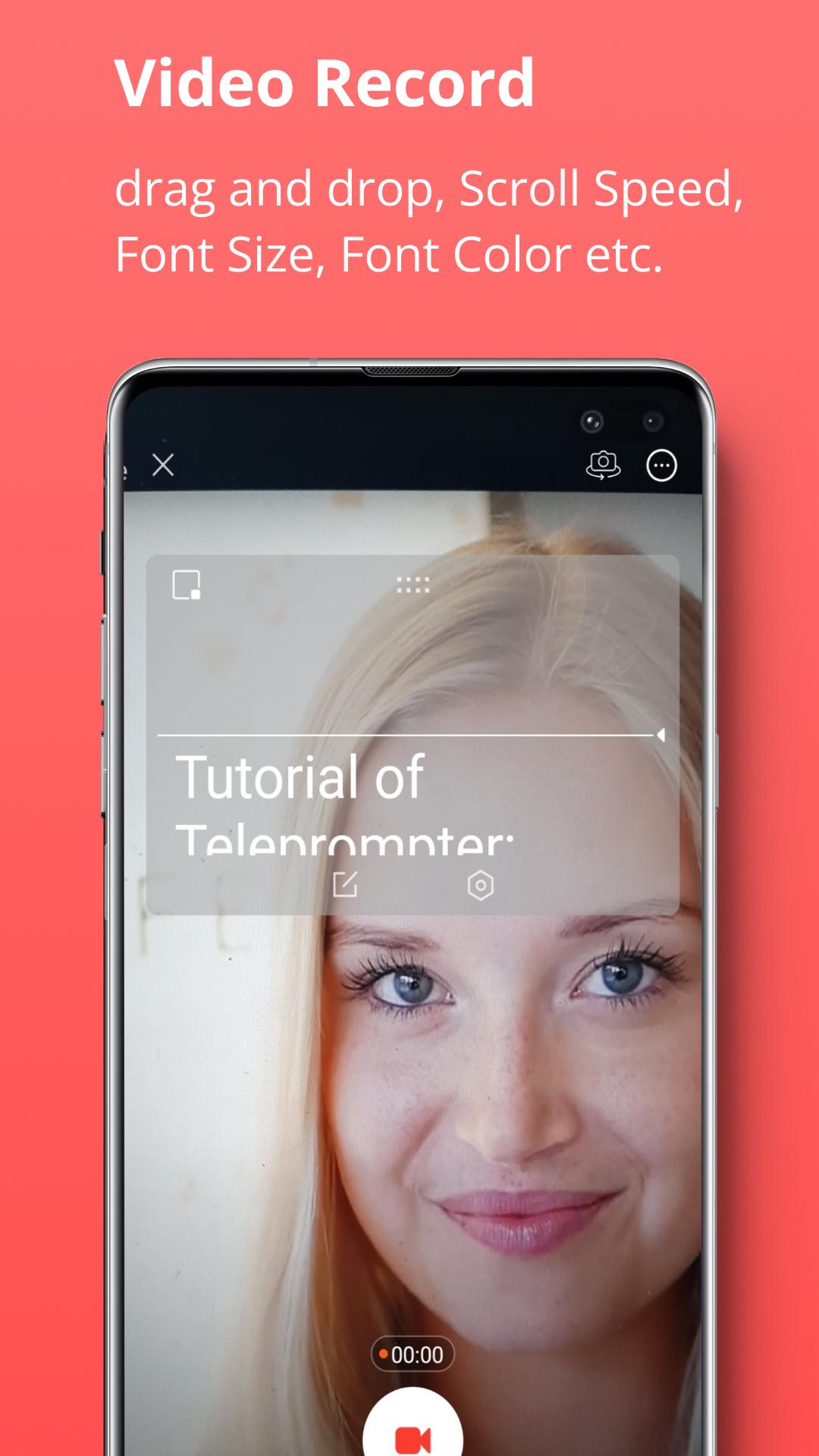
Read from a prompt while filming yourself in high definition. The teleprompter script (or autocue) scrolls next to the camera lens, helping you make eye contact with your audience.
They won\u0027t know you\u0027re reading from a prompt!
Then edit your video after recording. Add a logo and automatically caption the video using the timings from your recording (or export a .srt file for uploading captions on social media).
Here\u0027s a summary of all the features:
RECORD PRO VIDEOS WITHOUT EXPENSIVE EQUIPMENT
* Record videos using the front and rear-facing cameras.
* Record your video in landscape or portrait.
* Choose your camera resolution and frame rate based on what your device supports.
* Record sound using in-built and external microphones.
* Long tap to set AE/AF Lock.
* Pinch the screen to zoom.
* Display a 3x3 grid to help you position yourself.
* Video scrip like telereporter
A SIMPLE TO USE TELEPROMPTER
* Set a countdown to get into position and a countdown to automatically end recording when the teleprompter script reaches the end.
* Control the teleprompter app with a Bluetooth remote control, wireless keyboard or foot pedal. Using a remote control you can start and stop the video recording as well as control the scrolling script (start / pause / resume / adjust speed).
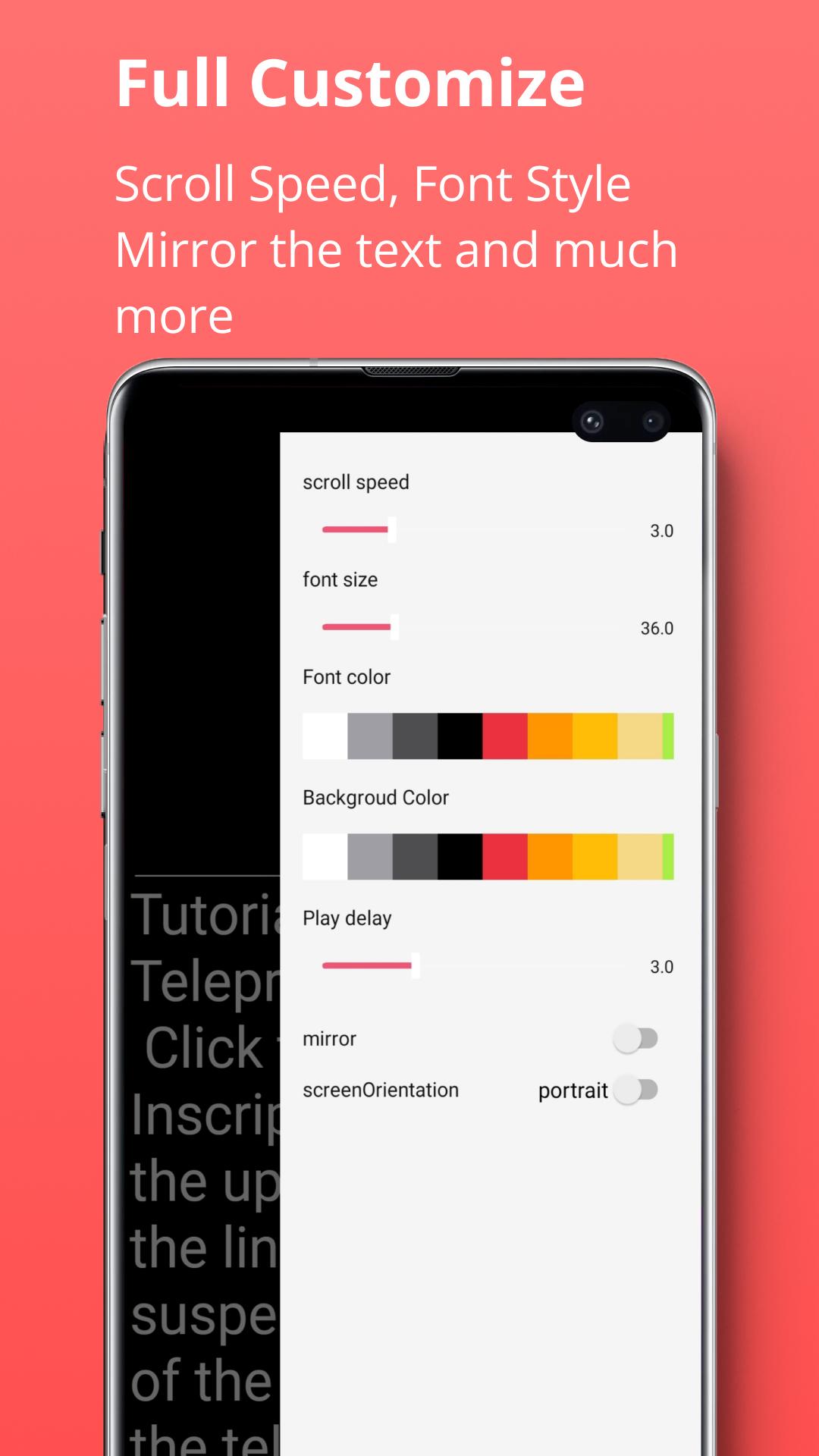
* Mirror the script for use in a pro teleprompter rig device.
* Adjust the font size, scrolling speed and many other settings.
EASILY MANAGE SCRIPTS ON MULTIPLE DEVICES
* Import your scripts from Dropbox, Google Drive, OneDrive or iCloud in .doc, .docx, .txt, .rtf, .pdf formats.
* Share teleprompter scripts across different devices.
* Format your scripts in Rich Text to make them easier to read.
Preview
Tags
ToolsInformation
Developer
vCut
Latest Version
1.3.6
Last Updated
2022-12-13
Category
Tools
Available on
Google Play
Show More
How to play Teleprompter for Video-Script with GameLoop on PC
1. Download GameLoop from the official website, then run the exe file to install GameLoop
2. Open GameLoop and search for “Teleprompter for Video-Script” , find Teleprompter for Video-Script in the search results and click “Install”
3. Enjoy playing Teleprompter for Video-Script on GameLoop
Minimum requirements
OS
Windows 8.1 64-bit or Windows 10 64-bit
GPU
GTX 1050
CPU
i3-8300
Memory
8GB RAM
Storage
1GB available space
Recommended requirements
OS
Windows 8.1 64-bit or Windows 10 64-bit
GPU
GTX 1050
CPU
i3-9320
Memory
16GB RAM
Storage
1GB available space