
Tap Tap Me - Hand Speed Test PC
hunterxstone
Download Tap Tap Me - Hand Speed Test on PC With GameLoop Emulator
Tap Tap Me - Hand Speed Test on PC
Tap Tap Me - Hand Speed Test, coming from the developer hunterxstone, is running on Android systerm in the past.
Now, You can play Tap Tap Me - Hand Speed Test on PC with GameLoop smoothly.
Download it in the GameLoop library or search results. No more eyeing the battery or frustrating calls at the wrong time any more.
Just enjoy Tap Tap Me - Hand Speed Test PC on the large screen for free!
Tap Tap Me - Hand Speed Test Introduction
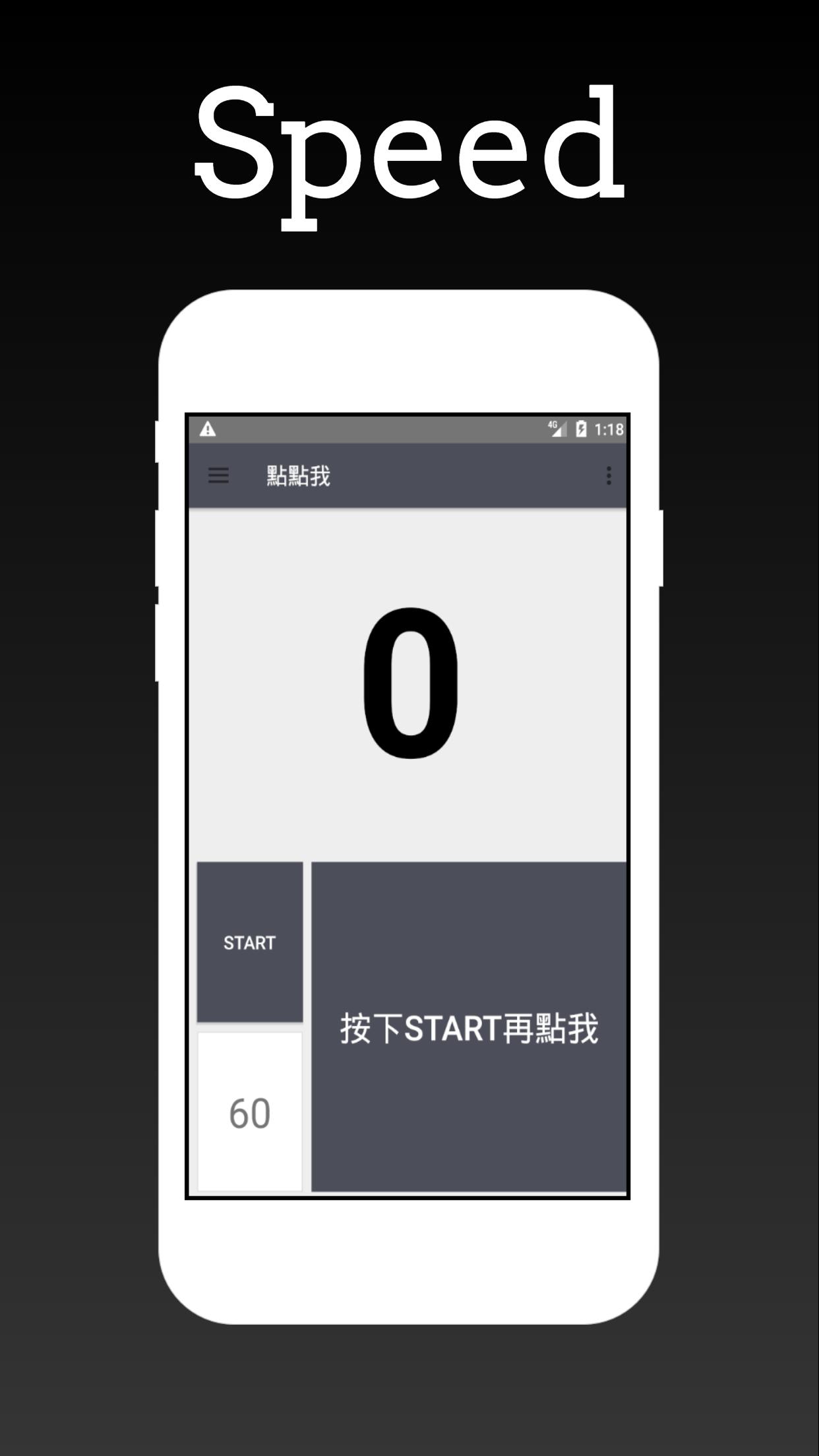
Unleash your tapping speed! Download "Tap Tap Me", the ultimate hand speed testing application, and challenge yourself to the limit of screen taps in just one minute. Not only that, you can also compete with players from all over the world on the global leaderboard to see how well you perform. Moreover, "Tap Tap Me" also provides an osu! style practice mode, through which you can enhance your hand-eye coordination and accuracy by continually challenging yourself.
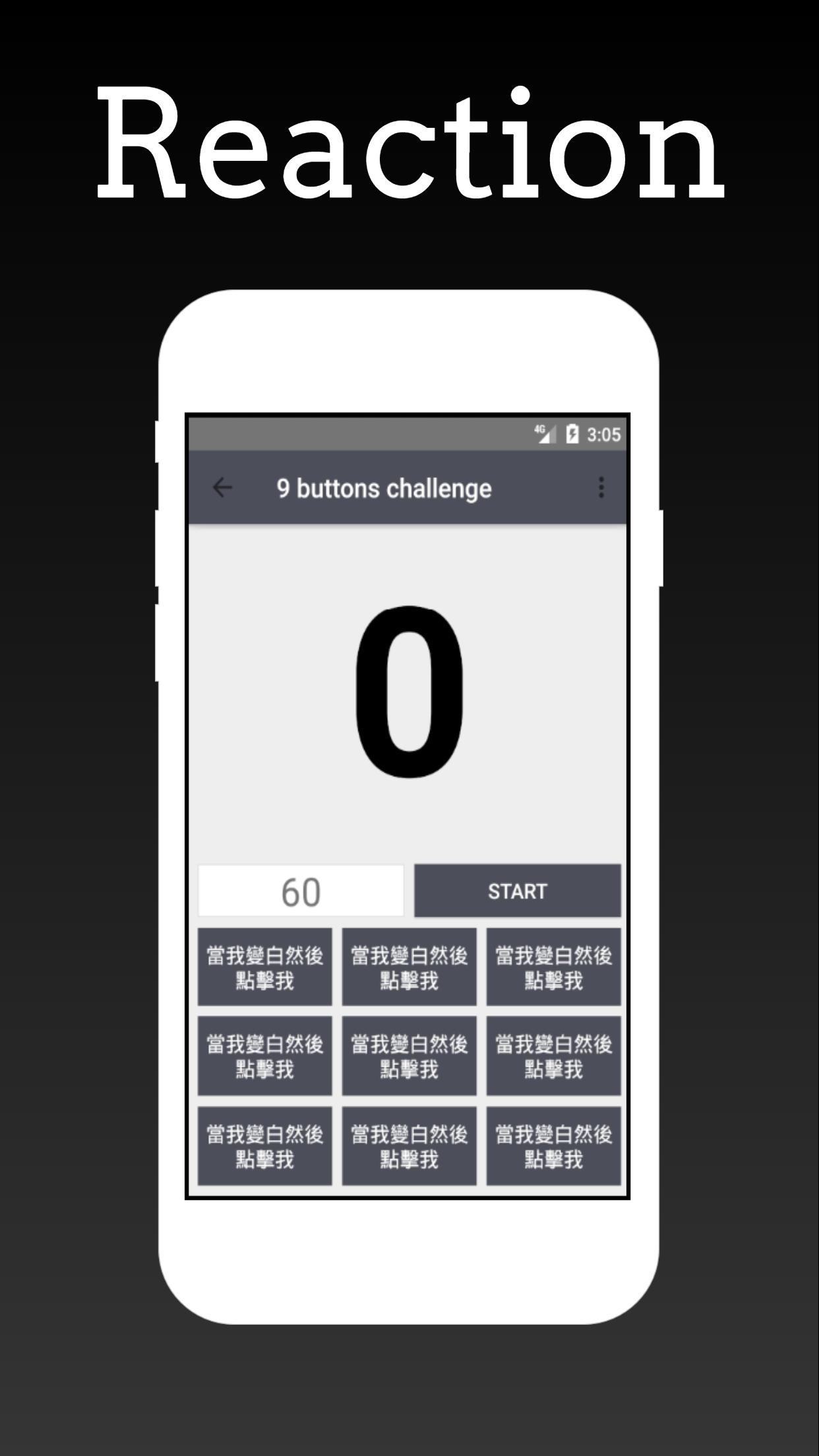
"Tap Tap Me" offers 11 unique games for players to choose from. Whether you want to challenge your hand speed limit or simply want to maintain agility and quick reaction time, it is an excellent choice. In addition, this application also has an easy-to-use interface, allowing you to start the game without tedious settings.
Here are the features of "Tap Tap Me":
Test your hand speed and reaction time in one minute: Challenge yourself to the limit of screen taps in just one minute, thereby improving your hand speed and reaction skills.
Use the osu! style practice mode to enhance hand-eye coordination and accuracy: Through this mode, you can mimic the osu! gameplay to further strengthen your hand-eye coordination and accuracy.
Track your progress with historical records: "Tap Tap Me" can help you record various data during your gaming journey, allowing you to view your progress at any time.
Compete with others on the global leaderboard: You can compare your game results with players on the global leaderboard, challenging yourself to become the best clicker.
11 unique games to test your hand speed: "Tap Tap Me" offers 11 different styled games for you to challenge, ensuring that you can always find a game mode that suits you.
The design philosophy of "Tap Tap Me" is to allow players to improve their hand speed and reaction skills while enjoying the game. The various challenges in the game require players to quickly and accurately tap the screen, which not only trains the flexibility of the players' fingers, but also improves their reaction speed and accuracy.
In addition, "Tap Tap Me" also has a user-friendly interface. The simple and clear design allows you to easily find the features you need. Whether you want to view your game history record, or want to challenge other players on the global leaderboard, you can quickly find the features you need in "Tap Tap Me".
Worth mentioning is that the global leaderboard of "Tap Tap Me" not only gives you the opportunity to compete with players worldwide but also lets you see your progress. After each game, your score will be recorded on the leaderboard. You can check your ranking at any time and challenge yourself to surpass higher scores.
Finally, "Tap Tap Me" also has a variety of game modes for you to choose from. These 11 unique game modes each have their characteristics, whether you want to challenge your speed limit or simply want to practice improving hand-eye coordination, you can find a game mode that suits you.
Download "Tap Tap Me" now! Start your tapping challenge, improve your hand speed and reaction time, and prove your strength on the global leaderboard! "Tap Tap Me" is looking forward to your participation, competing to your heart's content in the world of tapping!
Preview
Tags
ToolsInformation
Developer
hunterxstone
Latest Version
1.4
Last Updated
2024-09-07
Category
Tools
Available on
Google Play
Show More
How to play Tap Tap Me - Hand Speed Test with GameLoop on PC
1. Download GameLoop from the official website, then run the exe file to install GameLoop
2. Open GameLoop and search for “Tap Tap Me - Hand Speed Test” , find Tap Tap Me - Hand Speed Test in the search results and click “Install”
3. Enjoy playing Tap Tap Me - Hand Speed Test on GameLoop
Minimum requirements
OS
Windows 8.1 64-bit or Windows 10 64-bit
GPU
GTX 1050
CPU
i3-8300
Memory
8GB RAM
Storage
1GB available space
Recommended requirements
OS
Windows 8.1 64-bit or Windows 10 64-bit
GPU
GTX 1050
CPU
i3-9320
Memory
16GB RAM
Storage
1GB available space