Super Music Booster: Player PC
The Sun App Developers
Download Super Music Booster: Player on PC With GameLoop Emulator
Super Music Booster: Player on PC
Super Music Booster: Player, coming from the developer The Sun App Developers, is running on Android systerm in the past.
Now, You can play Super Music Booster: Player on PC with GameLoop smoothly.
Download it in the GameLoop library or search results. No more eyeing the battery or frustrating calls at the wrong time any more.
Just enjoy Super Music Booster: Player PC on the large screen for free!
Super Music Booster: Player Introduction
Super Music Booster will help you to control all of the sounds volume in your phone! You can apply two booster algorithms on your music files and get best quality of the music on your ears. So it will boost volume upto 10- 30 % and you can also apply equalizer presets modes to your music player. What's more It will boost your volumes to the maximum level and you will enjoy more while listening music ! and By this new Super Music App you can increase your volume up to 10-30% and if you have problem in hearing, you can use this app to get help! If you like our app, please leave us feedback, thus supporting the future development of this app. Now download the Super Music Booster to your smartphone and get advantages from using them right now.
Note:
✓ it is easy to use !
✓ No special permissions required!
✓ Simple UI
✓ Instant Developer Support
Super Music Booster features:
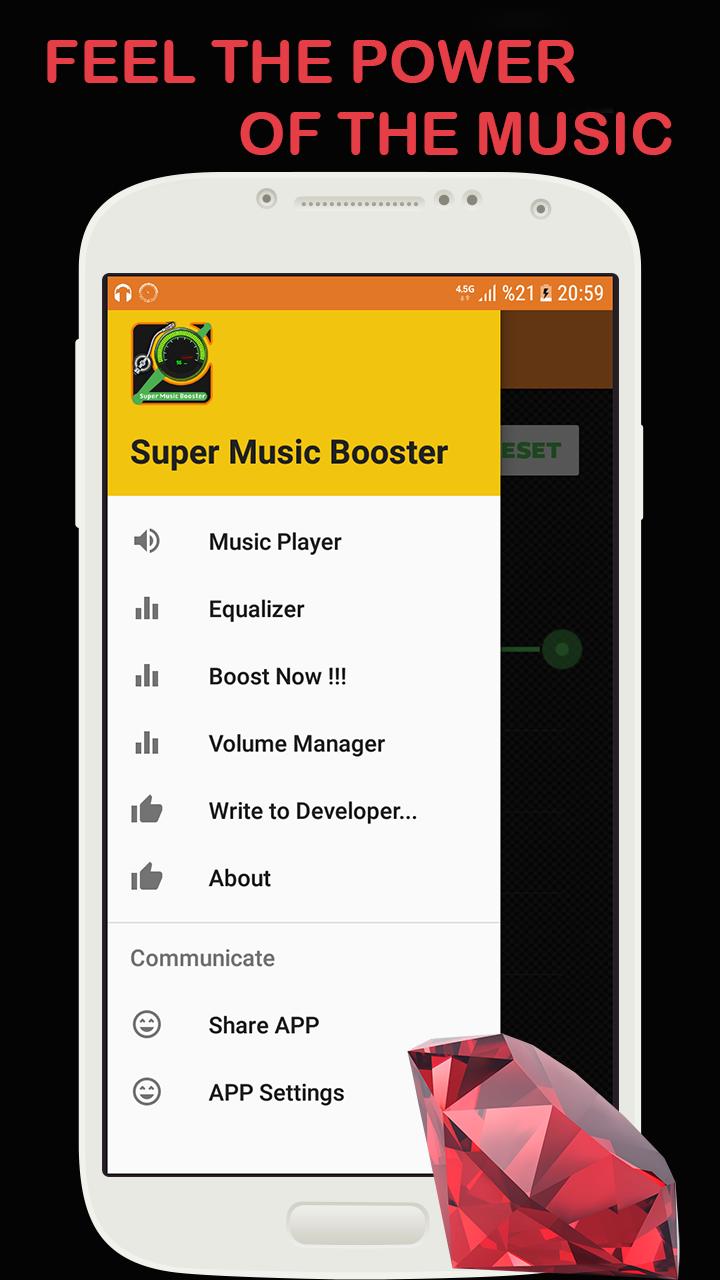
✓ Control All Volumes in Your Mobile.
✓ Two Booster Algorithm.
✓ 10-30 % Gain.
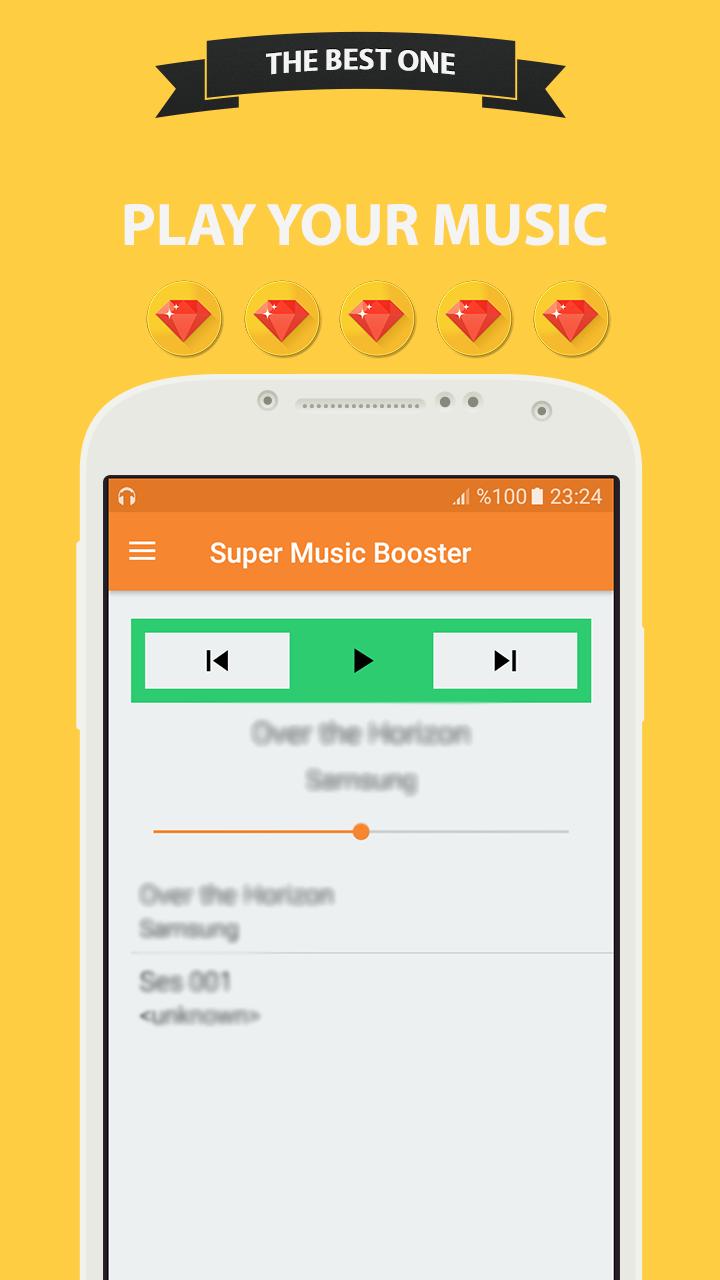
✓ Best Music Player.
✓ Music Player Widget.
Super Music Booster features More:
✓ Easily Play Music and apply boost on it
✓ Clean and Smooth Equalizer Presets.
✓ Multiple Music Algorithms.
✓ Satisfaction is guaranteed in Presets.
1) How to use Super Music Booster:
✓ Play your Desired Music.
✓ Open one of the Booster Algorithms.
✓ Enjoy Quality of the New Music.
2) How to use Super Music Booster:
✓ Play your Desired Music.
✓ Open one of the Booster Algorithm and apply one of them.
✓ Enjoy Quality of the New Music.
Advertising Policy Disclosure:
We love creating apps, and want to keep them free forever.
In order to keep our development running, Super Music Booster is ad-supported to generate some revenue.
Thank you for understanding.
DISCLAIMER: This app in no way that can damage your phone!
Preview
Tags
ToolsInformation
Developer
The Sun App Developers
Latest Version
22.1
Last Updated
2023-03-29
Category
Tools
Available on
Google Play
Show More
How to play Super Music Booster: Player with GameLoop on PC
1. Download GameLoop from the official website, then run the exe file to install GameLoop
2. Open GameLoop and search for “Super Music Booster: Player” , find Super Music Booster: Player in the search results and click “Install”
3. Enjoy playing Super Music Booster: Player on GameLoop
Minimum requirements
OS
Windows 8.1 64-bit or Windows 10 64-bit
GPU
GTX 1050
CPU
i3-8300
Memory
8GB RAM
Storage
1GB available space
Recommended requirements
OS
Windows 8.1 64-bit or Windows 10 64-bit
GPU
GTX 1050
CPU
i3-9320
Memory
16GB RAM
Storage
1GB available space