
Ad blocker for Android PC
Stands
Download Ad blocker for Android on PC With GameLoop Emulator
Ad blocker for Android on PC
Ad blocker for Android, coming from the developer Stands, is running on Android systerm in the past.
Now, You can play Ad blocker for Android on PC with GameLoop smoothly.
Download it in the GameLoop library or search results. No more eyeing the battery or frustrating calls at the wrong time any more.
Just enjoy Ad blocker for Android PC on the large screen for free!
Ad blocker for Android Introduction
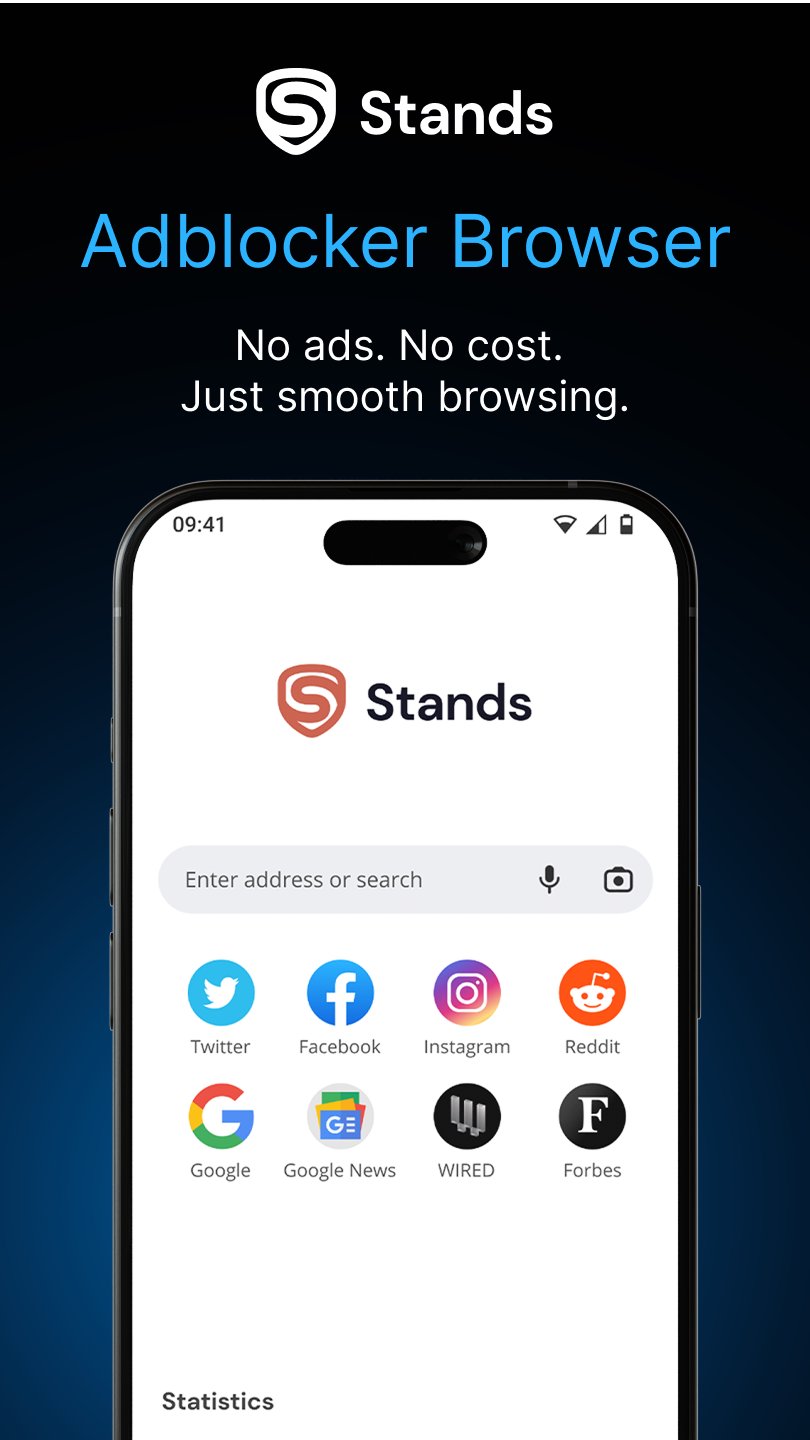
Ad Blocker for Android - Stands Browser delivers a smooth and fast browsing experience by effectively blocking ads.
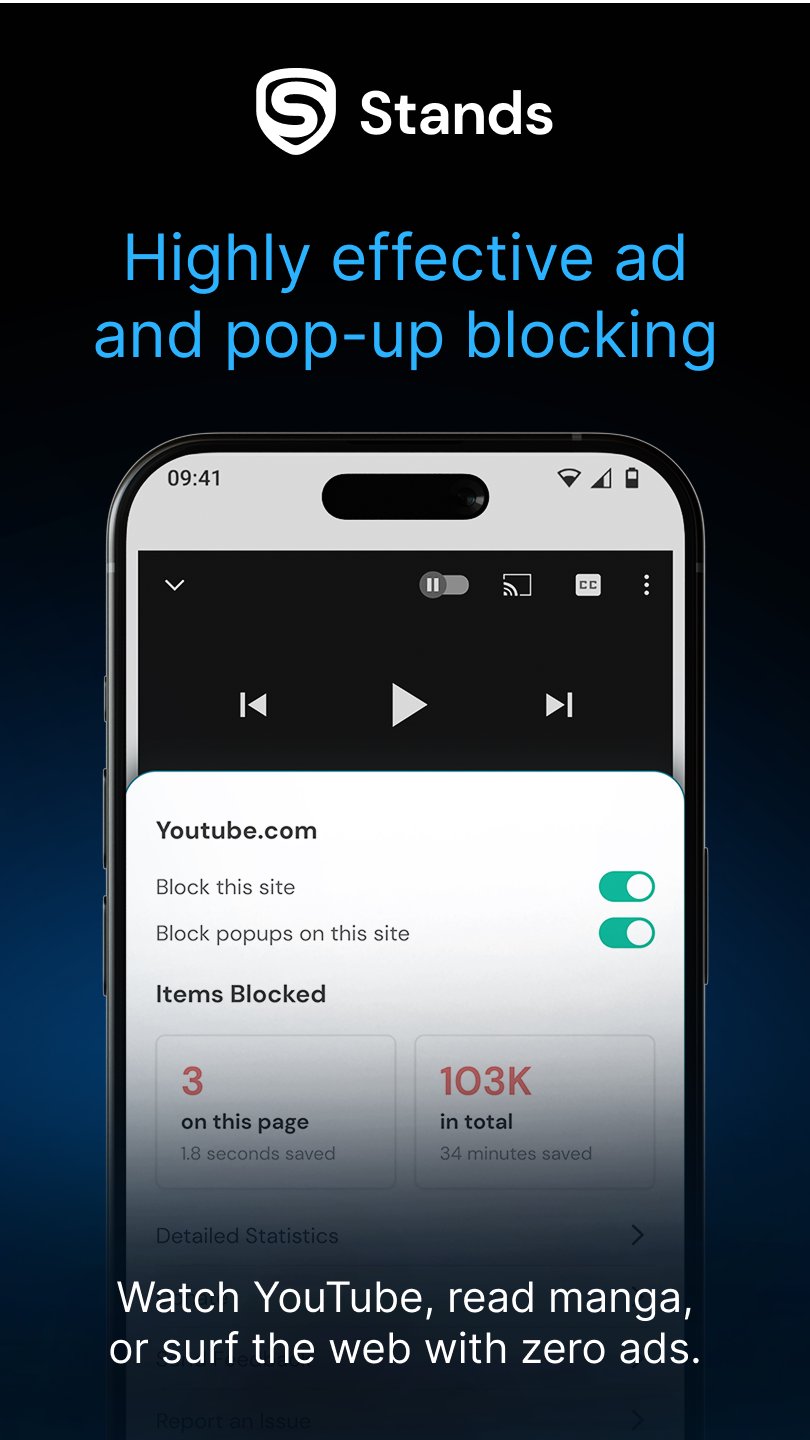
This advanced browser eliminates pop-ups, banners, video ads, and trackers across all websites and social platforms.
Key Features:
- Complete Ad Protection: Removes all advertisement types, including pop-ups, banners, and video content, for distraction-free browsing
- Enсhanced Performance: Experience faster page loads, reduced data consumption, and extended battery life through efficient ad filtering
- Privacy Control: Browse privately with incognito mode and customizable blocking preferences to suit your needs
Take control of your browsing experience with Stands Browser by choosing which ads you want to block:
- Pop-up Windows
- YouTube Ads
- Facebook Ads
- Twitch Ads
- Banners
- Video Ads
- Ad Trackers
- Embedded Website Ads
- Full-Screen Ads
Customization Options: Manage your browsing environment by adjusting whitelists, blocking intensity, and personalizing your ad-free settings. The browser allows you to decide which content to allow while maintaining comprehensive protection.
FAQs about Stands Browser:
1. How does Stands AdBlocker Browser compare to other ad-blocking solutions like AdBlock Browser, FAB Adblocker Browser, or Ghoster Privacy Browser?
- Stands Browser is an ad blocker for Android, designed for fast, private web browsing. It is also a powerful ad blocker for YouTube.
2. How does the ad-blocking technology in Stands Browser handle whitelisting of websites and ads, and can users customize this feature?
- With Stands, you can easily manage your whitelists and decide which websites and ads to allow by customizing your ad-free settings.
Privacy:
- PRIVACY POLICY: https://www.standsapp.org/privacy-policy/
- END USER LICENSE AGREEMENT: https://www.standsapp.org/end-user-license-agreement/
Contact Information and Support:
For support, please visit the Stands Support Center on our site or contact us via email at info@standsapp.org or support@standsapp.org.
Preview
Tags
ToolsCommunicationsBoardInformation
Developer
Stands
Latest Version
130.0.2022000107
Last Updated
2025-12-04
Category
Tools
Available on
Google Play
Show More
How to play Ad blocker for Android with GameLoop on PC
1. Download GameLoop from the official website, then run the exe file to install GameLoop
2. Open GameLoop and search for “Ad blocker for Android” , find Ad blocker for Android in the search results and click “Install”
3. Enjoy playing Ad blocker for Android on GameLoop
Minimum requirements
OS
Windows 8.1 64-bit or Windows 10 64-bit
GPU
GTX 1050
CPU
i3-8300
Memory
8GB RAM
Storage
1GB available space
Recommended requirements
OS
Windows 8.1 64-bit or Windows 10 64-bit
GPU
GTX 1050
CPU
i3-9320
Memory
16GB RAM
Storage
1GB available space