SYNC by Krisbow PC
Kawan Lama Retail
Download SYNC by Krisbow on PC With GameLoop Emulator
SYNC by Krisbow on PC
SYNC by Krisbow, coming from the developer Kawan Lama Retail, is running on Android systerm in the past.
Now, You can play SYNC by Krisbow on PC with GameLoop smoothly.
Download it in the GameLoop library or search results. No more eyeing the battery or frustrating calls at the wrong time any more.
Just enjoy SYNC by Krisbow PC on the large screen for free!
SYNC by Krisbow Introduction
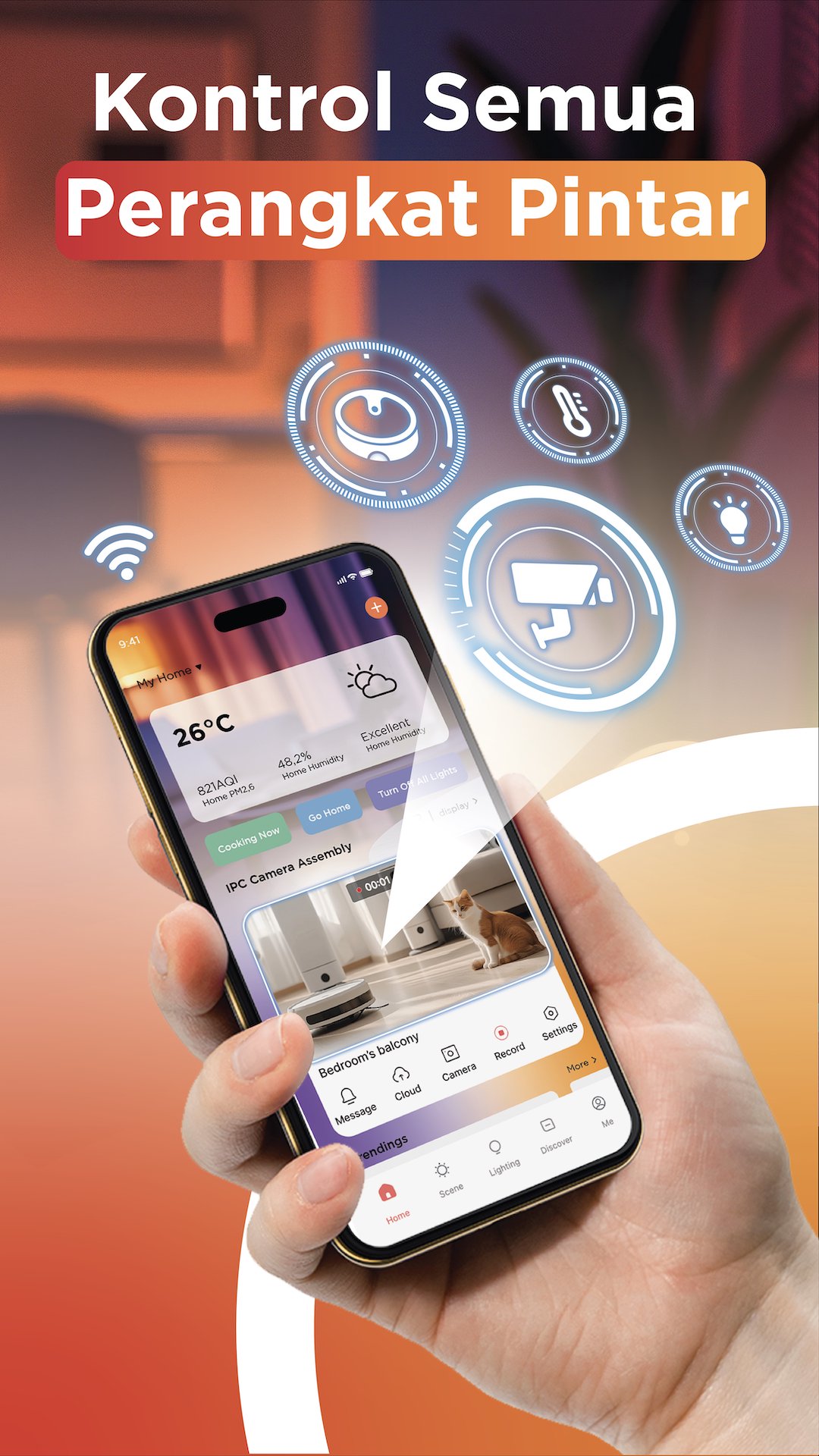
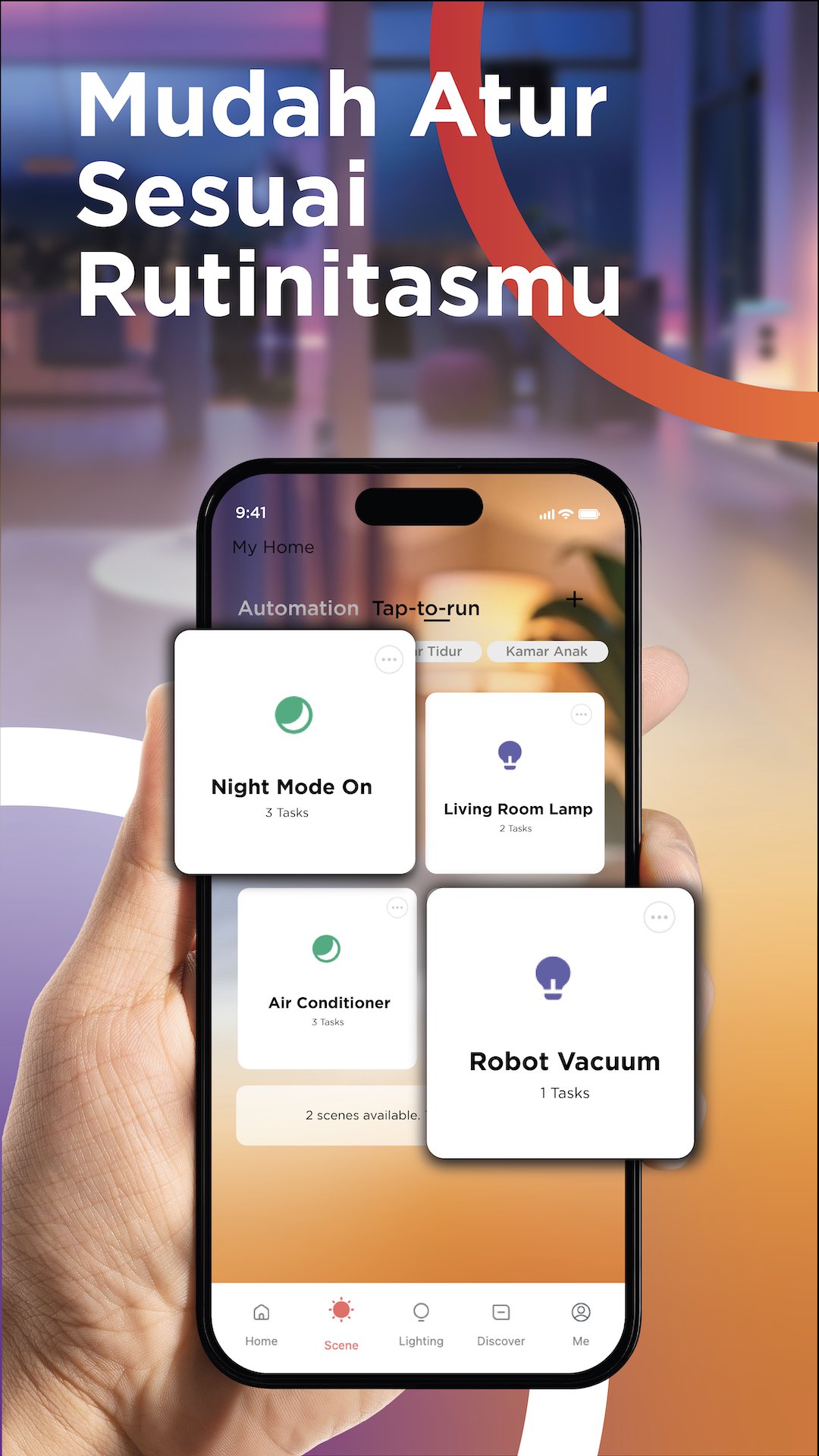
SYNC by KRISBOW is an integrated app for managing and controlling a variety of SYNC smart home products, from everyday essentials to specialized devices like safes, within a single ecosystem. Through a single app, users can easily add and control a variety of devices, from lighting, plugs, and doorbells to door locks and CCTV, both at home and remotely.
With SYNC, you can easily set up automation between devices, control them in real-time, and monitor their usage. Supported by various connections, voice assistants, smart notifications, and space management, smart homes are more practical and accessible to everyone.
Preview
Tags
ToolsInformation
Developer
Kawan Lama Retail
Latest Version
3.1.2
Last Updated
2026-07-20
Category
Tools
Available on
Google Play
Show More
How to play SYNC by Krisbow with GameLoop on PC
1. Download GameLoop from the official website, then run the exe file to install GameLoop
2. Open GameLoop and search for “SYNC by Krisbow” , find SYNC by Krisbow in the search results and click “Install”
3. Enjoy playing SYNC by Krisbow on GameLoop
Minimum requirements
OS
Windows 8.1 64-bit or Windows 10 64-bit
GPU
GTX 1050
CPU
i3-8300
Memory
8GB RAM
Storage
1GB available space
Recommended requirements
OS
Windows 8.1 64-bit or Windows 10 64-bit
GPU
GTX 1050
CPU
i3-9320
Memory
16GB RAM
Storage
1GB available space