
Copy My Data: Phone Transfer PC
Technoline Apps
Download Copy My Data: Phone Transfer on PC With GameLoop Emulator
Copy My Data: Phone Transfer on PC
Copy My Data: Phone Transfer, coming from the developer Technoline Apps, is running on Android systerm in the past.
Now, You can play Copy My Data: Phone Transfer on PC with GameLoop smoothly.
Download it in the GameLoop library or search results. No more eyeing the battery or frustrating calls at the wrong time any more.
Just enjoy Copy My Data: Phone Transfer PC on the large screen for free!
Copy My Data: Phone Transfer Introduction
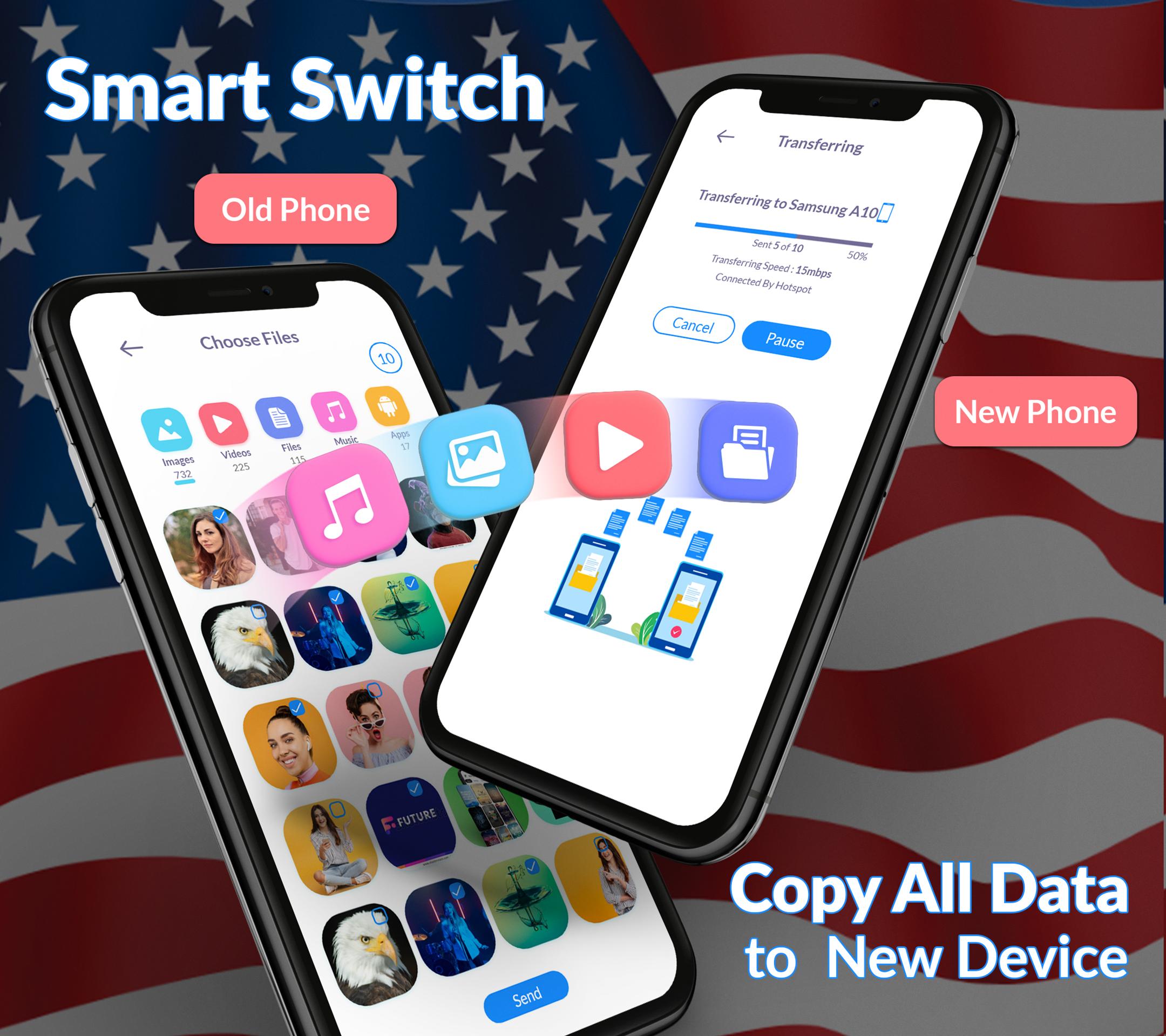
Discover the Smart Trasnfer: Copy my Data now and data transfer to a new device seamlessly. Now you don't have to worry about losing your valuable data; our smart clone app helps you data transfer without wasting time. Connect both phones to Wi-Fi and start transferring all your data with the smart transfer process.
Transfer large amounts of data without wasting your time and save important data, such as photos, videos, contacts, messages, data files, and audio files. Your data is precious, and we understand the importance of keeping it safe. Easily save your memories and important documents.
Benefits to choose Data Transfer : Copy my Data.
Data transfer without computer
Smart mobile transfer
Simple transfer
Quick share & Fully secure
Fast files sharing
Transfer all data
Send any single folder
Smart transfer process
Phone clone
Send anywhere
Content transfer is much easier and more efficient with the smart transfer app, which makes your data transfer act completely secure. We've created the smart data transfer app, where you can quickly data transfer to your new device eliminating the need for a trusted app for content transfer.
Transfer my data:
Easily transfer your data with smart share. Transfer your data and memories to a new phone easily and without losing them. Transfer my data allows you to transfer music, messages, contacts, photos, and more. Content transfer is no need to email yourself or deal with cables just select the content you want to transfer and watch it move seamlessly between your devices.
Data Transfer : Copy my data app unique features:
o Photo transfer
o Send files
o Receive files
o Phone clone
o Content transfer
o The process of file sharing is very fast
o View the used and available space on your phone.
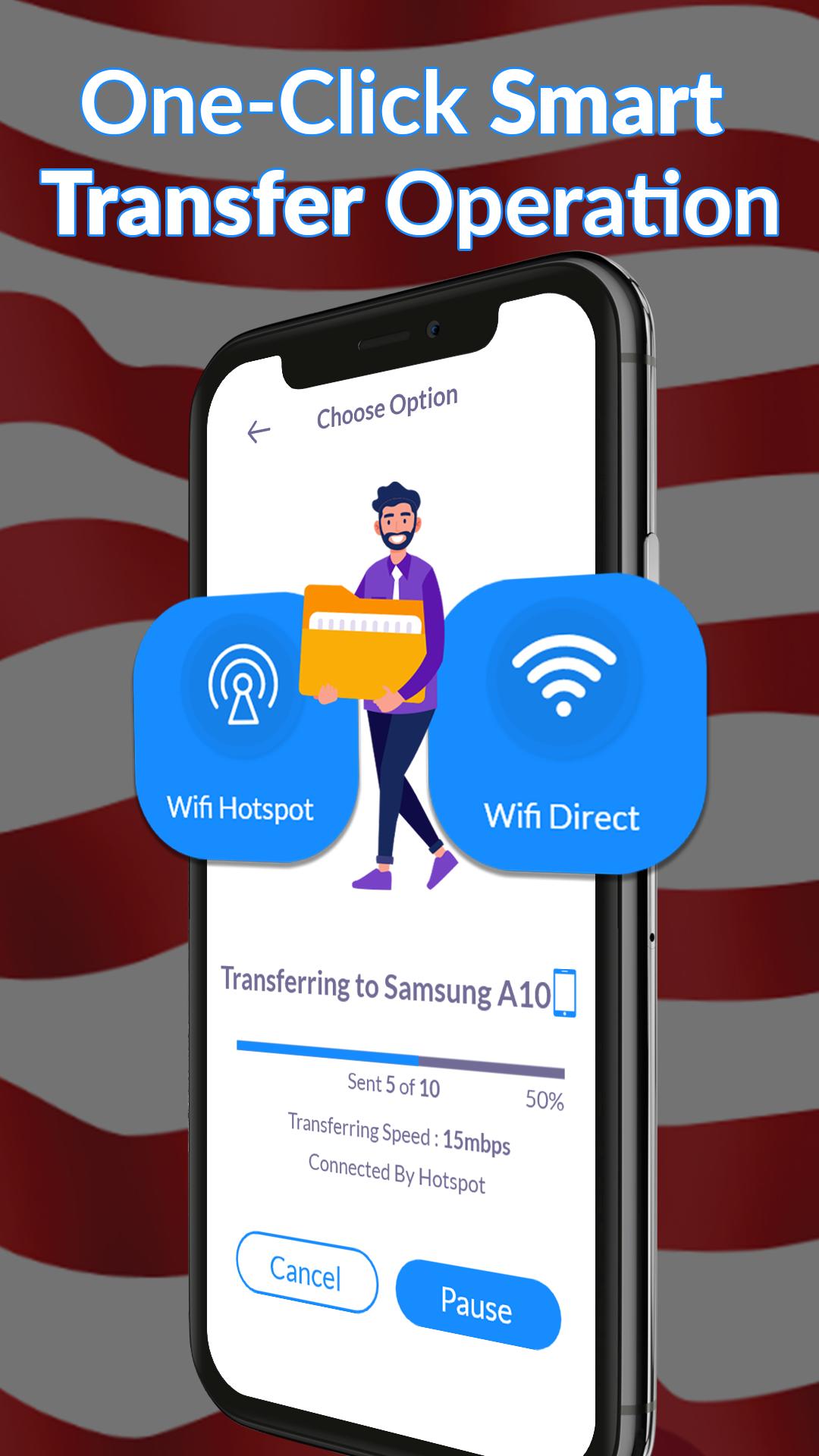
o At any time, you can pause and resume the data transfer operation
Smart switch data transfer:
Explore the smart switch now and use the smart transfer process to your contacts, photos, videos, and other content from one to another phone. With just a few simple steps, you can easily move your data and save valuable time and energy. The smart switch data transfer provides the history of your all data sent and received is completely secure.
Switch mobile transfer:
If your phone is damaged and you need to replace it and you are worried about losing your data, you can now choose smart switch mobile transfer all your old data to your new one. Transferring data with the switch mobile transfer app is very easy. Transfer all your valuable content and file transfer from one phone to another phone and make your mobile transfer process so easy.
Phone clone :
In a few taps, you can clone your entire phone, including contacts, photos, messages, and apps. Transfer all data wirelessly in just a few taps and enjoy a seamless simple transfer to your new device. Phone clone ensures a complete and safe transfer.
Content transfer:
Transfer file, contacts, videos, and media seamlessly across all your devices. Transferring data between phones is made effortless with phone clone. Smart switch data transfer easily your content from your old phone to your new one.
Download the smart switch : copy my data app now and transfer your content and memories to your new phone with ease.
Preview
Tags
ToolsInformation
Developer
Technoline Apps
Latest Version
4.4.9
Last Updated
2025-09-12
Category
Tools
Available on
Google Play
Show More
How to play Copy My Data: Phone Transfer with GameLoop on PC
1. Download GameLoop from the official website, then run the exe file to install GameLoop
2. Open GameLoop and search for “Copy My Data: Phone Transfer” , find Copy My Data: Phone Transfer in the search results and click “Install”
3. Enjoy playing Copy My Data: Phone Transfer on GameLoop
Minimum requirements
OS
Windows 8.1 64-bit or Windows 10 64-bit
GPU
GTX 1050
CPU
i3-8300
Memory
8GB RAM
Storage
1GB available space
Recommended requirements
OS
Windows 8.1 64-bit or Windows 10 64-bit
GPU
GTX 1050
CPU
i3-9320
Memory
16GB RAM
Storage
1GB available space