
Smart Cooler: Mobile Cooling Master PC
Mobo Widget
Download Smart Cooler: Mobile Cooling Master on PC With GameLoop Emulator
Smart Cooler: Mobile Cooling Master on PC
Smart Cooler: Mobile Cooling Master, coming from the developer Mobo Widget, is running on Android systerm in the past.
Now, You can play Smart Cooler: Mobile Cooling Master on PC with GameLoop smoothly.
Download it in the GameLoop library or search results. No more eyeing the battery or frustrating calls at the wrong time any more.
Just enjoy Smart Cooler: Mobile Cooling Master PC on the large screen for free!
Smart Cooler: Mobile Cooling Master Introduction
Smart Cooler: Mobile Cooling Master is a simple cooling app that reduce your CPU usage and cool down your phone in just one tap. With real-time temperature monitor and heating app controlling, Smart Cooler can keep your phone cooling and extend the life of your phone, especially the phone CPU.
Smart Cooler Features:
❄ Real-time Temperature Monitor
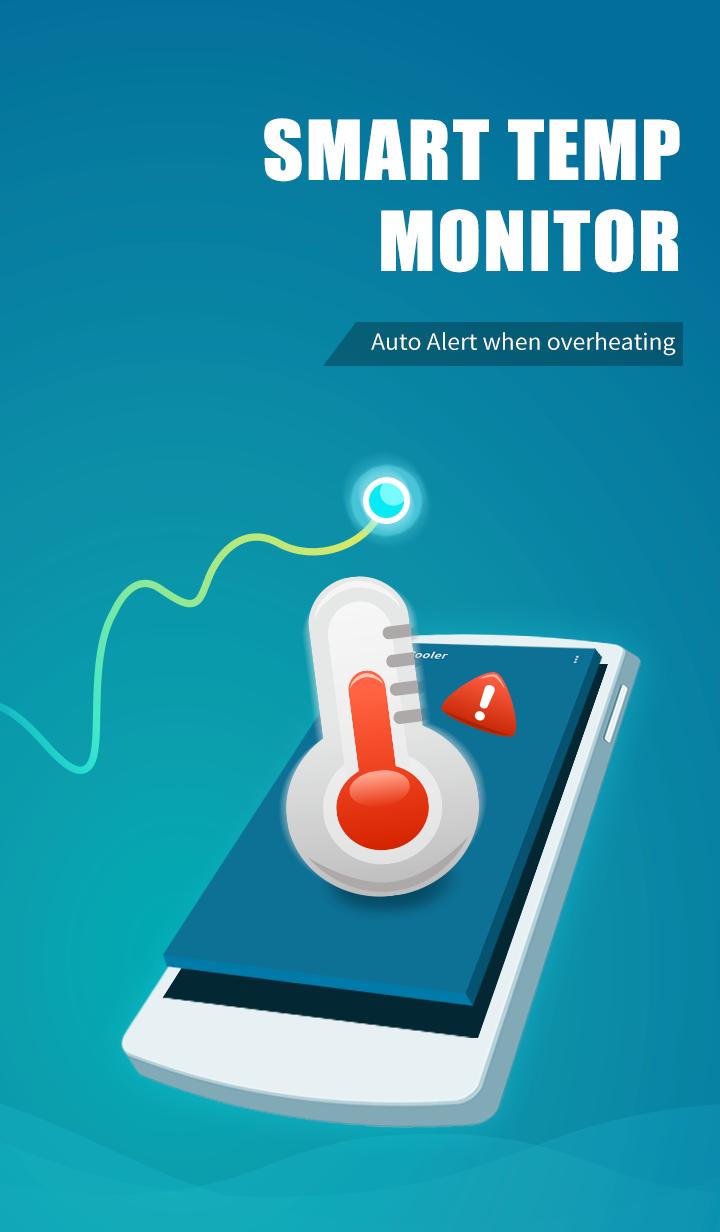
Monitors and logs the device temperature in real time, displays temperature changes and alerts you when it's overheating.
❄ Find Heat Apps Base On Exact Algorithms
High CPU usage causes overheating. Just one tap to scan the CPU status and find the overheating apps.
❄ One-Tap To Cool Down
Monitors the usage of CPU and Detects and disables overheating apps with one simple tap to reduce CPU usage and cool down CPU temperature. Moreover, you can choose any apps to keep.
❄ Smart Cooling
Cool down your mobile smartly and keep your phone safe and cool!
All the features listed above are available for free.
Install Smart Cooler now to keep your phone cooling! Please feel at ease to contact us via mobowidget@gmail.com if you have any feedback about our product & service.
⚠ Say No to Malicious ads
Devoted to bring a better mobile experience, MoboWidget Team developed Smart Cooler for people who need it. MoboWidget only cooperates with authorized affiliates and will never apply any kind of malicious promotions. If you believer you have encountered these ads, please help us to fight against these ads. Please report these advertising links and screenshots of these ads to us via mobowidget@gmail.com.
MoboWidget appreciates the support of every user!
Preview

Information
Developer
Mobo Widget
Latest Version
1.7.11
Last Updated
2018-06-14
Category
Tools
Available on
Google Play
Show More
How to play Smart Cooler: Mobile Cooling Master with GameLoop on PC
1. Download GameLoop from the official website, then run the exe file to install GameLoop
2. Open GameLoop and search for “Smart Cooler: Mobile Cooling Master” , find Smart Cooler: Mobile Cooling Master in the search results and click “Install”
3. Enjoy playing Smart Cooler: Mobile Cooling Master on GameLoop
Minimum requirements
OS
Windows 8.1 64-bit or Windows 10 64-bit
GPU
GTX 1050
CPU
i3-8300
Memory
8GB RAM
Storage
1GB available space
Recommended requirements
OS
Windows 8.1 64-bit or Windows 10 64-bit
GPU
GTX 1050
CPU
i3-9320
Memory
16GB RAM
Storage
1GB available space