Simple PDF Reader & Viewer PC
Android Tools (ru)
Download Simple PDF Reader & Viewer on PC With GameLoop Emulator
Simple PDF Reader & Viewer on PC
Simple PDF Reader & Viewer, coming from the developer Android Tools (ru), is running on Android systerm in the past.
Now, You can play Simple PDF Reader & Viewer on PC with GameLoop smoothly.
Download it in the GameLoop library or search results. No more eyeing the battery or frustrating calls at the wrong time any more.
Just enjoy Simple PDF Reader & Viewer PC on the large screen for free!
Simple PDF Reader & Viewer Introduction
Reading PDF documents is convenient and easy on your phone. Simple PDF Reader makes reading e-books, documents, textbooks and any PDF files easy. The reader is lightweight and easy to use, yet powerful and packed with features.
Simple PDF Reader automatically finds all documents stored on your device and builds a list of PDF files — just pick the one you want to read. The app works fully offline: all your books and documents are available anywhere, and every PDF opens for free.
Main features:
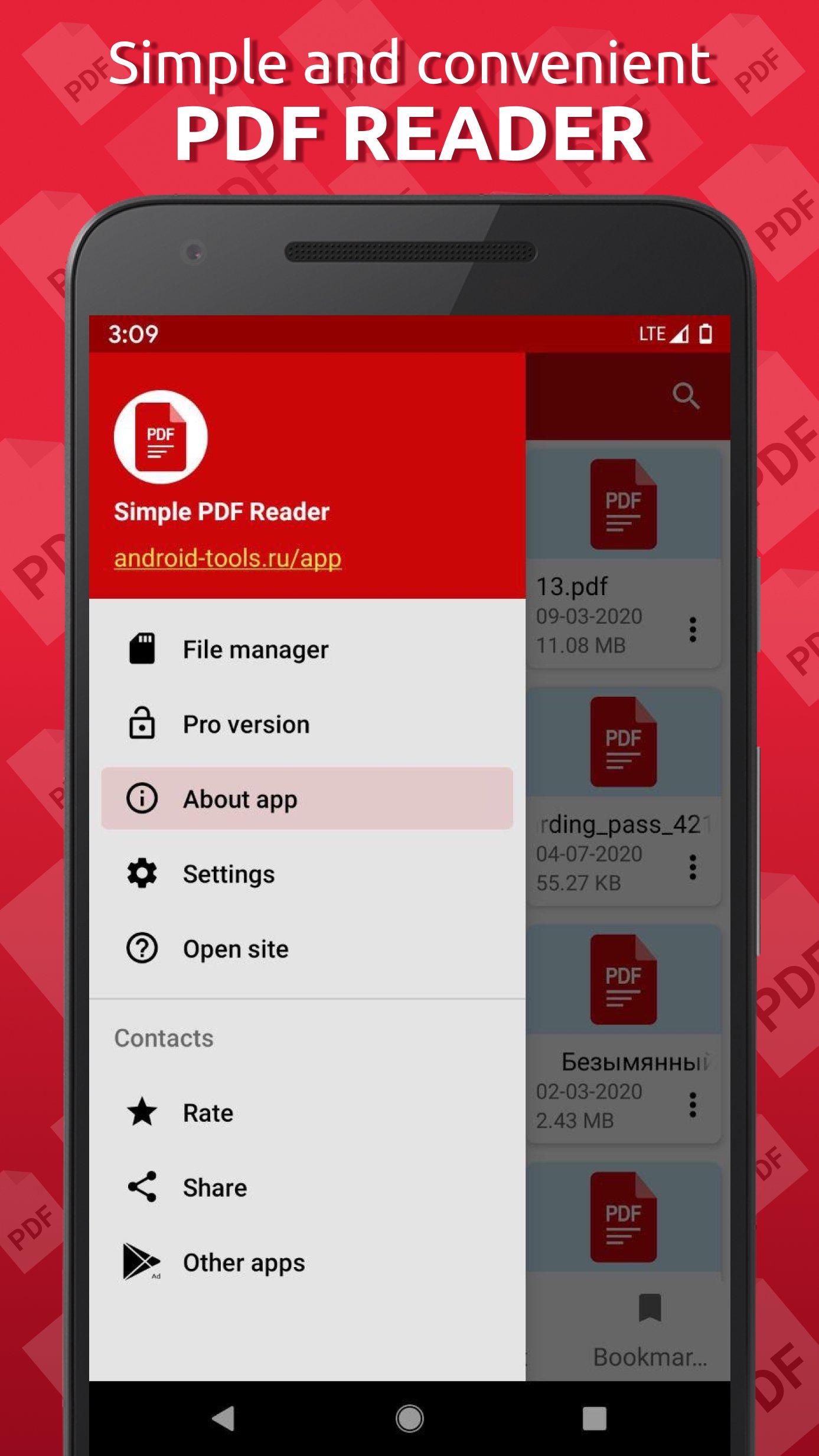
- automatic search and display of all documents on the device in one place, with filters for folders and scan areas (everywhere, downloads or selected folders);
- splitting files by storage folders on the device;
- convenient library with grid or list view and page previews;
- list of recently opened documents;
- opening password-protected PDF files;
- full-text search inside a document with search history;
- search for files by keywords;
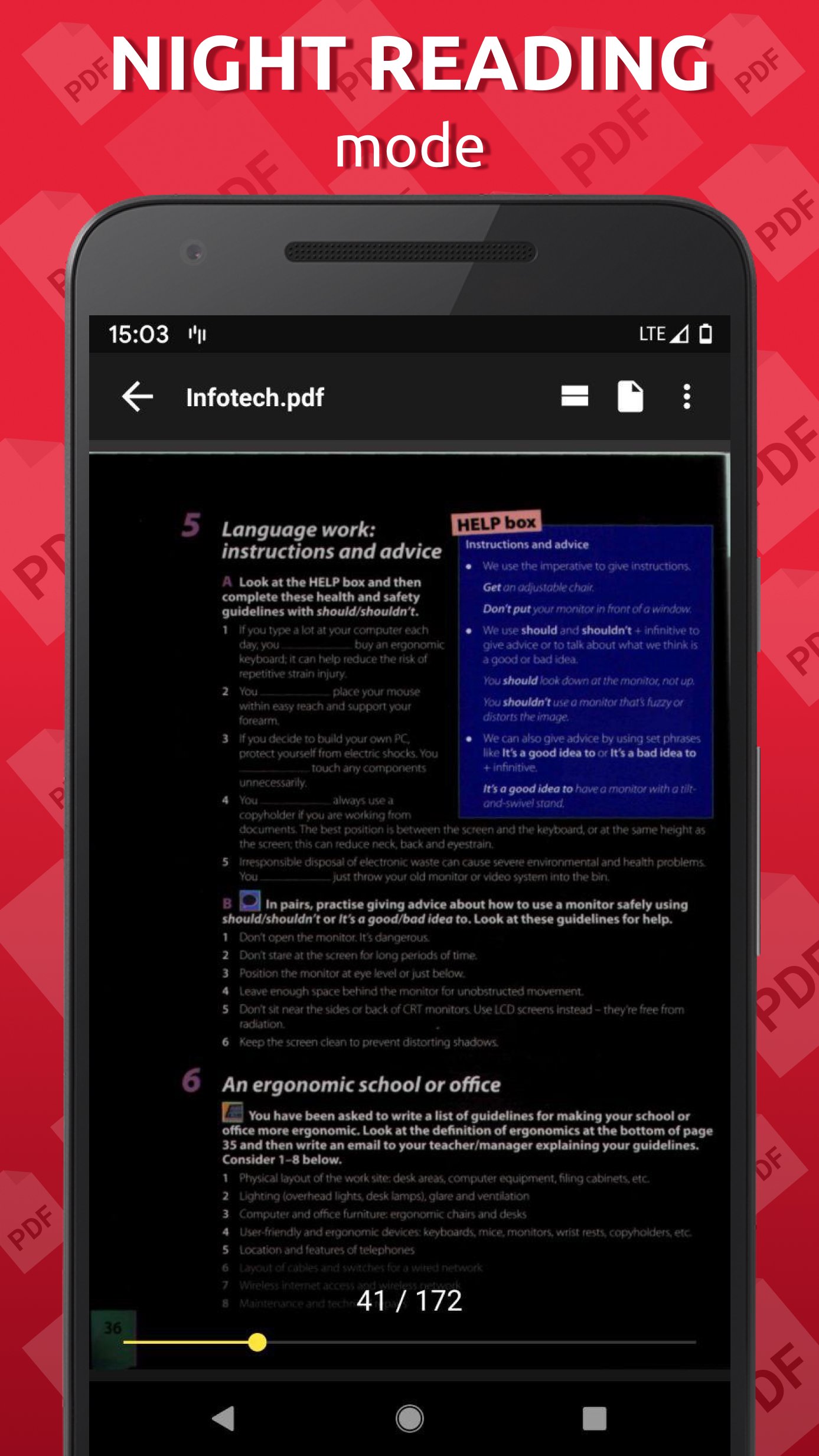
- night and day reading modes;
- adjust brightness with a swipe on the left side of the screen;
- turn pages with the volume buttons;
- horizontal or vertical scrolling of the document;
- immersive reading mode that hides the status and navigation bars;
- jump to any page in reading mode;
- rename, delete, zoom, share and print documents, and view detailed file properties;
- reading time statistics and a home screen widget.
PRO version with advanced features:
- create bookmarks inside a document;
- table of contents for quick navigation through the document;
- add quotes and notes while reading;
- convert PDF documents to JPEG or PNG images;
- support for cloud storage;
- reading without ads.
Simple PDF Reader will become an indispensable assistant for you and your device, and you will never part with this reader.
Preview
Tags
ToolsInformation
Developer
Android Tools (ru)
Latest Version
1.0.114
Last Updated
2026-07-18
Category
Tools
Available on
Google Play
Show More
How to play Simple PDF Reader & Viewer with GameLoop on PC
1. Download GameLoop from the official website, then run the exe file to install GameLoop
2. Open GameLoop and search for “Simple PDF Reader & Viewer” , find Simple PDF Reader & Viewer in the search results and click “Install”
3. Enjoy playing Simple PDF Reader & Viewer on GameLoop
Minimum requirements
OS
Windows 8.1 64-bit or Windows 10 64-bit
GPU
GTX 1050
CPU
i3-8300
Memory
8GB RAM
Storage
1GB available space
Recommended requirements
OS
Windows 8.1 64-bit or Windows 10 64-bit
GPU
GTX 1050
CPU
i3-9320
Memory
16GB RAM
Storage
1GB available space