Simple Notes - Widget PC
Qvyshift LLC
Download Simple Notes - Widget on PC With GameLoop Emulator
Simple Notes - Widget on PC
Simple Notes - Widget, coming from the developer Qvyshift LLC, is running on Android systerm in the past.
Now, You can play Simple Notes - Widget on PC with GameLoop smoothly.
Download it in the GameLoop library or search results. No more eyeing the battery or frustrating calls at the wrong time any more.
Just enjoy Simple Notes - Widget PC on the large screen for free!
Simple Notes - Widget Introduction
Need to quickly make a note or create a shopping list? Need to add a lot of tasks in one go?
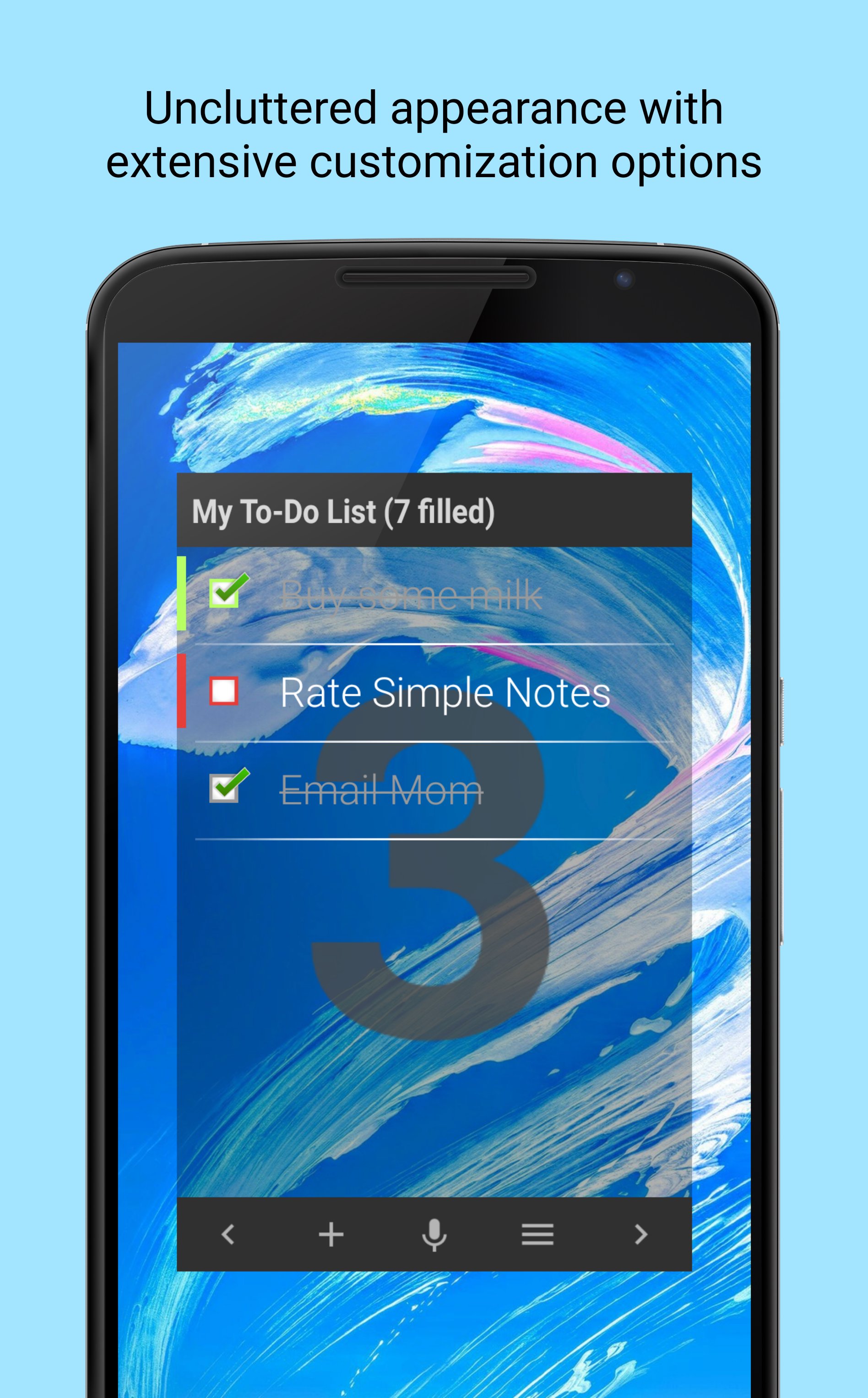
A home screen widget lets you always have a to-do list at hand and immediately shows your scheduled tasks. This is a very simple and extremely easy-to-use tool with powerful features. Simple Notes Widget is also great for planning your day, week, or year.
Write down ideas and plans, share them with friends, colleagues, and family. Use the app as a notepad, notebook, diary, organizer, shopping list, or to-do list. Mark completed tasks or create reminders with the widget. Create notes with a single tap on your home screen. If your hands are busy, use voice input and your note is automatically converted to text.
Thousands of users already appreciate how simple and convenient this app is. Just add it to your home screen as a widget.
Key features of the notes widget:
• Pleasant, clean look with extensive customization options
• Convenient task management
• Create reminders
• Prioritize your notes
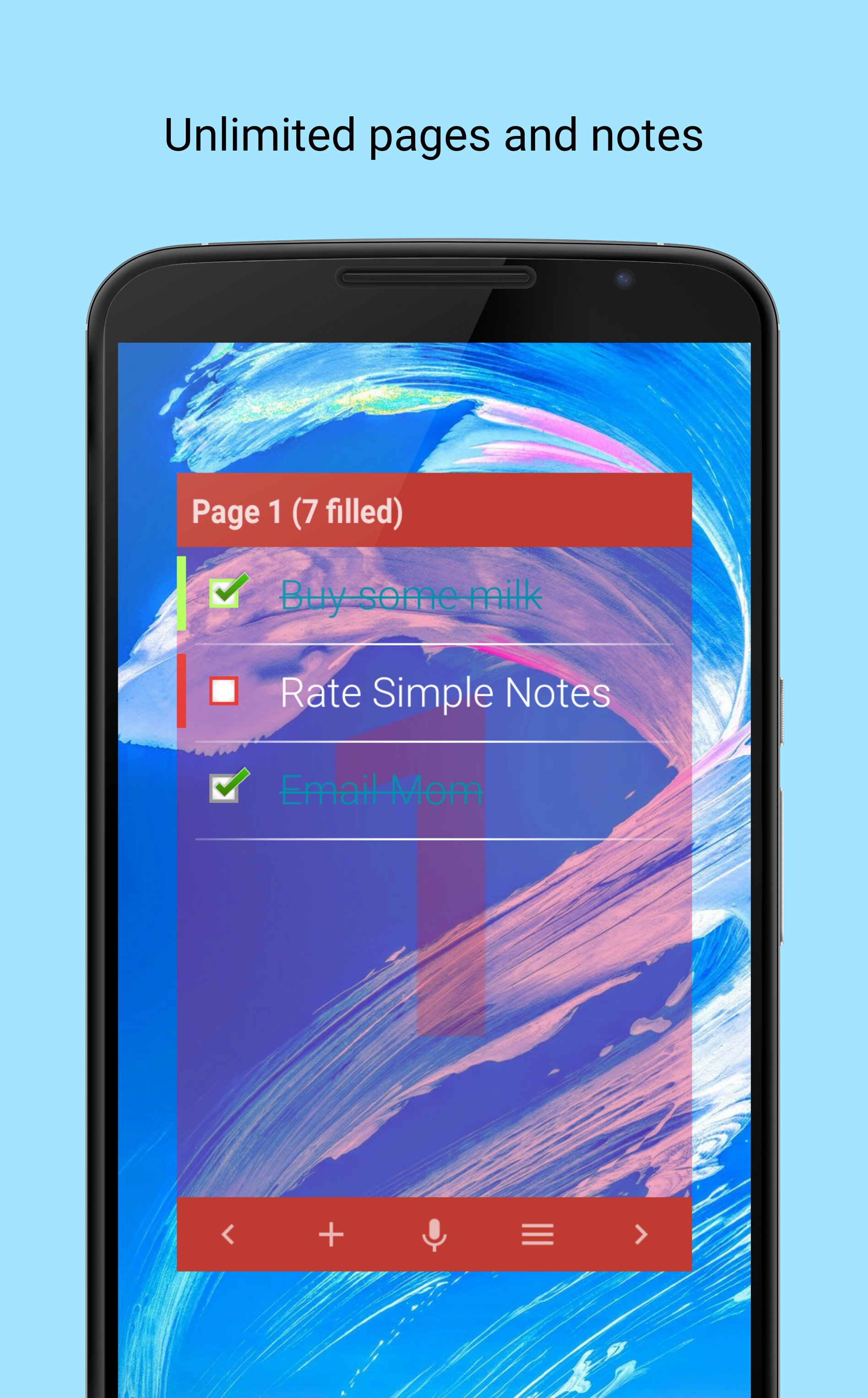
• Unlimited pages and notes in a single widget
• Backup and restore data
• Add tasks using voice input
• Share notes with others
• Import notes from other apps
• Lightweight widget that won't slow down your phone
Basic features are free!
Boost your productivity with the Premium upgrade:
• Widget color customization
• Sort pages and notes
• Sync with Dropbox
• No ads!
The widget is not an app. If you cannot find it, go to the widgets tab (or find the widget in the menu) and drag it to your home screen.
Notes, widget, to-do list, shopping list, checklist, reminder, tasks, memo, sticky notes, notepad, planner, organizer, diary.
Preview
Tags
ToolsProductivityInformation
Developer
Qvyshift LLC
Latest Version
6.4.5
Last Updated
2026-04-29
Category
Tools
Available on
Google Play
Show More
How to play Simple Notes - Widget with GameLoop on PC
1. Download GameLoop from the official website, then run the exe file to install GameLoop
2. Open GameLoop and search for “Simple Notes - Widget” , find Simple Notes - Widget in the search results and click “Install”
3. Enjoy playing Simple Notes - Widget on GameLoop
Minimum requirements
OS
Windows 8.1 64-bit or Windows 10 64-bit
GPU
GTX 1050
CPU
i3-8300
Memory
8GB RAM
Storage
1GB available space
Recommended requirements
OS
Windows 8.1 64-bit or Windows 10 64-bit
GPU
GTX 1050
CPU
i3-9320
Memory
16GB RAM
Storage
1GB available space