
Share Us - File Transfer & Share PC
Globe Pixesiz
Download Share Us - File Transfer & Share on PC With GameLoop Emulator
Share Us - File Transfer & Share on PC
Share Us - File Transfer & Share, coming from the developer Globe Pixesiz, is running on Android systerm in the past.
Now, You can play Share Us - File Transfer & Share on PC with GameLoop smoothly.
Download it in the GameLoop library or search results. No more eyeing the battery or frustrating calls at the wrong time any more.
Just enjoy Share Us - File Transfer & Share PC on the large screen for free!
Share Us - File Transfer & Share Introduction
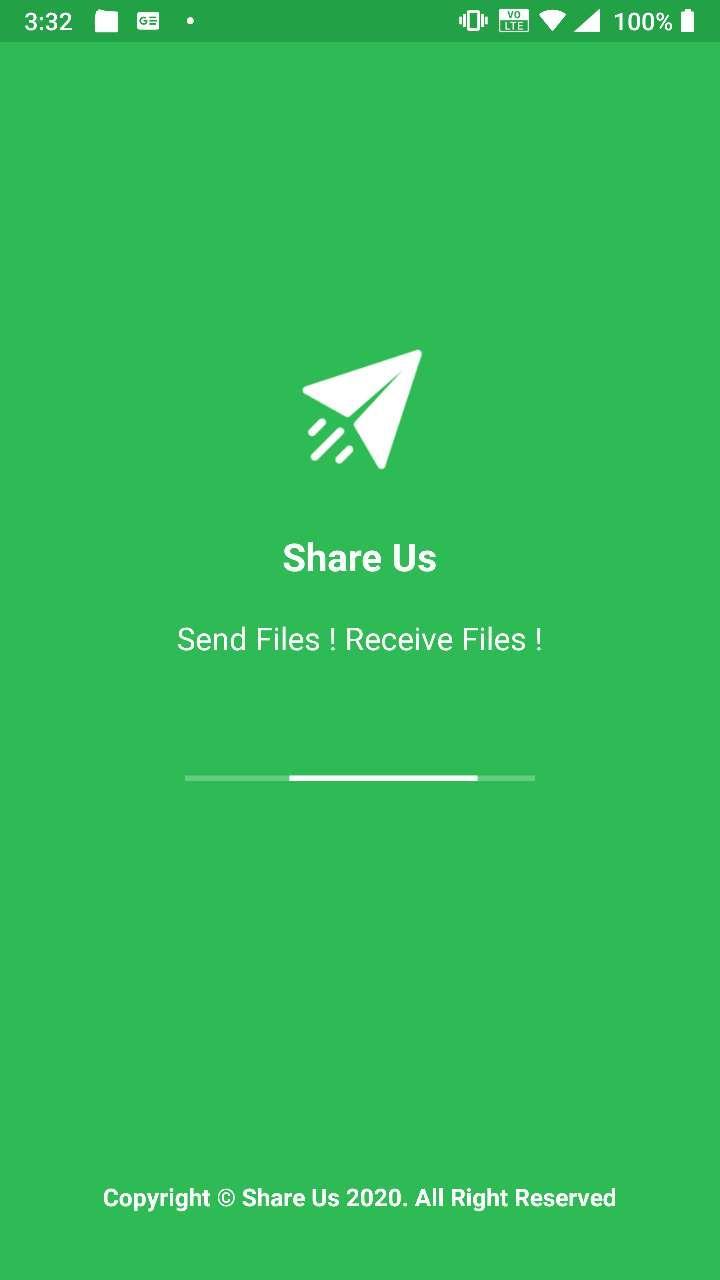
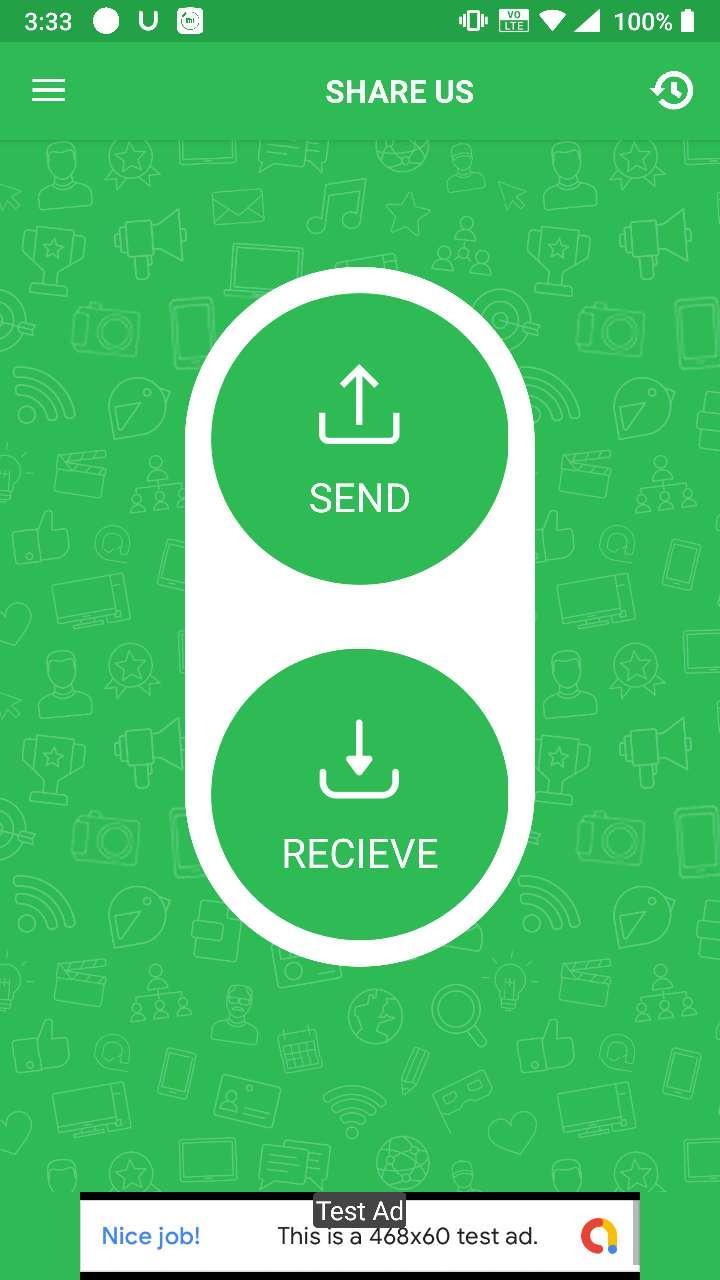
Share Us is a great sharing application, free file transfer tool, fast and works without connecting to the Internet!
Share files from device to device without cables.No Internet ? No problem , you can share video,audio,photo,file with nearby friends.The Best feature of Turbo Share is that you can share files separately or in a form of a bucket as well which includes Apps , videos , photos , music , office (PDF,docs) etc.
😍 Features
- Totally Free.
- Send and receive all types of files.
- Copy my data from another phone quickly
- Share Big files without internet or mobile data usage
- No USB! No internet needed!
– No cable required
- Fast, Optimized and Powerful tool.
👉 No Account Required
Just download Share Us and start sharing application, free file transfer tool, fast and works without connecting to the Internet
Thank You for Downloading...
Give ***** Valuable Feedback
Preview
Information
Developer
Globe Pixesiz
Latest Version
1.2
Last Updated
2020-10-12
Category
Tools
Available on
Google Play
Show More
How to play Share Us - File Transfer & Share with GameLoop on PC
1. Download GameLoop from the official website, then run the exe file to install GameLoop
2. Open GameLoop and search for “Share Us - File Transfer & Share” , find Share Us - File Transfer & Share in the search results and click “Install”
3. Enjoy playing Share Us - File Transfer & Share on GameLoop
Minimum requirements
OS
Windows 8.1 64-bit or Windows 10 64-bit
GPU
GTX 1050
CPU
i3-8300
Memory
8GB RAM
Storage
1GB available space
Recommended requirements
OS
Windows 8.1 64-bit or Windows 10 64-bit
GPU
GTX 1050
CPU
i3-9320
Memory
16GB RAM
Storage
1GB available space