
Share Files - File Transfer PC
Innovana Techlabs Limited
Download Share Files - File Transfer on PC With GameLoop Emulator
Share Files - File Transfer on PC
Share Files - File Transfer, coming from the developer Innovana Techlabs Limited, is running on Android systerm in the past.
Now, You can play Share Files - File Transfer on PC with GameLoop smoothly.
Download it in the GameLoop library or search results. No more eyeing the battery or frustrating calls at the wrong time any more.
Just enjoy Share Files - File Transfer PC on the large screen for free!
Share Files - File Transfer Introduction
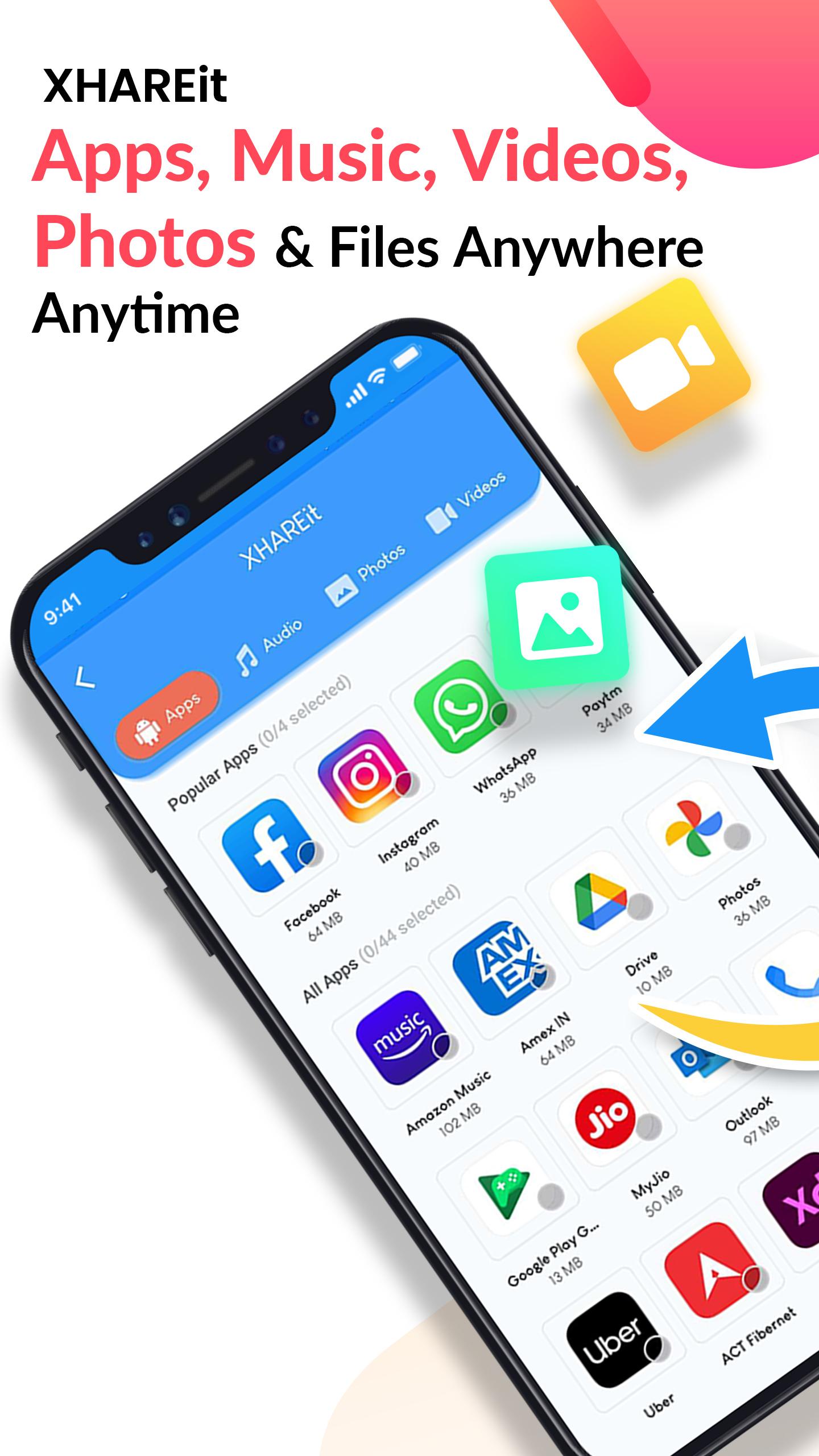
Share Files/File Transfer is now easier and faster! Xhareit, the ultimate and free file sharing app for Android can help you share your videos, music, applications, and documents in the blink of an eye. This free and quick Indian file transfer app lets you share files offline quickly without the internet.
Xhareit is free and easy to use Android file transfer tool that helps you in:
⭐Easy and Lightning Fast File Transfer
⭐Sharing Large Files Offline
⭐Encrypted and Secured File Transfer
⭐Cross-Platform Android File Transfer
⭐Wireless Data Transfer
⭐Sharing Files using QR code
⭐Free File Sharing
⭐Sharing Files of any type
🔥Key Features:
🌌 QR Code Sharing:
Xhareit, one of the best apps for file transfer works on Quick Response or QR code technology. It lets you send anything anywhere and anytime securely.
🚀 Ultimate Speed:
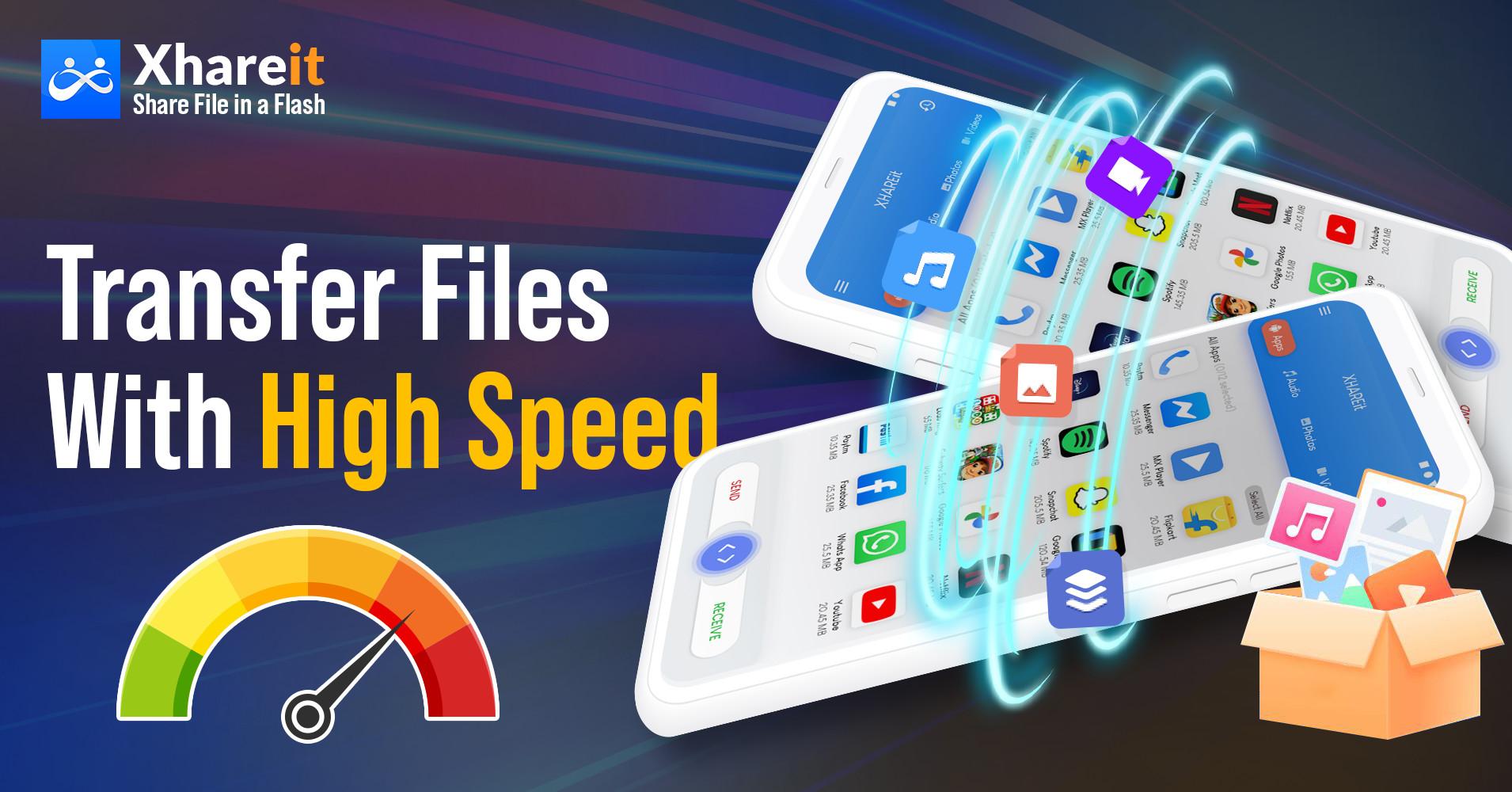
You no longer need to wait round the clock to share bulky apps and videos using Bluetooth. Xhareit can transfer any number of files without the internet with lightning speed. It can send files at up to 40 Mbps which is much faster than Bluetooth.
📂 Secure File Sharing:
Let go of the fear of privacy and data breach! With Xhareit, you can share your files with anyone more safely and securely than ever. Xhareit allows you to transfer your files in a safe environment using QR codes, providing a more secure media file share.
📄 No Limitation Of File Size:
The Android file transfer app, Xhareit can send or receive files of any size, that too for free. It facilitates music share, image share, video share, doc share as well as lets you share apps of unlimited file size rapidly without the internet.
📱Compatible With All Android Devices:
With Xhareit, you can share files from one Android Smartphone to another irrespective of its brand. Just select your apps, e-books, pdfs, pictures, or anything and share it with your friends at ultra-fast speed data-free.
🔌Wireless Sharing:
Gone are the days when you need to copy your data into a laptop and then move it into a peer phone. With Xhareit, you no longer need to tangle in those large cables to share your data internet-free.
Share your data without the internet with anyone nearby with just one tap by generating a QR code.
📔 Supports All File Types:
This data transfer app not only lets its users share pictures or send big files of audio and video but also supports pdf sharing, zip file sharing, and much more.
Save or Download WhatsApp Status:
One of its flagship features allows you to download or save images from WhatsApp status conveniently and quickly.
🆓 Free File Transfer:
Xhareit knows the value of your time as well as your hard-earned money. It does not charge a single penny for transferring your precious data. It is a truly free Android file transfer app.
Whether you want to share large files without the internet or are looking for a wireless file transferring service, Xhareit can take care of all your file sharing needs.
So, what are you waiting for? Save your effort, time, money as well as mobile data and enjoy a highly secure and seamless file sharing experience. Share your apps, files, music, docs, videos now with Xhareit!!!
Notes:
The XHAREit app works independently and is not affiliated with any 3rd party app including WhatsApp. It is only a tool for saving or downloading WhatsApp Status.
In any case, XHAREit is not responsible for any kind of mishandling of downloaded media by the user.
Preview
Tags
ToolsInformation
Developer
Innovana Techlabs Limited
Latest Version
2.2
Last Updated
2022-04-15
Category
Tools
Available on
Google Play
Show More
How to play Share Files - File Transfer with GameLoop on PC
1. Download GameLoop from the official website, then run the exe file to install GameLoop
2. Open GameLoop and search for “Share Files - File Transfer” , find Share Files - File Transfer in the search results and click “Install”
3. Enjoy playing Share Files - File Transfer on GameLoop
Minimum requirements
OS
Windows 8.1 64-bit or Windows 10 64-bit
GPU
GTX 1050
CPU
i3-8300
Memory
8GB RAM
Storage
1GB available space
Recommended requirements
OS
Windows 8.1 64-bit or Windows 10 64-bit
GPU
GTX 1050
CPU
i3-9320
Memory
16GB RAM
Storage
1GB available space