
Sound Meter - Decibel Meter PC
Tools Dev
Download Sound Meter - Decibel Meter on PC With GameLoop Emulator
Sound Meter - Decibel Meter on PC
Sound Meter - Decibel Meter, coming from the developer Tools Dev, is running on Android systerm in the past.
Now, You can play Sound Meter - Decibel Meter on PC with GameLoop smoothly.
Download it in the GameLoop library or search results. No more eyeing the battery or frustrating calls at the wrong time any more.
Just enjoy Sound Meter - Decibel Meter PC on the large screen for free!
Sound Meter - Decibel Meter Introduction
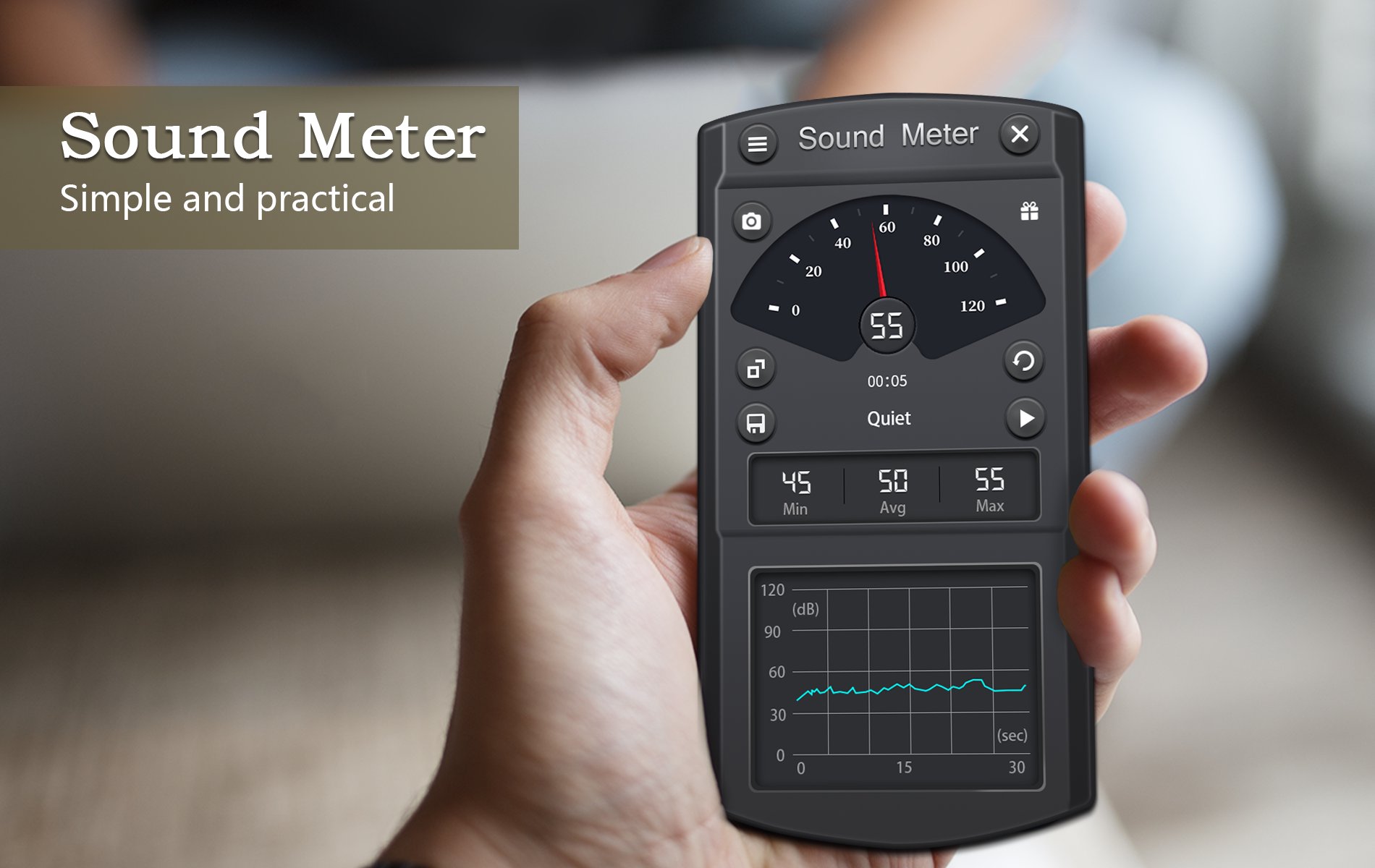
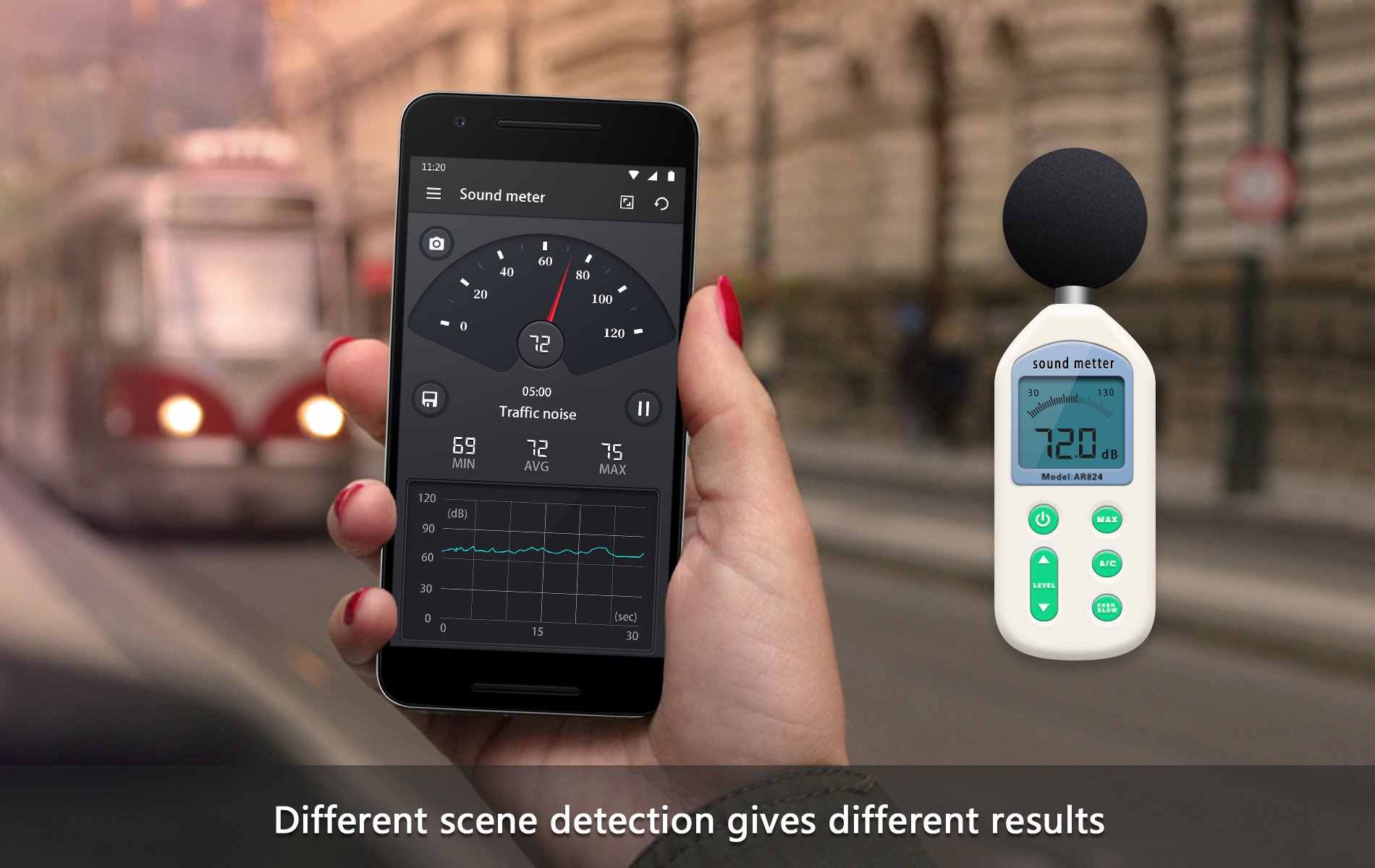
The sound meter app uses your microphone to measure noise volume in decibels (dB). With this decibel meter, you can easily measure the current level of environmental noise—your best helper to detect noise anywhere.
Sound meter features:
-Indicate decibel levels by an accurate gauge
-Display the current environmental noise reference
-Display min/avg/max decibel values in real time
-Display dB readings by a clear graph, easy to understand
-Calibrate the decibel level accurately for each device
-Show complete measurement histories
-Set custom warnings for high decibel noise
-Switch between white or black themes
-Transfer into a compact, smaller interface
Levels of Noise in decibels (dB) according to the American Academy of Audiology range from 20 dB to 120 dB—for example, 60 dB represents "Normal conversation".
If the interface is small when you open it, you should know it is a convenient mini mode. Tap the button under the dial gauge to switch the interface into a full-size view.
High decibel values are harmful to your physical and mental health as well as your hearing function. It is best to avoid prolonged exposure to noisy environments. To protect your health and your family's hearing, detect the decibel value right now! Do not hesitate—download this Sound Pressure Level (SPL) meter and noise detector app today.
Preview
Tags
ToolsInformation
Developer
Tools Dev
Latest Version
3.0.12
Last Updated
2026-11-19
Category
Tools
Available on
Google Play
Show More
How to play Sound Meter - Decibel Meter with GameLoop on PC
1. Download GameLoop from the official website, then run the exe file to install GameLoop
2. Open GameLoop and search for “Sound Meter - Decibel Meter” , find Sound Meter - Decibel Meter in the search results and click “Install”
3. Enjoy playing Sound Meter - Decibel Meter on GameLoop
Minimum requirements
OS
Windows 8.1 64-bit or Windows 10 64-bit
GPU
GTX 1050
CPU
i3-8300
Memory
8GB RAM
Storage
1GB available space
Recommended requirements
OS
Windows 8.1 64-bit or Windows 10 64-bit
GPU
GTX 1050
CPU
i3-9320
Memory
16GB RAM
Storage
1GB available space