Scanner: QR Code and Products PC
Atharok
Download Scanner: QR Code and Products on PC With GameLoop Emulator
Scanner: QR Code and Products on PC
Scanner: QR Code and Products, coming from the developer Atharok, is running on Android systerm in the past.
Now, You can play Scanner: QR Code and Products on PC with GameLoop smoothly.
Download it in the GameLoop library or search results. No more eyeing the battery or frustrating calls at the wrong time any more.
Just enjoy Scanner: QR Code and Products PC on the large screen for free!
Scanner: QR Code and Products Introduction
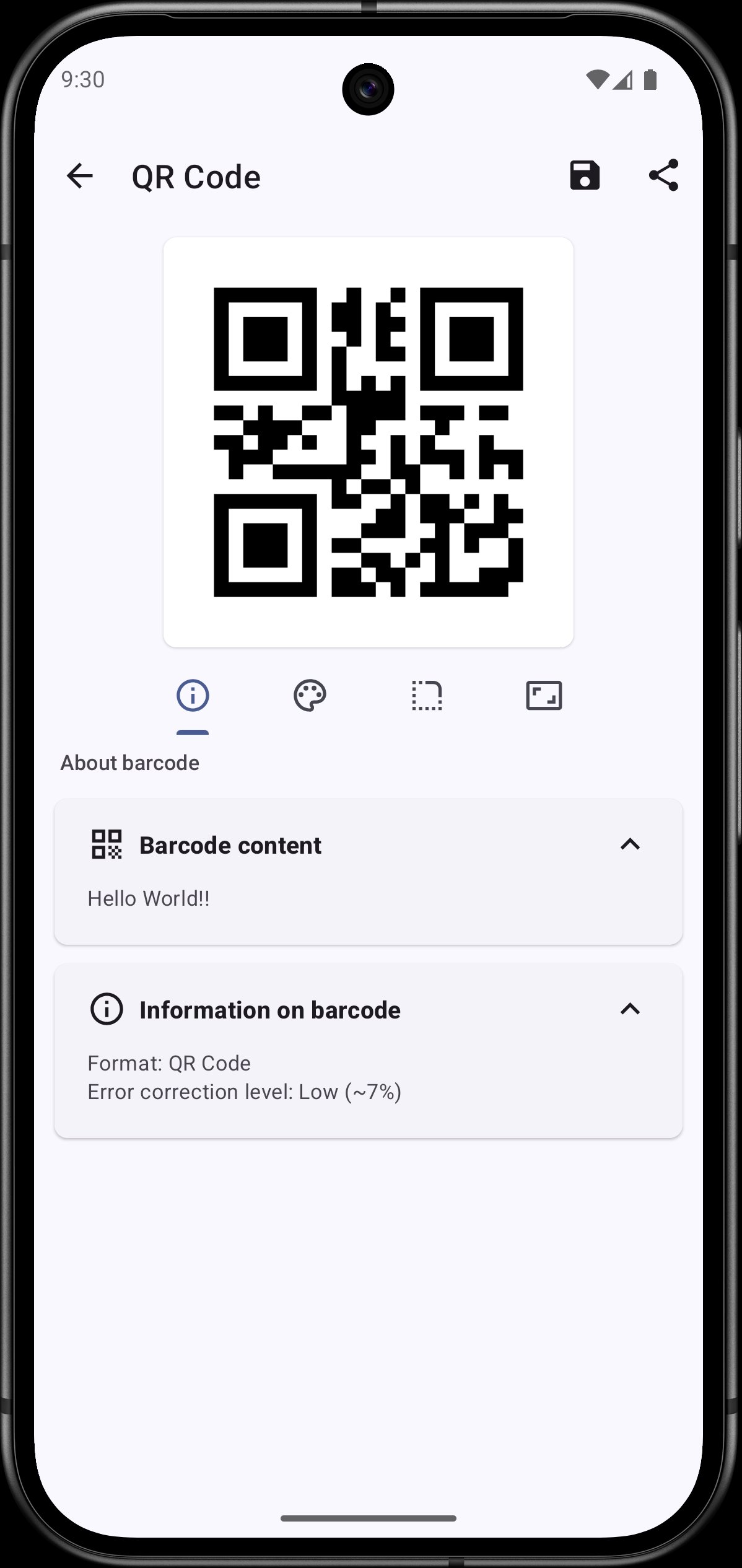
Barcode Scanner is a free and open-source app that allows you to read and generate barcodes. It can collect information about food products, cosmetics books and music (CDs, Vinyls…).
Different barcodes formats are managed by the app :
• 2 dimensions bar codes: QR Code, Data Matrix, PDF 417, AZTEC
• 1 dimension bar codes: EAN 13, EAN 8, UPC A, UPC E, Code 128, Code 93, Code 39, Codabar, ITF
Collect information about a product during a scan :
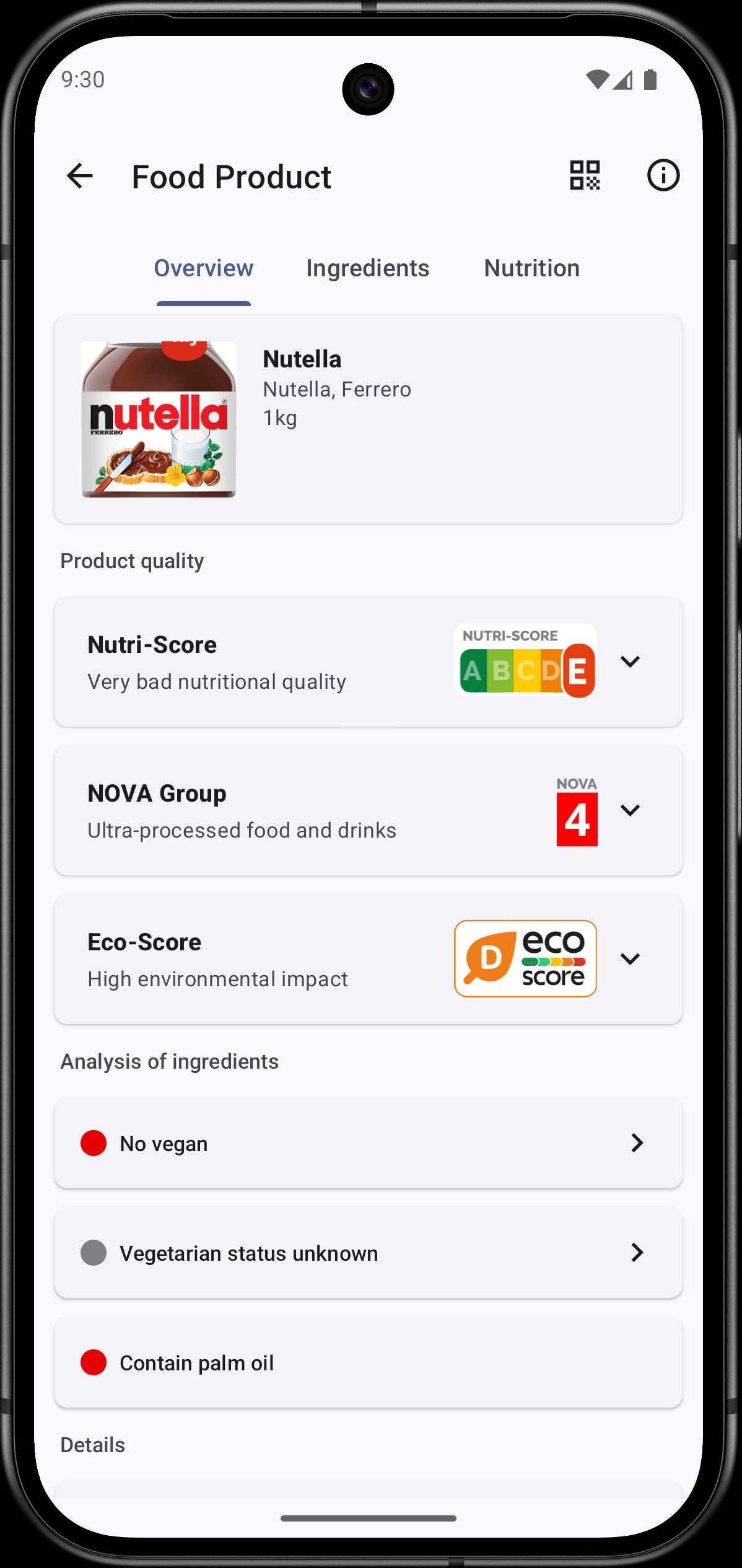
• Food products with Open Food Facts
• Cosmetics with Open Beauty Facts
• Food products for pets with Open Pet Food Facts
• Books with Open Library
• Music CDs, Vinyls… with MusicBrainz
App features :
• Simply point your smartphone's camera to a barcode and instantly receive information about it. You can also scan barcodes through a picture in your smartphone.
• With a simple scan, read business cards, add new contacts, add new events to your agenda, open URL or even connect to Wi-Fi.
• Scan Food products barcodes to receive information about their composition thanks to the databases Open Food Facts and Open Beauty Facts.
• Search information about the product you scan, with a quick research on different websites such as Amazon or Fnac.
• Keep track of all your scanned barcodes with the history tool.
• Generate your own barcodes
• Customize the interface with different colors, with a light theme or a dark one. The interface is built with Material 3 and is compatible with Material You, allowing you to adjust colors based on your wallpaper for devices running on Android 12 or later.
• Texts are entirely translated in English, Arabic, Spanish, French, Portuguese, Russian, German, Turkish, Italian, Ukrainian, Polish, Dutch, Romanian and Chinese (Simplified and Traditional).
This app respects your privacy. It does not contain any trackers and does not collect any data.
The source code is available here: https://gitlab.com/Atharok/BarcodeScanner
Preview
Tags
ToolsInformation
Developer
Atharok
Latest Version
1.26.0
Last Updated
2025-11-15
Category
Tools
Available on
Google Play
Show More
How to play Scanner: QR Code and Products with GameLoop on PC
1. Download GameLoop from the official website, then run the exe file to install GameLoop
2. Open GameLoop and search for “Scanner: QR Code and Products” , find Scanner: QR Code and Products in the search results and click “Install”
3. Enjoy playing Scanner: QR Code and Products on GameLoop
Minimum requirements
OS
Windows 8.1 64-bit or Windows 10 64-bit
GPU
GTX 1050
CPU
i3-8300
Memory
8GB RAM
Storage
1GB available space
Recommended requirements
OS
Windows 8.1 64-bit or Windows 10 64-bit
GPU
GTX 1050
CPU
i3-9320
Memory
16GB RAM
Storage
1GB available space