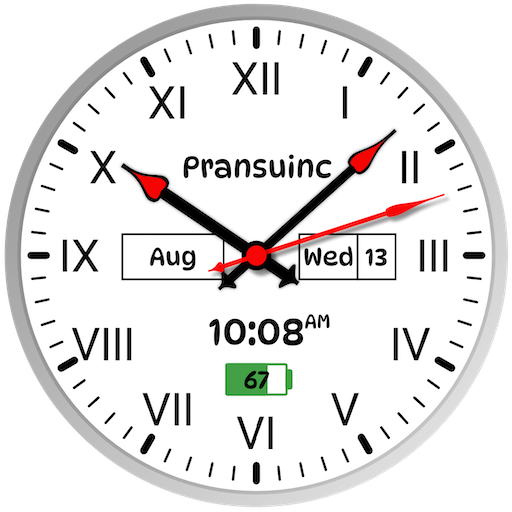
Roman Clock – Classic Time PC
PransuInc
Download Roman Clock – Classic Time on PC With GameLoop Emulator
Roman Clock – Classic Time on PC
Roman Clock – Classic Time, coming from the developer PransuInc, is running on Android systerm in the past.
Now, You can play Roman Clock – Classic Time on PC with GameLoop smoothly.
Download it in the GameLoop library or search results. No more eyeing the battery or frustrating calls at the wrong time any more.
Just enjoy Roman Clock – Classic Time PC on the large screen for free!
Roman Clock – Classic Time Introduction
Roman Clock – Classic Time | Live Wallpaper & Widgets
Transform your phone or tablet with the timeless beauty of Roman numerals.
Roman Clock – Classic Time is the ultimate Roman clock live wallpaper and analog clock widget app, designed for style, performance, and customization.
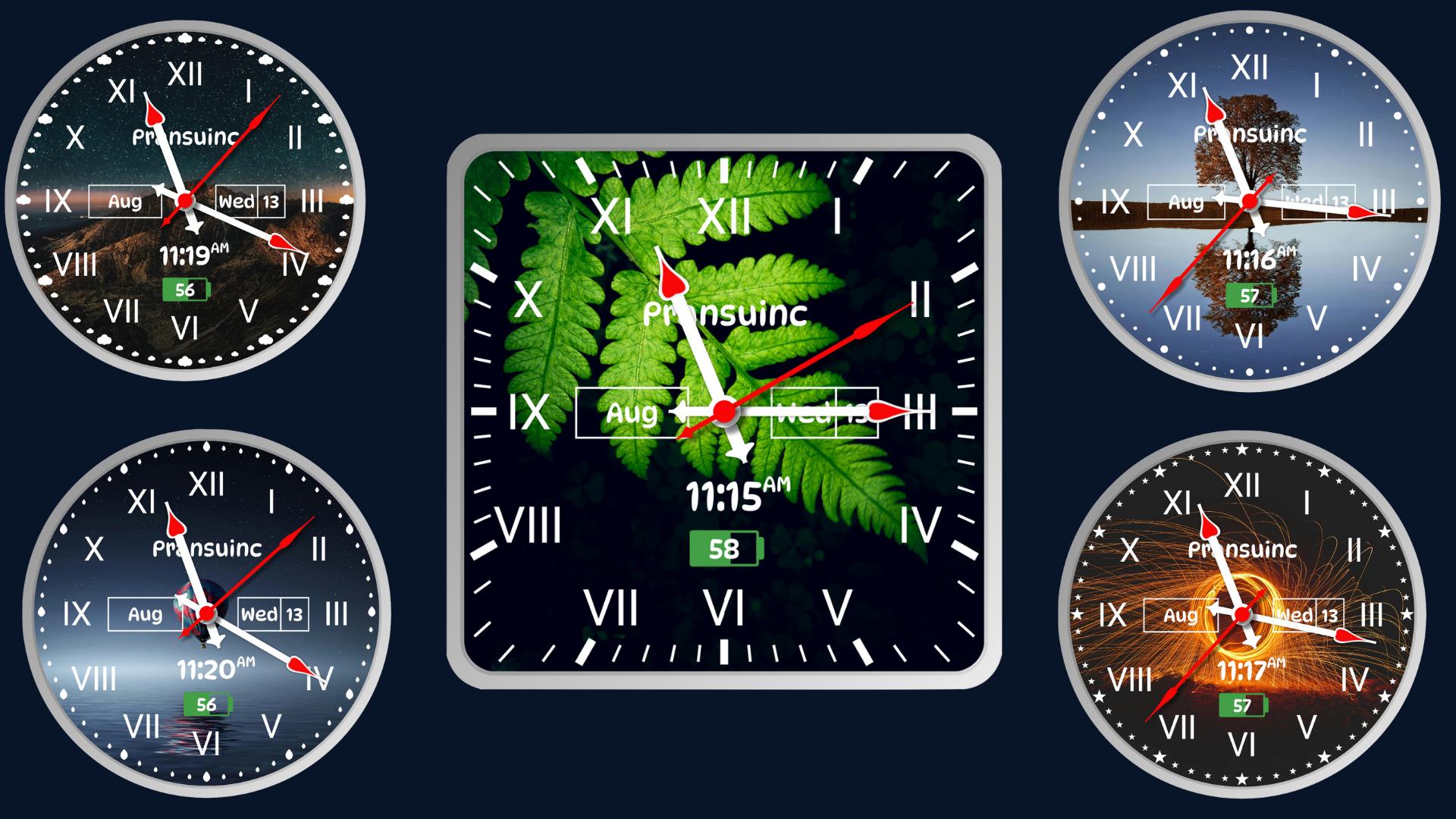
With dozens of classic and modern Roman clock designs, vibrant themes, and fully adjustable layouts, you can create a screen that’s uniquely yours — all while keeping it lightweight and battery-friendly.
✨ Features You’ll Love
☑ Set as Live Wallpaper or Home Screen Widget – Works on all Android devices & tablets
☑ 15+ Customizable Roman Clock Styles – Vintage, modern, and elegant designs
☑ Color Customization – Change colors for text, seconds, minutes, hours, numbers, and background
☑ Unlimited Clock Combinations – Mix and match styles for a unique look
☑ HD Quality & Smooth Performance – Optimized for speed and battery life
☑ Multi-Language Support – English, Arabic, Bangla, Punjabi, Hindi, Gujarati
☑ Adjust Clock Size & Position – Perfect fit for your home screen
☑ Lightweight & Memory-Friendly – Won’t slow down your phone
☑ Completely Free – Enjoy premium clock designs at no cost
Why Choose Roman Clock – Classic Time?
✔ Elegant & Vintage Appeal – Classic Roman numeral dials that never go out of style
✔ Widgets & Live Wallpapers in One App – Function meets beauty
✔ Endless Customization – Your clock, your way
✔ Perfect for All Screen Types – Phones, tablets, and HD displays
📲 Download Roman Clock – Classic Time today and give your device the elegance of classic Roman numerals with modern customization.
Legal notice:
E-mail: pransuinc@gmail.com
Preview

Tags
ToolsInformation
Developer
PransuInc
Latest Version
1.25.0813.7
Last Updated
2025-08-13
Category
Tools
Available on
Google Play
Show More
How to play Roman Clock – Classic Time with GameLoop on PC
1. Download GameLoop from the official website, then run the exe file to install GameLoop
2. Open GameLoop and search for “Roman Clock – Classic Time” , find Roman Clock – Classic Time in the search results and click “Install”
3. Enjoy playing Roman Clock – Classic Time on GameLoop
Minimum requirements
OS
Windows 8.1 64-bit or Windows 10 64-bit
GPU
GTX 1050
CPU
i3-8300
Memory
8GB RAM
Storage
1GB available space
Recommended requirements
OS
Windows 8.1 64-bit or Windows 10 64-bit
GPU
GTX 1050
CPU
i3-9320
Memory
16GB RAM
Storage
1GB available space