Auto Reply Chat Bot PC
PransuInc
Download Auto Reply Chat Bot on PC With GameLoop Emulator
Auto Reply Chat Bot on PC
Auto Reply Chat Bot, coming from the developer PransuInc, is running on Android systerm in the past.
Now, You can play Auto Reply Chat Bot on PC with GameLoop smoothly.
Download it in the GameLoop library or search results. No more eyeing the battery or frustrating calls at the wrong time any more.
Just enjoy Auto Reply Chat Bot PC on the large screen for free!
Auto Reply Chat Bot Introduction
Stay connected without being online all the time! 🚀
With Auto Reply, you can send automatic replies to many apps. Perfect for businesses, freelancers, and anyone who wants to save time while staying responsive.
💡 Why Choose Auto Reply?
✔ Easy to use, no coding required
✔ Manage everything from your phone or web browser
✔ Smarter than any other auto reply app – packed with powerful AI & customization
✔ Supports individual chats, groups, and multiple apps
⚡ Powerful Features:
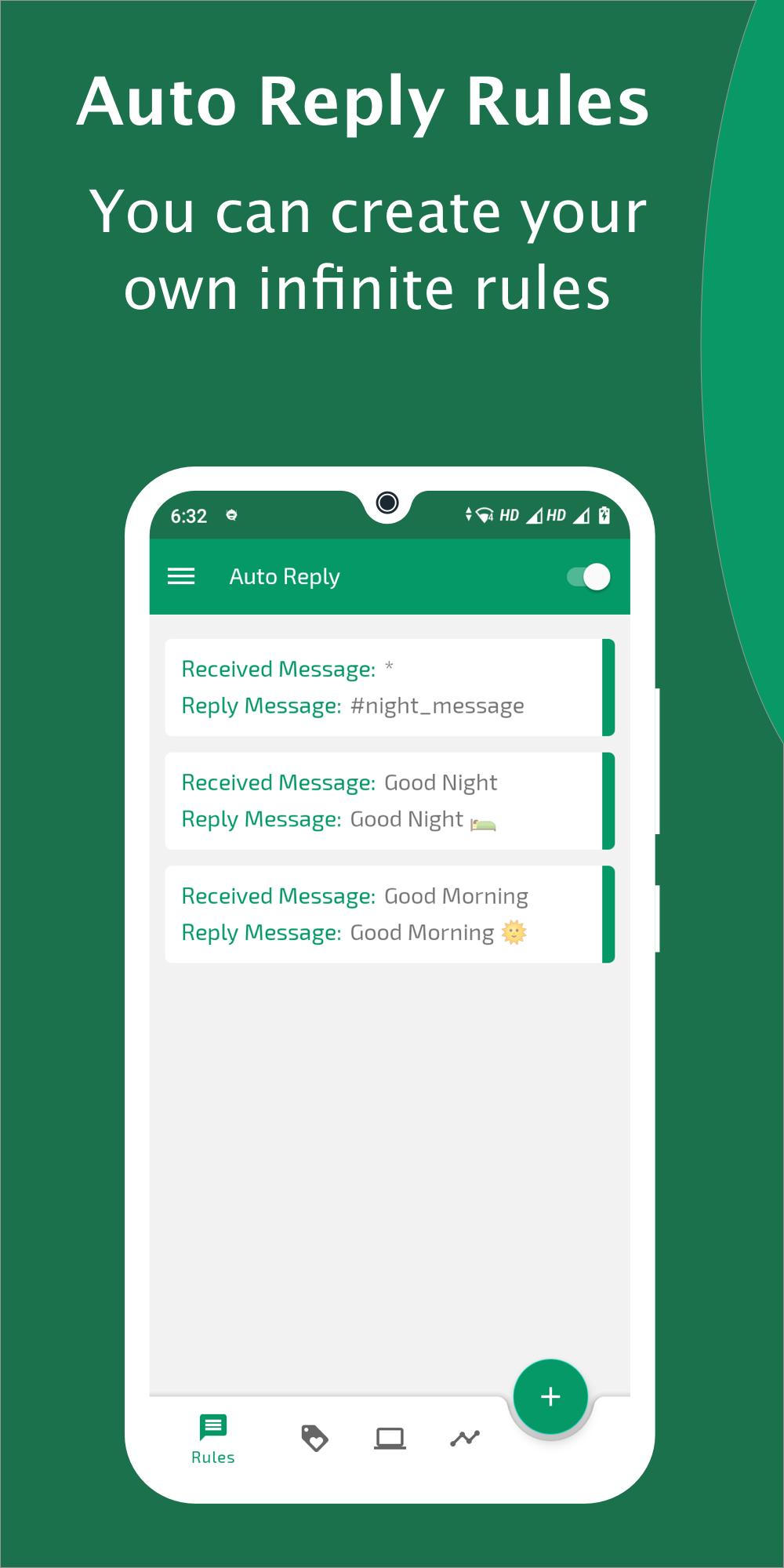
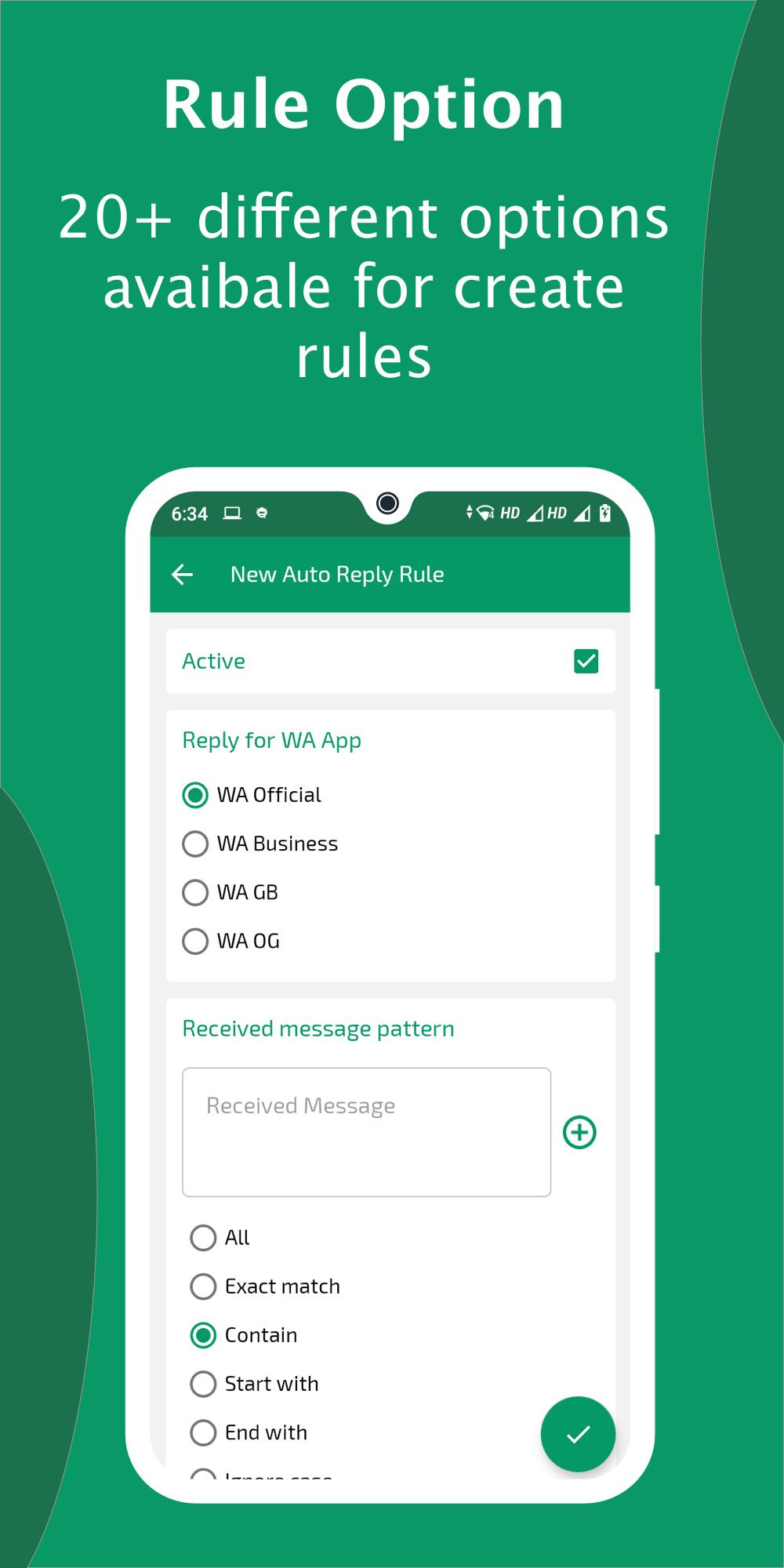
✔ Smart Auto Replies – Send instant responses with rules, tags & custom patterns (Exact Match, Contains, Similar, Welcome messages & more).
✔ Default Reply – Never leave anyone unanswered; send a fallback message if no rules match.
✔ Menu Reply – Create interactive menus for customers to pick options like “Support, Pricing, Contact.”
✔ AI Chat Bot – Reply using ChatGPT (GPT-5), Gemini AI, Dialogflow, or even your own API server.
✔ Spreadsheet Integration – Manage and sync auto replies directly from Google Sheets.
✔ Message Analytics – Track received vs. replied messages, individual & group stats, user-wise reports. Export them anytime.
✔ Web Access – Control your Auto Reply rules and analytics from your browser.
🔔 Smart Controls:
✔ Notifications when replies are sent
✔ Daily summary notification of yesterday’s activity
✔ Reply Delay: Set a custom delay (0–99 seconds)
✔ Repeat & Max Limits: Control how many times a rule replies
✔ Pause Rules: Pause replies for minutes, hours, days, or messages
✔ Schedule Mode: Auto reply only on specific days/times
✔ Reply Conditions: Only reply when phone is locked, charging, silent, DND, etc.
🎨 Extra Goodies:
✔ Start chat without saving contacts
✔ Backup & restore your rules anytime
✔ 55+ fancy fonts & 24 beautiful themes
🌟 Who is it for?
✅ Small businesses – handle customer queries 24/7
✅ Freelancers – stay professional even when busy
✅ Social media managers – manage multiple platforms easily
✅ Anyone – who wants smart, automated, and reliable replies
Multi-language support 🌍 (English, Spanish, Portuguese, German, Arabic, Russian, Chinese, Indonesian, Vietnamese)
👉 Download Auto Reply – Smart Chat Bot now and let the app respond for you while you focus on what matters most! 💬✨
Note: This app is Not affiliated with the WhatsApp.
WhatsApp is a registered Trademark of WhatsApp Inc.
Legal notice:
E-mail: pransuinc@gmail.com
Preview
Tags
CommunicationsInformation
Developer
PransuInc
Latest Version
6.9.3
Last Updated
2025-08-26
Category
Communications
Available on
Google Play
Show More
How to play Auto Reply Chat Bot with GameLoop on PC
1. Download GameLoop from the official website, then run the exe file to install GameLoop
2. Open GameLoop and search for “Auto Reply Chat Bot” , find Auto Reply Chat Bot in the search results and click “Install”
3. Enjoy playing Auto Reply Chat Bot on GameLoop
Minimum requirements
OS
Windows 8.1 64-bit or Windows 10 64-bit
GPU
GTX 1050
CPU
i3-8300
Memory
8GB RAM
Storage
1GB available space
Recommended requirements
OS
Windows 8.1 64-bit or Windows 10 64-bit
GPU
GTX 1050
CPU
i3-9320
Memory
16GB RAM
Storage
1GB available space