Remote for Smart Web TV PC
BoostVision
Download Remote for Smart Web TV on PC With GameLoop Emulator
Remote for Smart Web TV on PC
Remote for Smart Web TV, coming from the developer BoostVision, is running on Android systerm in the past.
Now, You can play Remote for Smart Web TV on PC with GameLoop smoothly.
Download it in the GameLoop library or search results. No more eyeing the battery or frustrating calls at the wrong time any more.
Just enjoy Remote for Smart Web TV PC on the large screen for free!
Remote for Smart Web TV Introduction
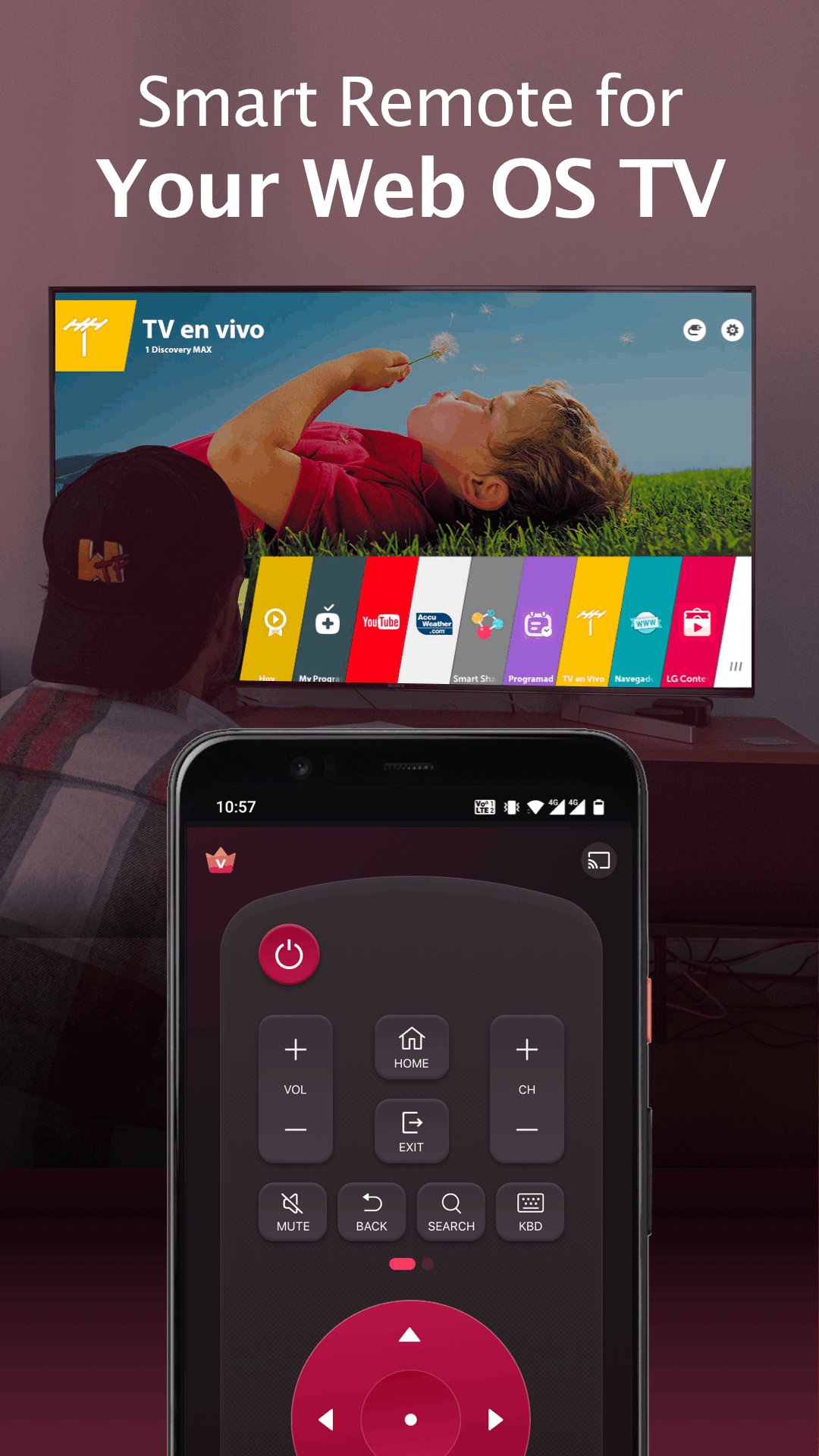
Fed up with endless searches for your web TV remote? Dismayed by the malfunctioning controller? Your answer is right here! Remote for smart web TV is a fast and stable smart TV remote app that helps users to control their home TVs using a smartphone/tablet. It allows users to access all the features of a physical remote control, such as turning on/off the TV and navigating the TV's menus. Get rid of the need for constant battery replacements. Simplify your life and go eco-friendly. Download it today and enjoy our easy-to-use smart remote!
Key Features:
- Full-functional remote control for Smart TV with simple and easy operation
- Power On/Off TVs with the power button on the smart remote
- Keyboard feature with simplified text input and search
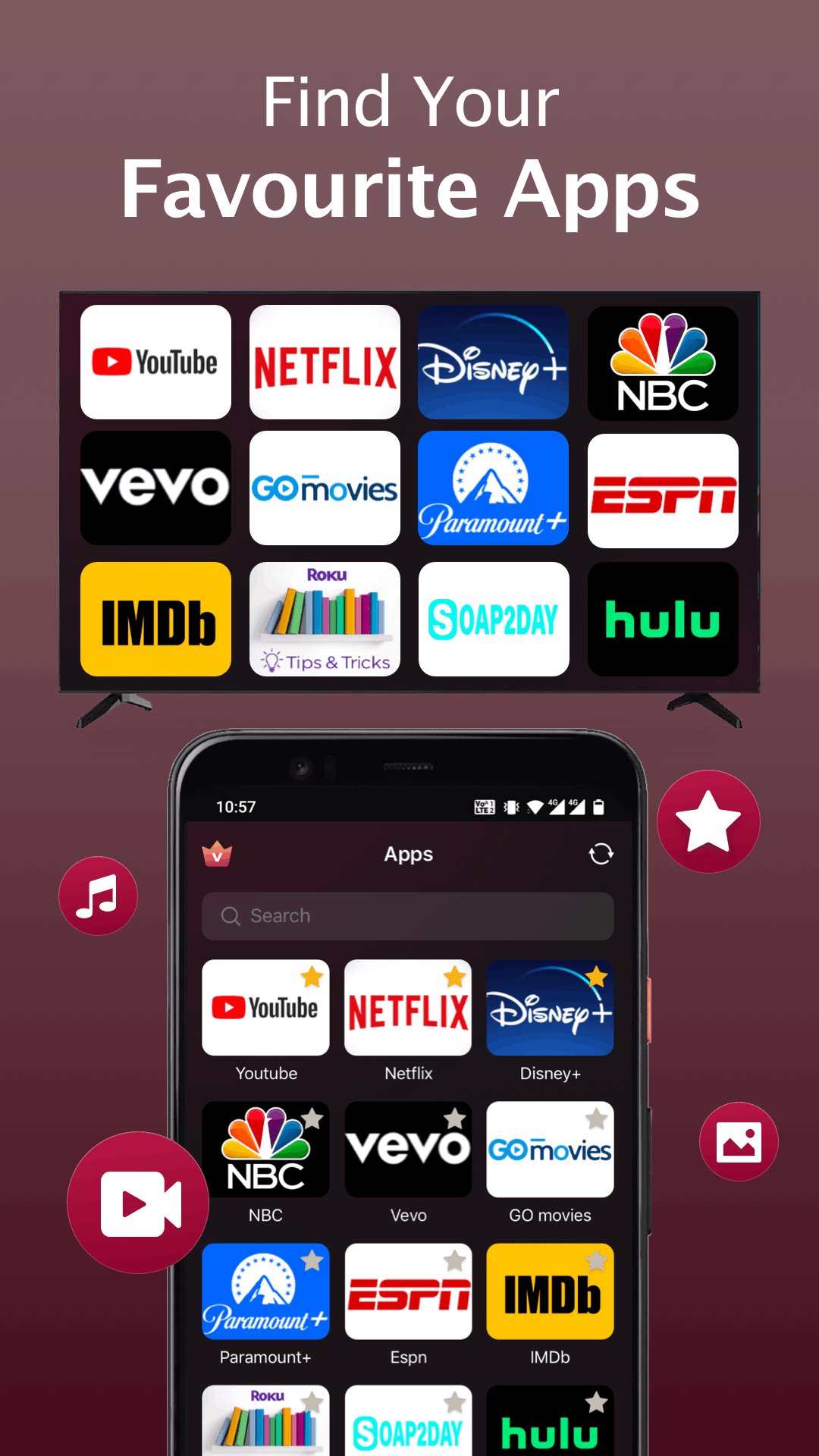
- Quick access to your favorite channels and apps on smart TV
- Mirror your phone/tablet screen to TV in high definition with low latency
- Cast web videos & local photos/videos to TVs
How to connect the smart remote control app to your TV:
1. Make sure your TV is connected to the same WiFi network as the smart remote app.
2. Turn on your phone/tablet's WiFi and connect this replacement remote to the same network as your TV.
3. On the TV remote app, tap any button on the app interface and select your Smart TV from the list of available devices to connect with.
4. Once connected, you can enjoy the convenience of controlling your TV from mobile devices without having to locate and use a physical remote.
Troubleshooting:
• The remote control app can only work when connected to the same WiFi network as your TV device.
• Reinstalling this TV control app and rebooting the TV can fix most of the connecting issues.
• Upgrade the TV controller application to the latest version can solve some connection issues.
• For connection issues with mobile devices, try downloading the remote app to another device.
Terms of Use: https://oliaviz.com/terms
Privacy Policy: https://oliaviz.com/privacy
Preview
Tags
ToolsInformation
Developer
BoostVision
Latest Version
2.0.7
Last Updated
2026-08-18
Category
Tools
Available on
Google Play
Show More
How to play Remote for Smart Web TV with GameLoop on PC
1. Download GameLoop from the official website, then run the exe file to install GameLoop
2. Open GameLoop and search for “Remote for Smart Web TV” , find Remote for Smart Web TV in the search results and click “Install”
3. Enjoy playing Remote for Smart Web TV on GameLoop
Minimum requirements
OS
Windows 8.1 64-bit or Windows 10 64-bit
GPU
GTX 1050
CPU
i3-8300
Memory
8GB RAM
Storage
1GB available space
Recommended requirements
OS
Windows 8.1 64-bit or Windows 10 64-bit
GPU
GTX 1050
CPU
i3-9320
Memory
16GB RAM
Storage
1GB available space