Recova: Recover My Photos PC
New Day Lab
Download Recova: Recover My Photos on PC With GameLoop Emulator
Recova: Recover My Photos on PC
Recova: Recover My Photos, coming from the developer New Day Lab, is running on Android systerm in the past.
Now, You can play Recova: Recover My Photos on PC with GameLoop smoothly.
Download it in the GameLoop library or search results. No more eyeing the battery or frustrating calls at the wrong time any more.
Just enjoy Recova: Recover My Photos PC on the large screen for free!
Recova: Recover My Photos Introduction
Image restoration!
I want to return the erased images again!
I have erased the image in mistake!
Why don't you try to use this app Recova?
You may be able to restore the erased photo and picture!
*Billing in-app is only the function to delete ads!
*You can use all the functions in free!
*There is no limit of the function at all even though you use in free!
A special feature
Super easy image data recovery!
Need not the knowledge!
Need not the PC!
Need not rooting!
Need not Backup data!
You can restore found image certainly!
You can also restore before installation image!
You can restore the image from the Device or from the SD card!
Corresponds to jpg and png!
Free tool!
How to use
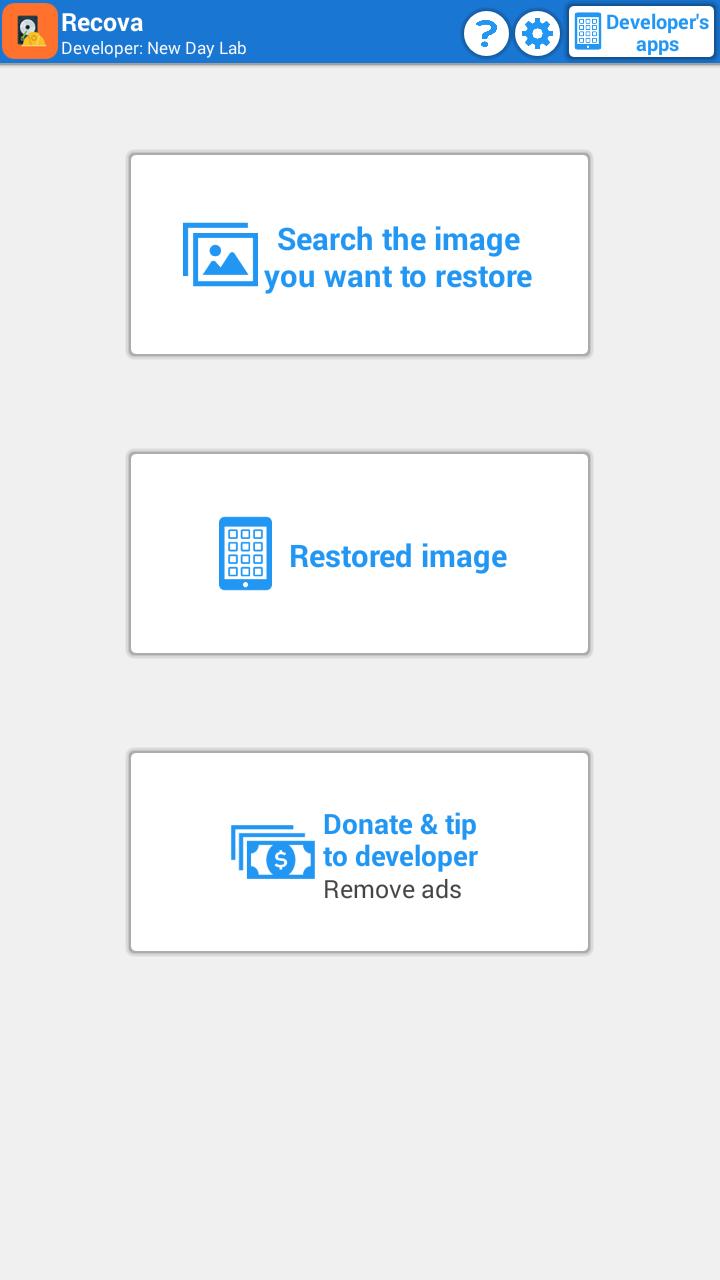
1. Select folder
2. Select the images
3. Tap the start button to restore
That's all!
Q & A
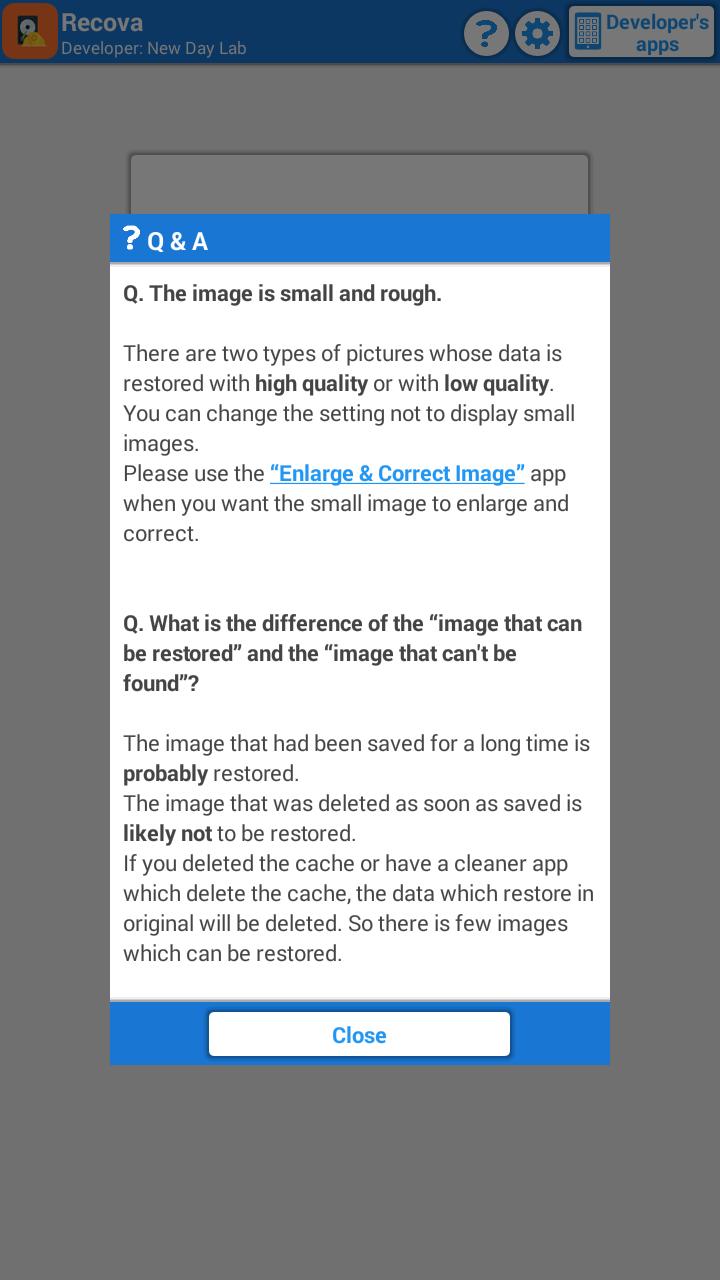
Q. The image is small and rough.
The rough image is what was saved as a small image for thumbnail by other app, and this app extract and restore.
You can change the setting not to display small images.
Please use the “Enlarge & Correct Image” app when you want the small image to enlarge and correct.
Q. What is the difference of the “image that can be restored” and the “image that can't be found”?
The image that had been saved for a long time is probably restored.
The image that was deleted as soon as saved is likely notImage restoration!f you deleted the cache or have a cleaner app which delete the cache, the data which restore in original will be deleted. So there is few images which can be restored.
Preview
Information
Developer
New Day Lab
Latest Version
8.4
Last Updated
2016-11-01
Category
Tools
Available on
Google Play
Show More
How to play Recova: Recover My Photos with GameLoop on PC
1. Download GameLoop from the official website, then run the exe file to install GameLoop
2. Open GameLoop and search for “Recova: Recover My Photos” , find Recova: Recover My Photos in the search results and click “Install”
3. Enjoy playing Recova: Recover My Photos on GameLoop
Minimum requirements
OS
Windows 8.1 64-bit or Windows 10 64-bit
GPU
GTX 1050
CPU
i3-8300
Memory
8GB RAM
Storage
1GB available space
Recommended requirements
OS
Windows 8.1 64-bit or Windows 10 64-bit
GPU
GTX 1050
CPU
i3-9320
Memory
16GB RAM
Storage
1GB available space