Provision PnP PC
Provision-ISR Limited
Download Provision PnP on PC With GameLoop Emulator
Provision PnP on PC
Provision PnP, coming from the developer Provision-ISR Limited, is running on Android systerm in the past.
Now, You can play Provision PnP on PC with GameLoop smoothly.
Download it in the GameLoop library or search results. No more eyeing the battery or frustrating calls at the wrong time any more.
Just enjoy Provision PnP PC on the large screen for free!
Provision PnP Introduction
Provision PnP application by Provision-ISR allows you to quickly setup and connect to any of Provision-ISR's Plug and Play cameras and effectively gain full control over it.
From basic 360 degree/Digital Zoom controls to Bi-Directional audio, playing back recorded videos and setting up the camera, with Provision PnP in hand you will have everything you need to operate your PnP cameras.
Main Features:
o Quick WiFi setup
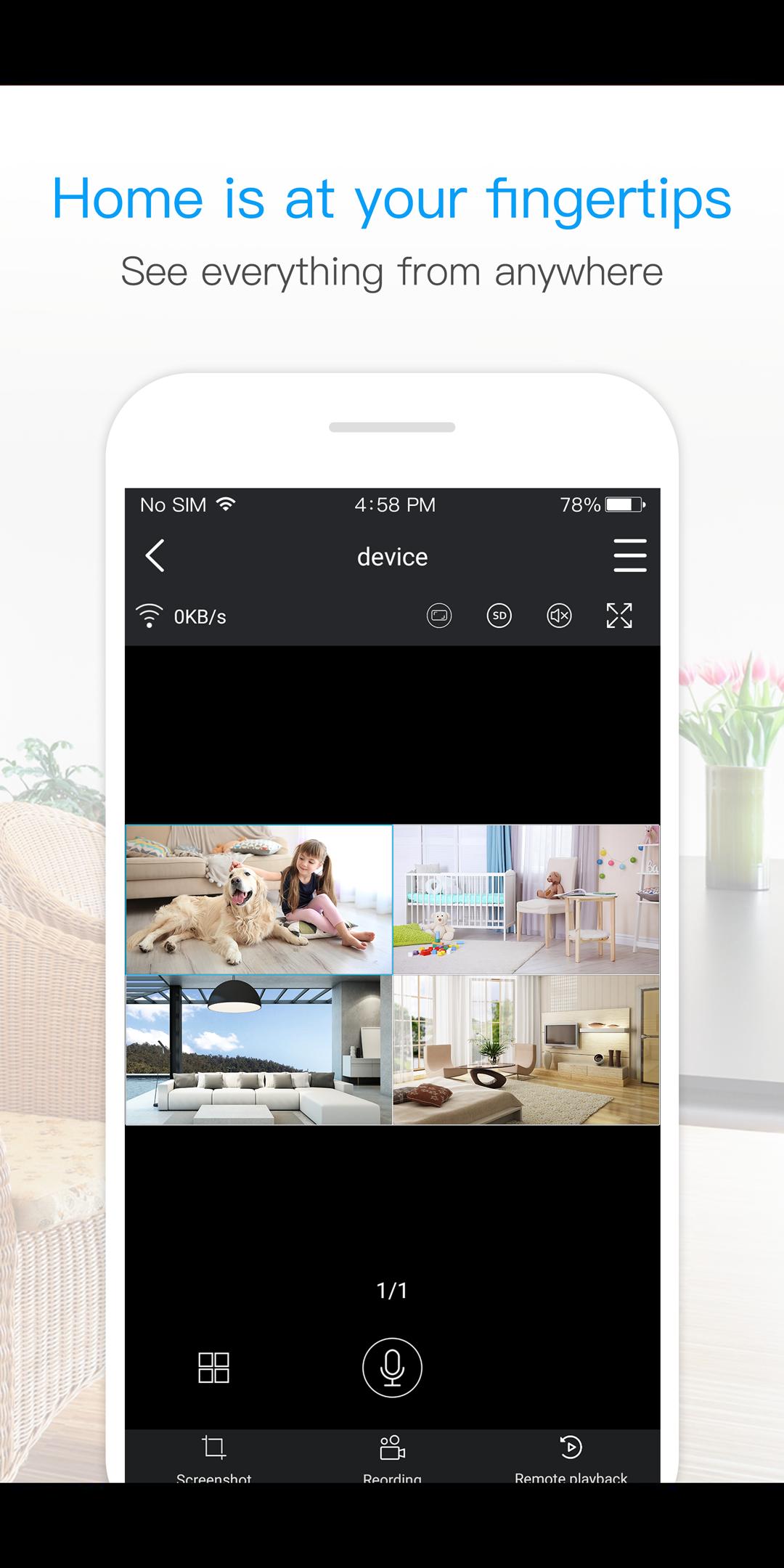
o Live View of single or multi camera display mode (Up to 4 cameras)
o Single login for all devices
o Camera access from anywhere in the world based on your user name
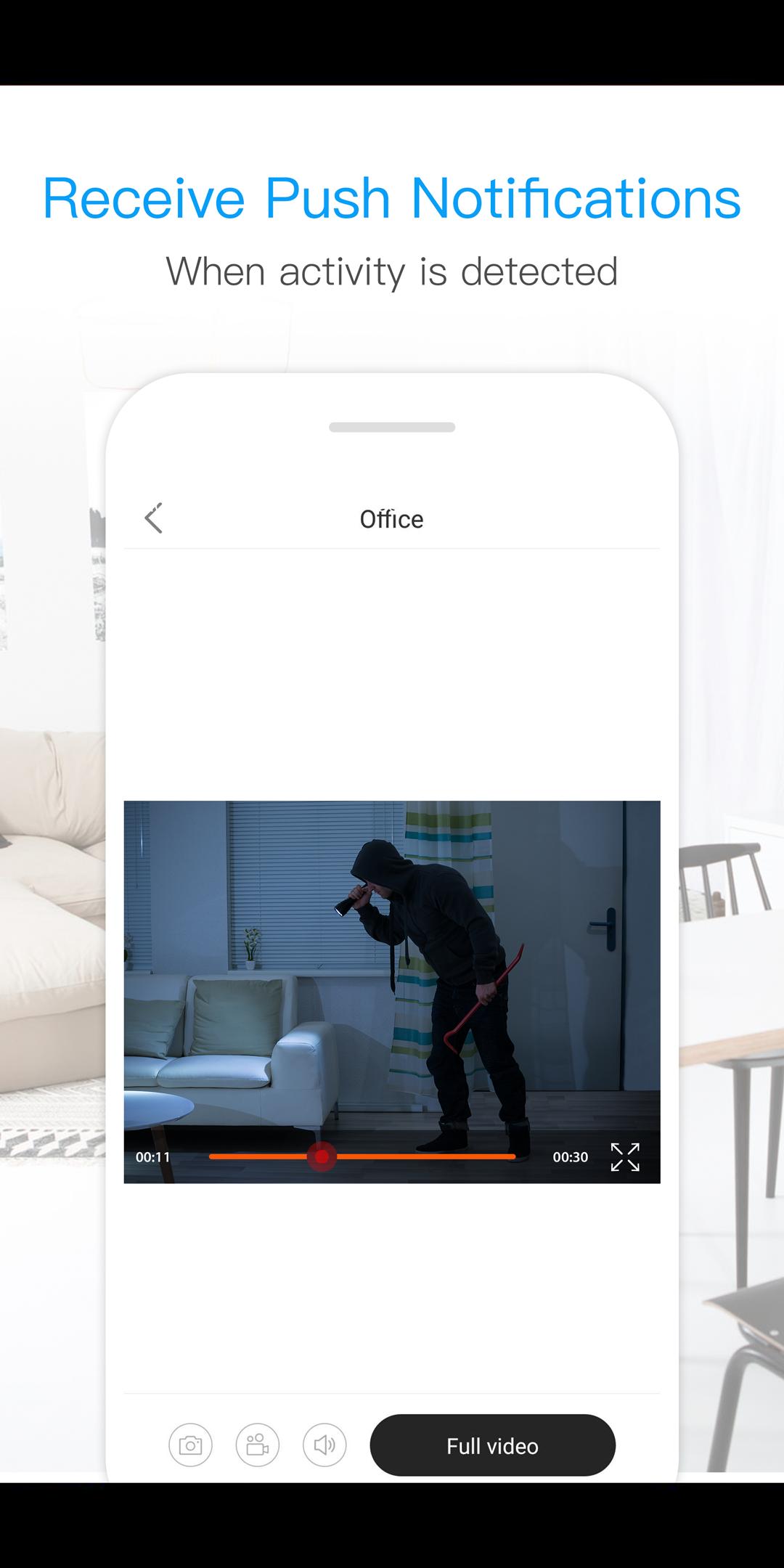
o Motion alarm with alarm schedule*
o Push Notifications
o 2 Way Audio Support - listen and talk
o Local video recording and playback on your mobile
o Landscape view with full features
o Image snapshot.
o Remote playback
o Camera configuration
o Color adjustment
o 360 degree different mode control *
o Digital Zoom
o Remote Firmware update
*(Supported Cameras Only)
Preview
Information
Developer
Provision-ISR Limited
Latest Version
3.3.30
Last Updated
2021-08-13
Category
Tools
Available on
Google Play
Show More
How to play Provision PnP with GameLoop on PC
1. Download GameLoop from the official website, then run the exe file to install GameLoop
2. Open GameLoop and search for “Provision PnP” , find Provision PnP in the search results and click “Install”
3. Enjoy playing Provision PnP on GameLoop
Minimum requirements
OS
Windows 8.1 64-bit or Windows 10 64-bit
GPU
GTX 1050
CPU
i3-8300
Memory
8GB RAM
Storage
1GB available space
Recommended requirements
OS
Windows 8.1 64-bit or Windows 10 64-bit
GPU
GTX 1050
CPU
i3-9320
Memory
16GB RAM
Storage
1GB available space