Pin Lock Screen PC
AppLockScreen
Download Pin Lock Screen on PC With GameLoop Emulator
Pin Lock Screen on PC
Pin Lock Screen, coming from the developer AppLockScreen, is running on Android systerm in the past.
Now, You can play Pin Lock Screen on PC with GameLoop smoothly.
Download it in the GameLoop library or search results. No more eyeing the battery or frustrating calls at the wrong time any more.
Just enjoy Pin Lock Screen PC on the large screen for free!
Pin Lock Screen Introduction
🔐 Pin Lock Screen – Secure & Stylish Lock Screen
The all-new Pin Lock Screen gives your phone a stylish, modern look while keeping your personal data safe. If you’re tired of conventional, boring screen locks, this free Android lock screen app lets you refresh your phone with elegant PIN-based security.
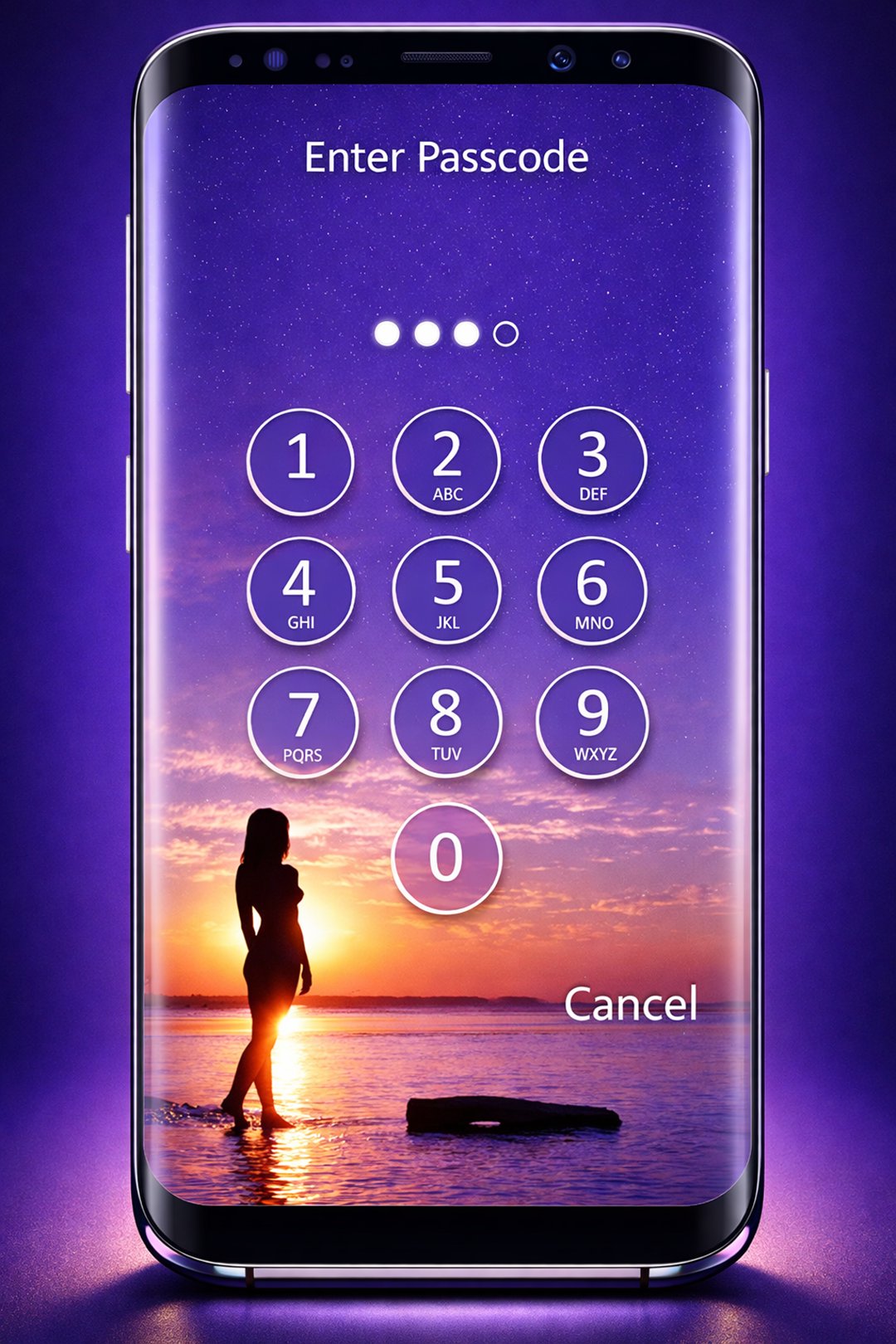
Unlock your phone easily by entering your 4-digit PIN, and enjoy a secure, fast, and smooth experience.
✨ Why Choose Pin Lock Screen?
High Security: Protect your personal data with a unique PIN lock. No one can access your phone without your permission.
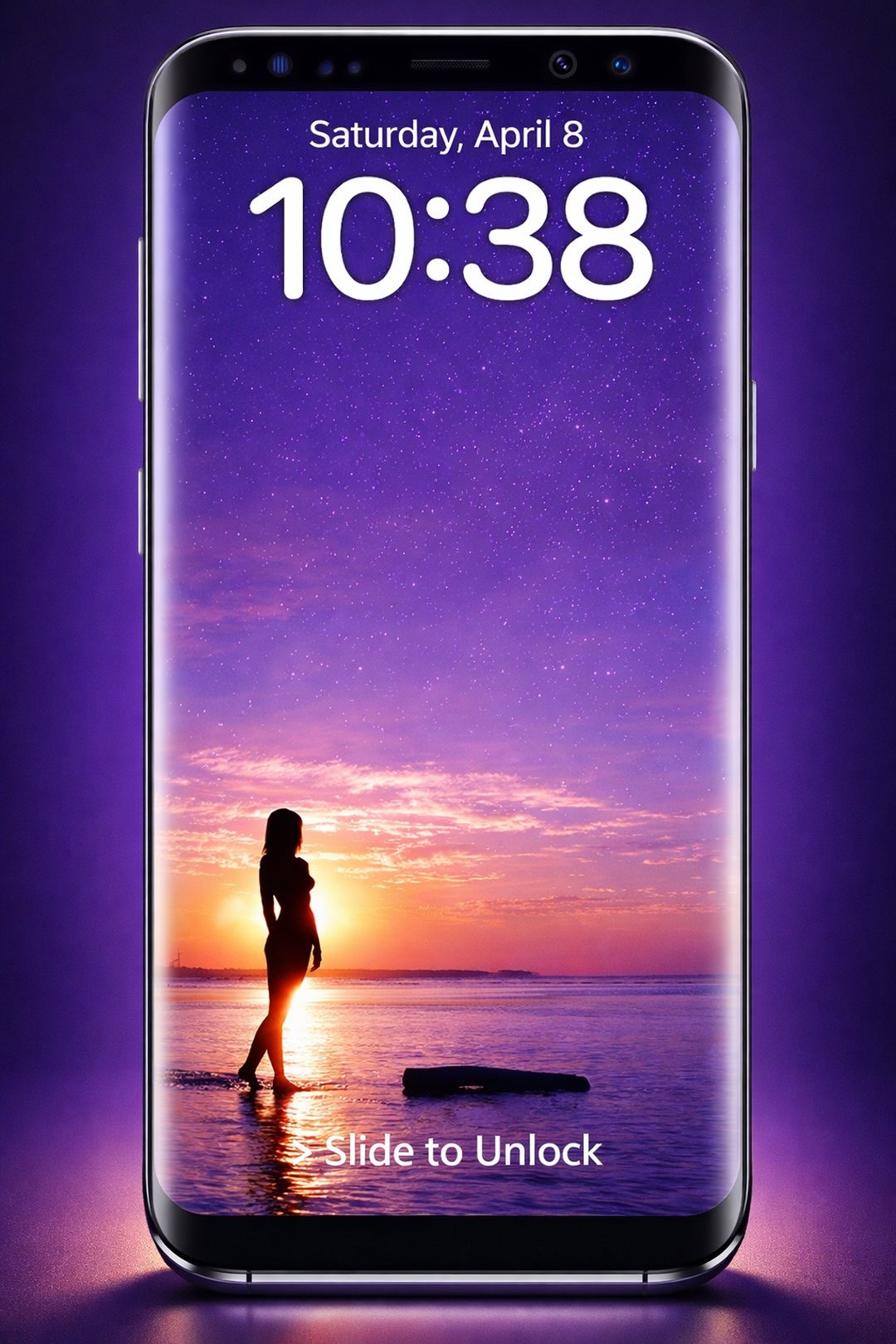
Elegant & Functional: Displays date and time on the lock screen while providing a stylish, clean design.
Customizable Wallpapers: Choose from a built-in gallery of HD backgrounds or set your own wallpaper.
Fast & Easy Unlock: Swipe on the lock screen and enter your PIN to unlock instantly.
Offline Use: Works completely offline — no internet required.
🖼️ Features of Pin Lock Screen
Real-time date & time display on lock screen
24-hour time format
Lock screen notifications
Attend or reject calls while your phone is locked
Multiple attractive HD wallpapers
Simple, clean, and intuitive design
Free for everyone
Maximum privacy — no data misuse
Tested on multiple Android devices and versions
📱 How to Use
Allow permissions required by Pin Lock Screen
Enable the screen lock from the main settings
Set a unique PIN to secure your phone
Optionally, change the lock screen wallpaper from settings
🛡️ Privacy You Can Trust
Pin Lock Screen is designed with your privacy in mind. Your data is never misused, and all security features work offline.
❤️ Feedback & Support
We value your feedback! If you enjoy Pin Lock Screen, please rate and review us on the Play Store. For suggestions or issues, email us — we’re happy to help and improve the app.
📥 Download Pin Lock Screen now and enjoy a high-security, stylish lock screen with HD wallpapers, notifications, and a smooth unlocking experience!
Preview
Tags
ToolsInformation
Developer
AppLockScreen
Latest Version
128.1.1
Last Updated
2026-09-02
Category
Tools
Available on
Google Play
Show More
How to play Pin Lock Screen with GameLoop on PC
1. Download GameLoop from the official website, then run the exe file to install GameLoop
2. Open GameLoop and search for “Pin Lock Screen” , find Pin Lock Screen in the search results and click “Install”
3. Enjoy playing Pin Lock Screen on GameLoop
Minimum requirements
OS
Windows 8.1 64-bit or Windows 10 64-bit
GPU
GTX 1050
CPU
i3-8300
Memory
8GB RAM
Storage
1GB available space
Recommended requirements
OS
Windows 8.1 64-bit or Windows 10 64-bit
GPU
GTX 1050
CPU
i3-9320
Memory
16GB RAM
Storage
1GB available space