
Pile EZA® App PC
LAVI.FR
Download Pile EZA® App on PC With GameLoop Emulator
Pile EZA® App on PC
Pile EZA® App, coming from the developer LAVI.FR, is running on Android systerm in the past.
Now, You can play Pile EZA® App on PC with GameLoop smoothly.
Download it in the GameLoop library or search results. No more eyeing the battery or frustrating calls at the wrong time any more.
Just enjoy Pile EZA® App PC on the large screen for free!
Pile EZA® App Introduction
Pile EZA is an intelligent energy storage system based on Lithium-Iron-Phosphate technology (LiFePO4). It completely replaces an auxiliary battery for slow discharge. It was designed for users of campervan, caravan, van, boat, isolated sites ... The EZA battery comes in 2 models: EZA 80 (12V), EZA 130 (12V).
These two models can be coupled to multiply the energy storage capacity of your electrical installation and suit the best your energy consumption.
EZA The application allows you to control and monitor your EZA stack from your Smartphone or Android tablet.
Autonomy:
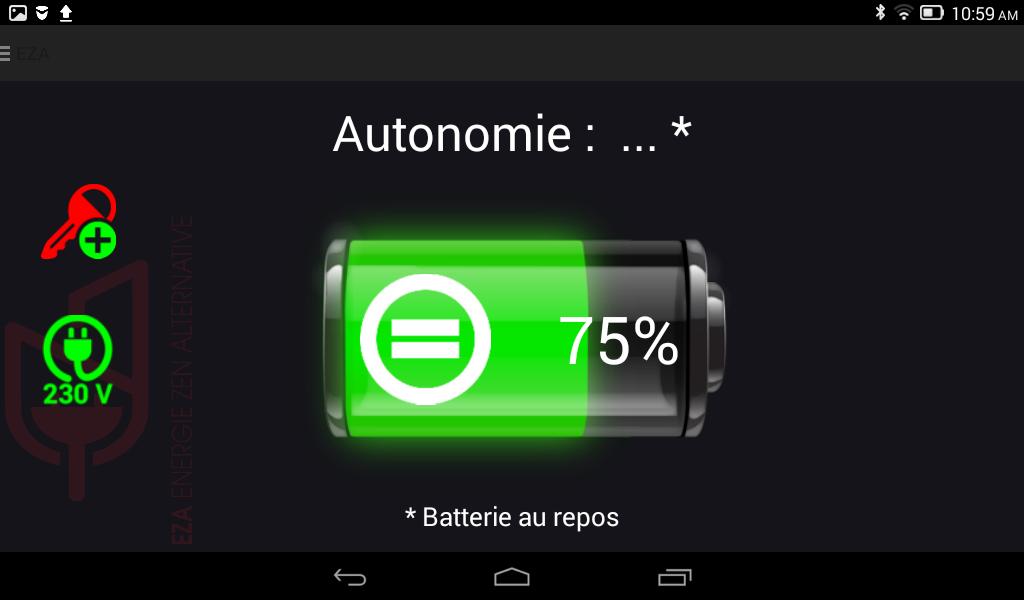
- Display the state of charge of your battery EZA and get an estimate of its remaining useful life.
- Check for 230 V (compatible with the inverter driven EZA)
Use:
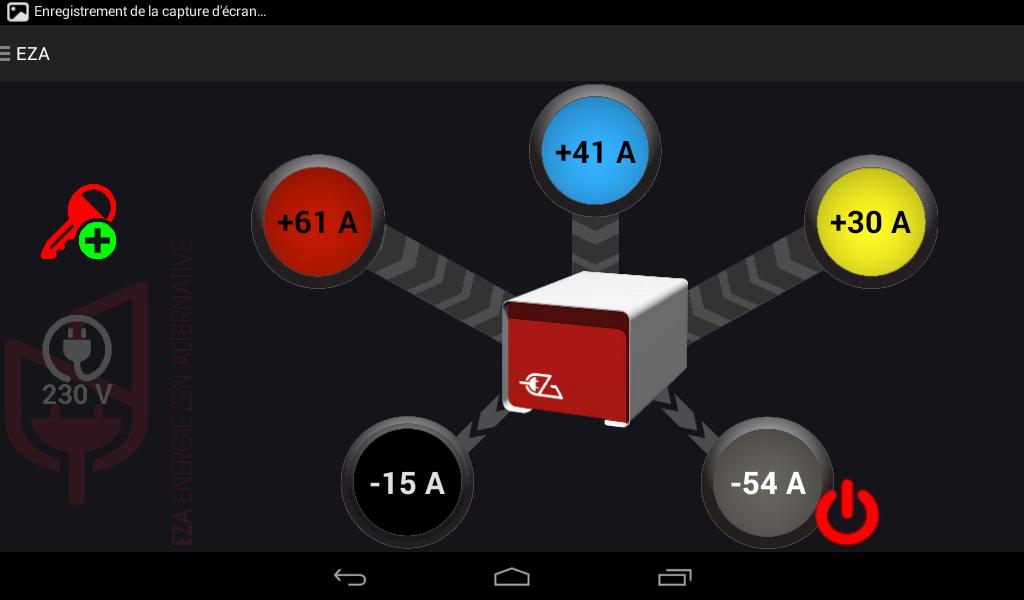
- View instant flow charge and discharge your battery and get the history of each of these streams on 1h or 24h
- Drive out of your battery converter
Assistance:
- Get the information needed to install, use, and maintenance of your battery
Maintenance:
- Visualize the periodic inspection time of your battery
- Visualize the voltage of your electrical installation
- Check the operating status of your battery
- Check the connection of the + after ignition or D + on your electrical installation
- Enter the battery maintenance information (reserved for the installer)
- Set the default language of the application (English, French, German, Dutch)
More information: www.eza.fr
Preview
Tags
ToolsInformation
Developer
LAVI.FR
Latest Version
1.8.11.0
Last Updated
2018-10-29
Category
Tools
Available on
Google Play
Show More
How to play Pile EZA® App with GameLoop on PC
1. Download GameLoop from the official website, then run the exe file to install GameLoop
2. Open GameLoop and search for “Pile EZA® App” , find Pile EZA® App in the search results and click “Install”
3. Enjoy playing Pile EZA® App on GameLoop
Minimum requirements
OS
Windows 8.1 64-bit or Windows 10 64-bit
GPU
GTX 1050
CPU
i3-8300
Memory
8GB RAM
Storage
1GB available space
Recommended requirements
OS
Windows 8.1 64-bit or Windows 10 64-bit
GPU
GTX 1050
CPU
i3-9320
Memory
16GB RAM
Storage
1GB available space