Clean My Phone: Junk Cleaner PC
Phone Cleaner Studio.
Download Clean My Phone: Junk Cleaner on PC With GameLoop Emulator
Clean My Phone: Junk Cleaner on PC
Clean My Phone: Junk Cleaner, coming from the developer Phone Cleaner Studio., is running on Android systerm in the past.
Now, You can play Clean My Phone: Junk Cleaner on PC with GameLoop smoothly.
Download it in the GameLoop library or search results. No more eyeing the battery or frustrating calls at the wrong time any more.
Just enjoy Clean My Phone: Junk Cleaner PC on the large screen for free!
Clean My Phone: Junk Cleaner Introduction
Find your phone getting slow? Miss when it's new? Use Phone Cleaner to make your phone as fast as a brand new one, for a more productive you.
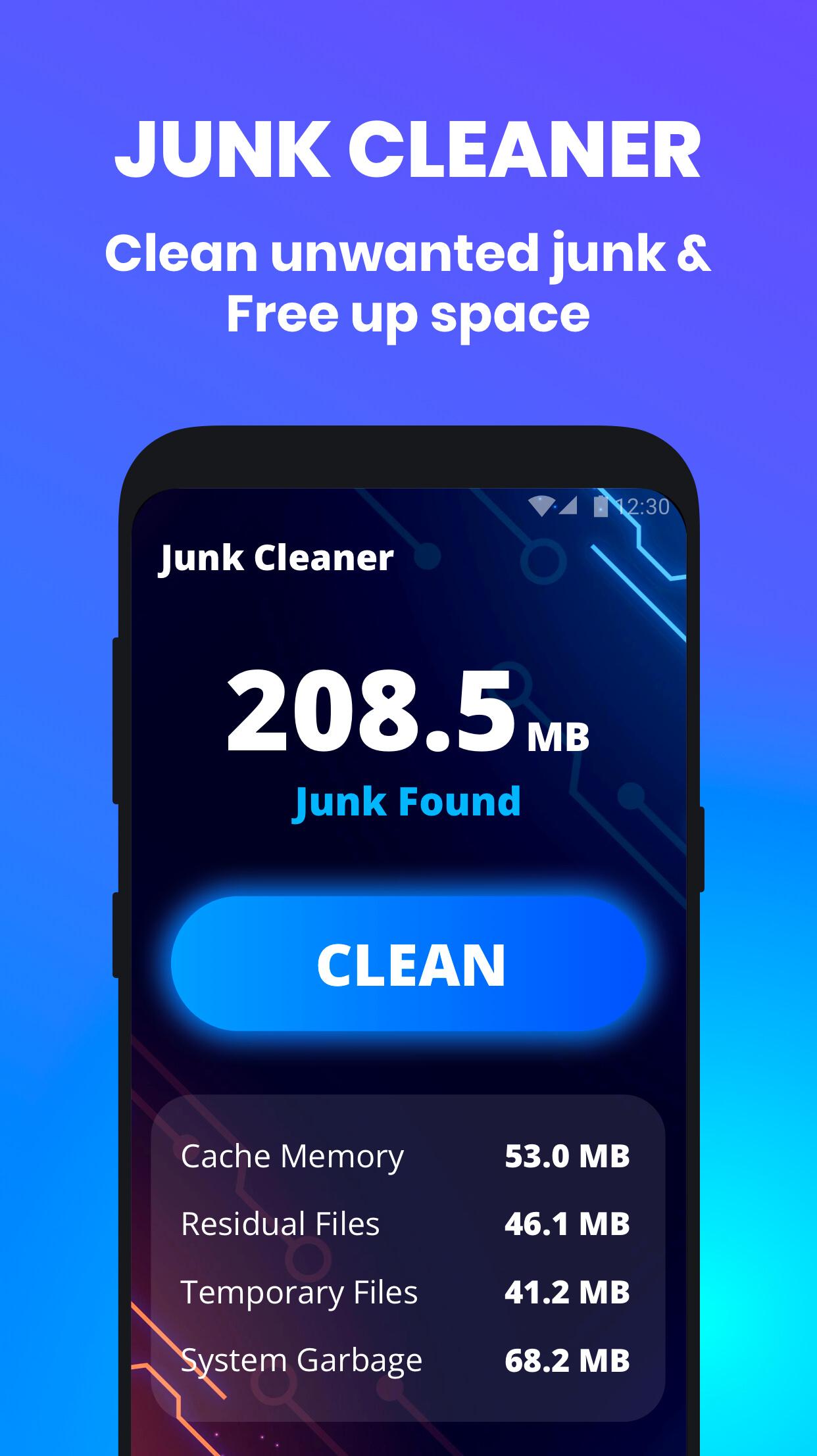
🚿 Clean unwanted junk and free up space
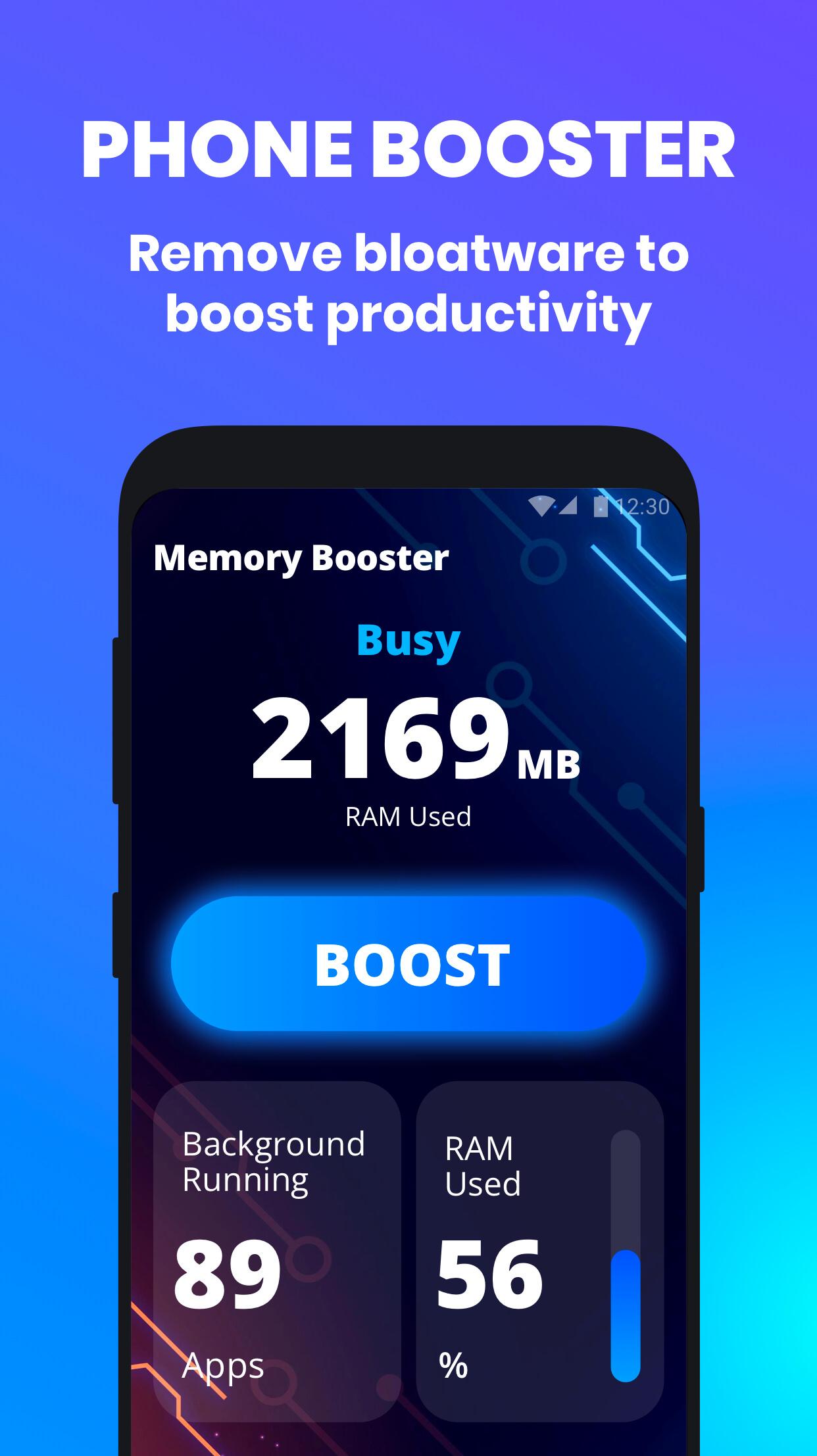
⚡ Remove bloatware to boost productivity
🔋 Add extra hours and extend battery life
🧊 Cool CPU down at once with one tap
✨ Junk & Cache Cleaner
This app is the one-stop solution for all your cleaning needs. Temporary, residual, and cache files from systems and apps will no longer bother you.
👍 Optimize Phone Performance
Give your memory a speed boost. No more bloatware from now on. Enjoy a superfast phone with rocket speed!
💪 Maximize Battery Lifetime
Time to get a more powerful battery. We can add extra hours to your battery life and squeeze the most juice out of your battery.
🌡️ Smart CPU Cooler and Monitor
Protect your CPU all the time by monitoring. Once unused applications overheat your phone, close them with one tap and immediately normalize the temperature.
Preview
Tags
ToolsInformation
Developer
Phone Cleaner Studio.
Latest Version
1.1.3
Last Updated
2022-12-09
Category
Tools
Available on
Google Play
Show More
How to play Clean My Phone: Junk Cleaner with GameLoop on PC
1. Download GameLoop from the official website, then run the exe file to install GameLoop
2. Open GameLoop and search for “Clean My Phone: Junk Cleaner” , find Clean My Phone: Junk Cleaner in the search results and click “Install”
3. Enjoy playing Clean My Phone: Junk Cleaner on GameLoop
Minimum requirements
OS
Windows 8.1 64-bit or Windows 10 64-bit
GPU
GTX 1050
CPU
i3-8300
Memory
8GB RAM
Storage
1GB available space
Recommended requirements
OS
Windows 8.1 64-bit or Windows 10 64-bit
GPU
GTX 1050
CPU
i3-9320
Memory
16GB RAM
Storage
1GB available space