
PCS Manager PC
Sony Storage Media Solutions Corporation
Download PCS Manager on PC With GameLoop Emulator
PCS Manager on PC
PCS Manager, coming from the developer Sony Storage Media Solutions Corporation, is running on Android systerm in the past.
Now, You can play PCS Manager on PC with GameLoop smoothly.
Download it in the GameLoop library or search results. No more eyeing the battery or frustrating calls at the wrong time any more.
Just enjoy PCS Manager PC on the large screen for free!
PCS Manager Introduction
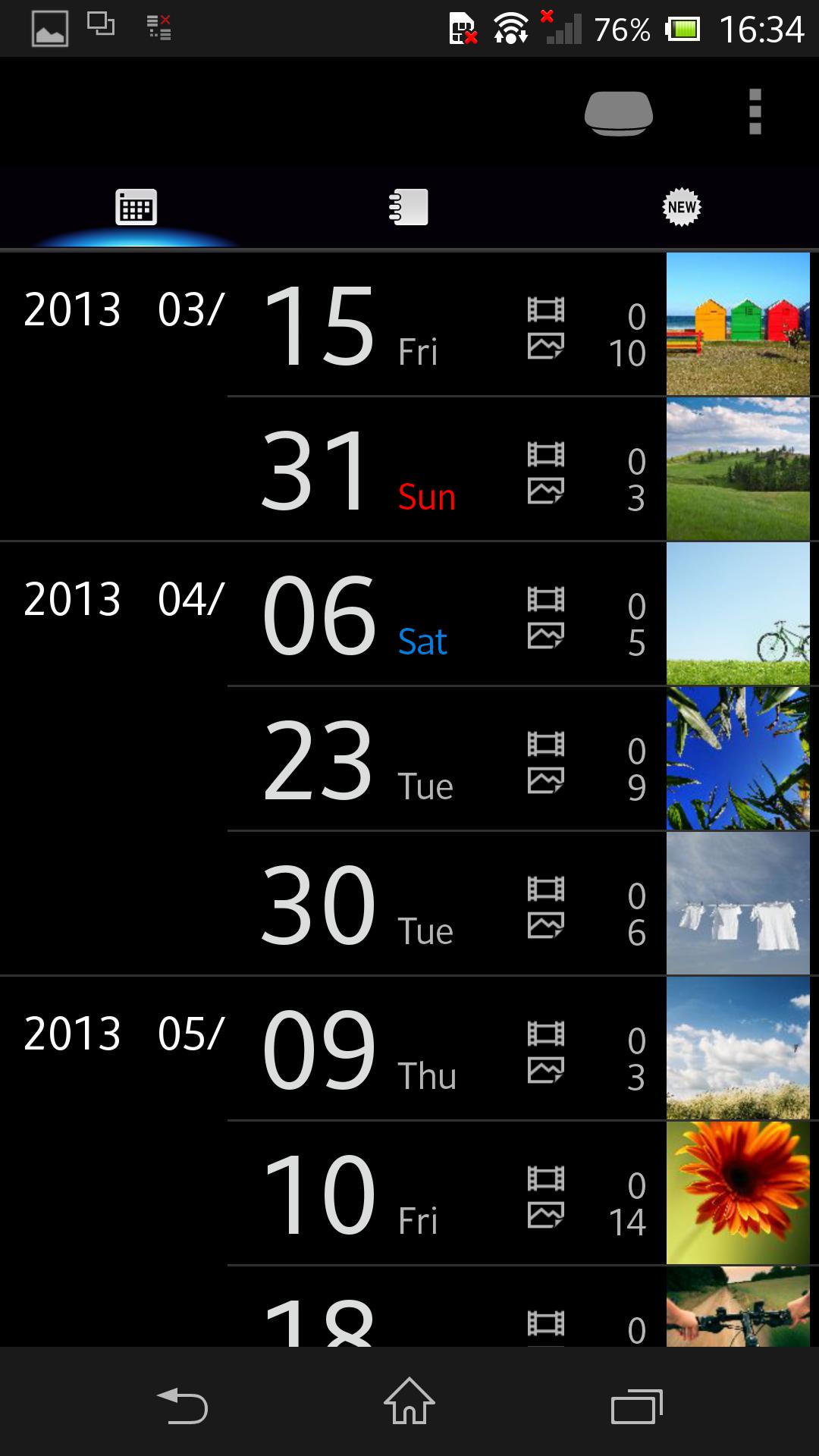
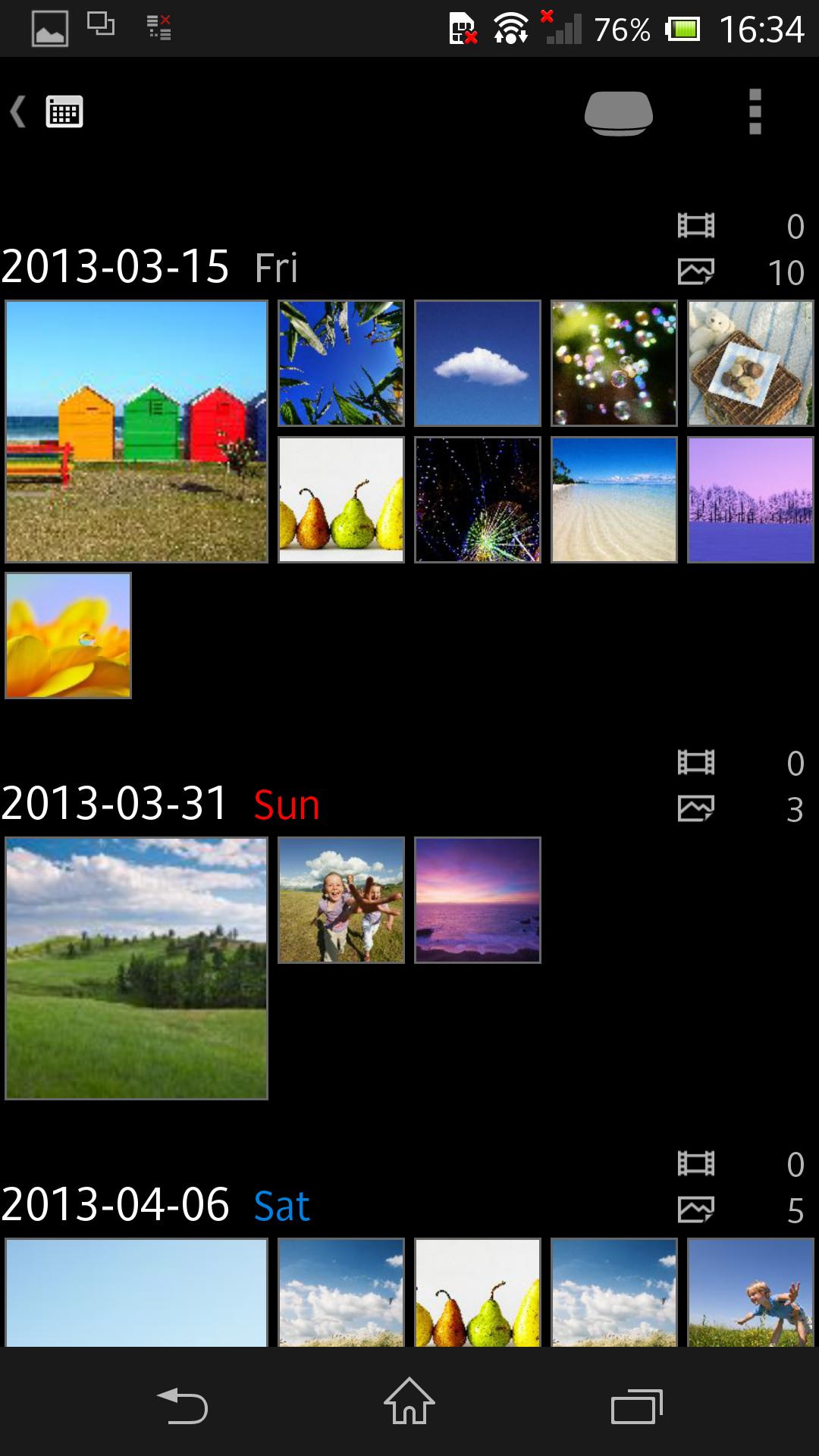
Control and manage your Sony Personal Content Station™ LLS-201 from smartphones and tablets.
Your photos and videos can be stored to LLS-201, then be viewed and shared among smartphones and tablets, with more features enjoyable!
- Wirelessly transfer your photos and videos from your smartphone and tablet.
- Also support transfer from various shooting devices like digital still cameras, digital SLR cameras, and video cameras, via the USB terminal and memory card slot.
- The built-in video transcoder can automatically convert videos to appropriate format for playback on smartphones and tablets.
- The photos and videos stored on LLS-201 can be enjoyed in many ways -- wirelessly viewed on your smartphone and tablet; played on a large screen TV connected with an HDMI cable in full HD (up to 1080/60p) quality; transferred and posted to network services through a smartphone or tablet for sharing with your friends and family; etc.
- Back up your photos and videos to external USB storage (FAT32; up to 2TB supported) or memory card.
For details about Sony Personal Content Station LLS-201, see http://www.sony.net/pcs/.
Preview
Information
Developer
Sony Storage Media Solutions Corporation
Latest Version
3.1.4
Last Updated
2018-07-11
Category
Tools
Available on
Google Play
Show More
How to play PCS Manager with GameLoop on PC
1. Download GameLoop from the official website, then run the exe file to install GameLoop
2. Open GameLoop and search for “PCS Manager” , find PCS Manager in the search results and click “Install”
3. Enjoy playing PCS Manager on GameLoop
Minimum requirements
OS
Windows 8.1 64-bit or Windows 10 64-bit
GPU
GTX 1050
CPU
i3-8300
Memory
8GB RAM
Storage
1GB available space
Recommended requirements
OS
Windows 8.1 64-bit or Windows 10 64-bit
GPU
GTX 1050
CPU
i3-9320
Memory
16GB RAM
Storage
1GB available space