
Multi Floating Clock, Timer PC
spapptech
Download Multi Floating Clock, Timer on PC With GameLoop Emulator
Multi Floating Clock, Timer on PC
Multi Floating Clock, Timer, coming from the developer spapptech, is running on Android systerm in the past.
Now, You can play Multi Floating Clock, Timer on PC with GameLoop smoothly.
Download it in the GameLoop library or search results. No more eyeing the battery or frustrating calls at the wrong time any more.
Just enjoy Multi Floating Clock, Timer PC on the large screen for free!
Multi Floating Clock, Timer Introduction
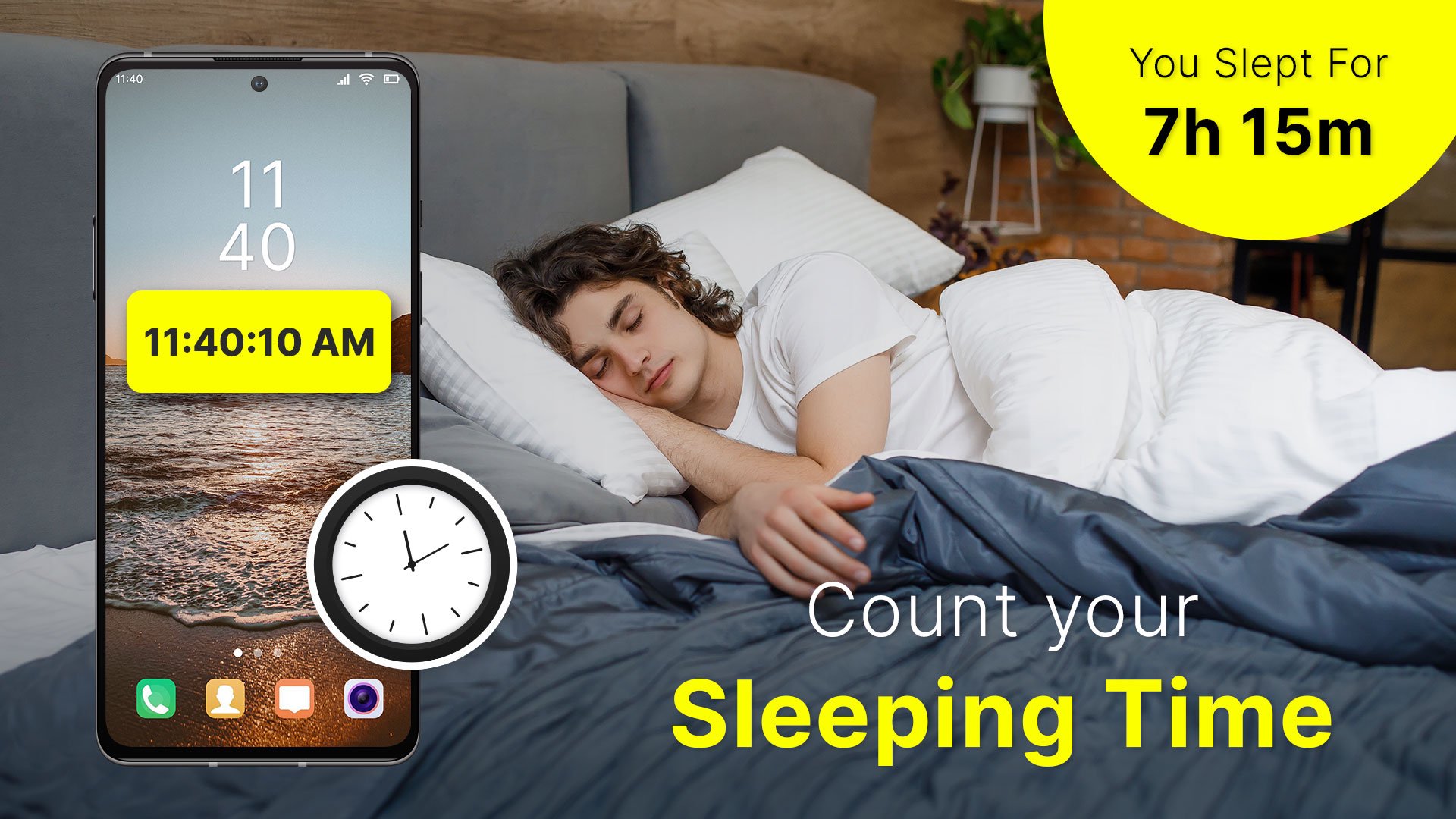
Allocate and set movable multi floating clocks, timers, and stopwatches anywhere on the phone screen while working on other applications.
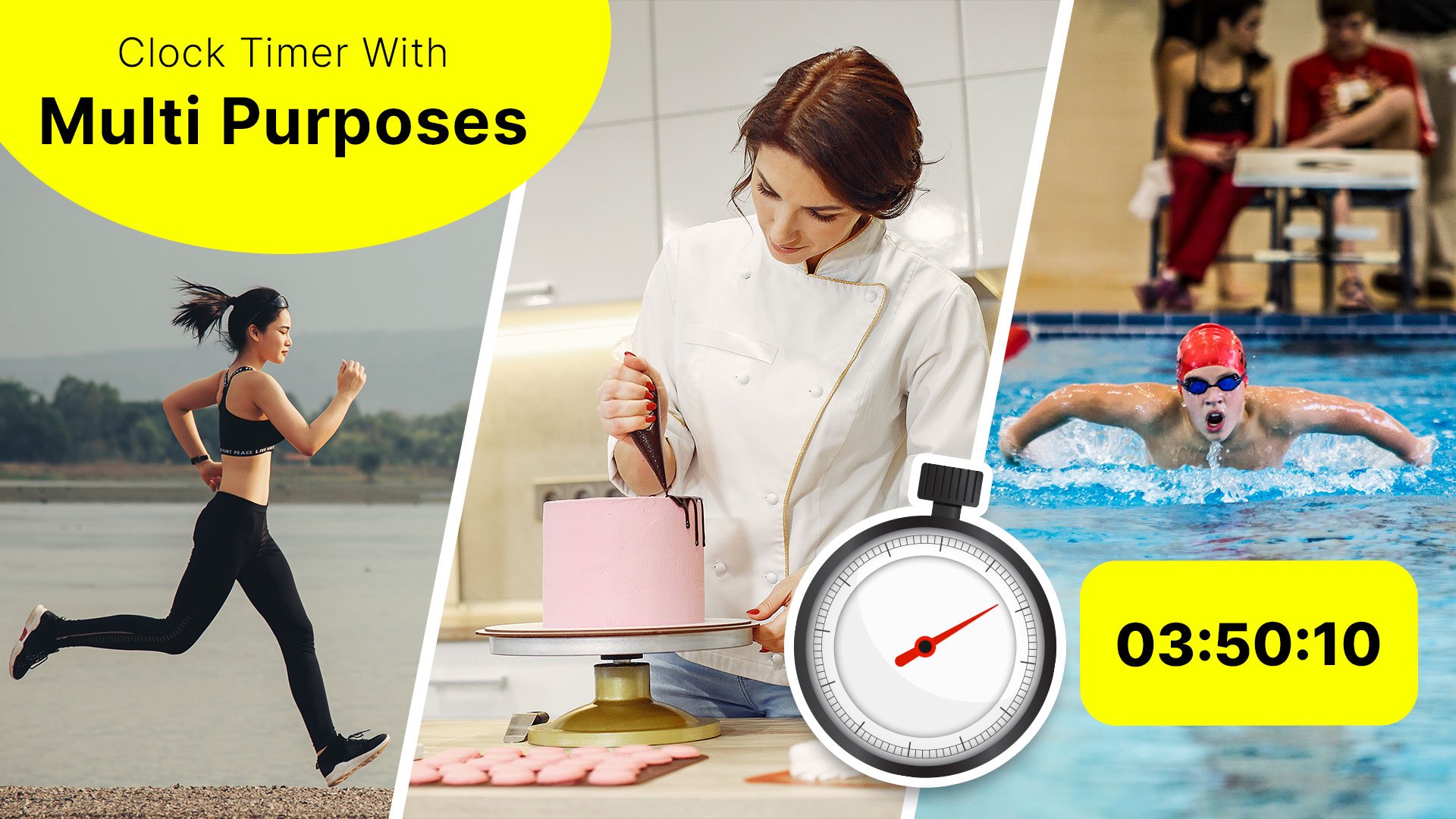
You can use the multitasking floating timers for cooking, sports, washing machine, exercise, study, work, gameplay, and while using other apps.
Easily operate multiple timers at a time. You can display it on the phone screen. You can independently start and run timers at the same time.
Assign the name for each clock, timer, and stopwatch, so it will be easy to recognize the timer allocated for which task. You can move the floating clock, timer, and stopwatch anywhere on the screen.
1. Floating Clock
- Add the multi floating clock with a name and description.
- Adjust the size, padding, radius, and transparency of multi floating clocks.
- Select the timezone for the clock.
- Enable the 12 hrs clock, display seconds, display date, and show battery.
- Select the desired attractive font style for text.
- Change the font color and background color.
2. Floating Timer
- Add the multi timer for various tasks along with its name and description.
- Set the size, padding, and radius of multi floating timers.
- Edit and set the timer as per desired.
- Enable show the hours, display milliseconds, and show the battery.
- Choose an attractive font style for text.
- Pick the desired font and background color for running & pause time.
3. Multi floating Stopwatch
- Add the multi-tasking stopwatch with the respective name and description.
- Set the size, padding, and radius for the multi floating stopwatch.
- Enable to display of the hours, milliseconds, and battery.
- Pick an attractive font style for text.
- Choose the desired font and background color for running & pause time.
Setting For Multi Floating Clock, Timer, Stopwatch App:
- Option to enable the screen ON
- Lock the floating position of Clock, Timer, and Stopwatch
- ON the timer sound
- Select the sounds from the collection
- Enable the default vibration
Easy to customize the clocks. You can operate multiple timers at a time and use them for multitasking purposes. Multi floating clocks, timers, and stopwatches will be displayed on top of all applications while you are working on other application.
Preview
Tags
ToolsInformation
Developer
spapptech
Latest Version
6.0
Last Updated
2025-08-26
Category
Tools
Available on
Google Play
Show More
How to play Multi Floating Clock, Timer with GameLoop on PC
1. Download GameLoop from the official website, then run the exe file to install GameLoop
2. Open GameLoop and search for “Multi Floating Clock, Timer” , find Multi Floating Clock, Timer in the search results and click “Install”
3. Enjoy playing Multi Floating Clock, Timer on GameLoop
Minimum requirements
OS
Windows 8.1 64-bit or Windows 10 64-bit
GPU
GTX 1050
CPU
i3-8300
Memory
8GB RAM
Storage
1GB available space
Recommended requirements
OS
Windows 8.1 64-bit or Windows 10 64-bit
GPU
GTX 1050
CPU
i3-9320
Memory
16GB RAM
Storage
1GB available space