Merge PDF: Combine PDF Files PC
Bazzigate corp
Download Merge PDF: Combine PDF Files on PC With GameLoop Emulator
Merge PDF: Combine PDF Files on PC
Merge PDF: Combine PDF Files, coming from the developer Bazzigate corp, is running on Android systerm in the past.
Now, You can play Merge PDF: Combine PDF Files on PC with GameLoop smoothly.
Download it in the GameLoop library or search results. No more eyeing the battery or frustrating calls at the wrong time any more.
Just enjoy Merge PDF: Combine PDF Files PC on the large screen for free!
Merge PDF: Combine PDF Files Introduction
All-in-One PDF Tools – Merge, Split, Edit, and Manage PDFs Offline & Free!
Looking for a fast way to combine PDF files offline? Merge PDF: Combine PDF Files is a powerful and free PDF combiner app that lets you merge PDF files, split PDF pages, compress documents, convert images to PDF, and much more. Whether you’re a student, professional, or anyone dealing with digital documents, this all-in-one PDF tools app is designed to make PDF management simple and fast.
---
📌 Top Features You’ll Love:
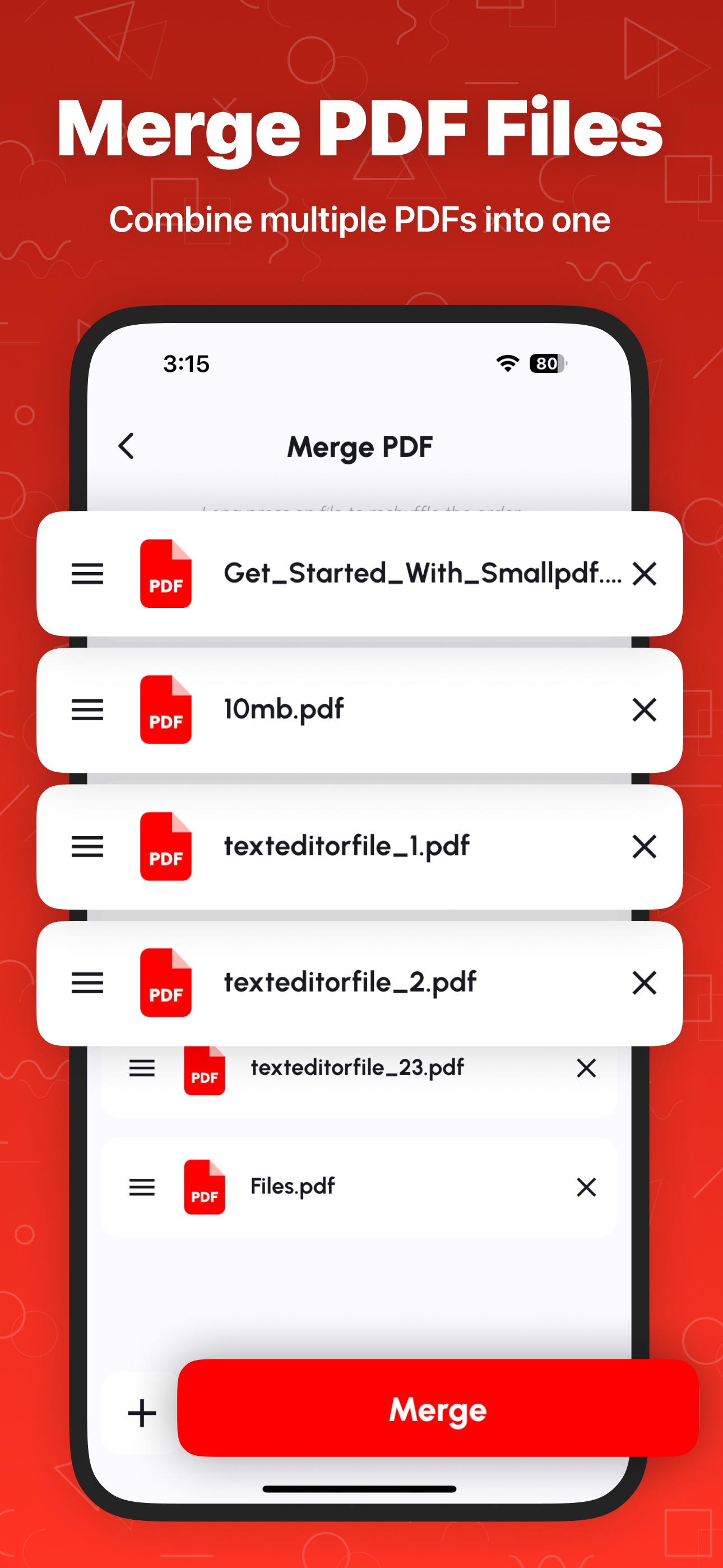
⭐ Combine PDF Files
Combine scanned files, notes, or documents into one complete PDF file using our smart PDF combiner tool.
⭐ Split PDF & Extract Pages
Use the built-in PDF splitter to cut large documents into smaller sections or extract specific pages. Manage content effortlessly with precise page selection.
⭐ View & Read PDFs
Enjoy a smooth experience with our built-in PDF viewer and PDF reader. Zoom, scroll, and flip through files with ease.
⭐ Scan to PDF
Turn paper documents into PDFs using your device camera. Our PDF scanner captures clear, high-quality images and converts them instantly into digital format.
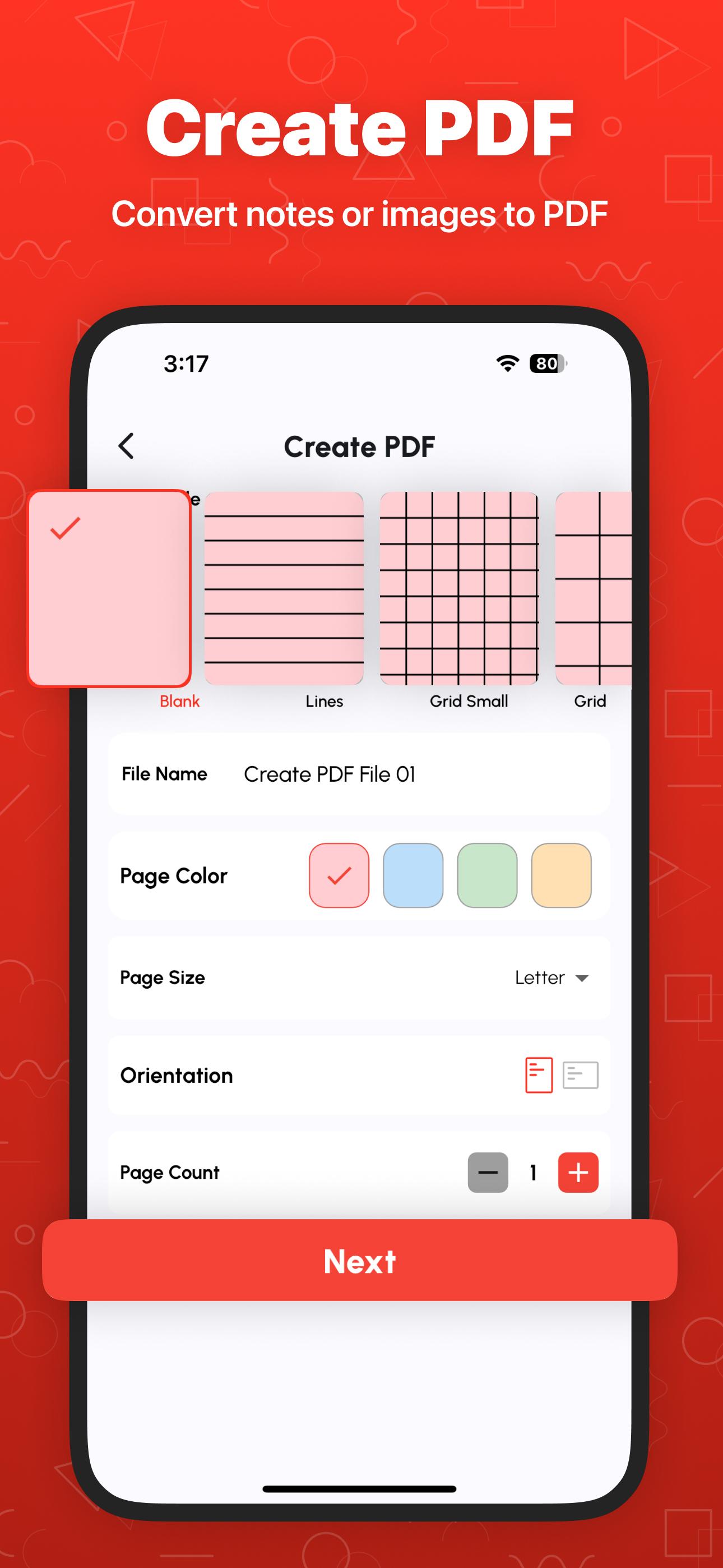
⭐ Create & Print PDF Files
Make new PDFs from scratch or print documents directly from the app. It's a complete PDF creator and print-ready solution in your pocket.
⭐ Image to PDF & PDF to JPG/PNG
Convert images to PDF or turn PDF pages into image formats like JPG and PNG with just one tap.
⭐ Compress PDF
Reduce PDF size without losing quality. This tool helps you save space and upload files faster.
⭐ Lock & Unlock PDF
Protect PDF files with passwords or decrypt locked files. Secure confidential documents or open encrypted ones with ease.
⭐ Add Signature & Text
Digitally sign PDFs or insert text anywhere in your document. Ideal for filling forms or signing contracts on the go.
⭐ Add Watermark, Page Numbers & Stamps
Brand your documents with watermark PDF tool, apply official stamps, or insert page numbers for professional formatting.
⭐ Rotate, Rearrange & Delete PDF Pages
Organize your PDFs the way you want. Reorder pages, rotate them to the correct angle, or remove unwanted pages in a few taps.
⭐ OCR (Image to Text)
Extract text from images using built-in OCR support. Turn scanned content into editable digital text instantly.
⭐ Recent Files History
Access your recently used documents from history anytime, making it easy to continue where you left off.
---
🔐 Why Choose Our PDF Combiner App?
✔️ Completely Free – No hidden charges, no subscriptions.
✔️ Offline Support – Use all tools without internet.
✔️ Unlimited Merging – Join as many PDF files as you want.
✔️ Fast & Lightweight – Small app size, high-speed performance.
✔️ All-in-One PDF Editor – Merge, split, edit, convert, scan, protect, and more.
---
🎯 Ideal For:
* Students compiling class notes, scanned assignments, or past papers
* Professionals managing contracts, invoices, and project files
* Freelancers organizing client submissions
* Anyone who wants a free, offline PDF toolkit with no limitations
---
Download Merge PDF: Combine PDF Files now and experience the easiest way to manage all your PDF needs in one secure, fast, and offline app.
---
Disclaimer: All files are processed locally on your device. We never store your documents or personal data. Your privacy is 100% safe with us.
Preview
Tags
ToolsProductivityInformation
Developer
Bazzigate corp
Latest Version
2.4.2
Last Updated
2025-11-12
Category
Tools
Available on
Google Play
Show More
How to play Merge PDF: Combine PDF Files with GameLoop on PC
1. Download GameLoop from the official website, then run the exe file to install GameLoop
2. Open GameLoop and search for “Merge PDF: Combine PDF Files” , find Merge PDF: Combine PDF Files in the search results and click “Install”
3. Enjoy playing Merge PDF: Combine PDF Files on GameLoop
Minimum requirements
OS
Windows 8.1 64-bit or Windows 10 64-bit
GPU
GTX 1050
CPU
i3-8300
Memory
8GB RAM
Storage
1GB available space
Recommended requirements
OS
Windows 8.1 64-bit or Windows 10 64-bit
GPU
GTX 1050
CPU
i3-9320
Memory
16GB RAM
Storage
1GB available space