
LiNA Touch PC
M-Way Solutions GmbH
Download LiNA Touch on PC With GameLoop Emulator
LiNA Touch on PC
LiNA Touch, coming from the developer M-Way Solutions GmbH, is running on Android systerm in the past.
Now, You can play LiNA Touch on PC with GameLoop smoothly.
Download it in the GameLoop library or search results. No more eyeing the battery or frustrating calls at the wrong time any more.
Just enjoy LiNA Touch PC on the large screen for free!
LiNA Touch Introduction
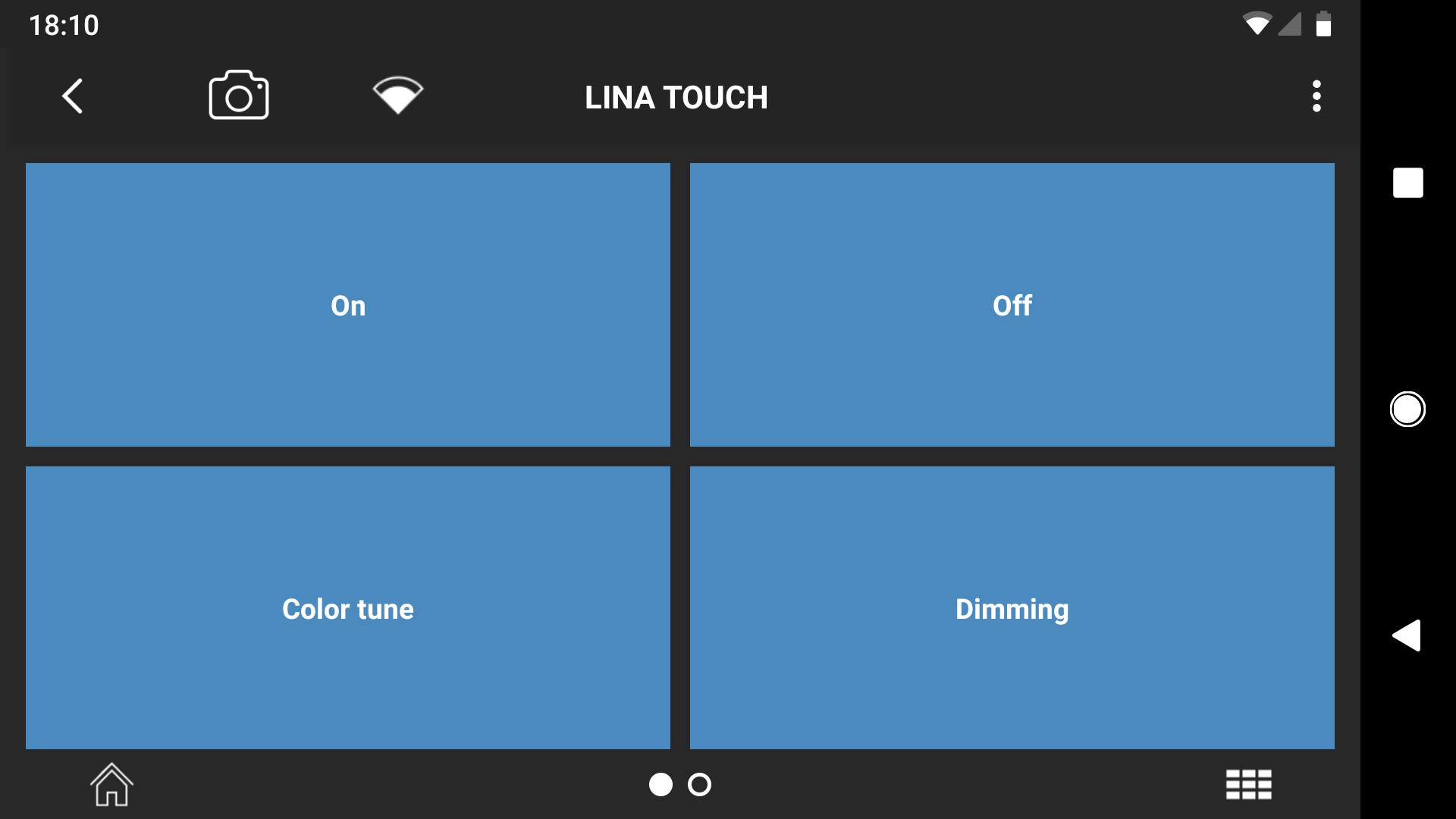
LiNA Touch – the user / operating app for the Blu2Light System.
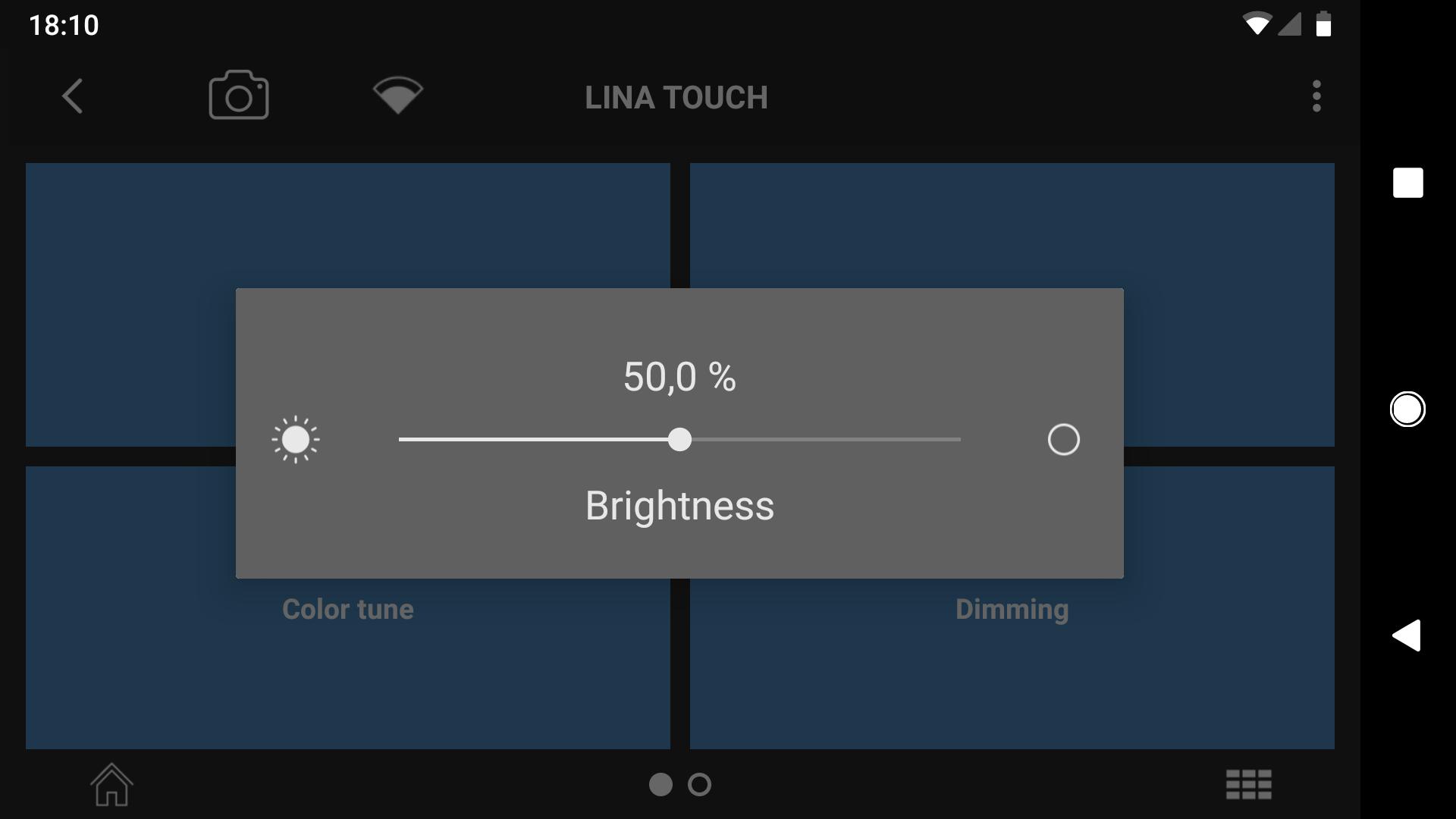
With LiNA Touch you can operate any Blu2Light System with your Android phone or Android tablet.
Please note: To create a LiNA Touch user profile the LiNA Connect is required.
Blu2Light Functions
• Up to 64 physical addresses (DALI) per Bluetooth® wireless technology device
• Up to 16 functional groups per Bluetooth® wireless technology device
• Up to 64 light scenes per Blu2Light mesh system
• Up to 64 sequences per Bluetooth® wireless technology device
• Up to 250 events configurable per Bluetooth® wireless technology device
• Integrated daylight and motion detection (only devices with sensors)
• Super-high performance wireless mesh system
• Colour control and dimming for all common standards already integrated
• Security functions to protect the system
Blu2Light At A Glance
• Open standard means that the technology is accessible for all market partners for further development and use.
• No additional router required.
• Improved network security ensures optimum protection against illegal access both prior to and during luminaire use (luminaire hijacking).
• The 4-step security concept:
– Separate user and administrator passwords for app and cloud services
– Unique product reference code in the form of a QR code
– Encrypted mesh connections (128 bit/AES)
– Encrypted Bluetooth® wireless technology communication (128 bit/AES).
• Immediate compatibility with every Bluetooth® wireless technology module with a Nordic nRF52 chipset (currently based on BT 4.2). Adaptations to other manufacturers are possible.
• Self-healing, high-performance mesh network using all 40 Bluetooth® wireless technology channels for data transfer and distribution.
• Event-based operating system allows to define 250 incoming and outgoing events (switching, dimming, color, timer, and much more) per Bluetooth® device.
• All Blu2Light components are able to function as a standalone system, form a Bluetooth® wireless technology mesh network with several hundred devices, and be integrated into a building management systems via the IoT structure.
• The entire system is controlled and commissioned via the LiNA Connect App (for configuration) and LiNA Touch (for operation). LiNA (Lighting innovation app) provides the user with assistance throughout the configuration.
• When combining Blu2Light components with drivers featuring already integrated Active DALI technology (e.g. VS B2L ready DALI LED driver) no additional power supply is required for the sensor.
• Blu2Light devices fitted with a DALI bus can be combined with any DALI driver via the DALI standard.
• Integration of EnOcean switches/keys with Bluetooth® wireless technology (PTM 215B).
• OTA system update (Bluetooth® wireless technology mesh and operating system)
For more information please visit:
https://www.vossloh-schwabe.com
Preview
Tags
ToolsInformation
Developer
M-Way Solutions GmbH
Latest Version
3.0.1
Last Updated
2025-04-10
Category
Tools
Available on
Google Play
Show More
How to play LiNA Touch with GameLoop on PC
1. Download GameLoop from the official website, then run the exe file to install GameLoop
2. Open GameLoop and search for “LiNA Touch” , find LiNA Touch in the search results and click “Install”
3. Enjoy playing LiNA Touch on GameLoop
Minimum requirements
OS
Windows 8.1 64-bit or Windows 10 64-bit
GPU
GTX 1050
CPU
i3-8300
Memory
8GB RAM
Storage
1GB available space
Recommended requirements
OS
Windows 8.1 64-bit or Windows 10 64-bit
GPU
GTX 1050
CPU
i3-9320
Memory
16GB RAM
Storage
1GB available space