
KR Keyboard PC
KHUN SOE ZAW THU
Download KR Keyboard on PC With GameLoop Emulator
KR Keyboard on PC
KR Keyboard, coming from the developer KHUN SOE ZAW THU, is running on Android systerm in the past.
Now, You can play KR Keyboard on PC with GameLoop smoothly.
Download it in the GameLoop library or search results. No more eyeing the battery or frustrating calls at the wrong time any more.
Just enjoy KR Keyboard PC on the large screen for free!
KR Keyboard Introduction
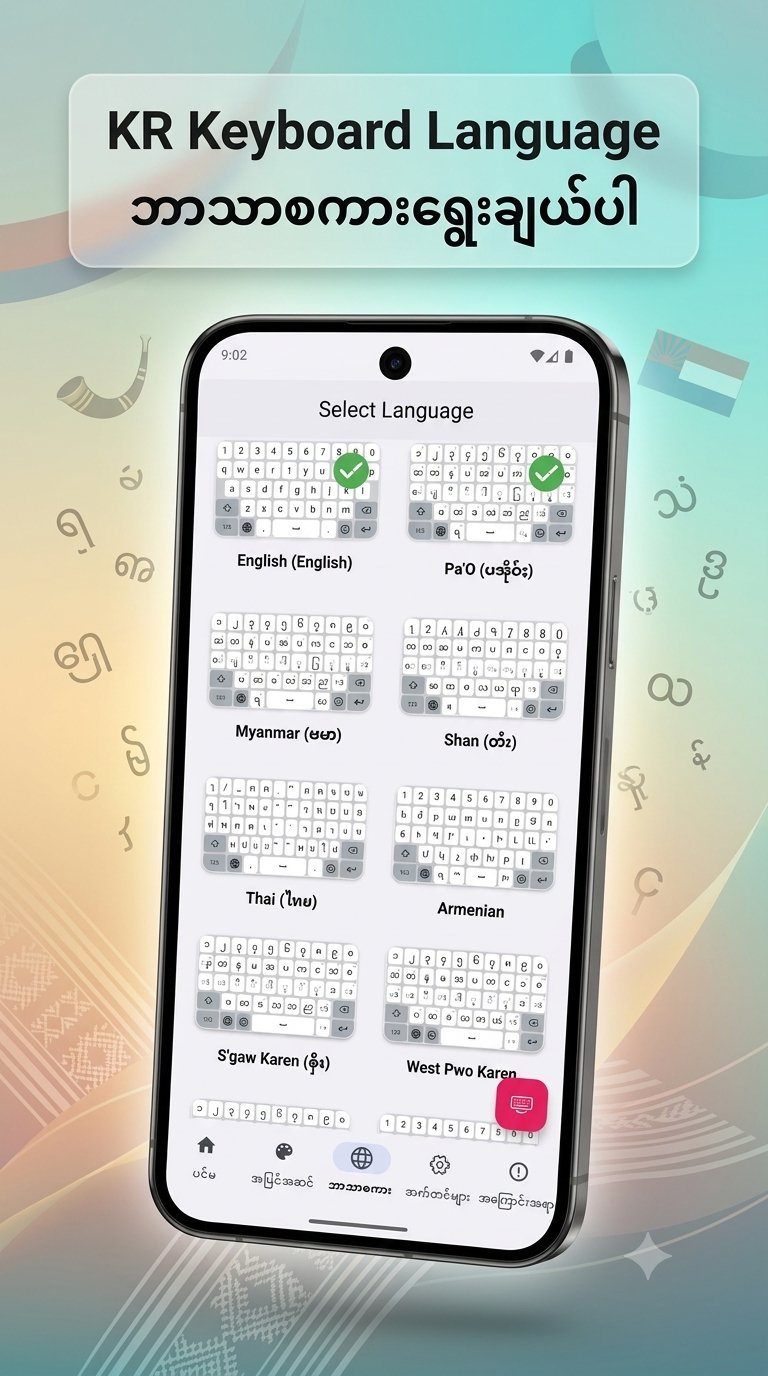
KR Keyboard language For Burmese, PaO, Shan, Karen, Mon, Ta'ang, Thai, Korean
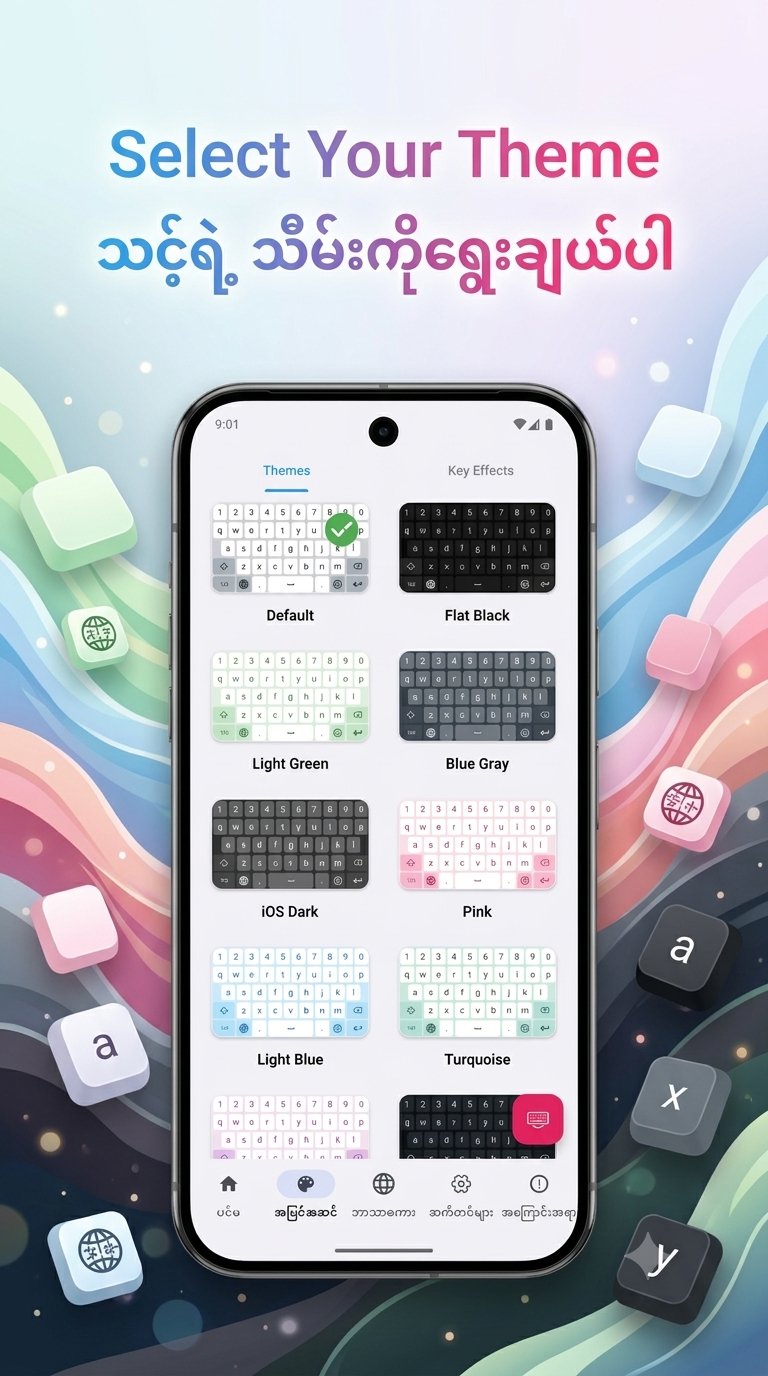
1. New Home UI - Access the Custom Theme editor directly from the Home screen for faster personalization.
2. Bold Key Text - Added a toggle in Font & Size settings to make keyboard characters bold and more visible.
3.Improved Dictionary Editor - Manage your personal word list more efficiently. The editor now focuses exclusively on user-added words.
4. Enhanced Space Key Logic - Improved character handling when pressing space to prevent accidental deletions and ensure smoother typing.
5. Bug Fixes & Optimizations:
◦ Fixed the touch issue on bottom keys in PaO Symbol layouts when the number row is enabled.
◦ Fixed the keyboard rendering issue where labels were missing on the first launch.
◦ Improved theme list stability; it no longer jumps to the top after selecting a theme
Preview
Tags
ToolsInformation
Developer
KHUN SOE ZAW THU
Latest Version
2.8
Last Updated
2026-08-21
Category
Tools
Available on
Google Play
Show More
How to play KR Keyboard with GameLoop on PC
1. Download GameLoop from the official website, then run the exe file to install GameLoop
2. Open GameLoop and search for “KR Keyboard” , find KR Keyboard in the search results and click “Install”
3. Enjoy playing KR Keyboard on GameLoop
Minimum requirements
OS
Windows 8.1 64-bit or Windows 10 64-bit
GPU
GTX 1050
CPU
i3-8300
Memory
8GB RAM
Storage
1GB available space
Recommended requirements
OS
Windows 8.1 64-bit or Windows 10 64-bit
GPU
GTX 1050
CPU
i3-9320
Memory
16GB RAM
Storage
1GB available space