
KeyPass PC
Yogesh Paliyal
Download KeyPass on PC With GameLoop Emulator
KeyPass on PC
KeyPass, coming from the developer Yogesh Paliyal, is running on Android systerm in the past.
Now, You can play KeyPass on PC with GameLoop smoothly.
Download it in the GameLoop library or search results. No more eyeing the battery or frustrating calls at the wrong time any more.
Just enjoy KeyPass PC on the large screen for free!
KeyPass Introduction
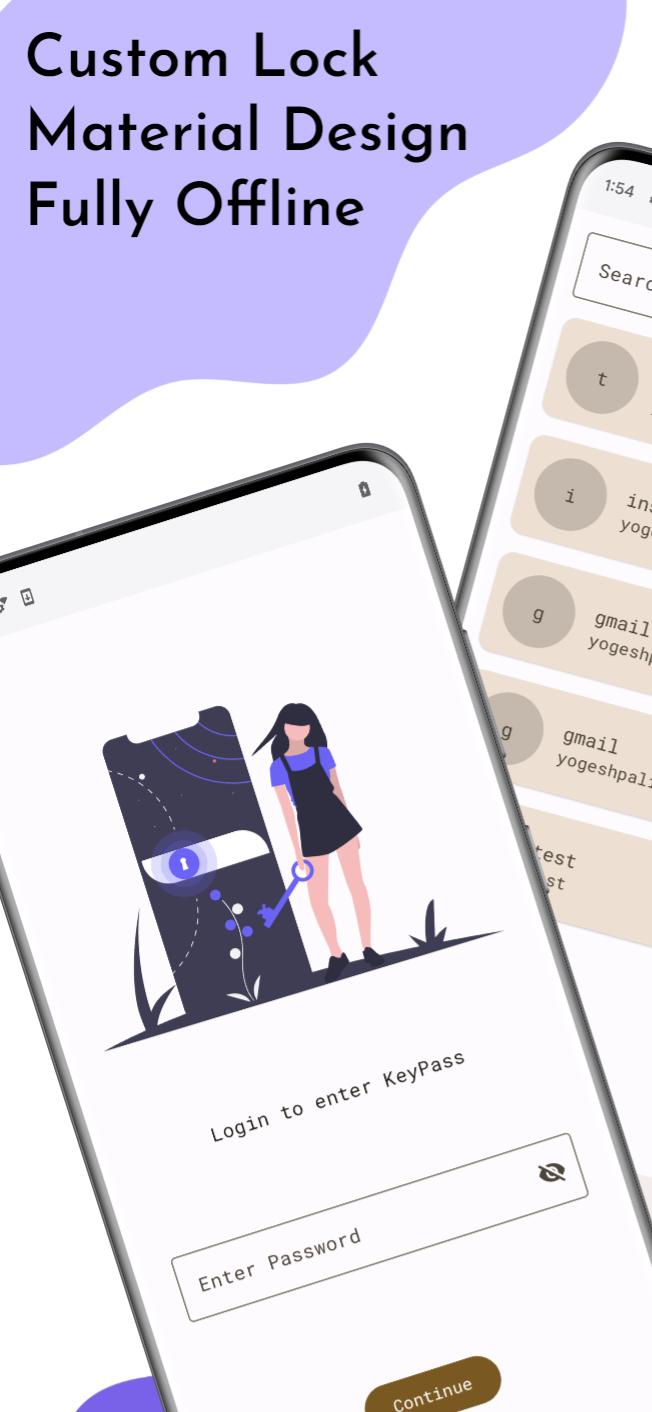
KeyPass is an exceptional open-source and offline password manager that puts you in charge of your digital security. With KeyPass, you can confidently store and manage your passwords and sensitive information offline, ensuring maximum privacy and control over your data.
Key Features:
- Offline Password Storage: Safely store and manage your passwords without relying on an internet connection. Your data remains securely stored on your device, keeping it inaccessible to others.
- Open-Source Transparency: KeyPass is an open-source project, allowing you to examine its code, contribute to its development, and verify its security. Benefit from a community-driven and transparent solution.
Source Code Link: https://github.com/yogeshpaliyal/KeyPass
- Strong Encryption: KeyPass utilizes robust encryption algorithms to safeguard your data, ensuring that your passwords and sensitive information are kept secure from prying eyes.
- Password Generation: Generate strong and unique passwords using KeyPass's built-in password generator. Strengthen your online security by creating complex passwords effortlessly.
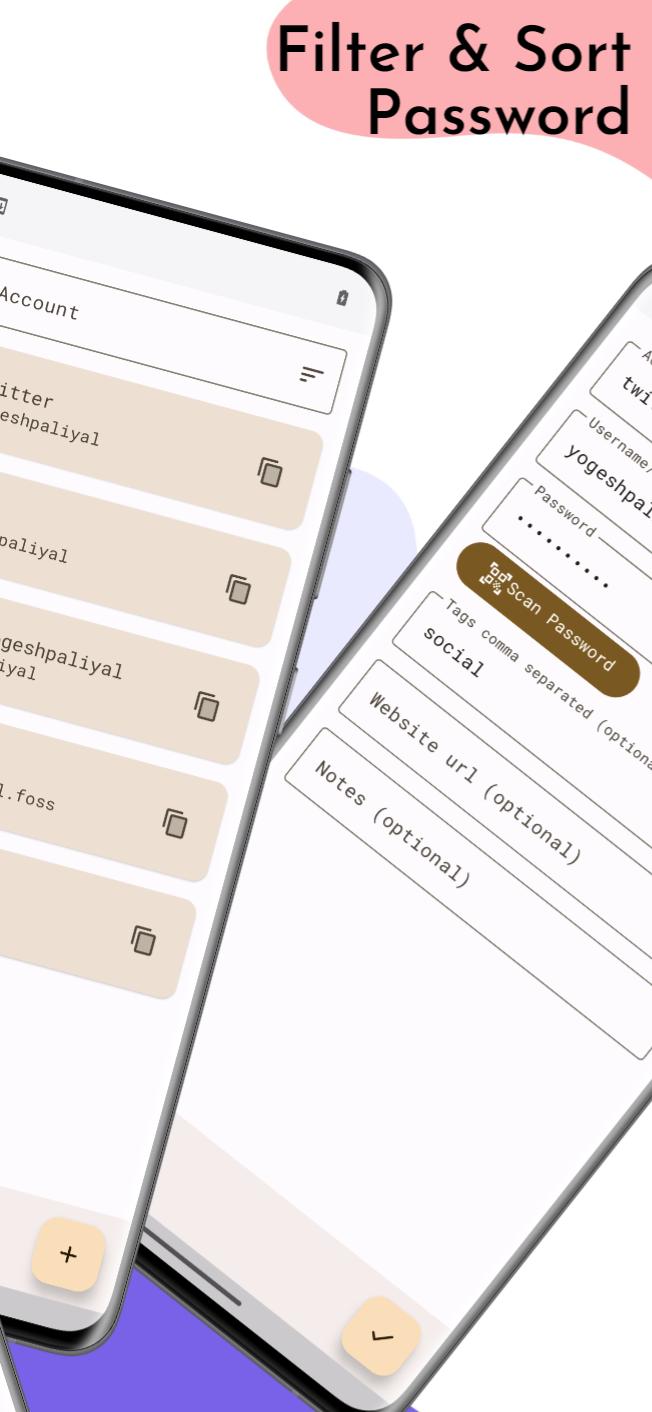
- Customizable Categories: Organize your passwords and sensitive information into customizable categories, making it easy to manage and retrieve your data efficiently.
- Backup and Restore: Back up your encrypted data locally or to external storage, ensuring you have a copy of your information in case of device loss or failure.
KeyPass combines the power of open-source development with the convenience of offline password management, offering you a secure and customizable solution. Take full control of your digital security with KeyPass today
Preview
Tags
ToolsInformation
Developer
Yogesh Paliyal
Latest Version
1.4.42
Last Updated
2025-09-03
Category
Tools
Available on
Google Play
Show More
How to play KeyPass with GameLoop on PC
1. Download GameLoop from the official website, then run the exe file to install GameLoop
2. Open GameLoop and search for “KeyPass” , find KeyPass in the search results and click “Install”
3. Enjoy playing KeyPass on GameLoop
Minimum requirements
OS
Windows 8.1 64-bit or Windows 10 64-bit
GPU
GTX 1050
CPU
i3-8300
Memory
8GB RAM
Storage
1GB available space
Recommended requirements
OS
Windows 8.1 64-bit or Windows 10 64-bit
GPU
GTX 1050
CPU
i3-9320
Memory
16GB RAM
Storage
1GB available space