
Big Boss VPN PC
sando--k
Download Big Boss VPN on PC With GameLoop Emulator
Big Boss VPN on PC
Big Boss VPN, coming from the developer sando--k, is running on Android systerm in the past.
Now, You can play Big Boss VPN on PC with GameLoop smoothly.
Download it in the GameLoop library or search results. No more eyeing the battery or frustrating calls at the wrong time any more.
Just enjoy Big Boss VPN PC on the large screen for free!
Big Boss VPN Introduction
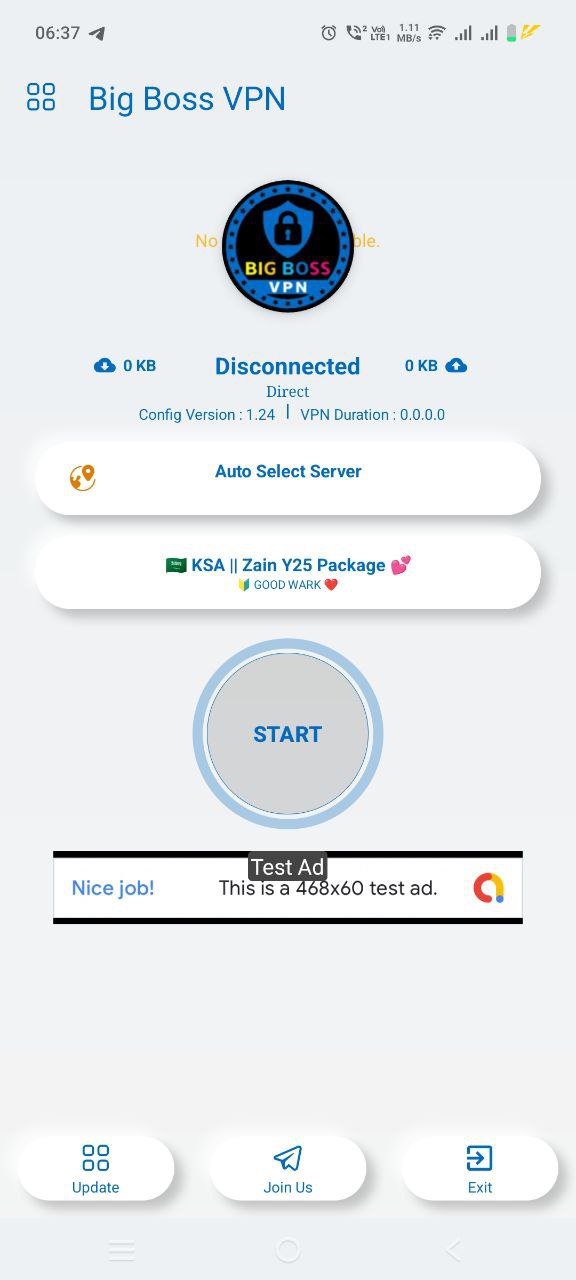
Big Boss VPN is a powerful and secure VPN app designed to give you fast, private, and unrestricted internet access. With multiple advanced tunneling protocols—V2Ray, OpenVPN, SSH, and UDP—you can choose the best connection for speed, stability, and security.
⭐ Key Features
Multiple Protocols Supported
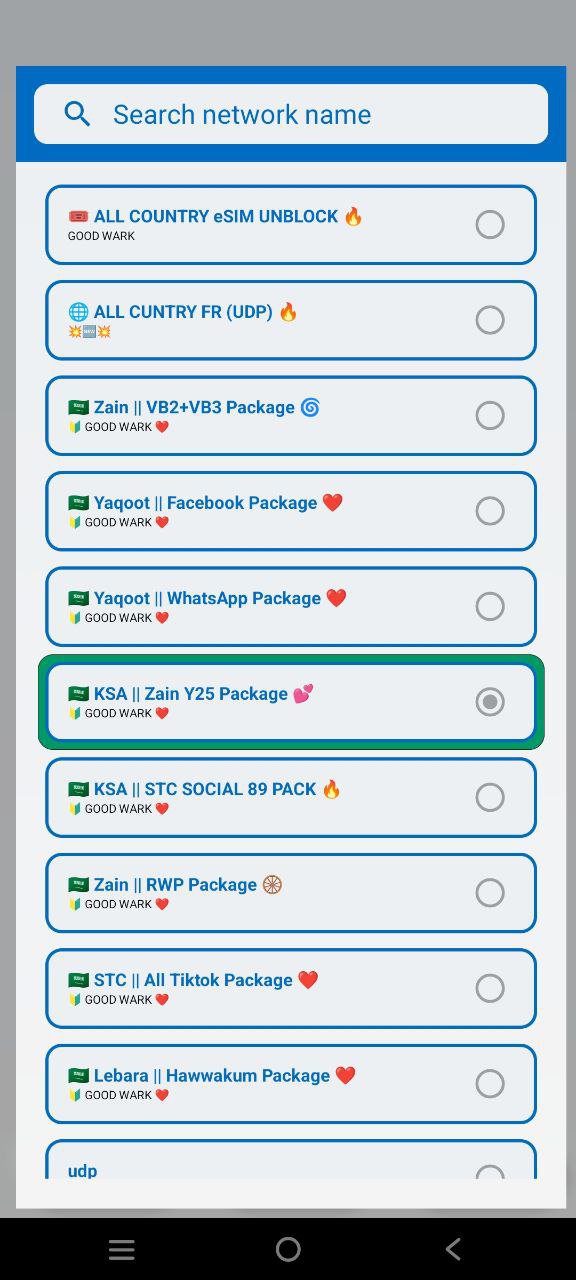
Enjoy flexible and reliable connectivity with V2Ray (VMess/VLESS), OpenVPN, SSH, and UDP tunneling.
Fast & Stable Servers
Connect to optimized global servers for smooth browsing, streaming, and gaming.
Strong Privacy Protection
Your traffic is encrypted to keep your data safe from tracking and monitoring.
One-Tap Connection
Connect instantly with a clean, easy-to-use interface.
Bypass Restrictions
Access websites and apps that may be limited in your region.
No Logs Policy
We respect your privacy—your online activity is never stored.
🔒 Why Big Boss VPN?
Big Boss VPN is built for users who need speed, stability, and modern tunneling technology. Whether you’re browsing safely, streaming without buffering, or securing your connection on public WiFi, Big Boss VPN has your back.
Experience stronger protection and faster connections—all in one app.
Preview
Tags
ToolsInformation
Developer
sando--k
Latest Version
BigBoss_3
Last Updated
2026-08-21
Category
Tools
Available on
Google Play
Show More
How to play Big Boss VPN with GameLoop on PC
1. Download GameLoop from the official website, then run the exe file to install GameLoop
2. Open GameLoop and search for “Big Boss VPN” , find Big Boss VPN in the search results and click “Install”
3. Enjoy playing Big Boss VPN on GameLoop
Minimum requirements
OS
Windows 8.1 64-bit or Windows 10 64-bit
GPU
GTX 1050
CPU
i3-8300
Memory
8GB RAM
Storage
1GB available space
Recommended requirements
OS
Windows 8.1 64-bit or Windows 10 64-bit
GPU
GTX 1050
CPU
i3-9320
Memory
16GB RAM
Storage
1GB available space