
Japanese Input PC
Este Bance
Download Japanese Input on PC With GameLoop Emulator
Japanese Input on PC
Japanese Input, coming from the developer Este Bance, is running on Android systerm in the past.
Now, You can play Japanese Input on PC with GameLoop smoothly.
Download it in the GameLoop library or search results. No more eyeing the battery or frustrating calls at the wrong time any more.
Just enjoy Japanese Input PC on the large screen for free!
Japanese Input Introduction
The Japanese Input will be deprecated on 3/31/2021, as all major Japanese Input features are now in Gboard. Please download Gboard, where you can get easier typing, new stickers, a variety of emojis and more.
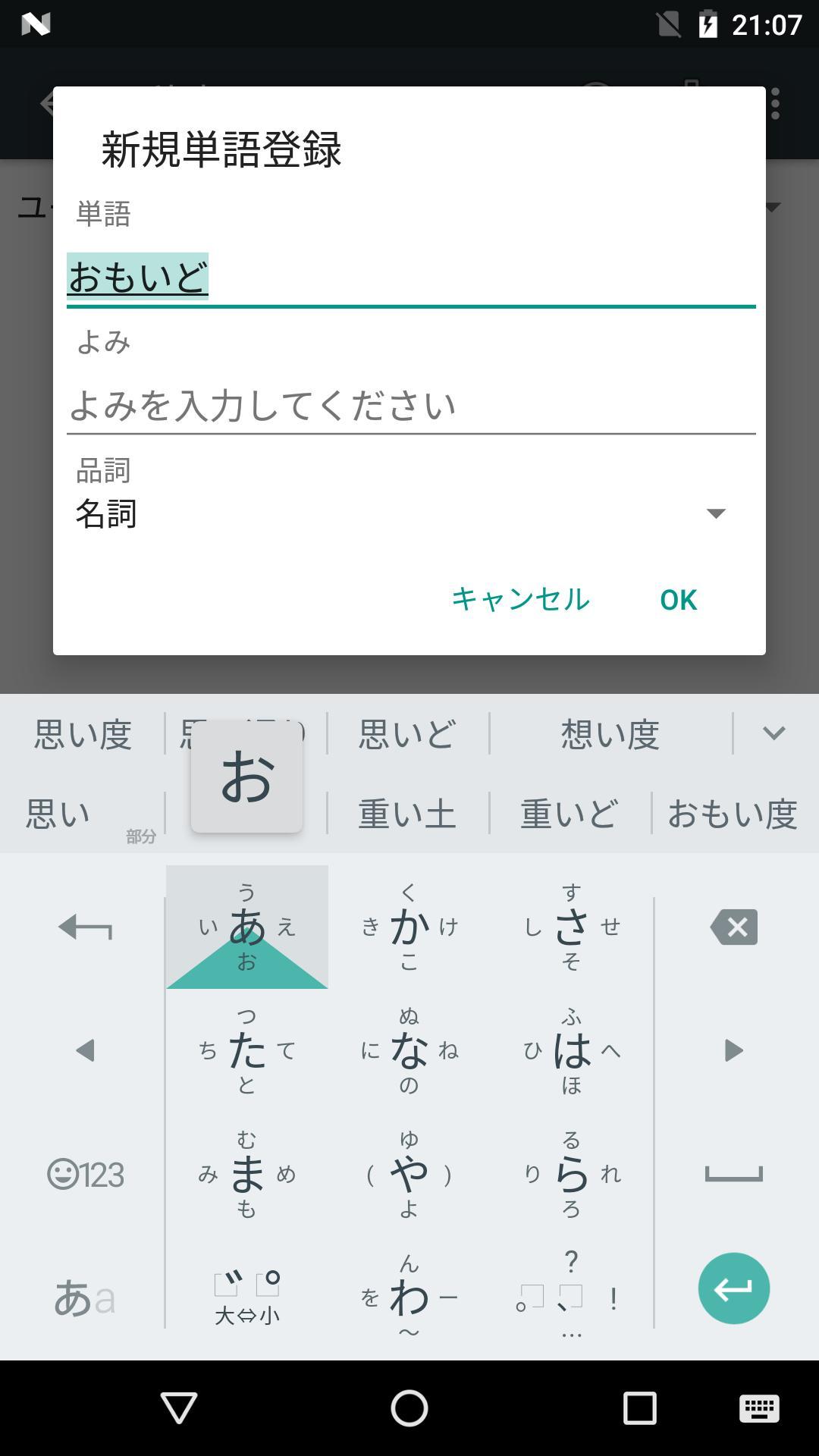
Japanese Input, optimized for Android devices. Featuring a rich and relevant vocabulary set and convenient conversion capability to increase the efficiency of Japanese Input.
[Features]
- Rich and relevant vocabulary set. We have extracted all the right words from our desktop version to cover all the mobile use case: from writing an email to looking up a map and writing something on your favorite social network site and so on.
-- Places: [東京都中央卸売市場] [秋葉原ラジオ会館] [立山黒部アルペンルート]
-- Celebrity : [徳川光圀] [織田信秀]
-- Foreign words : [Android(あんどろいど)] [Bistro(びすとろ)] [Trattoria(とらっとりあ)]
- Neat features. Take advantage of unique handy features such as:
-- 「きょう」to get today's date or「いま」to get the current time.
[Requirements]
- Android 4.2 or later.
[Notes]
- All the Japanese Input product, including this Android version, can be used without any active network connection.
Preview
Information
Developer
Este Bance
Latest Version
1.0
Last Updated
2022-02-25
Category
Tools
Available on
Google Play
Show More
How to play Japanese Input with GameLoop on PC
1. Download GameLoop from the official website, then run the exe file to install GameLoop
2. Open GameLoop and search for “Japanese Input” , find Japanese Input in the search results and click “Install”
3. Enjoy playing Japanese Input on GameLoop
Minimum requirements
OS
Windows 8.1 64-bit or Windows 10 64-bit
GPU
GTX 1050
CPU
i3-8300
Memory
8GB RAM
Storage
1GB available space
Recommended requirements
OS
Windows 8.1 64-bit or Windows 10 64-bit
GPU
GTX 1050
CPU
i3-9320
Memory
16GB RAM
Storage
1GB available space