Third Eye : BVR Video Recorder PC
Xcd Labs Developer
Download Third Eye : BVR Video Recorder on PC With GameLoop Emulator
Third Eye : BVR Video Recorder on PC
Third Eye : BVR Video Recorder, coming from the developer Xcd Labs Developer, is running on Android systerm in the past.
Now, You can play Third Eye : BVR Video Recorder on PC with GameLoop smoothly.
Download it in the GameLoop library or search results. No more eyeing the battery or frustrating calls at the wrong time any more.
Just enjoy Third Eye : BVR Video Recorder PC on the large screen for free!
Third Eye : BVR Video Recorder Introduction
🔍 Third Eye - Your All-in-One Security App 🔍
🛡️ Protect Your Privacy, Secure Your Life! 🛡️
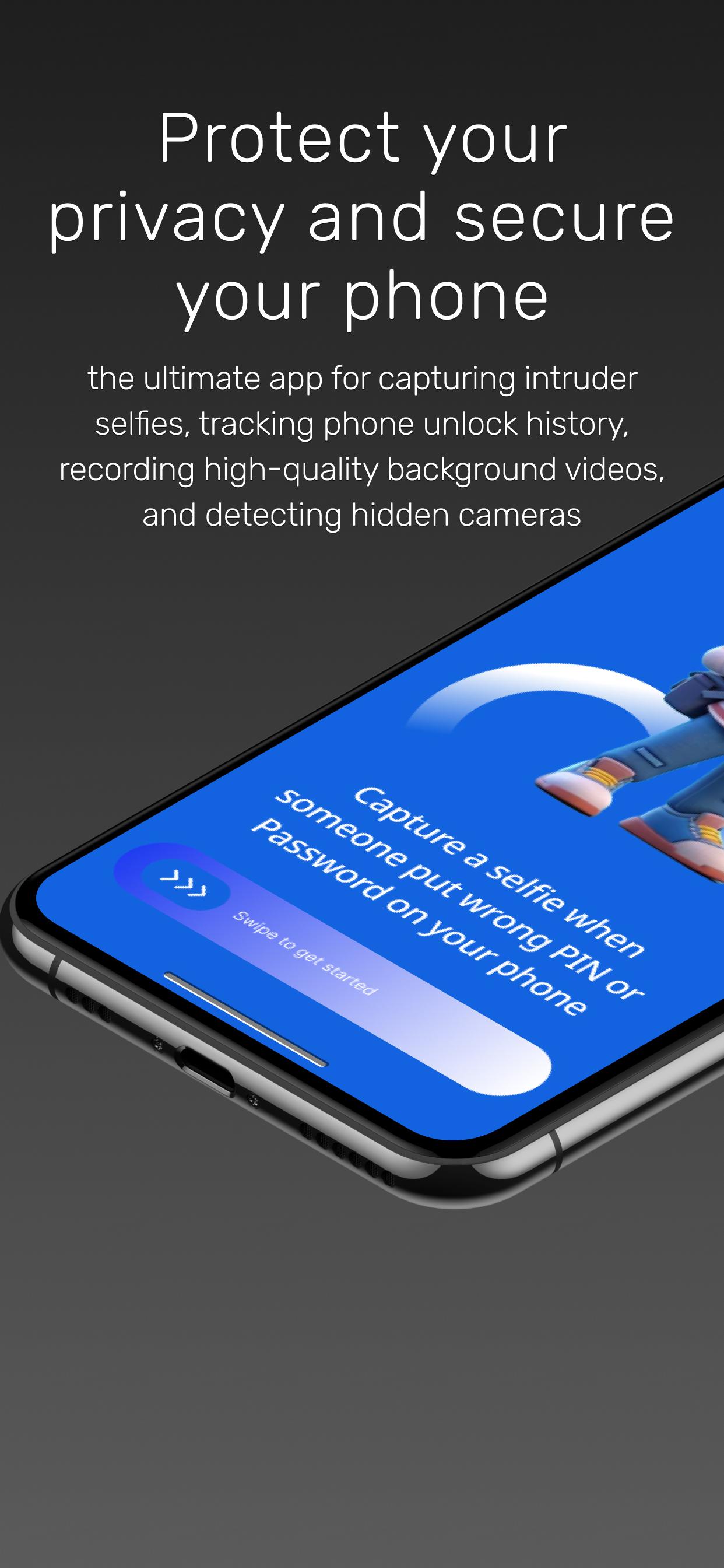
Third Eye is the ultimate security app designed to keep you safe and secure. From capturing intruder selfies 🕵️♂️ to recording high-quality background videos 🎥 and detecting hidden cameras 📹, Third Eye is your go-to solution for privacy protection and phone security. Whether you're at home, in the office, or traveling, Third Eye ensures you’re always in control.
🌟 Key Features
📸 Intruder Selfie Catcher:
Automatically captures a photo 📷 when someone enters the wrong password.
Get instant alerts with time and location details 🕒📍.
Perfect for tracking unauthorized access attempts and enhancing your phone security.
Use it as a phone unlock history tool to protect your device from intruders.
🎥 Background Video Recorder:
Record videos with audio 🎙️ in the background, even when your screen is off.
Capture important moments without anyone noticing 👀.
Choose to record with or without a preview for maximum discretion.
Turn your phone into a security camera or phone monitoring app.
Supports video recorder screen off, video recorder background, and video recorder with small preview.
Works as an offscreen video recorder and lockscreen video recorder free.
Perfect for BVR (Background Video Recorder) and BVR Pro users.
🔍 Hidden Camera Detector Free:
Detect hidden cameras in hotels, bathrooms, and private spaces 🏨🚽.
Stay safe and secure wherever you go with this powerful hidden camera detector.
A must-have mobile security tool for your safety.
🕵️ Stealth Mode:
Operate the app in complete stealth mode 🚨.
Hide the app icon and notifications for maximum discretion.
Ideal for intruder alerts and privacy protection.
📱 Easy to Use:
A user-friendly interface makes it easy to activate and use all features.
No technical knowledge required!
Perfect for users who want a privacy-focused app and security lock app.
Why Choose Third Eye?
Third Eye is designed to give you peace of mind 🧘♂️. Whether you're concerned about your phone's security, want to record video with off screen, or need to check for hidden cameras, Third Eye delivers powerful tools in a simple, easy-to-use package.
Use it as a password protection and anti-theft app.
Monitor all activities on your phone with the visual security dashboard.
Protect your privacy and secure your life with Third Eye!
📥 Download Third Eye Now and Secure Your Privacy!
🔧 How This App Works?
Enable Intruder Detector to monitor screen unlock attempts.
(Note: Device admin access is required to detect unsuccessful attempts.)
Make sure your lock screen is password-protected.
⚠️ Important Note
We do not collect any user data. All data is saved locally on your device.
All permissions are required to provide the best user experience and ensure the app works properly.
To uninstall the app, turn off the intruder detection feature in the app and uninstall it. Alternatively, use the uninstall option available inside the app.
Preview
Tags
ToolsInformation
Developer
Xcd Labs Developer
Latest Version
3.1.5
Last Updated
2025-05-08
Category
Tools
Available on
Google Play
Show More
How to play Third Eye : BVR Video Recorder with GameLoop on PC
1. Download GameLoop from the official website, then run the exe file to install GameLoop
2. Open GameLoop and search for “Third Eye : BVR Video Recorder” , find Third Eye : BVR Video Recorder in the search results and click “Install”
3. Enjoy playing Third Eye : BVR Video Recorder on GameLoop
Minimum requirements
OS
Windows 8.1 64-bit or Windows 10 64-bit
GPU
GTX 1050
CPU
i3-8300
Memory
8GB RAM
Storage
1GB available space
Recommended requirements
OS
Windows 8.1 64-bit or Windows 10 64-bit
GPU
GTX 1050
CPU
i3-9320
Memory
16GB RAM
Storage
1GB available space