Internet Speed Meter - Network PC
Fipple App Zone
Download Internet Speed Meter - Network on PC With GameLoop Emulator
Internet Speed Meter - Network on PC
Internet Speed Meter - Network, coming from the developer Fipple App Zone, is running on Android systerm in the past.
Now, You can play Internet Speed Meter - Network on PC with GameLoop smoothly.
Download it in the GameLoop library or search results. No more eyeing the battery or frustrating calls at the wrong time any more.
Just enjoy Internet Speed Meter - Network PC on the large screen for free!
Internet Speed Meter - Network Introduction
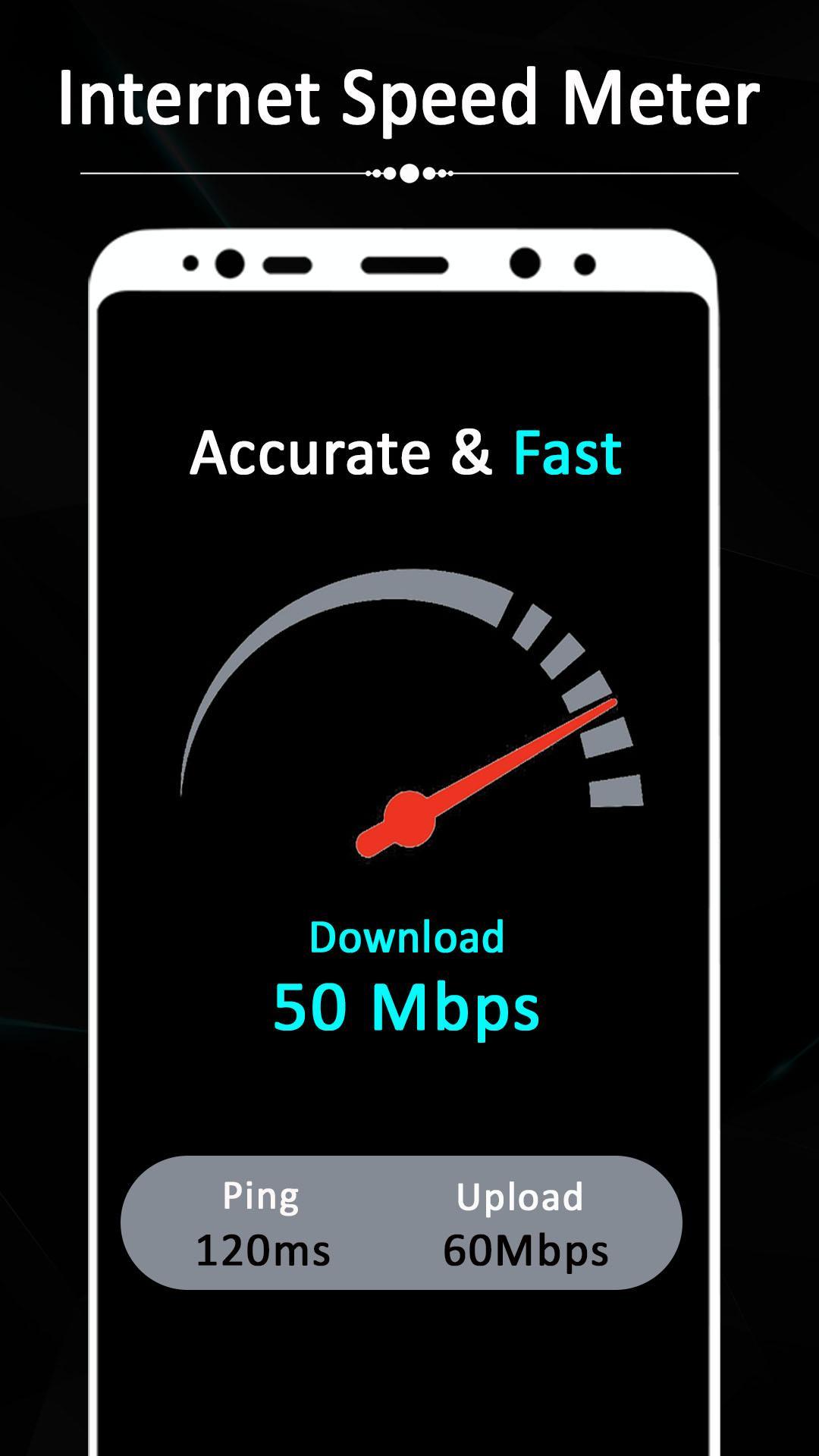
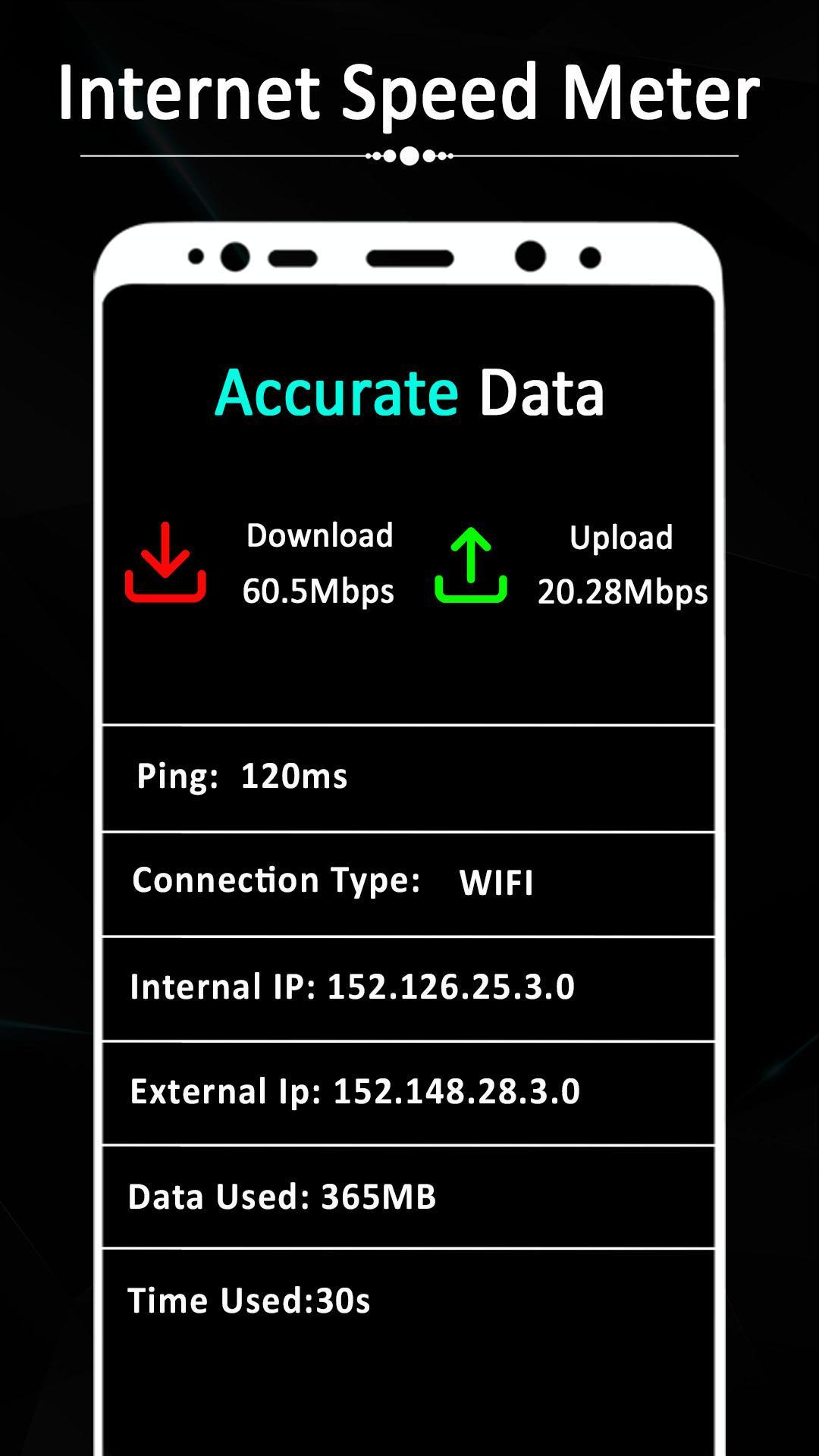
Internet live speed in status bar. You can change Internet speedometer position on status bar. Internet speed meter application shows daily data usage of last 30 days: Mobile data usage, wifi data usage and application data usage since bootup.
Internet Speed Test will help you test internet speed of wide range of mobile networks (3G, 4G, Wi-Fi, GPRS, WAP, LTE), check connection status over the time and monitor data usage.
Network speed meter show real-time data/internet usage on home screen like datally. So you can easily identify usage of internet & get idea to plan strategy to minimize usage of network data.
Main features:
- Real-time upload and download speed
- Internet Speed Meter on Status bar
- Internet Speed Meter in Notification bar
- Internet Speed Meter on Widget
- Custom Widget size
- Daily and Monthly Internet usage record
- Data usage of applications (Data resets when Reboot)
- Auto start application after boot completed
PERMISSIONS
This app requests certain permissions to help you, including:
- Phone - Used to help you monitor your phone mobile data usage. Network Speed doesnt make or receive phone calls on your behalf.
Preview
Tags
ToolsInformation
Developer
Fipple App Zone
Latest Version
1.2
Last Updated
2020-12-14
Category
Tools
Available on
Google Play
Show More
How to play Internet Speed Meter - Network with GameLoop on PC
1. Download GameLoop from the official website, then run the exe file to install GameLoop
2. Open GameLoop and search for “Internet Speed Meter - Network” , find Internet Speed Meter - Network in the search results and click “Install”
3. Enjoy playing Internet Speed Meter - Network on GameLoop
Minimum requirements
OS
Windows 8.1 64-bit or Windows 10 64-bit
GPU
GTX 1050
CPU
i3-8300
Memory
8GB RAM
Storage
1GB available space
Recommended requirements
OS
Windows 8.1 64-bit or Windows 10 64-bit
GPU
GTX 1050
CPU
i3-9320
Memory
16GB RAM
Storage
1GB available space