![IcyDroid [Root]](https://static.gameloop.com/img/539696c831418339bd0b8763177b000b.png?imageMogr2/thumbnail/172.8x172.8/format/webp)
IcyDroid [Root] PC
Stefano Siano
Download IcyDroid [Root] on PC With GameLoop Emulator
IcyDroid [Root] on PC
IcyDroid [Root], coming from the developer Stefano Siano, is running on Android systerm in the past.
Now, You can play IcyDroid [Root] on PC with GameLoop smoothly.
Download it in the GameLoop library or search results. No more eyeing the battery or frustrating calls at the wrong time any more.
Just enjoy IcyDroid [Root] PC on the large screen for free!
IcyDroid [Root] Introduction
This app requires root!
Warning:
Unfreeze any frozen app before uninstalling.
Reinstalling the app will automatically detect previously frozen apps anyway.
Frozen apps will completely stop running in background. If you freeze a messenger app, for example, you will not receive any message, unless you manually open it.
Freezing an app will make you lose its current notifications
Freeze any app, save your battery!
Do you want to completely stop your apps while not actively using them?
Do you want your device to last more than one day, despite it being very powerful or very cheap?
Then you want IcyDroid, a very simple app freezer!
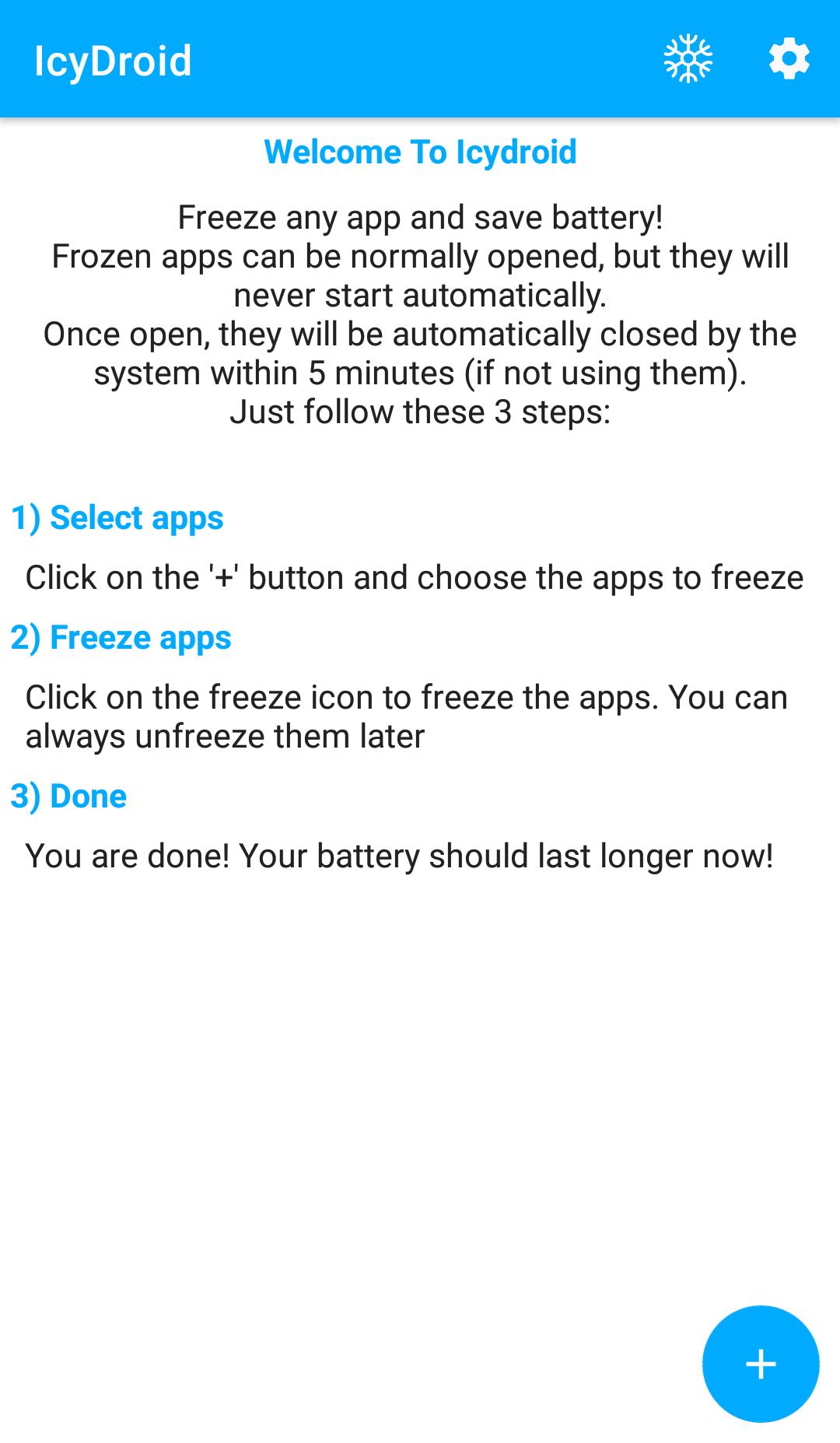
IcyDroid will freeze any app, making it not running in background.
Frozen apps can normally be opened and used without differences from normal usage.
But once that app is closed, it will effectively be closed and will not run anymore, until you manually run it again (it may take up to five minutes to really close the apps, depending on the system version).
IcyDroid will give you:
• Increased battery life (frozen apps cannot run whenever they want)
• Increased performance (low-end devices can gain a lot from reduced ram usage from frozen apps)
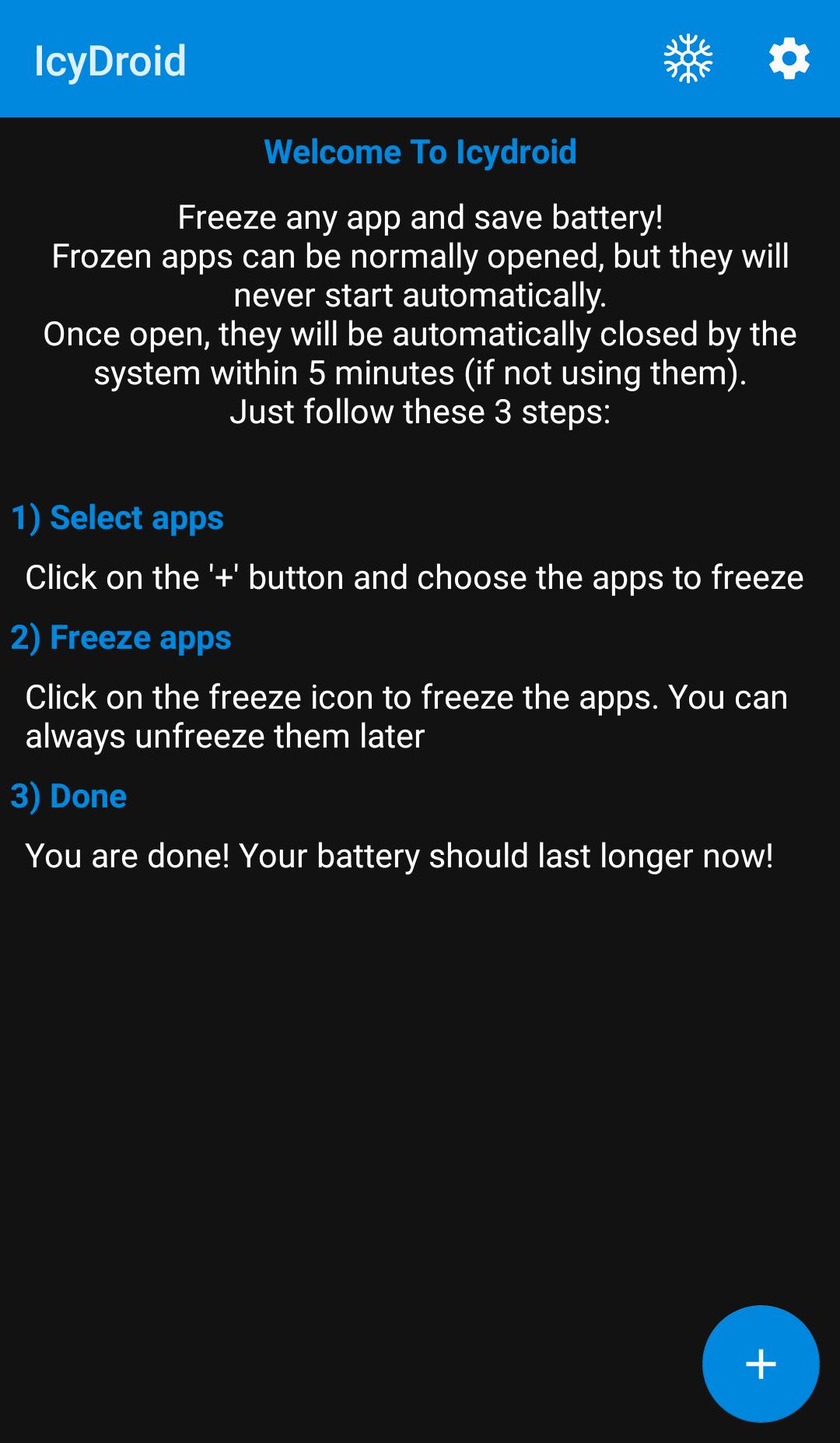
• Simple usage: check the apps to freeze and click the freeze icon. That's all!
• Freeze app on boot: frozen apps will not start when the device boots up
• Freeze both user and system apps
Normal version can freeze up to 5 apps. Donate version has no limit.
Preview
Tags
ToolsInformation
Developer
Stefano Siano
Latest Version
2.01
Last Updated
2023-02-16
Category
Tools
Available on
Google Play
Show More
How to play IcyDroid [Root] with GameLoop on PC
1. Download GameLoop from the official website, then run the exe file to install GameLoop
2. Open GameLoop and search for “IcyDroid [Root]” , find IcyDroid [Root] in the search results and click “Install”
3. Enjoy playing IcyDroid [Root] on GameLoop
Minimum requirements
OS
Windows 8.1 64-bit or Windows 10 64-bit
GPU
GTX 1050
CPU
i3-8300
Memory
8GB RAM
Storage
1GB available space
Recommended requirements
OS
Windows 8.1 64-bit or Windows 10 64-bit
GPU
GTX 1050
CPU
i3-9320
Memory
16GB RAM
Storage
1GB available space