House MCPE PC
Mine MCPE Mods Maps
Download House MCPE on PC With GameLoop Emulator
House MCPE on PC
House MCPE, coming from the developer Mine MCPE Mods Maps, is running on Android systerm in the past.
Now, You can play House MCPE on PC with GameLoop smoothly.
Download it in the GameLoop library or search results. No more eyeing the battery or frustrating calls at the wrong time any more.
Just enjoy House MCPE PC on the large screen for free!
House MCPE Introduction
You no longer need to spend a lot of time creating any building, be it a castle, a house or another building in Minecraft Bedrock. The “App Name" mod will help you realize the idea of a spacious stone house in one click!
In the world of MCPE Bedrock, safe survival is important. Different aggressive mobs are ready to attack you at any moment and then kill you. However, in addition to aggressive NPC, there are quite a lot of ordinary players in Minecraft who can also attack you. This mod will come to your rescue to make your survival in the cruel world of MCPE Bedrock much easier! Any buildings such as a castle or a house can strengthen your position and make you stronger.
t is enough to download the mod to get access to various addons with which you can build different buildingsI:
The "Instant Lock" addon allows you to add a medium-sized stone castle with a large stone pipe to the game. When the fireplace is lit, smoke will come out of it.
The “Instant Dragon Pit" addon will add a medium-sized stone fortress. This building is very similar to the arena for medieval battles. Here you will definitely not get bored!
The "Instant Home" addon creates a small and very cute brick house! For everyone who wants to have their own cozy corner away from the bustling city.
The "Instant Shop" addon will add a small shop for trading with other players. But if this store seems small to you, you can use the “Instant Corner Store” addon. With it, you will get a compact corner building with a counter behind which you can arrange your trade!
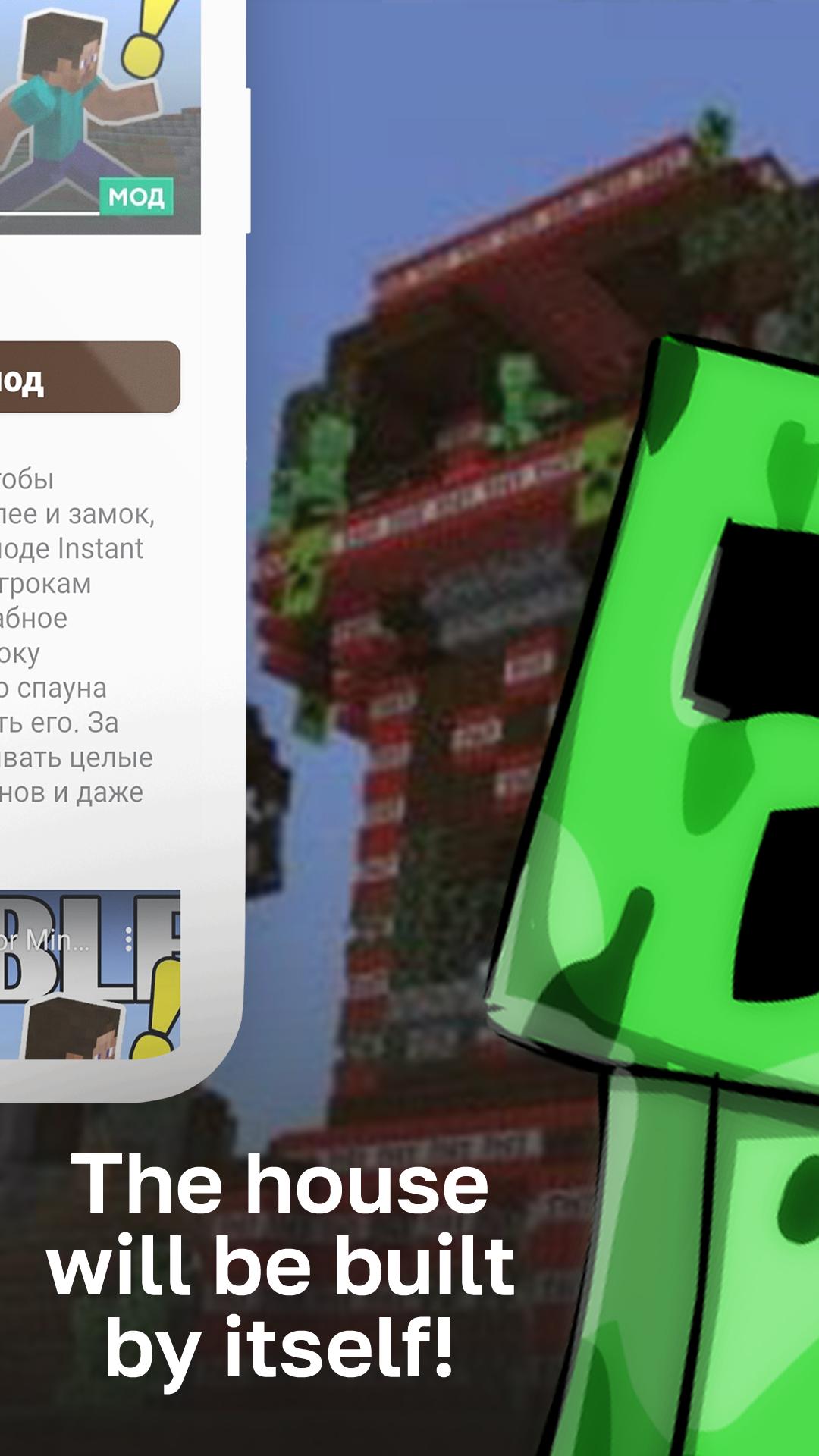
And for real madmen, the “Instant Problem 2" addon will be suitable, which will create a great building or even a dynamite castle! Just imagine how you can make an explosion with such a building!
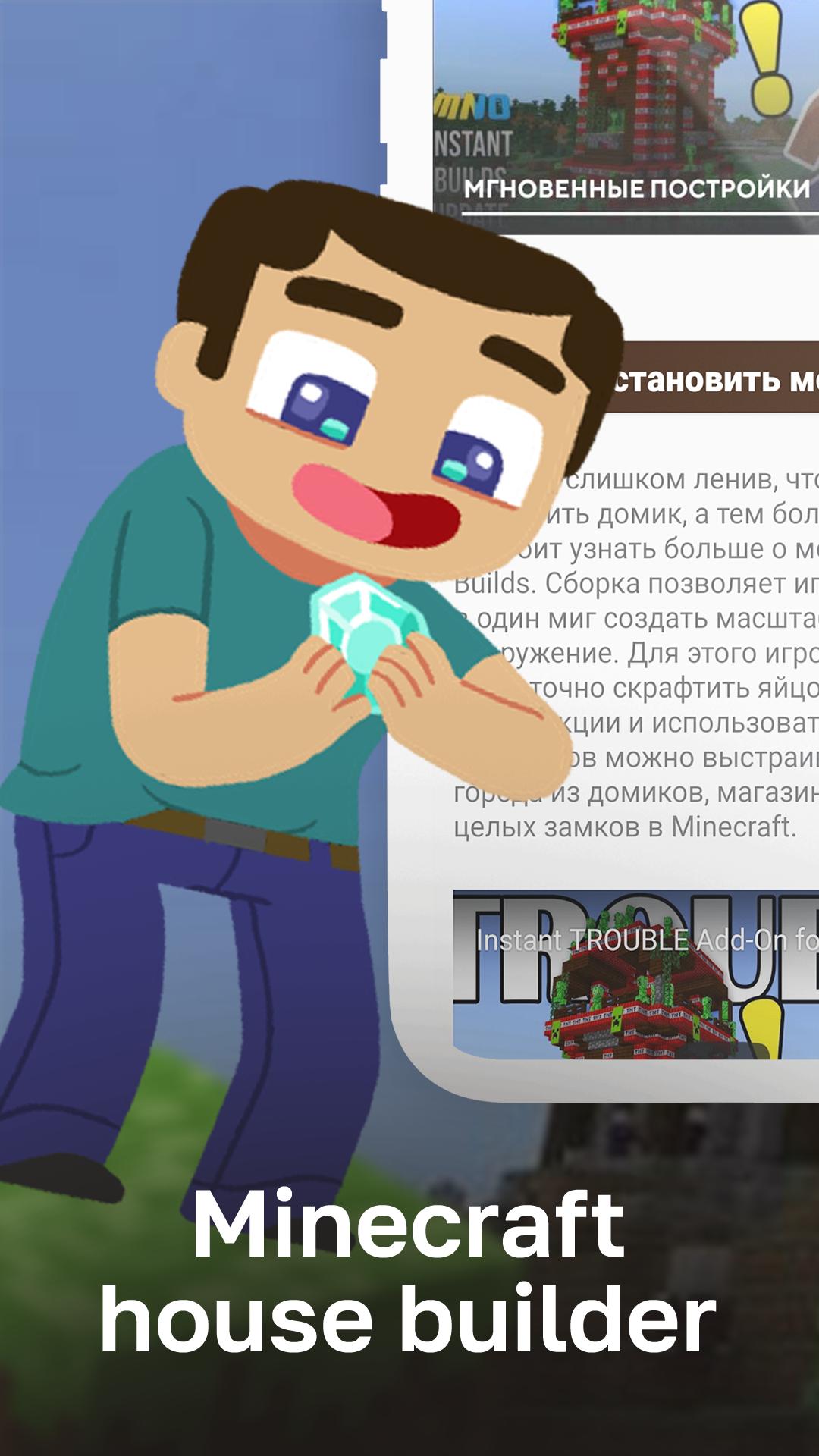
Any construction in MCPE Bedrock takes a lot of time and effort. Many players do not even disdain to destroy someone else's house! This mod will solve this problem as well. You will never worry about your buildings anymore, because any building will be rebuilt almost instantly!
Mods and addons are being added to the app gradually. You can always write to us in the reviews about what mods and addons you would like to see here.
With this addition, your survival will become much more enjoyable in the world of Minecraft Bedrock!
This mod is an unofficial app for Minecraft Pocket Edition.
Preview
Tags
ToolsInformation
Developer
Mine MCPE Mods Maps
Latest Version
1.2
Last Updated
2022-02-21
Category
Tools
Available on
Google Play
Show More
How to play House MCPE with GameLoop on PC
1. Download GameLoop from the official website, then run the exe file to install GameLoop
2. Open GameLoop and search for “House MCPE” , find House MCPE in the search results and click “Install”
3. Enjoy playing House MCPE on GameLoop
Minimum requirements
OS
Windows 8.1 64-bit or Windows 10 64-bit
GPU
GTX 1050
CPU
i3-8300
Memory
8GB RAM
Storage
1GB available space
Recommended requirements
OS
Windows 8.1 64-bit or Windows 10 64-bit
GPU
GTX 1050
CPU
i3-9320
Memory
16GB RAM
Storage
1GB available space