Hindi languageTyping Keyboard PC
United Apps LLC.
Download Hindi languageTyping Keyboard on PC With GameLoop Emulator
Hindi languageTyping Keyboard on PC
Hindi languageTyping Keyboard, coming from the developer United Apps LLC., is running on Android systerm in the past.
Now, You can play Hindi languageTyping Keyboard on PC with GameLoop smoothly.
Download it in the GameLoop library or search results. No more eyeing the battery or frustrating calls at the wrong time any more.
Just enjoy Hindi languageTyping Keyboard PC on the large screen for free!
Hindi languageTyping Keyboard Introduction
Easy English to Hindi keyboard app makes Hindi typing easy with this Hindi language keyboard. Providing Hindi translations along with attractive keyboard layout to and keyboard themes. Hindi emoji keyboard provides an incredible typing experience. Indian keyboard is the best Hindi emoji keyboard that you can use for English to Hindi translation. Hindi keyboard for android containing Indic Hindi input tools to help you typing fast and easy.
Input keyboard typing online is best New Hindi typing Keyboard 2019. Type Hindi with Hinglish letters and handwriting input on social media platforms. Indic Hindi input tools provide you a platform to provide language keyboard that lets you type Hindi in English. English to Hindi keyboard app provides English to Hindi typing and one tap change language system. Hindi language keyboard is specially designed for the people who love typing Hindi faster and use english to hindi translation.
By Input keyboard Hindi translation Now you can type Hindi faster, text messages, words in any social media application. Hinglish to Hindi handwriting input helps you type Hindi faster with new keyboard integrated in your android mobile. Hindi transliteration keyboard for typing has Hindi emoji Keyboard very easy to use and user friendly interface. Type Hindi movie dialogue with Hinglish letters on Hindi keypad provided in indian keyboard app along with Indic Hindi input tools.
Add a picture as keyboard themes on your android mobile with Hindi keyboard input. You can also set your image and photos as beautiful keyboard background pictures with this top Hindi translation keyboard app. Hindi keyboard helps typing Hindi faster than before. Hindi emoji keyboard helps you type in hindi along with cool emojis handwriting input.
Features of Hindi Keyboard with English: Hindi Typing Keypad:
Hindi writing app on screen can help in typing Hindi faster with the help of soft fancy Hindi language keyboard keys on best input keyboard for android.
Hindi app allows typing English and Hindi at the same time with easy Indic Hindi input tools.
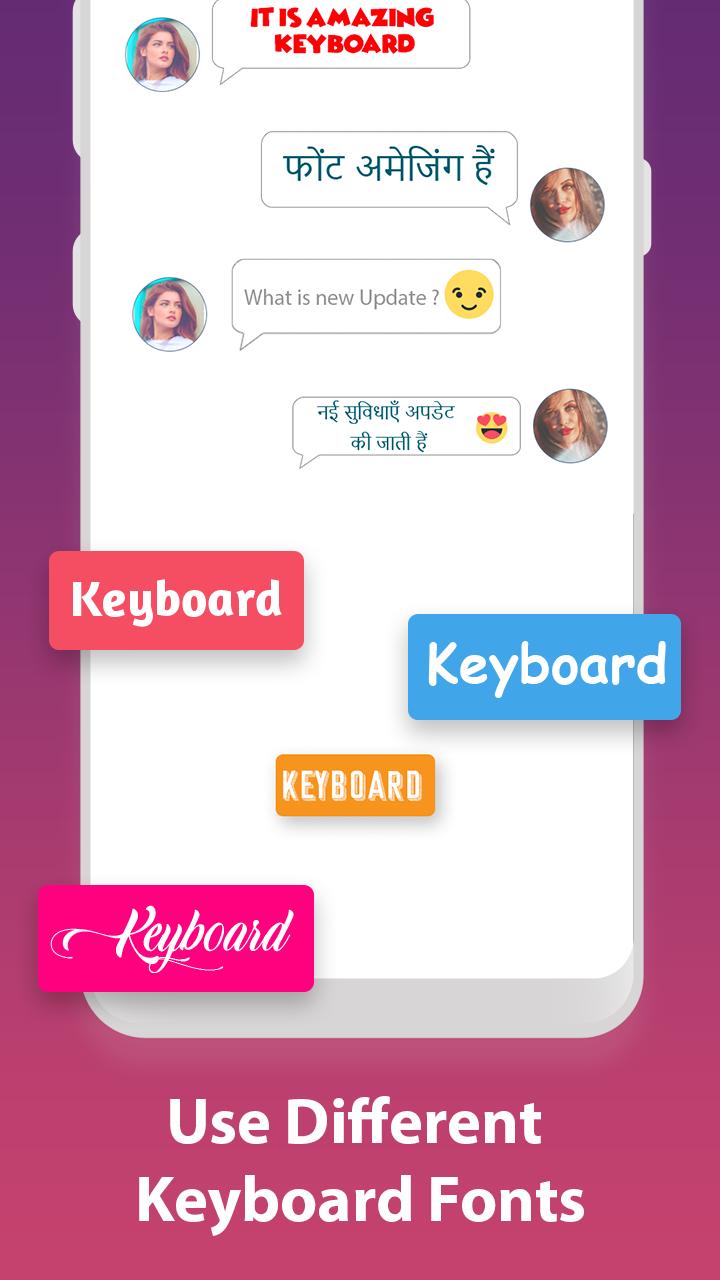
With Input keyboard photo share your thought in Hindi and send cute emoji's, Buddha emoji, fancy fonts with your friends with this English to Hindi keyboard app.
Best keyboard for android to Hindi typing has an option of english to hindi translation, Hindi words suggestion, Hindi spelling checker and type Hindi translation words.
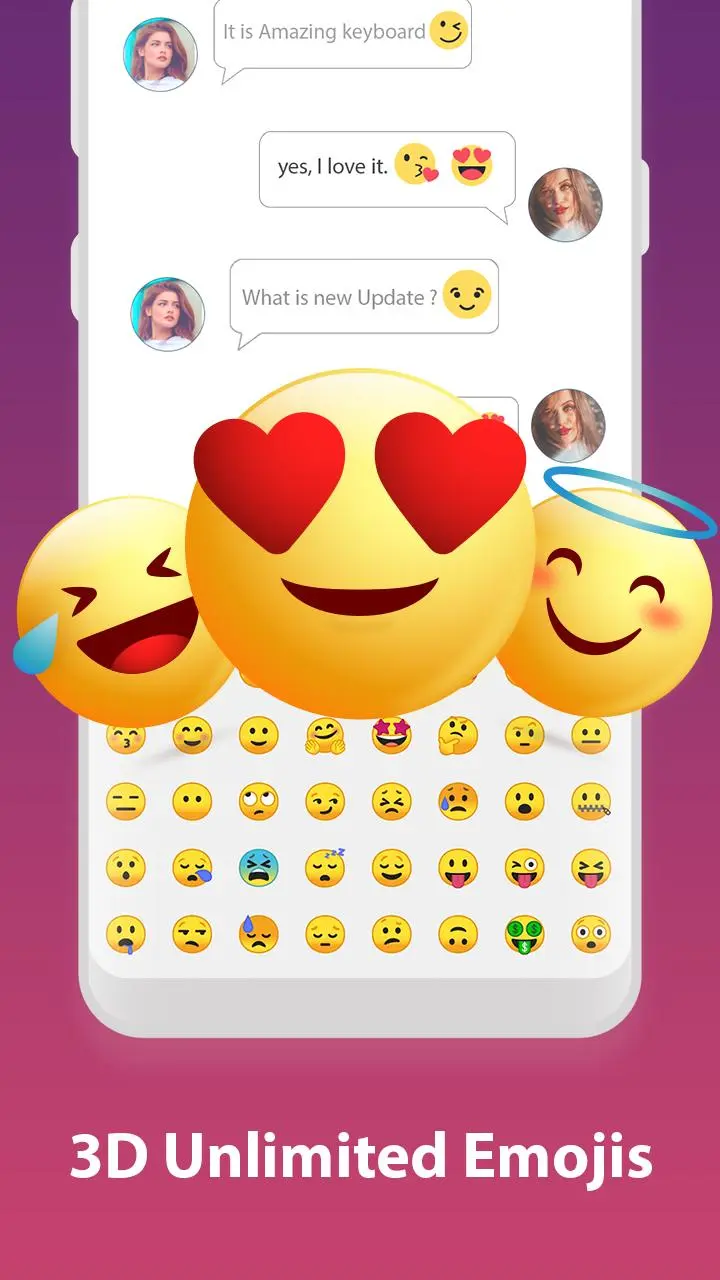
Enjoy 1000+ cute emojis, Hinglish to Hindi typing, Indian flag and english to hindi translation
New Hindi easy typing Keyboard 2018 has an optional Hindi keypad layout.
Hindi transliteration keyboard apps has attractive keys sound effect.
Simple typing Hindi Keyboard very easy to use and free to download for android user.
How to enable type Hindi writing app with English: Hindi Typing Keypad?
Download and install keyboard from Google play store (United Apps LLC.)
Open keyboard, Setting, Choose the option of Enable Hindi keyboard
After enabling the best Input keyboard set the input method between the Hindi writing app and device default keyboard apps.
Now Enjoy your Hindi English Writing
Privacy Policy of Hindi language keyboard apps with English : Hindi Typing Keypad:
Our keyboard apps will never collect your personal information including Mobile phone Galleries like photos videos and contact and any personal data
Preview
Tags
ToolsInformation
Developer
United Apps LLC.
Latest Version
1.3.6
Last Updated
2020-05-04
Category
Tools
Available on
Google Play
Show More
How to play Hindi languageTyping Keyboard with GameLoop on PC
1. Download GameLoop from the official website, then run the exe file to install GameLoop
2. Open GameLoop and search for “Hindi languageTyping Keyboard” , find Hindi languageTyping Keyboard in the search results and click “Install”
3. Enjoy playing Hindi languageTyping Keyboard on GameLoop
Minimum requirements
OS
Windows 8.1 64-bit or Windows 10 64-bit
GPU
GTX 1050
CPU
i3-8300
Memory
8GB RAM
Storage
1GB available space
Recommended requirements
OS
Windows 8.1 64-bit or Windows 10 64-bit
GPU
GTX 1050
CPU
i3-9320
Memory
16GB RAM
Storage
1GB available space